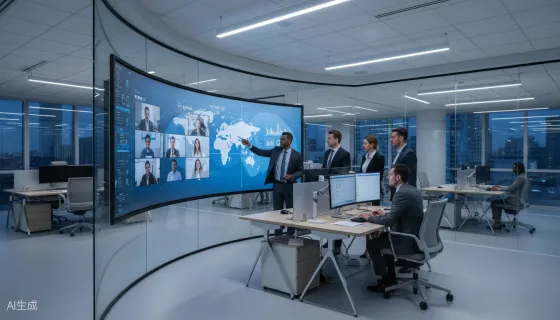
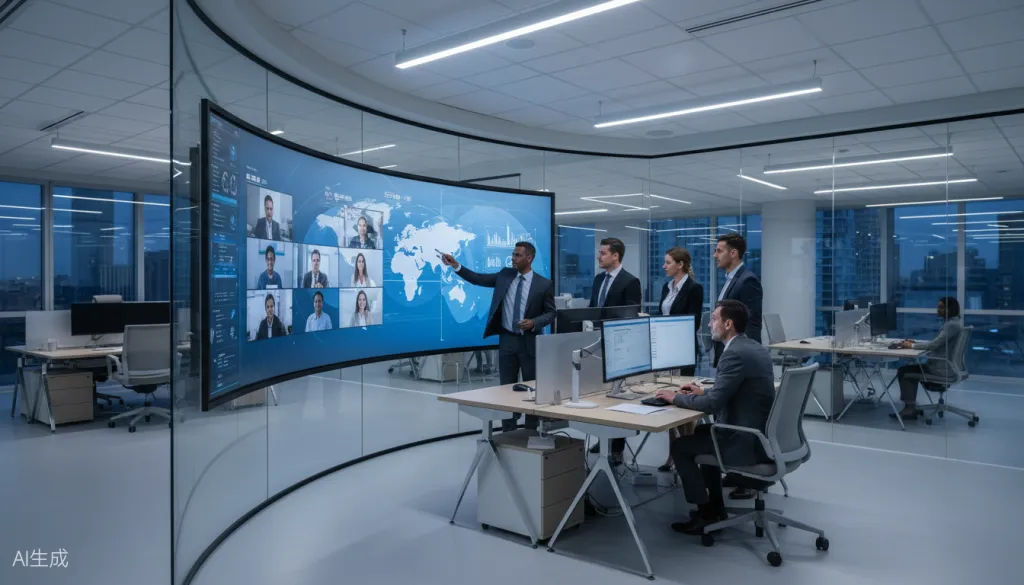
When a cybersecurity breach hits at 2 AM or a supply chain disruption threatens your quarterly targets, the difference between a controlled response and organizational chaos often comes down to one factor: how quickly you can unite your decision-makers and execute a coordinated plan. For modern CEOs managing hybrid jobs and distributed teams, traditional conference rooms with static whiteboards and patchy video connections are no longer sufficient. You need a hybrid office layout designed for command—one that seamlessly bridges the gap between executives in the room and specialists working remotely.
The Crisis Management Gap in Traditional Office Design
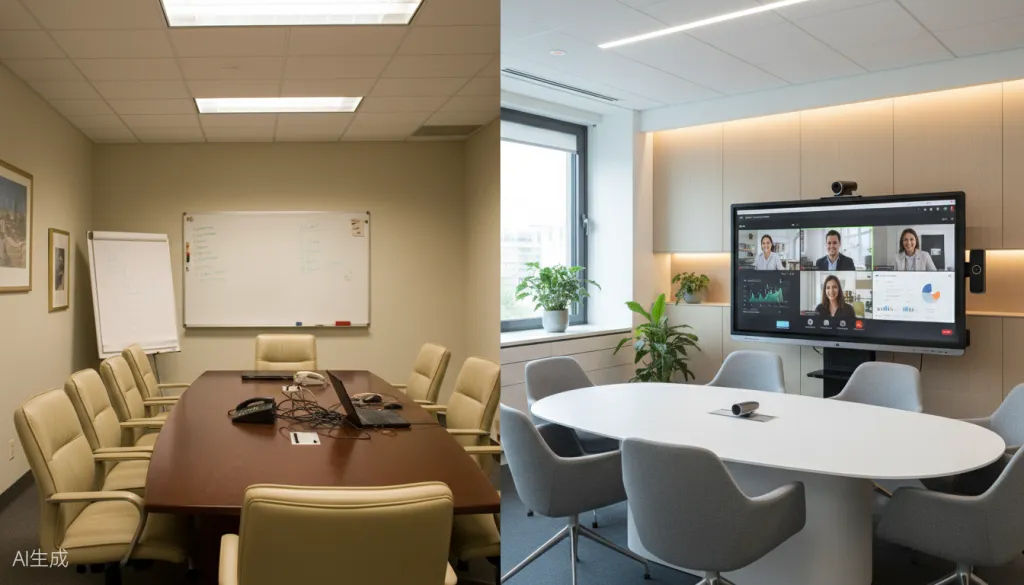
Most corporate offices were designed for a world that no longer exists. The traditional boardroom—built around a central table with a projector screen at one end—assumes that critical decisions happen when all key stakeholders are physically present. But in 2026, with hybrid jobs now standard across industries from technology to finance, that assumption creates dangerous blind spots.
When emergencies strike, CEOs face three critical friction points in conventional office environments:
Technology delays consume precious minutes. Fumbling with cables, waiting for software to load, and troubleshooting audio issues can waste 10-15 minutes at the start of every emergency session. In crisis scenarios, those minutes translate to missed opportunities for containment or escalation prevention.
Remote participants become second-class contributors. Team members joining via laptop camera often struggle to see whiteboard content, hear side conversations, or interject when the room-side discussion moves quickly. Their insights—sometimes the most relevant technical expertise—get lost in the communication gap.
Information remains fragmented across channels. Critical data sits in different systems: Slack threads, email chains, shared documents, and physical notes. Without a central visualization hub, building a unified operational picture becomes nearly impossible.
What Modern Hybrid Office Design Delivers for Crisis Leadership
Forward-thinking hybrid office design addresses these friction points through intentional spatial and technological planning. The goal isn't merely to accommodate remote workers—it's to create an environment where distributed teams can function as a unified command structure under pressure.
The Command Center Architecture
Effective crisis-ready hybrid workplace design centers on a primary collaboration hub: an interactive display system that serves as the visual anchor for all emergency discussions. This isn't a passive screen—it's an active workspace where data, diagrams, and decisions converge in real-time.
Key architectural elements include:
- Primary interactive display (75" or larger) positioned for visibility by all in-room participants
- Integrated 4K camera and beamforming microphone array capturing the entire room with broadcast quality
- Secondary displays for persistent video feeds of remote participants, ensuring they remain visually present
- Acoustic treatment preventing audio bleed and ensuring confidential discussions stay private
- Wireless connectivity infrastructure enabling instant screen sharing from any device without adapter hunting
Seamless Local-Remote Transitions
The defining characteristic of a crisis-ready hybrid office layout is the elimination of switching costs between in-person and remote collaboration modes. When a situation escalates and additional expertise needs to join immediately, the technology should accommodate them without disrupting the flow of discussion.
This requires platforms that support:
- One-touch joining for external participants
- Persistent digital workspaces that maintain context between sessions
- Cloud-based document access ensuring all stakeholders see the same information simultaneously
- Recording and transcription capabilities for post-crisis analysis and compliance documentation
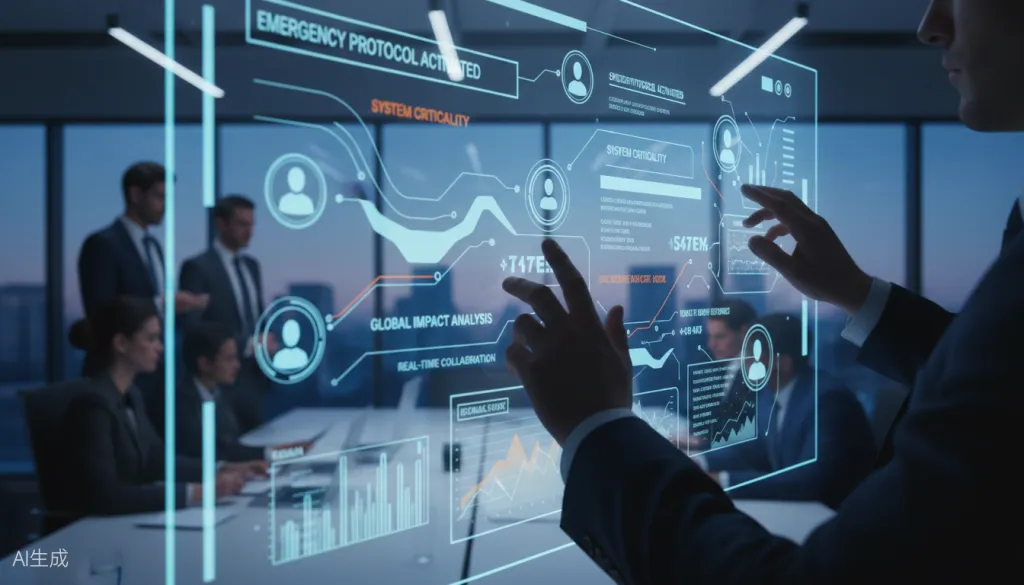
The NearHub Board Max: Built for Command Scenarios
Among the solutions available for crisis-ready hybrid office design, the NearHub Board Max stands out for its intentional engineering around high-stakes collaboration scenarios. This 75-inch 4K interactive display addresses the specific pain points CEOs encounter when managing distributed teams under pressure.
Instant Activation for Emergency Sessions
The Board S Max boots in under 10 seconds and maintains persistent connection profiles for your organization's preferred video conferencing platforms. When a crisis notification arrives, you can transition from awareness to active collaboration in the time it takes to walk to the command center. No IT support tickets. No cable hunting. No "can everyone see my screen?" delays.
True Multi-User Collaboration
During complex crises, multiple executives need to contribute simultaneously—annotating timelines, marking up facility diagrams, or mapping decision trees. The Board S Max supports up to 20 simultaneous touch points, meaning your CFO can adjust financial projections while your COO traces logistics impacts on the same canvas. Remote participants see these annotations in real-time and can add their own contributions through companion apps.
Enterprise-Grade Security Architecture
Crisis discussions often involve sensitive information: unreleased financial data, personnel matters, or security vulnerabilities. The Board S Max runs on a secure Android-based system with AES-256 encryption for data transmission, SOC 2 Type II certified cloud infrastructure, and local processing options for organizations with strict data sovereignty requirements. Your emergency sessions remain confidential by design.
Integration with Existing Workflows
The display natively integrates with Microsoft Teams, Zoom, Google Meet, and Webex—meaning your teams can join using familiar interfaces without learning new crisis protocols. Screen sharing works from Windows, macOS, iOS, and Android devices without proprietary adapters. The Board S Max enhances your existing ecosystem rather than forcing a platform migration during already-stressful situations.
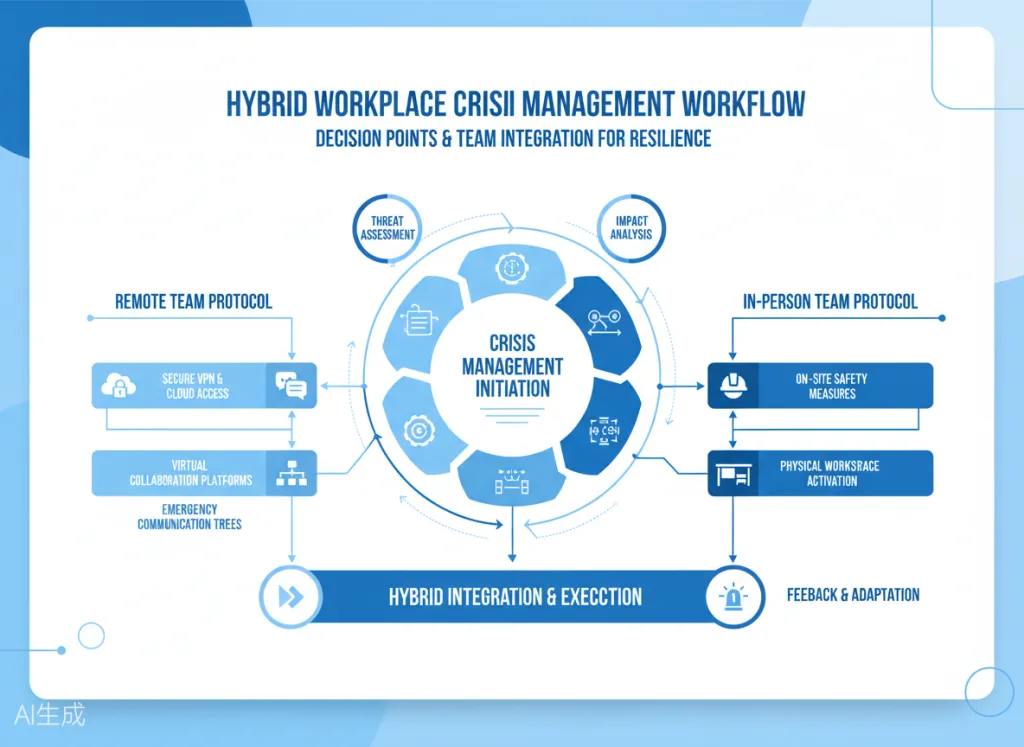
Implementation Strategy for Crisis-Ready Hybrid Office Layout
Transforming your executive space into a crisis command center requires thoughtful planning beyond simply purchasing hardware. Here's a phased approach to implementing hybrid office layout capabilities that perform under pressure:
Phase 1: Infrastructure Assessment (Weeks 1-2)
Begin by auditing your current technology ecosystem. Document:
- Which video conferencing platforms your organization uses
- Average number of participants in emergency meetings
- Types of content typically shared (spreadsheets, diagrams, video feeds)
- Network bandwidth and reliability in your executive areas
- Existing security requirements and compliance frameworks
This assessment prevents costly mismatches between purchased equipment and actual operational needs.
Phase 2: Spatial Design Optimization (Weeks 3-4)
Work with facilities and AV consultants to optimize your command center layout:
- Position the primary display so all in-room participants have clear sightlines
- Install acoustic panels to prevent echo and external sound intrusion
- Ensure adequate lighting for video capture without glare on screens
- Plan cable management for clean aesthetics and reduced trip hazards
- Designate spaces for secondary displays showing remote participant galleries
Phase 3: Technology Deployment (Weeks 5-6)
Install and configure your interactive display system with crisis scenarios in mind:
- Set up persistent accounts for emergency meeting rooms
- Configure one-touch joining for your primary video platforms
- Establish wireless screen sharing protocols for executive devices
- Test recording and transcription features for compliance documentation
- Create template workspaces for common crisis types (security, operations, HR)
Phase 4: Team Training and Drills (Weeks 7-8)
Technology only delivers value when your team can use it instinctively under pressure:
- Conduct hands-on training sessions for all executives and key staff
- Run simulated crisis scenarios testing local-remote collaboration
- Document quick-reference guides for common emergency procedures
- Establish backup protocols for technology failures
- Schedule quarterly refresher sessions to maintain proficiency
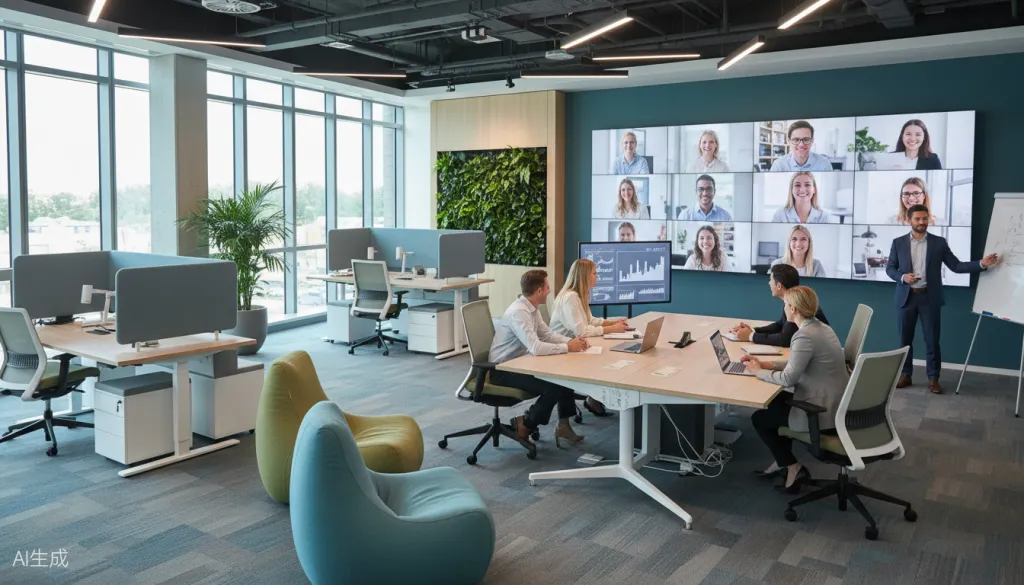
ROI Considerations for Crisis-Ready Technology Investments
CEOs naturally evaluate technology investments through financial lenses. While the qualitative benefits of faster crisis response are clear, quantifying the return on hybrid office design investments helps justify the expenditure to boards and stakeholders.
Direct Cost Avoidance
- Reduced emergency travel: When remote executives can participate fully in crisis discussions, the need for last-minute flights and hotels diminishes. A single avoided cross-country emergency trip ($2,000-$5,000) offsets a month of technology costs.
- Shorter resolution times: Faster decision-making during crises directly reduces financial impact. A supply chain disruption resolved two hours faster might save hundreds of thousands in expedited shipping and lost sales.
- Compliance efficiency: Automatic recording and transcription reduce administrative overhead for regulated industries, saving 5-10 hours per significant incident in documentation time.
Risk Mitigation Value
- Reputation protection: Coordinated, well-communicated crisis responses minimize reputational damage. The cost of a mishandled public crisis often exceeds the technology investment by orders of magnitude.
- Talent retention: Executives increasingly expect modern collaboration tools. Providing subpar technology for high-stakes situations contributes to leadership turnover—with replacement costs often reaching 150-200% of annual salary.
- Business continuity: The ability to maintain operations during physical disruptions (natural disasters, health emergencies, facility issues) protects revenue streams that would otherwise be interrupted.
Competitive Advantage
Organizations with mature hybrid workplace design capabilities can respond to market opportunities and threats faster than competitors relying on traditional meeting structures. In industries where speed-to-decision determines market position, this advantage compounds over time.
Common Implementation Mistakes to Avoid
Even well-intentioned hybrid office layout initiatives can fail when organizations overlook critical success factors. Watch for these common pitfalls:
Underestimating change management. Technology deployment is the easy part. Getting executives to actually use new tools during high-stress situations requires intentional training, executive sponsorship, and patience through the learning curve.
Neglecting the remote experience. It's tempting to optimize for the in-room experience while treating remote participants as an afterthought. Effective crisis management requires equal capability for all participants regardless of location.
Overlooking network infrastructure. Even the best interactive display fails without reliable, high-bandwidth connectivity. Conduct network assessments and upgrade infrastructure before deploying collaboration technology.
Ignoring post-crisis workflows. The same tools that support emergency decision-making should facilitate follow-up action tracking and documentation. Ensure your implementation includes persistent workspaces and task management integration.
Conclusion: Building Command Capability for the Hybrid Era
The modern CEO operates in an environment where critical expertise is distributed across locations, time zones, and employment arrangements. Hybrid jobs aren't a temporary accommodation—they're the permanent reality of talent markets. Your hybrid office layout and hybrid office design must reflect this reality, especially for crisis scenarios where speed and coordination determine outcomes.
The NearHub Board Max represents a purpose-built solution for this challenge, combining the visual impact needed for in-room command with the connectivity required for distributed collaboration. By investing in crisis-ready hybrid workplace design, you're not just buying technology—you're building organizational resilience.
When the next emergency notification appears on your phone, will you be scrambling to coordinate a fragmented response, or walking into a command center designed for decisive action? The difference starts with the choices you make today about your collaboration infrastructure.
Ready to transform your executive space into a crisis-ready command center? Explore the NearHub Board Max specifications and schedule a demonstration to see how interactive display technology can enhance your hybrid office layout for emergency leadership scenarios.