How Summit Financial Group Used Nearity 360 Alien to Bring Clarity to a $10 Million Trust-Fund Meeting
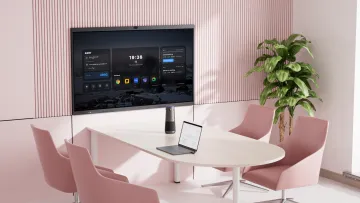
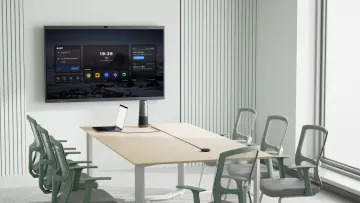
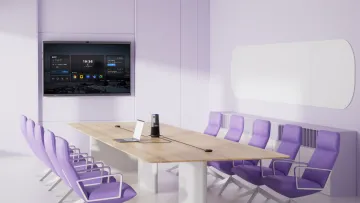
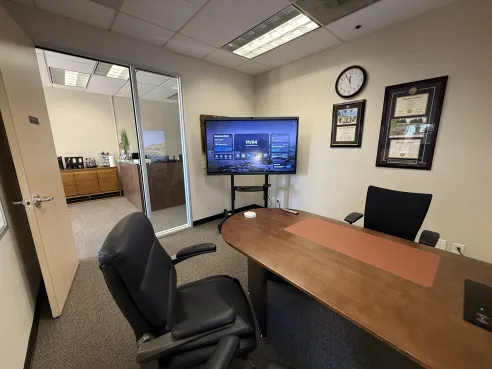
financial conference room
financial video conferencing
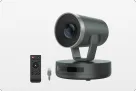
360 conference camera
Updated: Nov 20, 2026 · 8 minutes read
Global Business, Brought Near.
No Installer, No Hassle, Just Works.
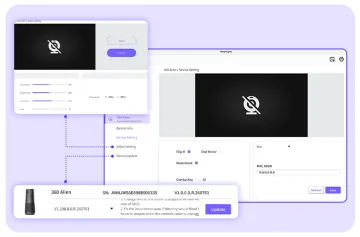
Before and after Nearity
The Meeting Challenge
When every expression matters
In a $10 million trust-fund discussion, every reaction can carry important context.
The team needed remote participants to see everyone's expressions and follow every interaction—not just hear the conversation—so decisions could be made with the full picture.
The Nearity Solution
Clarity and presence for every conversation
Nearity 360 Alien delivered the professional meeting experience Summit needed for its $10 million trust-fund discussion, with an equipment investment of about $1.3K.
360° view of the meeting room
Clear audio for hybrid discussions
Professional presence at about $1.3K
Summit Financial Group used Nearity 360 Alien for a $10 million trust-fund meeting. Its IT director said the device delivered the clarity and presence the team needed for an approximately $1.3K investment. The case explains the room-camera decision and uses financial-industry peer stories as context without claiming measured business returns.
“We needed a $10 million trust-fund meeting to feel completely professional. For a $1.3K investment, the 360 Alien delivered the clarity and presence we needed. Nobody on the call would have guessed what the setup cost.”
— Michael Reynolds, Director of IT Operations, Summit Financial Group
Make the room match the importance of the conversation
A trust-fund meeting may bring clients, advisers, and stakeholders together remotely. If someone is hard to see or hear, the conversation suffers.
For Summit Financial Group, the goal was straightforward. A meeting concerning a $10 million trust fund needed to feel completely professional. In a high-stakes financial discussion, the room’s video and audio become part of the client experience. Advisers need to answer questions without a remote participant losing track of who is speaking. IT needs a setup that presents the room confidently without making the equipment the center of attention.
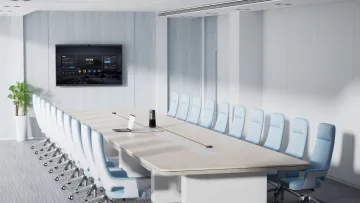
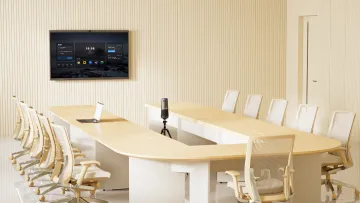
A financial conference room should let clients see and hear whoever is speaking.
Why a 360° conference camera fit the meeting
In a discussion-led room, participants often face one another rather than a wall display. A front-facing camera may capture the people nearest the screen while leaving colleagues along the sides in profile or out of view. A table-centered 360 conference camera addresses that seating pattern by showing the room and highlighting the active speaker.
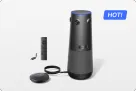
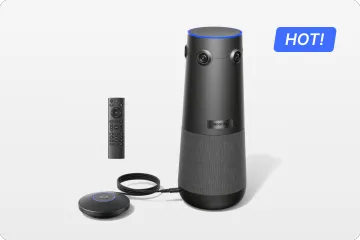
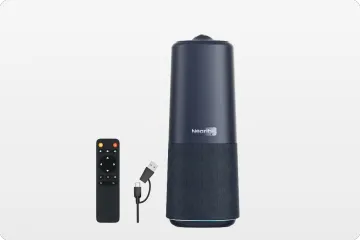
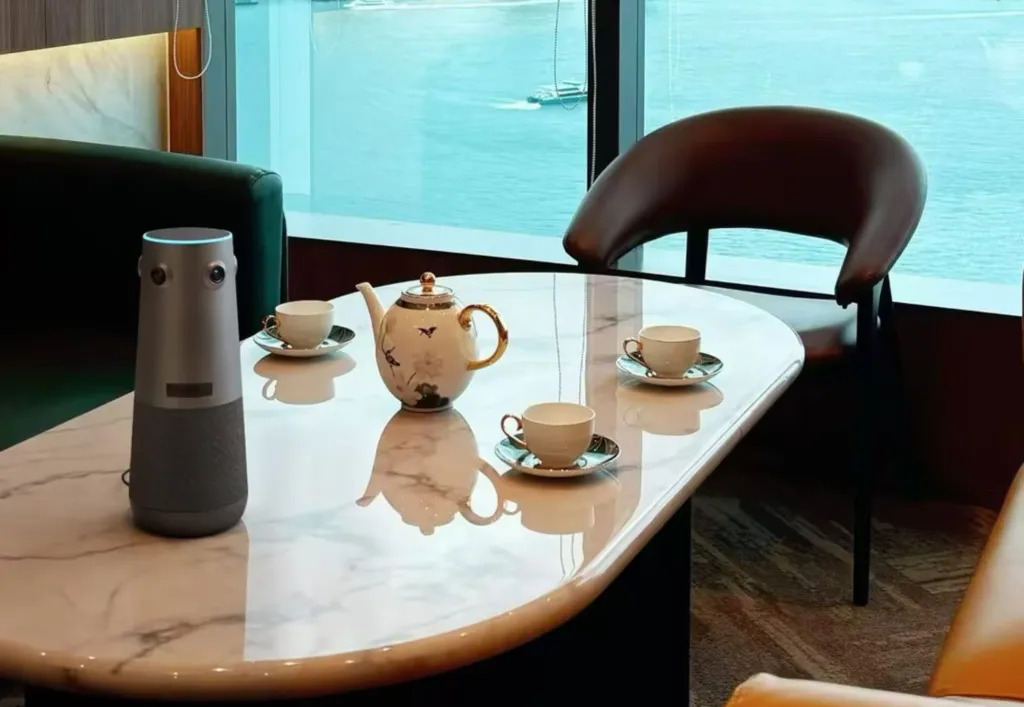
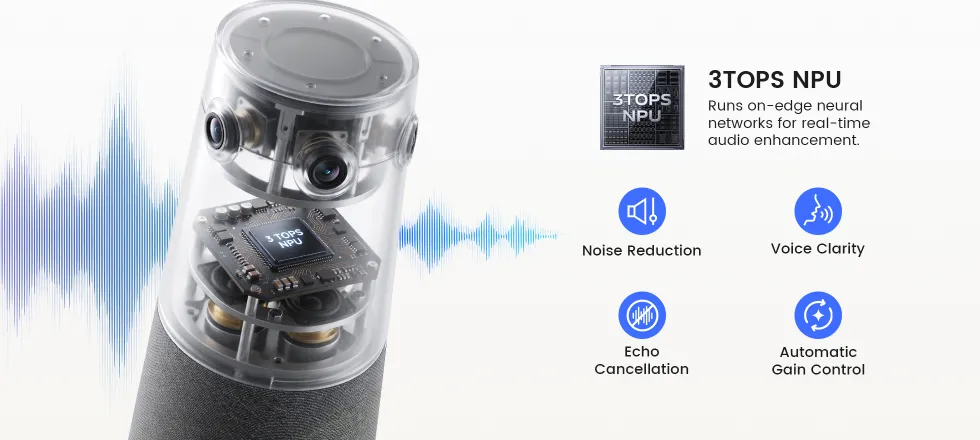
Nearity 360 Alien uses four 4K lenses to capture a 360° view. Its video modes can show the group or focus on speakers as the discussion changes. Six built-in omnidirectional microphones and on-device AI audio processing address noise, echo, and changing voice levels. The product connects to a host computer by USB; Nearity also offers a wireless adapter. It supports common meeting platforms including Microsoft Teams, Zoom, and Google Meet.
The customer's assessment is the clearest evidence: the 360 Alien gave the trust-fund call the clarity and presence Reynolds wanted for about $1.3K.
Deployment: a practical upgrade path for a financial conference room
Start with a seating map. Mark the farthest chair, where the client or adviser will sit, and whether people look mostly toward a display or across the table. For a round or long discussion table, placing the 360 Alien near the center can give the camera a balanced view of participants. Keep papers and laptops from blocking the lenses. Test a call from the far end of the room before declaring the setup ready for a client meeting.
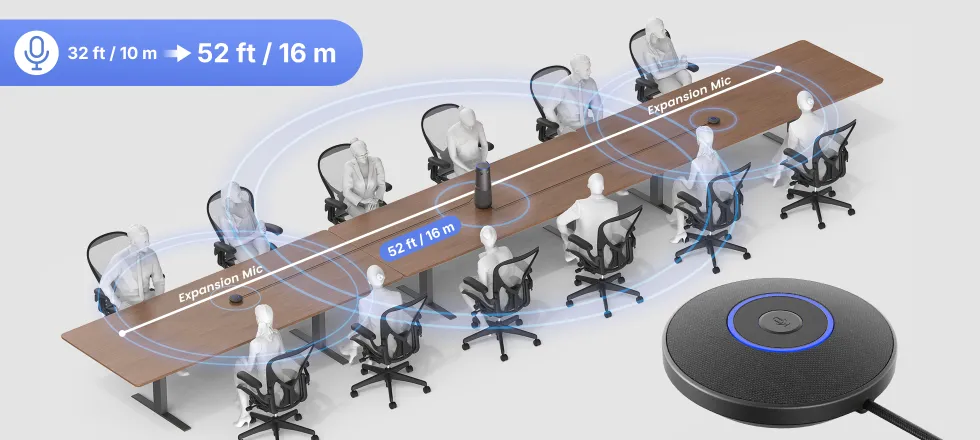
Nearity 360 Alien built-in microphone pickup at up to 16 ft / 5 m for rooms with moderate reverberation. Two expansion microphones can extend advertised coverage to 52 ft / 16 m. A boardroom with hard surfaces, a long table, or distant seats needs an in-room test; advertised range is a planning figure.
The basic workflow is simple:
Connect the device to the room computer,
Select its camera and audio in the meeting platform,
And run a short test with someone joining remotely.
IT can check speaker transitions, volume, far-seat intelligibility, and whether confidential documents remain outside the camera view.
That last check is especially relevant where client information may be visible on a table or wall display.
The meeting experience: presence without an expensive-looking installation
Reynolds' quote captures the outcome in plain terms. The team needed the call to feel professional. The 360 Alien delivered the clarity and presence he expected, and the setup's approximate $1.3K cost was not apparent to other people on the call. That is a meaningful qualitative result for a meeting where presentation quality mattered.
Clear framing and audio let remote participants focus on the trust-fund discussion.
That assessment is about the meeting experience. It does not establish an investment outcome or a measured return on equipment spend. It does show that Summit's IT director felt the 360 Alien met the presentation standard for this high-stakes call at a relatively modest equipment cost.
What financial-industry customer stories reveal about a meeting-room upgrade
Other financial organizations describe the same buying priorities: a clear view of the room, intelligible audio, and equipment staff can use without a complicated start. Their experiences are useful context for evaluating a financial conference room. They are not comparisons performed by Summit.
In Logitech's Credit Bank of Peru case study, the bank says it needed rooms equipped for hybrid work. It installed Rally Bar and Rally Bar Mini with Microsoft Teams Rooms and was testing Logitech Sight to bring a front view of people seated around the table. Its employee survey rated the new solution 4.9 out of 5. That score describes the bank's broader Logitech deployment; it should not be attributed to Sight alone. The case illustrates why even a capable front-of-room system may benefit from another tabletop viewpoint.
Jabra's Money Forward case study offers another financial-industry perspective. The financial software company replaced separate microphones, cameras, and speakers in many Tokyo meeting rooms with PanaCast 50 video bars. Its IT team highlighted the single-cable setup, wider room view, and sound. One IT representative said people previously had to crowd together to fit the frame; another said far-end speech was easier to hear after the upgrade. Their feedback shows that financial teams value simpler, more inclusive meetings. The PanaCast 50's 180° front-of-room view and the 360 Alien's table-centered view serve different seating patterns.
For a discussion around several sides of a table, Nearity 360 Alien offers a potential next step: one 360° camera and audio device can keep the room in view while following the conversation. For rooms where everyone faces a display, a front-of-room bar may be a better fit. Compare both from the remote client's seat, test the farthest voice, and count the components the room will require.
The question is whether the setup helps clients focus on the financial discussion rather than the meeting technology.
Why this matters for financial services meetings
Financial firms use hybrid rooms for client reviews, planning, and committee meetings. Each needs clear voices and a sense of who is contributing. A 360° camera fits exchanges around a table; a front-of-room bar may suit presentations.
Summit's example shows how a targeted room upgrade can support a high-stakes conversation without turning the room into a major AV project. The proof is the customer statement: for the trust-fund call, the 360 Alien delivered the clarity and presence the team needed. Other financial teams can use that result as a reason to test the same meeting conditions in their own rooms—not as a guarantee that the same hardware configuration will fit every space.
How can a 360° conference camera help a financial services meeting?
When participants speak from several sides of a table, a 360° camera can show the whole room and focus on the active speaker. Remote clients can follow who is contributing without someone repeatedly repositioning a front-facing camera. Test the remote view with your actual seating plan before a client call.
What did Nearity 360 Alien change for Summit Financial Group?
Summit's IT director said it delivered the clarity and presence needed for a $10 million trust-fund meeting with an equipment investment of about $1.5K. The available testimonial does not report a measured business outcome or describe the previous room setup.
Is Nearity 360 Alien suitable for a long financial boardroom table?
It depends on the farthest seat and the room acoustics. Nearity lists built-in pickup up to 16 ft / 5 m under moderate reverberation and advertised coverage up to 52 ft / 16 m with two expansion microphones. Test the actual room before choosing a configuration. Explore the 360 Alien specifications.
Does the 360 Alien work with Microsoft Teams, Zoom, and Google Meet?
Nearity lists compatibility with all three platforms. Connect the device to a host computer, select its camera and audio in the meeting app, and verify the remote view and sound before a high-stakes meeting.
Should a financial firm choose a 360° camera or a front-of-room video bar?
Match the camera to the meeting. A 360° table-centered view suits discussions where people face and speak to one another. A front-of-room bar suits presentation-led meetings where most participants face the display. Evaluate remote visibility, microphone pickup, and the number of devices your IT team will manage.
Author:By The NearHub Team
Share To:
Customer
Summit Financial Group
Industry
Financial services
Use case
High-stakes hybrid client meeting
Outcome
A professional-feeling call with the clarity and presence the team needed, according to its IT director