How Advisor 360 Uses NearHub Board Max to Move Client Proposals Forward
Advisor 360 used NearHub Board Max to unify scattered client plans on one screen, improving proposal follow-through by roughly 15%.
NearHub Board Max
Updated: Nov 4, 2026 · 8 minutes read
Global Business, Brought Near.
No Installer, No Hassle, Just Works.
Before and after NearHub
Before NearHub
Sound Advice. Stalled Follow-Through.
Financial planning conversations often span multiple documents and applications. Notes may be written separately from the figures they explain, while proposals can leave the meeting without a clearly documented next step.
For Advisor 360, the challenge was keeping the information and the conversation connected while helping clients make decisions.
After NearHub Board Max
Build Clearer, More Efficient Client Conversations.
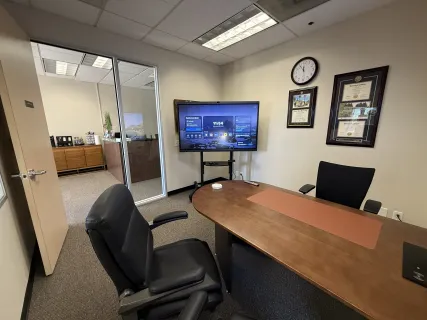
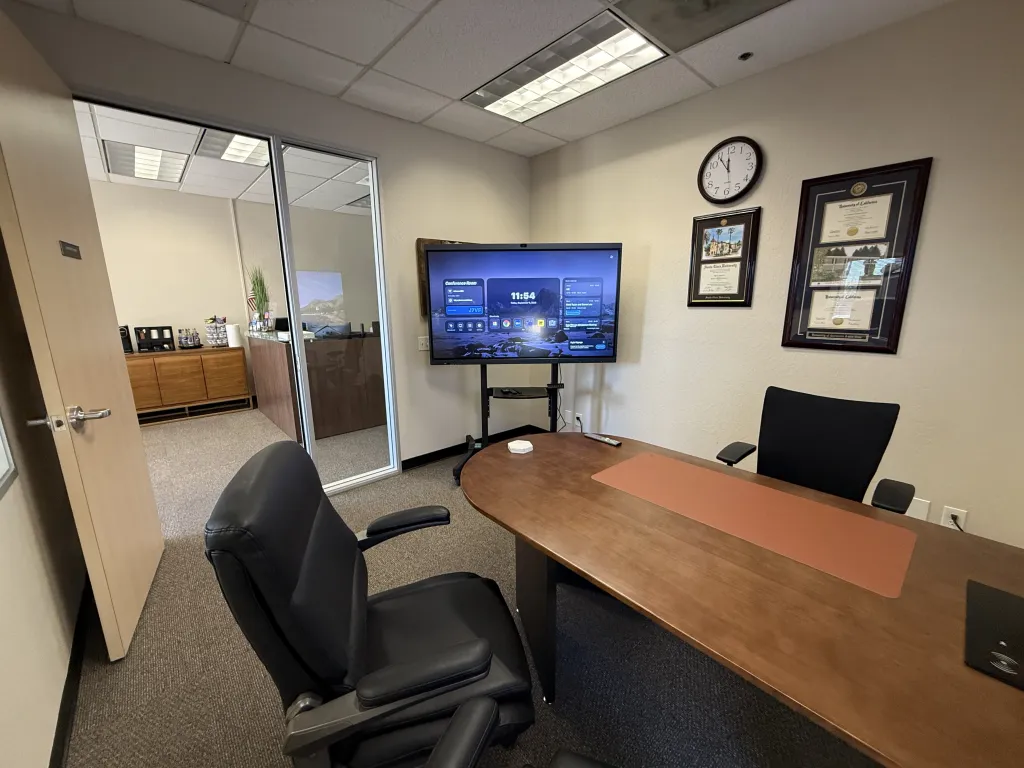
With Board Max in his office, Advisor 360's Tim Inserra can bring the relevant plan or proposal onto the screen and work through it with the client.
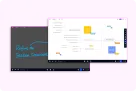
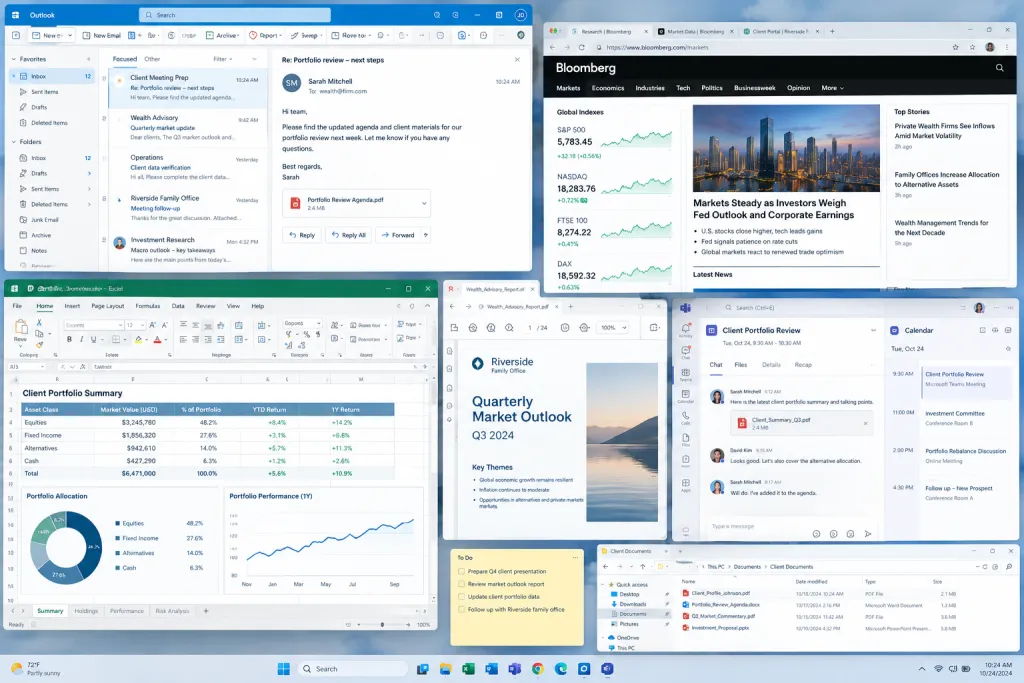
Client plans, projections, and supporting documents are available in one visible workspace.
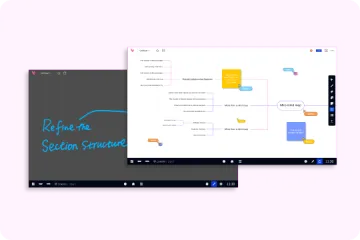
Notes can be added directly during the discussion.
Advisor and client can review the same proposal together.
Microsoft Teams extends the conversation to remote participants.
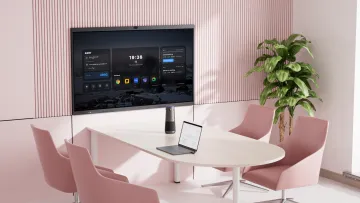
The mobile stand allows the display to be positioned for the meeting.
When the Plan Is on the Board, Decisions Come Faster
For wealth advisors, one client meeting can involve retirement projections, investment recommendations, tax considerations, health planning, and estate decisions.
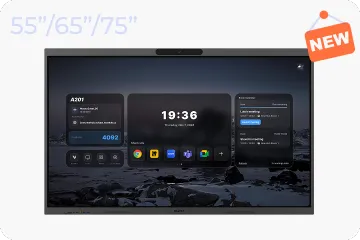
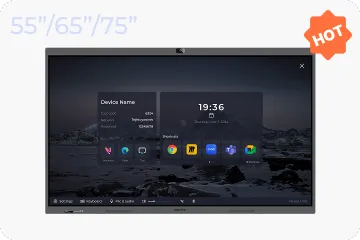
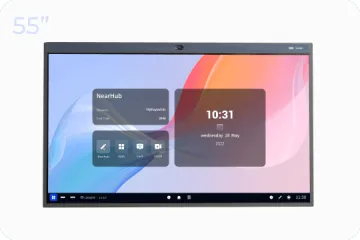
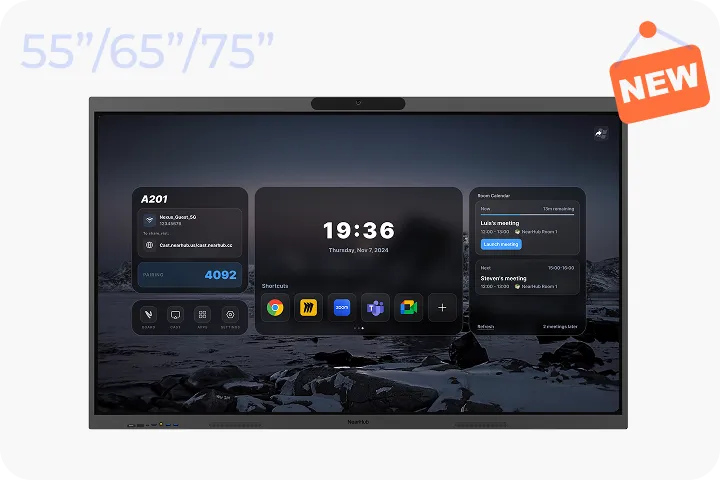
Advisor 360 uses NearHub Board Max in its office to bring those materials into one shared workspace. Mounted on a mobile stand, the Windows 11 Pro touchscreen gives Consulting Manager Tim Inserra a direct way to review client plans, annotate proposals, and keep meetings focused. Advisor 360 also uses the setup with Microsoft Teams when remote participants join the conversation.
A wealth management proposal may connect several areas of a client’s financial life. An advisor might begin with retirement income, move to an investment recommendation, and then discuss tax or estate implications.
Each topic may depend on information from a different file or application. Searching for that information can interrupt the meeting, while paper notes can become separated from the recommendations they describe.
Clients also need to understand more than the recommendation itself. They need to see how it fits into their plan, ask questions, and leave with a clear understanding of what happens next.
Advisor 360 needed a practical way to keep the plan visible and the discussion focused.
Why Advisor 360 Chose Board Max
Before Board Max, Advisor 360 presented to clients by mirroring a laptop to a display or showing a computer desktop. It worked for simple presentations, but not for collaboration. When several team members were involved, it was hard for more than one person to explain a plan and mark it up at the same computer in front of the client.
The team compared several large-format display options, including Vibe and Microsoft Surface Hub. Three factors decided it.
First, setup. Advisor 360 has no dedicated IT staff, and building out a full audio-video room would have been costly in both money and time. Board Max is simple to install and start using.
Second, Windows compatibility. The firm needed to run specific software it already relied on, and Board Max’s Windows 11 Pro system could run it.
Third, client data security. Advisor 360 handles sensitive financial information, and protecting it was a key consideration. Because Board Max runs the same Windows applications the firm already uses, client information stays within tools and policies the firm already controls.
One Meeting, Start to Finish
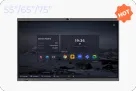
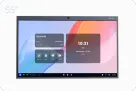
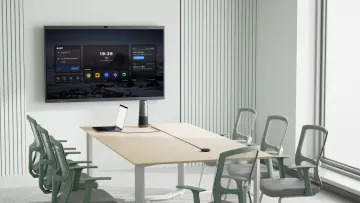
Setting up the room. NearHubBoard Max sits against the wall on the consultation side of the office. The mobile stand lets the team reposition it for a one-on-one conversation or turn it toward a larger group.
Walking through the plan. A single proposal can touch retirement income, investments, tax considerations, and estate decisions. Tim opens the client’s plan, supporting figures, and proposal materials on the touchscreen, then moves between them without leaving the screen. Because Board Max runs the Windows applications the firm already uses, there is no new software to learn.
Answering questions as they come. Clients rarely ask questions in the order an advisor prepared them. In a typical meeting, a client may pause on one figure, ask how a change would affect another part of the plan, or want to revisit an earlier recommendation. With the material already on the screen, Tim can go straight to that figure, mark it up, and keep the discussion tied to the numbers.
Including clients who can’t be in the room. Remote participants are common in consultations. Some are existing clients in follow-up conversations, and others are new clients who don’t have time to come in for an initial consultation. Through Microsoft Teams they join the same discussion, see the same screen, and take part as if they were in the room.
Closing with next steps. Handwritten notes taken on the board during the meeting can be downloaded locally or saved in Canva, so each new session opens with the last one’s thinking still visible. Afterward, team members organize the handwritten notes, export them, and send them to the client. Before the meeting ends, the questions raised, the decisions made, and the follow-up actions are confirmed.
The Result: Faster Decisions, Clearer Follow-Through
Over one quarter, Advisor 360 saw roughly a 15% improvement in proposal follow-through. Tim also observed that clients reached decisions faster.
Since we put the Board Max in my office, I can pull up what I need, make a few notes, and keep everything moving. We've seen roughly a 15% improvement in proposal follow-through, and clients reach decisions faster. Last month a couple came in torn between two retirement-income options — we put both plans side by side, marked up the trade-offs right on the screen, and they signed off before they left the room. That conversation used to end with "let me think about it.
— Tim Inserra, Consulting Manager, Advisor 360
For Advisor 360, NearHub Board Max has become part of the office workflow used to review proposals and guide client conversations.
Built for Wealth Management Meetings
Client planning meetings depend on clarity, context, and follow-through. A shared touchscreen can help advisors:
Keep multiple planning topics visible during one conversation
Connect notes directly to the relevant proposal or figure
Include remote participants through Microsoft Teams
Make follow-up actions easier to define before the meeting ends
Client conversations also involve sensitive financial information. Because NearHub Board Max runs the applications and documents a firm already uses, client data stays within the firm’s existing tools and security practices.
NearHub Board Max provides the Windows 11 Pro touchscreen workspace Advisor 360 uses to support that process.
Frequently Asked Questions
What can wealth advisors use NearHub Board Max for?
Wealth advisors can use Board Max to open client plans, financial projections, proposals, and other Windows applications during meetings. They can also add notes while discussing the information with clients.
How does Board Max help clients understand a financial proposal?
It gives the advisor and client a shared visual workspace for reviewing the same information, discussing specific figures, and connecting recommendations to the client’s questions.
Can advisors annotate a proposal directly on the screen?
Yes. Board Max is a Windows 11 Pro touchscreen that supports working directly with documents and applications during a live discussion.
Can Board Max be used with Microsoft Teams?
Yes. Advisor 360 uses its Board Max setup with Microsoft Teams when remote participants join a meeting.
Is Board Max suitable for retirement, tax, and estate planning conversations?
Board Max can support meetings that bring together information from multiple planning areas. It provides a shared workspace for reviewing existing plans and proposals.
Can Board Max replace financial planning software?
No. Board Max provides a Windows 11 Pro touchscreen workspace for accessing and discussing existing applications, documents, and proposals.
Is Board Max suitable for remote or hybrid meetings?
It can support in-office meetings that include remote participants through Microsoft Teams. The full meeting setup depends on the advisor’s existing software and equipment.