How ISE Labs Uses Nearity A20S for Reliable Engineering Meetings
conference room audio
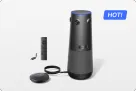
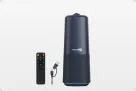
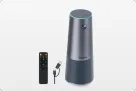
Nearity A20S
semiconductor conference speakerphone
Updated: Nov 20, 2026 · 8 minutes read
Global Business, Brought Near.
No Installer, No Hassle, Just Works.
Before and After Nearity A20S
Before NearHub
When Every Detail Matters
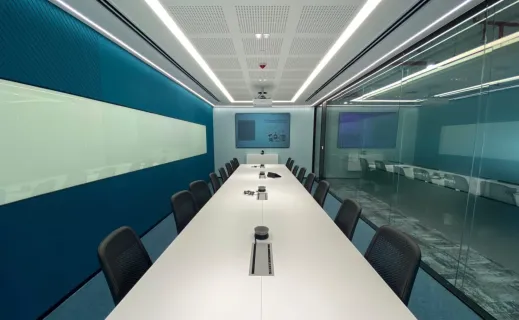
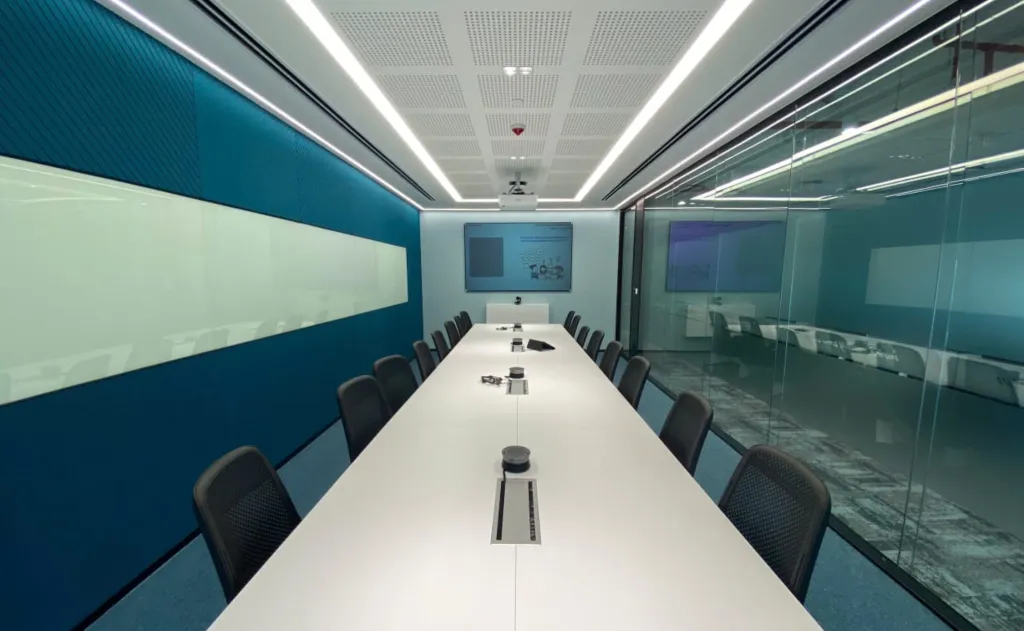
Engineering teams meet throughout the day across multiple rooms. Technical discussions demand clear speech and dependable connections, especially during long meetings.
After NearHub
Stable Connections. Clear Conversations.
ISE Labs reports zero disconnections, even during long engineering discussions. With clear audio and reliable day-to-day performance, A20S supports the team's ongoing technical collaboration.
Zero Reported Disconnections
Clear Audio During Long Meetings
Reliable Multi-Room Collaboration
When engineering teams meet throughout the day, across multiple rooms, reliable audio is essential. ISE Labs reports zero disconnections with Nearity A20S, even during long engineering discussions, while maintaining the audio clarity its technical teams depend on.
Our tech team runs meetings all day across multiple rooms, and A20S has been extremely stable. We've had zero disconnections, even during long engineering discussions. The audio remains clear, which is critical when details really matter.
— ISE Labs Technical Team
The Challenge: Engineering Meetings Leave Little Room for Audio Interruptions
Semiconductor engineering meetings are built around details. A discussion may move from test findings to device characterization, reliability issues, production requirements, and project decisions. Technical terms, figures, and the context behind each update all need to come through clearly.
For hybrid meetings, that means remote colleagues must be able to follow the conversation as it moves between participants. A missed detail can interrupt the discussion or make it harder for the team to stay aligned.
ISE Labs faces another practical requirement: its technology team runs meetings throughout the day across multiple rooms. The audio system needs to remain dependable over repeated sessions, not just perform well during a short demonstration.
For this kind of working environment, two things matter: stable connections throughout long meetings and clear speech that lets participants focus on the technical discussion.
Why Nearity A20S Fits the Way Engineering Teams Meet
A conference speakerphone needs to do more than make a connection. It needs to capture voices from different positions around the table and keep speech understandable as the discussion develops.
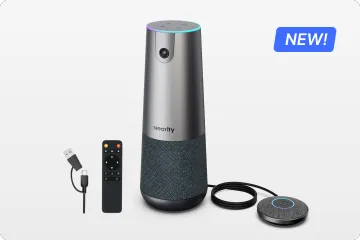
Nearity A20S brings several capabilities together for this type of meeting:
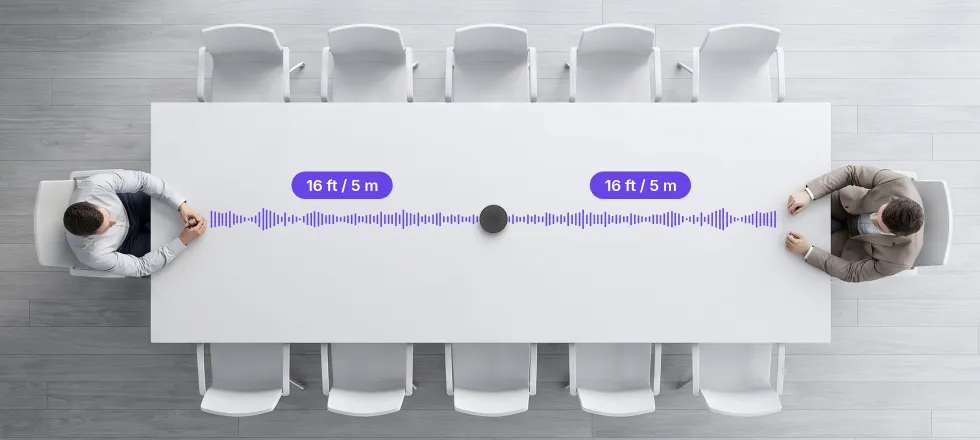
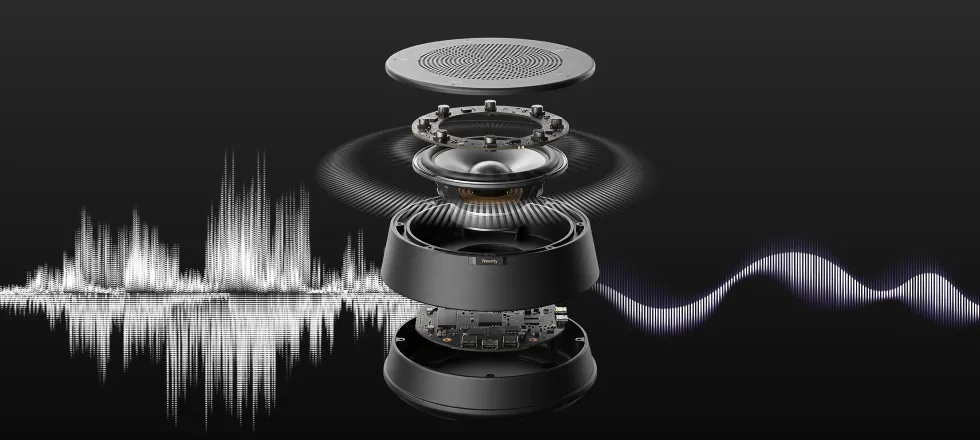
360° voice pickup around the table. Its eight omnidirectional MEMS microphones capture speech from different seating positions. Participants can contribute from their seats without having to take turns speaking directly into a laptop microphone.
On-device AI audio processing. A 3 TOPS NPU works with the device's audio algorithms to handle background noise, echo, and room reflections. This is particularly relevant in engineering environments where conversations may take place in rooms with glass walls or other reflective surfaces.
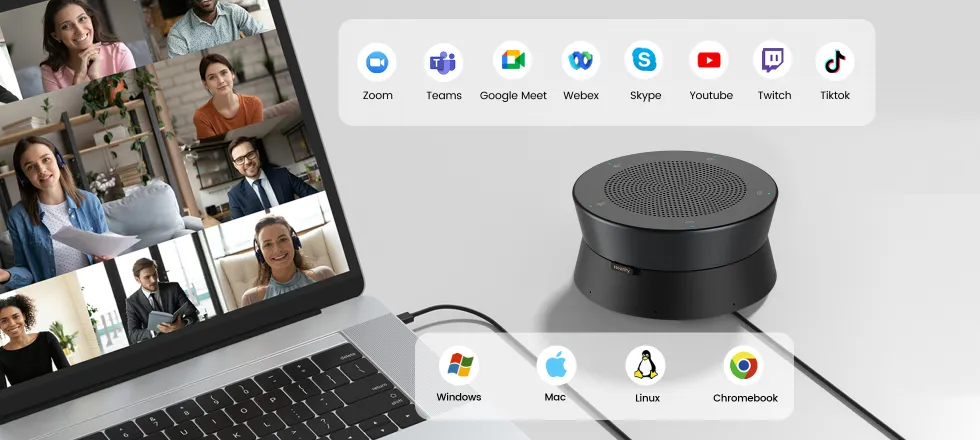
A straightforward USB connection. A20S connects to a host computer through USB and works with platforms including Zoom, Microsoft Teams, Google Meet, and Webex. Standard use does not require additional driver installation, making it practical for teams that use different meeting rooms and computers.
An expansion path for different room sizes. A20S supports daisy-chaining up to six units through Ethernet cables, with PoE powering the additional units. This gives IT teams a way to consider expanded audio coverage when planning larger meeting spaces.
These capabilities address the practical requirements of technical collaboration: capturing voices around the table, processing speech locally, keeping connections straightforward, and allowing the audio setup to scale when room requirements change.
How ISE Labs Uses A20S Across Its Meeting Environment
The team's feedback points to a demanding daily schedule rather than occasional conference calls. Meetings take place throughout the day across multiple rooms, and engineering discussions can run long.
In this environment, audio reliability affects the entire meeting experience. A stable connection means participants can stay focused on the discussion instead of dealing with interruptions. Clear audio helps remote colleagues follow technical explanations and respond without repeatedly asking speakers to clarify what was said.
ISE Labs also plans to purchase three fixed desktop stands. A fixed desktop position can make equipment placement more consistent and easier for employees to use during recurring meetings. The planned stand purchase is an accessory step; it should not be confused with a confirmed installation of three A20S units.
The company is also evaluating meeting rooms in a new building. Its current experience with A20S provides useful reference points for those decisions, while each new room still needs to be assessed according to its dimensions, seating layout, and acoustic conditions.
Zero Disconnections and Clear Audio During Long Discussions
For ISE Labs, the clearest result is the feedback from the technical team.
The team reports that A20S has remained extremely stable despite meetings running all day across multiple rooms. It experienced zero disconnections during the reported use, including long engineering discussions. The audio has also remained clear, which the team considers essential when technical details matter.
Three practical outcomes stand out:
Stable meeting connections: No disconnections were reported during the team's A20S experience.
Clearer technical communication: The team reports clear audio during extended engineering discussions.
Dependable day-to-day use: A20S supports a working environment where meetings happen repeatedly across multiple rooms.
These are customer-reported qualitative results, not independently measured uptime or audio-performance figures. But they speak directly to what matters in a busy engineering environment: meetings can continue without connection interruptions, and participants can concentrate on the information being discussed.
We've had zero disconnections, even during long engineering discussions. The audio remains clear, which is critical when details really matter.
— ISE Labs Technical Team
What Semiconductor Teams Can Learn from ISE Labs
Engineering teams evaluating conference-room audio can take several practical lessons from the ISE Labs experience.
Prioritize reliability over occasional performance. A device may sound good in a short test, but teams that run meetings throughout the day need consistent performance across repeated sessions.
Test speech clarity during real technical discussions. Use engineering reviews, project updates, and cross-functional meetings to check whether remote participants can follow technical terms, figures, and decisions.
Plan for multiple rooms, not just one successful installation. Standard USB connectivity makes A20S straightforward to use, while its daisy-chain design provides an expansion option for rooms that require additional audio coverage.
Evaluate each room before finalizing the configuration. Table dimensions, seating positions, wall materials, and the location of the host computer can all affect the result. Test the farthest seat and include feedback from both in-room and remote participants.
For semiconductor companies, manufacturing teams, and engineering organizations, dependable meeting audio is part of keeping technical collaboration moving. The ISE Labs experience shows why connection stability and clear speech matter just as much as the specifications on a product sheet.
A Conference Audio Solution for Engineering Teams
Nearity A20S combines an eight-microphone 360° array, on-device AI audio processing, USB plug-and-play connectivity, and support for up to six daisy-chained units.
For teams managing frequent engineering meetings across multiple rooms, it offers a practical audio solution that can support both everyday collaboration and future room planning.
Engineering discussions often involve technical terms, test results,
figures, and project decisions. Stable connections and clear speech
help in-room and remote participants follow the same discussion
without interruptions.
A20S connects to a host computer through USB and works with major
conferencing platforms, including Zoom, Microsoft Teams, and Google Meet.
For larger rooms, up to six units can be daisy-chained through Ethernet,
with PoE powering the additional units.
ISE Labs' technical team reports that A20S remained stable with zero
disconnections during its reported use, including long engineering
discussions. The team also reported that the audio remained clear.
No. A20S uses a standard USB connection and does not require
additional driver installation for normal conferencing use.
Consider meeting frequency, room dimensions, seating layout,
distance from the microphones to the farthest participants,
and room acoustics. Test the actual meeting environment before
deciding whether a single unit or a daisy-chained configuration
is appropriate.
Check each room's table and seating plan, distance to the farthest seat, acoustics, host-computer connection, and usual meeting platform. Run a call with a remote listener before choosing device placement or a multi-unit setup.
Author:By The NearHub Team
Share To:
Industry
Semiconductor / Technology Manufacturing
Customer
ISE Labs
Solution
Nearity A20S Conference Speakerphone
Use Case
All-day engineering meetings and technical collaboration across multiple rooms