Best Video Conferencing Equipment for 2026: A Room-Size Setup Guide
In the hybrid work era of 2026, investing in the right video conferencing equipment is crucial for seamless collaboration and avoiding professional liabilities.
Video conferencing equipment
Conference room tech
Hybrid meetings
Updated: Aug 19, 2026 · 9 minutes read
Global Business, Brought Near.
No Installer, No Hassle, Just Works.
Conference room technology refers to the hardware, software, and integrated systems that power modern meeting spaces — enabling teams to communicate, collaborate, and make decisions more effectively. From small huddle rooms to large executive boardrooms, the right conference room technology supports in-person, remote, and hybrid collaboration through video, audio, displays, scheduling tools, and AI-driven experiences.
Today’s organizations rely heavily on digital communication. In fact, research from the Microsoft Work Trend Index indicates that the average worker spends more than 20 hours per week using collaboration tools. As hybrid work becomes the norm, conference room technology plays a critical role in ensuring meetings are productive, inclusive, and easy to manage — regardless of where participants are located. If you’re evaluating or upgrading your office, choosing the best video conferencing equipment is the foundation of this digital transformation. This guide breaks down what it includes, why businesses are investing, the most common modern solutions, and how to choose the right setup for your organization.
Key Takeaways
AI is Non-Negotiable: Modern setups must include AI-driven features like auto-framing, speaker tracking, and noise cancellation to ensure "meeting equity."
Match Tech to Room Size: Huddle rooms require wide-angle lenses, while large boardrooms need dual-camera systems and ceiling mic arrays.
The Rise of All-in-One Hubs: Integrated solutions like the NearHub S Pro offer a higher ROI by combining 4K cameras, mics, and interactive whiteboarding into one device.
Audio Over Video: Poor audio ruins more meetings than poor video; prioritize beamforming microphones and spatial audio for immersive experiences.
What Exactly is Included in High-End Conference Room Tech in 2026?
The landscape of professional communication has shifted from "simple video calls" to "immersive collaboration." In 2026, the best video conferencing equipment is characterized by its ability to bridge the gap between physical and digital spaces using Artificial Intelligence (AI) and seamless hardware integration.
The AI-Driven Camera Revolution
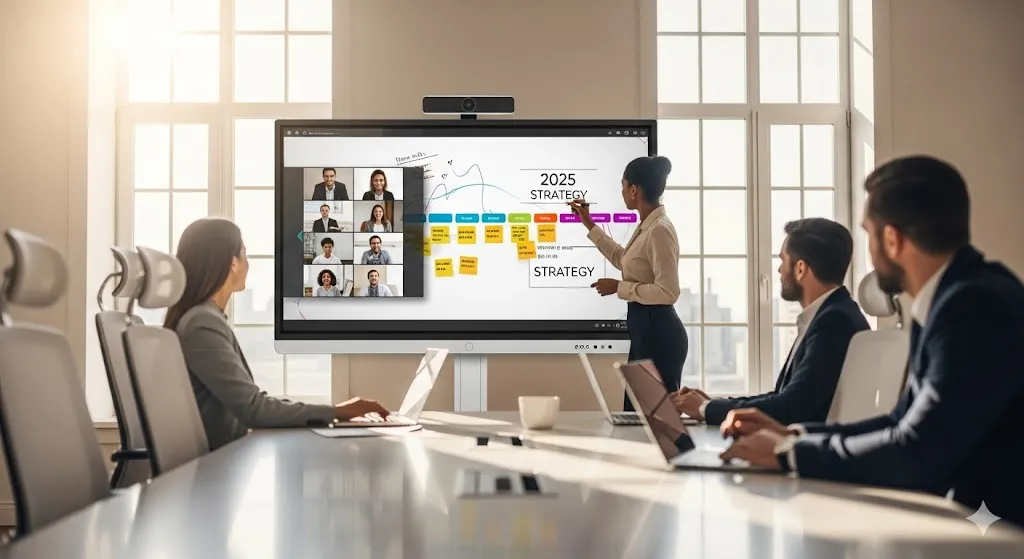
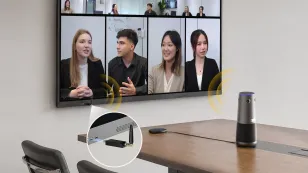
Gone are the days of manual PTZ (Pan-Tilt-Zoom) remotes. Today’s top-tier cameras feature AI-powered speaker tracking and "Gallery View" modes. These systems automatically crop and frame each individual in the room into their own digital square, ensuring remote participants feel like they are sitting across from a person, not a distant table.
Intelligent Audio Arrays
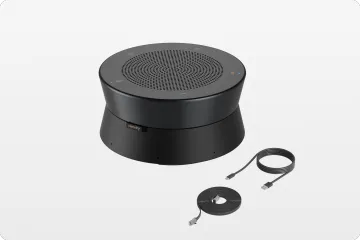
Audio is actually more important than video. High-end setups now utilize beamforming microphone arrays that can distinguish between a human voice and the hum of an air conditioner. When considering your setup, you might wonder how much is a smart board that includes these integrated audio features, as all-in-one solutions are becoming the industry gold standard for 2026.
The All-in-One Collaboration Hub
We are seeing a massive move away from "component" systems (separate camera, separate mic, separate PC) toward unified hubs. A prime example is the NearHub S Pro Smart Whiteboard, which integrates a 4K AI camera, a 24-microphone array, and a powerful computing unit into a single interactive display. This reduces cable clutter and minimizes the "it’s not working" moments that plague IT departments.
Why One Size Doesn’t Fit All: Matching Equipment to Your Meeting Room Size
One of the biggest mistakes businesses make is buying a "large room" system for a huddle space, or vice versa. The best video conferencing equipment for your office depends entirely on the physical dimensions and the number of participants.
The Huddle Room (2–4 People)
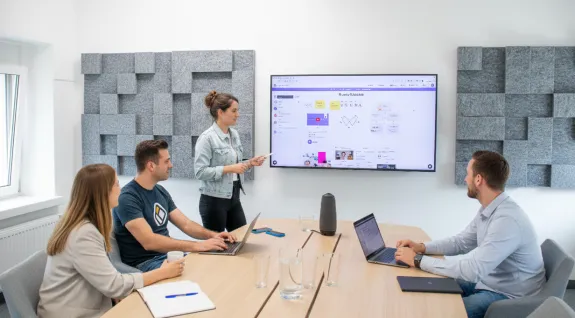
In these small, intimate spaces, you need wide-angle lenses. Since participants sit close to the screen, a 120-degree field of view is mandatory to ensure the people on the edges aren't cut out.
Key Tech: Compact video bars or high-end 4K webcams.
Pro Tip: Look for a smart board price that fits a smaller budget while still offering 4K resolution.
Mid-Sized Conference Rooms (6–12 People)
This is the "sweet spot" of the corporate world. Here, audio pickup range becomes the primary concern. You need microphones that can reach at least 15–20 feet without losing clarity.
Key Tech: Dedicated AI video bars with expansion mic capabilities.
Centerpiece: An interactive display like the NearHub S Pro Smart Whiteboard works perfectly here, acting as both the video endpoint and the creative canvas for brainstorming.
Large Boardrooms & Training Centers (15+ People)
Large spaces require "Meeting Equity" technology. This includes dual-camera systems (one for wide-angle, one for tracking) and ceiling-mounted microphones. Remote participants need to see facial expressions, even from the person sitting 30 feet away from the screen.
Room Type
Recommended Camera
Audio Requirement
Display Type
Huddle
120° Wide Angle 4K
Integrated Bar
55" Interactive
Medium
AI Auto-Framing Bar
15ft+ Pickup Range
75" Smart Board
Large
Dual-Lens / PTZ
Ceiling Mic Arrays
Dual 85" or LED Wall
Top Video Conferencing Equipment Manufacturers: Who Leads the Market This Year?
According to Statista, the global video conferencing market is projected to exceed $27 billion by 2026, driven largely by the demand for hardware that supports hybrid work models. This growth has intensified the competition among the world's leading manufacturers.
Representative Industry Players
Vibe: A powerful player in the smart whiteboard sector, Vibe is known for its highly flexible OS and app integration. It is a favorite for teams that need to toggle quickly between different SaaS tools and creative whiteboarding apps.
Poly (HP): Poly remains the gold standard for audio engineering. Their noise-blocking technology is widely considered the best for open-office environments.
NearHub: NearHub has disrupted the market by specializing in the "All-in-One" category. By combining a professional-grade microsoft smart board with integrated A/V hardware, NearHub provides a streamlined experience that reduces the "Total Cost of Ownership" (TCO) for businesses.
Platform-Specific Leaders
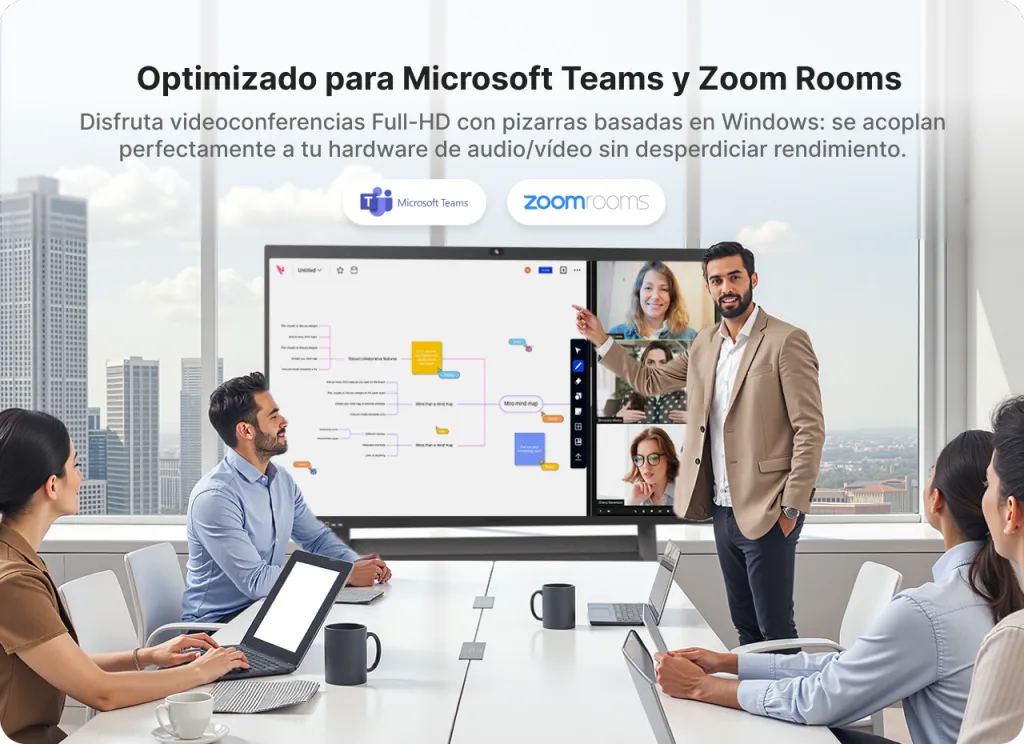
If your company is a "Zoom House" or a "Teams Shop," you might look for certified hardware. While many devices are agnostic, choosing a native solution ensures that features like "One-Touch Join" work every single time without needing to enter a 10-digit meeting ID.
7 Must-Have Conference Room Tech Essentials for Modern Hybrid Work
To build the best video conferencing equipment setup, you need to look beyond just the camera. Here are the seven pillars of a modern 2026 meeting room:
AI-Powered 4K Camera: Look for features like "Group Framing" and "Speaker Tracking."
Beamforming Microphones: These should have AEC (Acoustic Echo Cancellation) to prevent that dreaded feedback loop.
Interactive Whiteboard: Static monitors are out. High-performance teams use tools like the NearHub S Pro Smart Whiteboard to annotate spreadsheets and sketch ideas in real-time.
One-Cable Connection (USB-C): Ensure your room supports "Bring Your Own Device" (BYOD) with a single cable that handles video, audio, and charging.
Room Scheduling Panels: Small tablets outside the door that sync with Google Calendar or Outlook to prevent "room jumping."
High-Speed Uplink: You can have the best hardware in the world, but a weak Wi-Fi signal will ruin the experience. Hardwired Ethernet is always preferred.
Professional Lighting: Even a basic LED ring light or diffused ceiling panels can make a "grainy" video look professional.
Setup Guide: How to Optimize Your Conference Room Tech by Room Type?
Optimizing your space is about more than just plugging things in. As Harvard Business Review reports in their 2025 Hybrid Work Study, 87% of employees say that "seamless technology" is the most important factor in their decision to return to the office.
The "Acoustics First" Approach
Before installing your best video conferencing equipment, check the room for echoes. Glass walls look great but sound terrible. Adding acoustic panels or even a simple rug can improve audio quality more than a $2,000 microphone upgrade.
Screen Height and Camera Placement
The camera should be at eye level. If it’s too high, remote participants feel like they are being looked down upon. If it’s too low, they are looking up everyone’s noses. Center the camera at approximately 48 to 52 inches from the floor for the most natural "face-to-face" feel.
Lighting Optimization
Never place a camera facing a window. The backlight will turn your participants into silhouettes. Use front-facing, "cool white" lighting to ensure skin tones look natural on camera.
The Cost of Quality: How Much Should You Budget for Professional Video Equipment?
Budgeting for the best video conferencing equipment is no longer just a "one-time" hardware purchase; it’s an investment in your company's culture.
Entry-Level (Huddle): $1,500 – $3,000. This usually covers a 4K video bar and a standard 55-inch display.
Mid-Range (Standard Room): $4,000 – $8,000. This is where you find high-performance tools like the NearHub S Pro Smart Whiteboard, which offers a much better ROI because it replaces the PC, the camera, the mics, and the whiteboard in one go.
Enterprise (Boardroom): $15,000+. These custom installs involve integrated ceiling mics, multiple displays, and professional installation.
When evaluating these costs, remember that the "hidden" cost of cheap equipment is lost time. If 10 executives wait 10 minutes for a meeting to start because the tech is failing, you’ve just lost hundreds of dollars in billable time in a single session.
FAQ: Frequently Asked Questions About Video Conferencing Gear
What is the absolute best video conferencing equipment for a small startup?
For startups, flexibility and ease of use are the top priorities. Startups should prioritize "All-in-One" solutions like the NearHub S55 or S Pro. These provide everything you need in one package—display, camera, and microphones—meaning you don't need to hire an external A/V consultant for installation or maintenance.
Do I really need a 4K camera if Zoom only supports 1080p?
Yes, you definitely do. While the stream might be compressed to 1080p, a 4K sensor allows for "Digital Cropping" and intelligent zoom. This means the AI can zoom in on a specific person's face without the image becoming pixelated or losing detail, which is essential for modern speaker-tracking features.
Is it better to have a dedicated PC in the room or rely on employee laptops?
A dedicated "Room PC" (like those built into the NearHub S Pro) is always more reliable. It prevents the "cable hunt" and ensures the meeting starts instantly with a single touch. However, ensure your system also supports BYOD (Bring Your Own Device) for guests who need to present from their own hardware.
Can I use a regular consumer TV for video conferencing?
It is not recommended. Commercial displays are preferred because they are designed for long hours of operation (16/7 or 24/7), have higher brightness levels to combat office lighting, and often include "RS-232" or "CEC" controls that allow the video conferencing system to turn the screen on and off automatically.
How often should we upgrade our conference room technology?
Hardware typically has a 3–5 year lifecycle. However, the best video conferencing equipment in 2026 is often "software-defined." Systems like NearHub receive regular cloud updates that add new AI features and security patches, significantly extending the useful life of the physical hardware compared to older, static systems.
Conclusion & CTA
In 2026, the definition of a "successful meeting" has changed. It is no longer enough to just see and hear each other; teams need to interact, co-create, and collaborate as if they were in the same room. By investing in the best video conferencing equipment tailored to your specific room size, you are fostering a culture of inclusion and efficiency.
From the AI-powered tracking of modern cameras to the infinite canvas of the NearHub S Pro Smart Whiteboard, the right technology transforms a simple video call into a powerful business tool. Don't let poor audio or grainy video be the reason your next big idea fails to land.