Best Interactive Boards for Schools: A Guide to Smart Tech for Boarding Schools
Looking for the best boards for schools in 2026?
EdTech
Smart Classroom
School Board
Updated: Aug 19, 2026 · 7 minutes read
Global Business, Brought Near.
No Installer, No Hassle, Just Works.
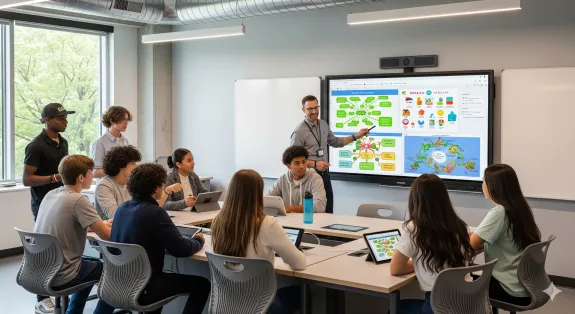
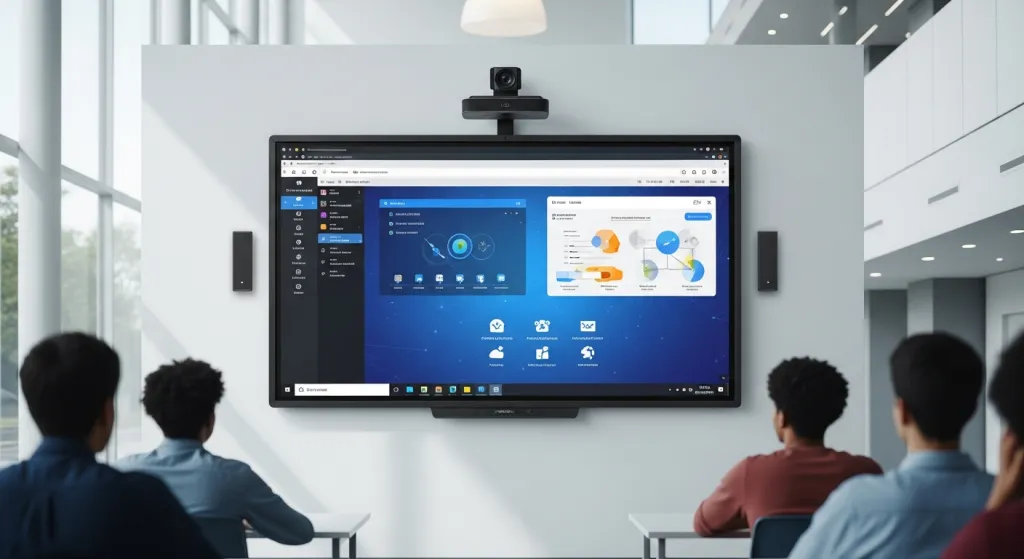
The modern classroom is no longer defined by four walls and a dusty chalkboard. For elite educational institutions, especially in the competitive landscape of American boarding schools, the demand for cutting-edge technology is at an all-time high. Finding the right boards for schools isn't just about replacing markers with digital pens; it’s about fostering an environment where smart technology in the classroom bridges the gap between traditional pedagogy and the digital-native generation.
In this comprehensive Product Review/Showcase, we will dive deep into the next generation of educational hardware. Whether you are looking for a high-performance school whiteboard or a full-scale digital collaboration hub, this guide identifies the gold standard for 2026.
Key Takeaways
Tech Integration: Modern boards for schools are moving from passive projectors to all-in-one 4K interactive displays.
Teenager Engagement: Smart boards specifically help boarding schools keep teenagers focused with tactile and gamified learning tools.
Cost-Efficiency: While the initial cost is higher than a traditional school whiteboard, the long-term TCO is lower due to zero maintenance and paperless workflows.
Top Pick: The NearHub S-Pro stands out for its 4K resolution, zero-gap bonding writing experience, and seamless cloud collaboration.
Why Boarding Schools are Leading the Shift to Smart Boards for Schools
Boarding schools face a unique challenge: they are 24/7 learning environments. Students aren't just attending classes; they are living in a tech-integrated ecosystem. To keep boarding schools for teenagers engaging, administrators are moving away from passive learning tools toward interactive solutions.
Higher Engagement: Teenagers respond better to tactile, visual, and gamified content.
Remote Accessibility: For international boarding students, smart tech allows for seamless hybrid participation.
Resource Efficiency: Digital boards for schools reduce the ongoing costs of physical supplies like paper and markers.
According to a study by the National Center for Education Statistics (NCES), technology integration in private and specialized institutions has shown a direct correlation with improved student outcomes in STEM subjects.
Product Showcase: The NearHub S-Pro Interactive Smart Board
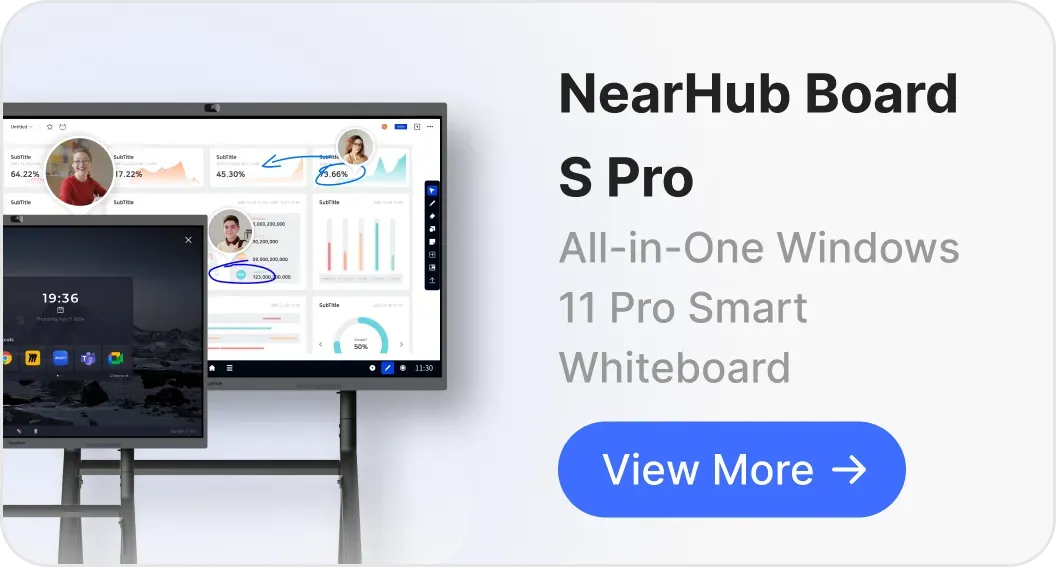
When discussing the premier boards for schools, the NearHub S-Pro stands out as a flagship solution. It is specifically designed to handle the rigorous demands of a high-intensity classroom.
Key Features of the S-Pro:
4K Ultra-HD Display: Crisp visuals that ensure every student, even those in the back row, can see the content clearly.
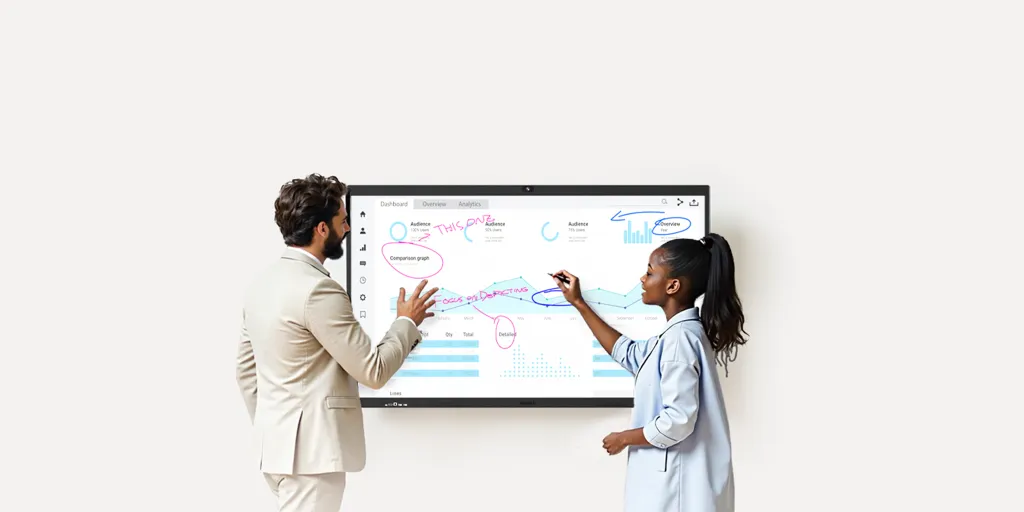
Zero-Gap Bonding: Provides a natural writing experience, making it feel just like a traditional school whiteboard but with digital superpowers.
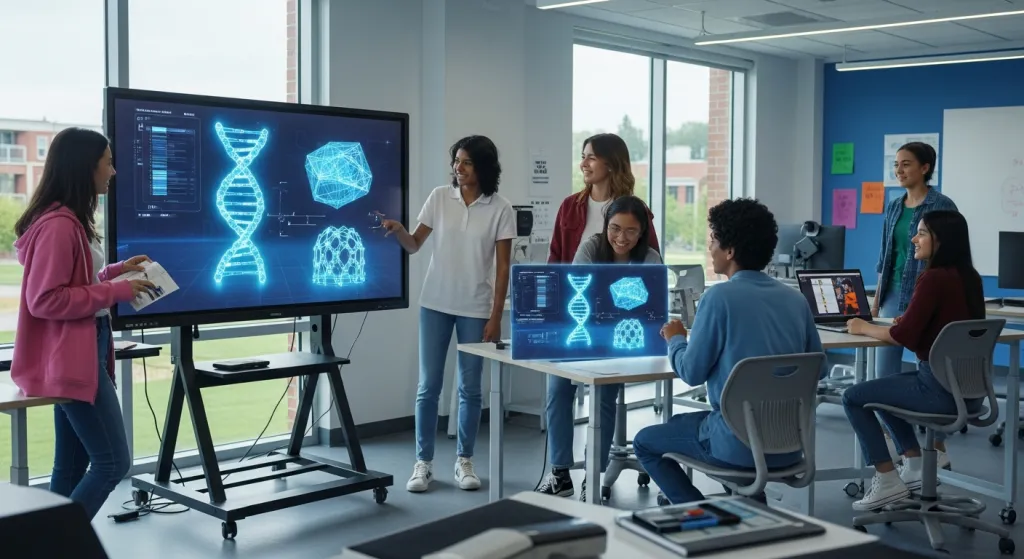
Multi-Touch Capabilities: Supports up to 20 simultaneous touch points, perfect for collaborative group work among boarding schools for teenagers.
If you are looking for a versatile interactive smart board, the S-Pro offers the lowest latency in the market.
Comparing the Best Boards for Schools: A Feature Breakdown
Choosing the right hardware requires a side-by-side look at what modern boards for schools offer. Below is a comparison of the top categories currently dominating the US market.
Comparison Table: Educational Display Solutions
Feature
Traditional Whiteboard
Standard Smart Board
NearHub S-Pro (S55/S75)
Connectivity
None
Limited (HDMI)
Full (Wireless/USB-C/Cloud)
Software Support
N/A
Basic Drawing
NearHub Canvas & Third-Party Apps
Durability
High (but stains)
Medium
High (Anti-glare, Toughened Glass)
Teenager Engagement
Low
Medium
Very High
Best For
Brainstorming
General Instruction
Smart technology in the classroom
Maximizing Smart Technology in the Classroom for Teenagers
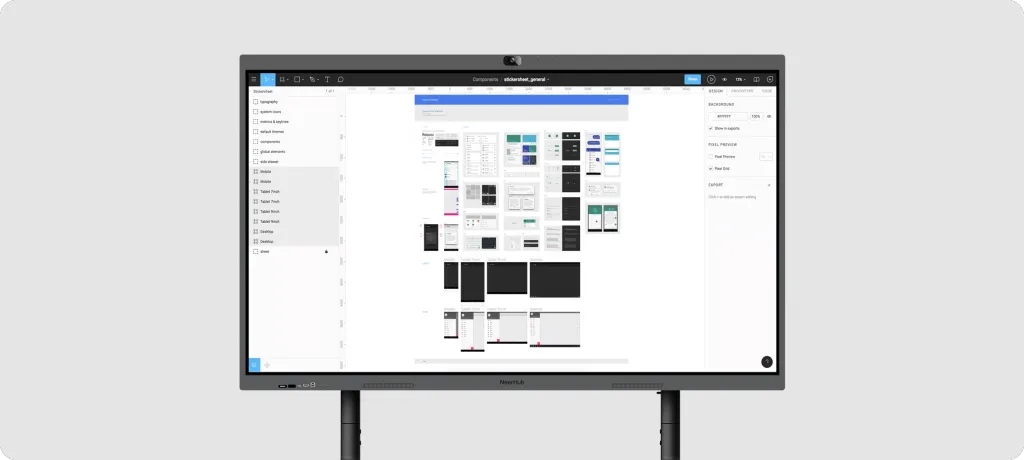
The transition to smart technology in the classroom isn't just about the hardware; it’s about the software ecosystem. High schoolers and teenagers require tools that mirror the apps they use in their daily lives.
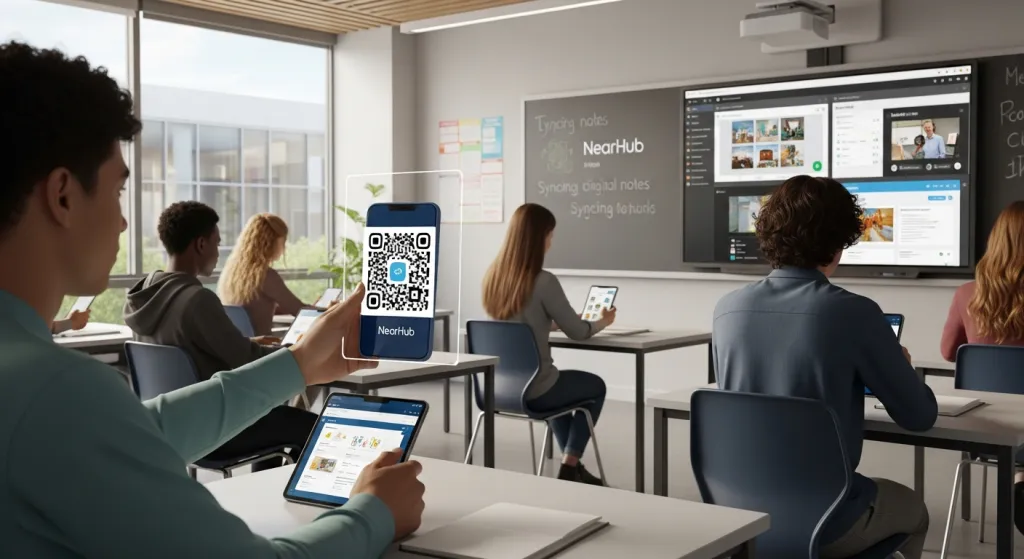
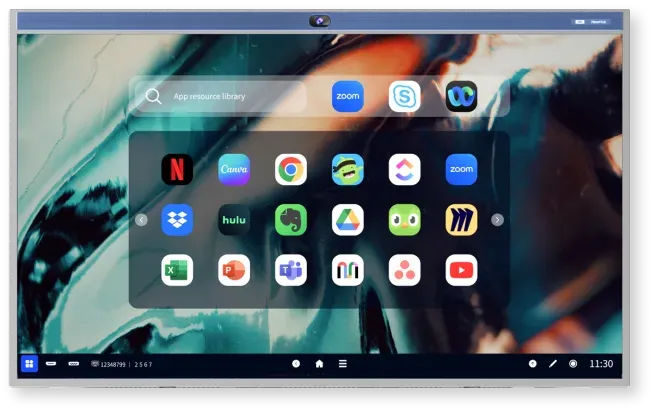
Cloud Integration: Students can scan a QR code on the smart white board and take the notes directly to their tablets.
Real-time Collaboration: Multiple students can cast their screens to the smart board for classroomsimultaneously.
Interactive Polling: Teachers can run live quizzes directly on the board to check for understanding in real-time.
By using NearHub solutions, schools can create a "Paperless Classroom" that appeals to the eco-conscious values of Gen Z and Gen Alpha.
The Evolution of the School Whiteboard: From Ink to Pixels
The humble school whiteboard has undergone a massive transformation. While the physical act of writing is still essential for memory retention, the medium has evolved.
The Analog Era: Whiteboards replaced chalkboards in the 90s, reducing dust but offering no data saving.
The Projector Era: Early "smart" boards required bulky projectors and frequent calibration.
The IFP Era: Interactive Flat Panels (IFPs) are the current "Best in Class" boards for schools. They are self-contained computers with high-resolution screens.
While the initial investment in a high-end nearhub system is higher than a bucket of markers, the Total Cost of Ownership (TCO) is often lower over five years.
Energy Efficiency: Modern LED-backlit boards consume significantly less power than older projector-based systems.
Lower Maintenance: No bulbs to replace and no filters to clean.
Professional Development: Many boards for schools come with integrated training modules for teachers, reducing the cost of external professional development.
Installation and Setup: Making the Transition Seamless
One of the biggest hurdles for boarding schools for teenagers is the downtime during technology upgrades. However, modern boards for schools are designed for "Plug and Play" functionality.
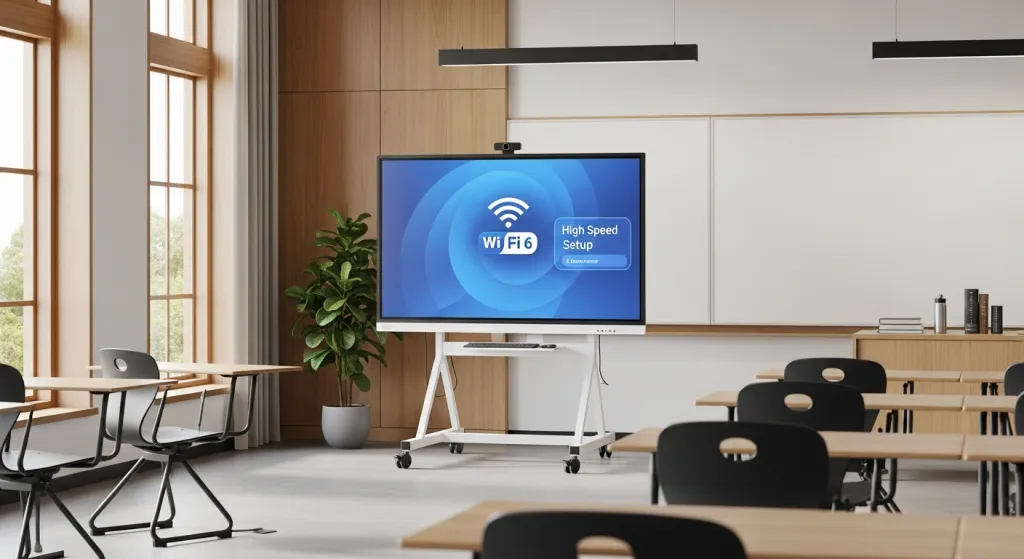
Mobile Stands: Many schools opt for rolling stands, allowing one board to be shared between multiple classrooms.
Wall Mounting: For a permanent, sleek look that fits the aesthetic of prestigious boarding schools.
Wi-Fi 6 Support: Ensures that the smart technology in the classroom doesn't lag, even when the entire school is online.
Conclusion: The Future of Educational Excellence
Selecting the right boards for schools is a strategic decision that impacts student recruitment, teacher retention, and overall educational quality. In the specific context of boarding schools for teenagers, providing a tech-forward environment is no longer optional—it is expected.
By integrating smart technology in the classroom through high-quality nearhub products, you are not just buying a screen; you are investing in a more interactive, inclusive, and efficient future for your students. The transition from a static school whiteboard to a dynamic, interactive hub will redefine how your educators teach and how your students learn.
Q1: Are interactive boards difficult for older teachers to learn?
No. Most modern boards for schools, such as those from NearHub, feature an intuitive interface similar to a giant tablet or iPad, making the learning curve very shallow.
Q2: Can these boards work with both Mac and Windows?
Yes. High-quality interactive displays for education support cross-platform screen sharing and wired connections for all major operating systems.
Q3: Is the screen durable enough for a classroom of teenagers?
Absolutely. Most school whiteboard digital replacements feature 7H or 8H hardness tempered glass, which is scratch-resistant and impact-resistant.
Q4: Do I need a special pen to write on the board?
While many smart white board options come with ergonomic styluses, most also support finger-touch for quick notes.
Q5: How does this improve the experience at boarding schools for teenagers?
It allows for a more "college-prep" atmosphere, where students learn to use the same collaborative tools they will encounter in higher education and the corporate world.