- Produkte ansehen
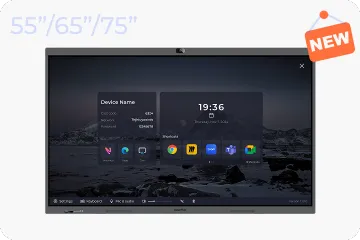
Windows OS 2.0
NearHub Board S Max
Windows OS
NearHub Board S Pro
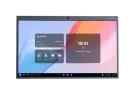
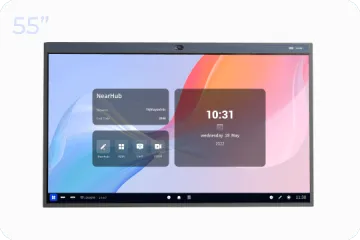
Für Huddle Rooms
NearHub Board S55
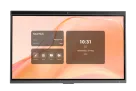
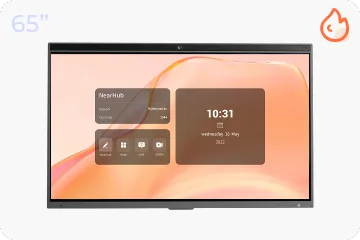
Für mittelgroße Räume
NearHub Board S65
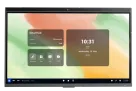
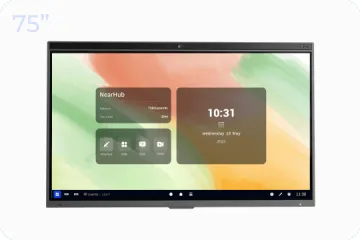
Für große Räume
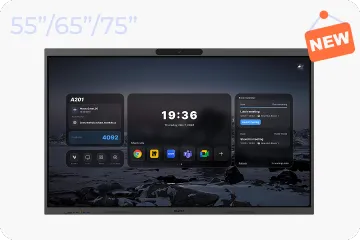
NearHub Board S75
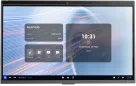
Für Boardrooms
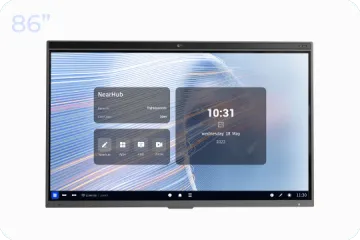
NearHub Board S86
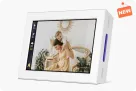
Smarter digitaler Bilderrahmen mit Luftqualitätsmonitor
NearHub Frames 10
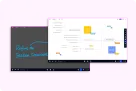
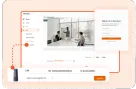
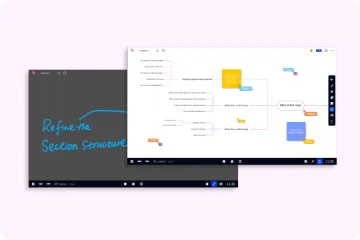
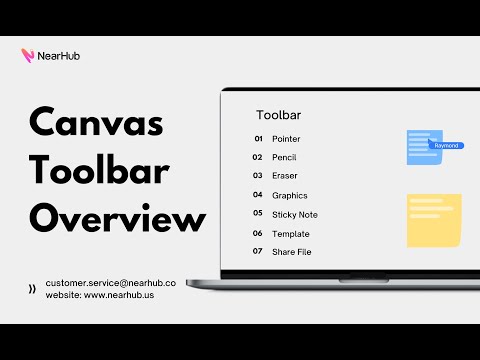
NearHub Canvas
Online-Whiteboard in Echtzeit
- Produkte ansehen
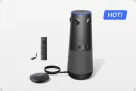
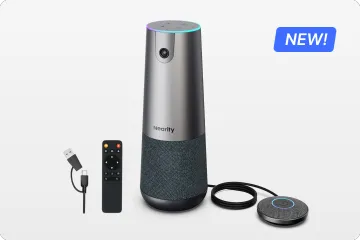
Echte 4K 360° All-in-1 Kamera für hybride Meetings
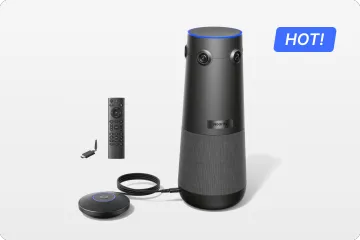
Nearity 360 Alien

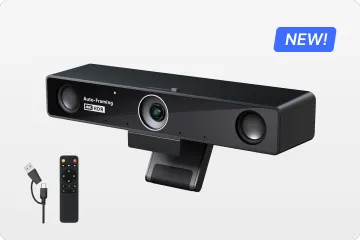
Echte 4K 120° All-in-1 Kamera für Teamzusammenarbeit
Nearity 120 Max

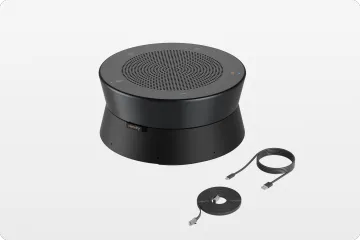
Audio der nächsten Stufe & innovatives Daisy-Chain
Nearity A20S
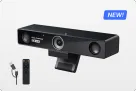
4K UHD 120° Webcam für hybride Meetings
Nearity V30S
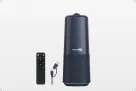
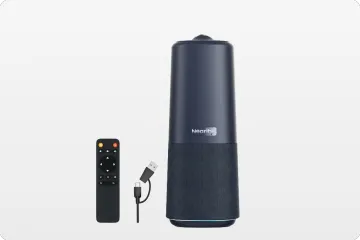
360° All-in-one Kamera für professionelle Gruppengespräche
Nearity 360 Basic
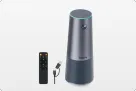
All-in-one Kamera für Gruppenmeetings
Nearity C45
- Produkte ansehen
- Produkte ansehen
- Besprechungsräume
- Anwendungsszenarien
- Interaktive Whiteboards