- Produkte ansehen

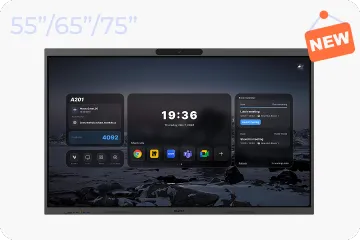
Windows OS 2.0
NearHub Board S Max
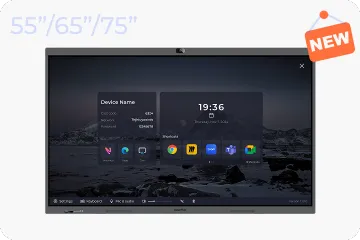
Windows OS
NearHub Board S Pro
Für Huddle Rooms
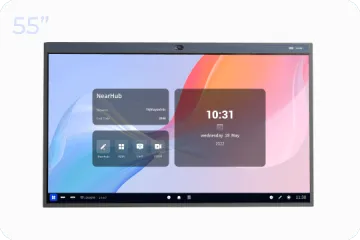
NearHub Board S55
Für mittelgroße Räume
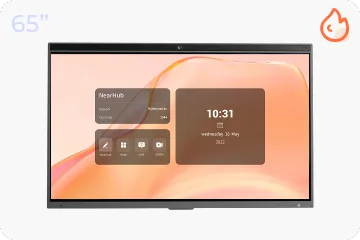
NearHub Board S65
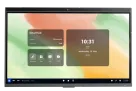
Für große Räume
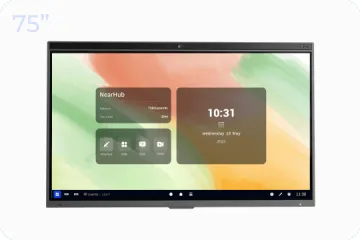
NearHub Board S75
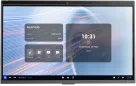
Für Boardrooms
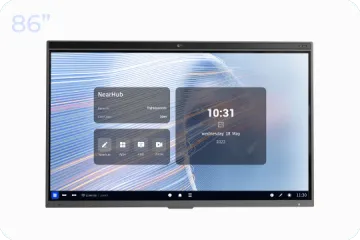
NearHub Board S86

Smarter digitaler Bilderrahmen mit Luftqualitätsmonitor
NearHub Frames 10
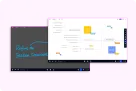
NearHub Canvas
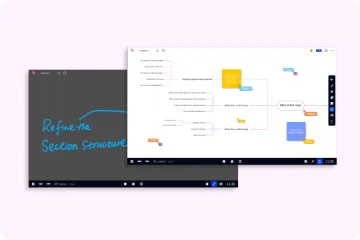
Online-Whiteboard in Echtzeit
- Produkte ansehen

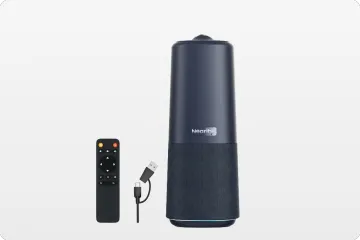
Echte 4K 360° All-in-1 Kamera für hybride Meetings
Nearity 360 Alien

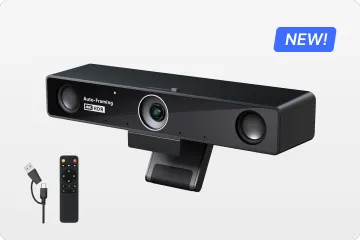
Echte 4K 120° All-in-1 Kamera für Teamzusammenarbeit
Nearity 120 Max

Audio der nächsten Stufe & innovatives Daisy-Chain
Nearity A20S

4K UHD 120° Webcam für hybride Meetings
Nearity V30S
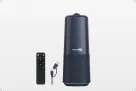
360° All-in-one Kamera für professionelle Gruppengespräche
Nearity 360 Basic

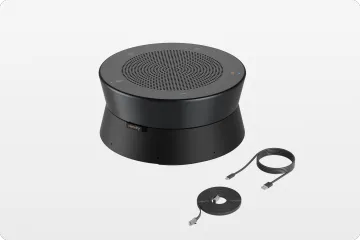
All-in-one Kamera für Gruppenmeetings
Nearity C45
- Produkte ansehen
- Produkte ansehen
- Besprechungsräume
- Anwendungsszenarien
- Interaktive Whiteboards
Here are some tips for you to use screen mirroring with NearHub built-in Hotspot.

Introduction of Hotspot
A Hotspot is a physical location where people can access the Internet, typically using WiFi, via a wireless local area network (WLAN) with a router connected to an Internet service provider. So Hotspot can provide a local network to realize the screen mirroring without WiFi.
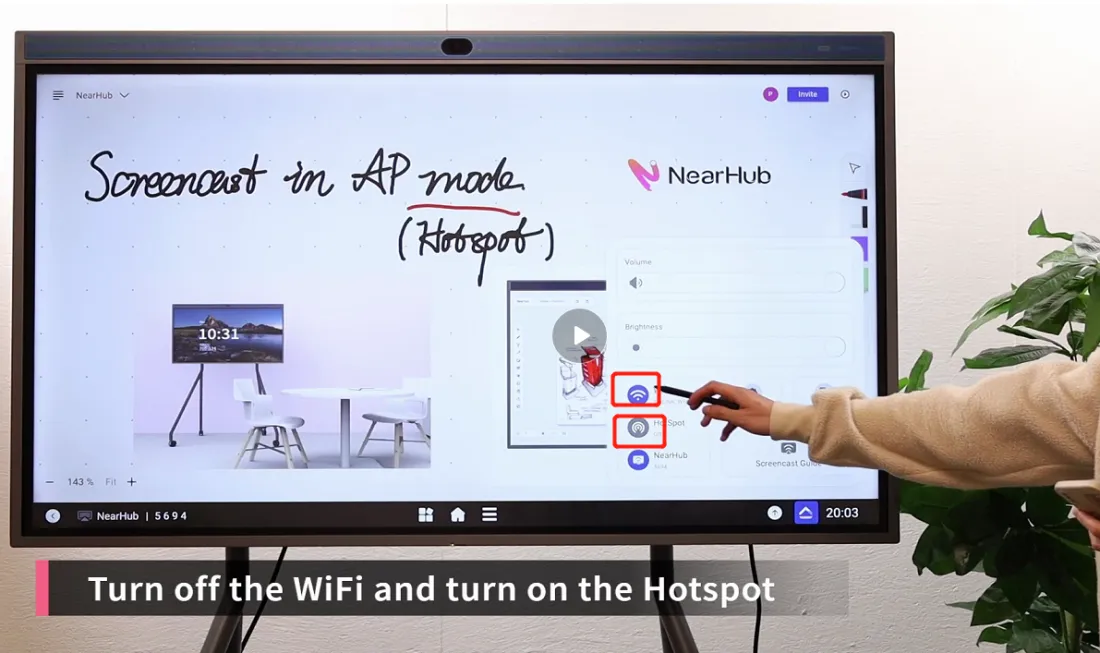
Step 1 Turn off the WiFi and turn on the Hotspot
Click the triangle-like button at the lower right corner and tap “WiFi” to turn it off. Then click hit “HotSpot” function to open it.
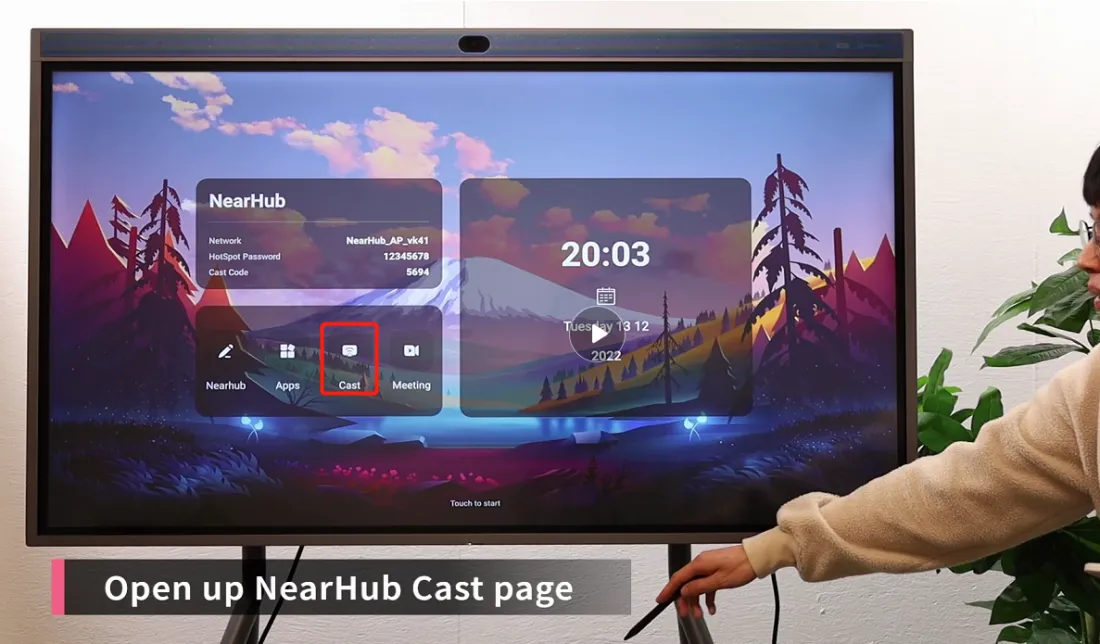
Step 2 Turn to the cast page.
Go back to the home page and click “cast”.
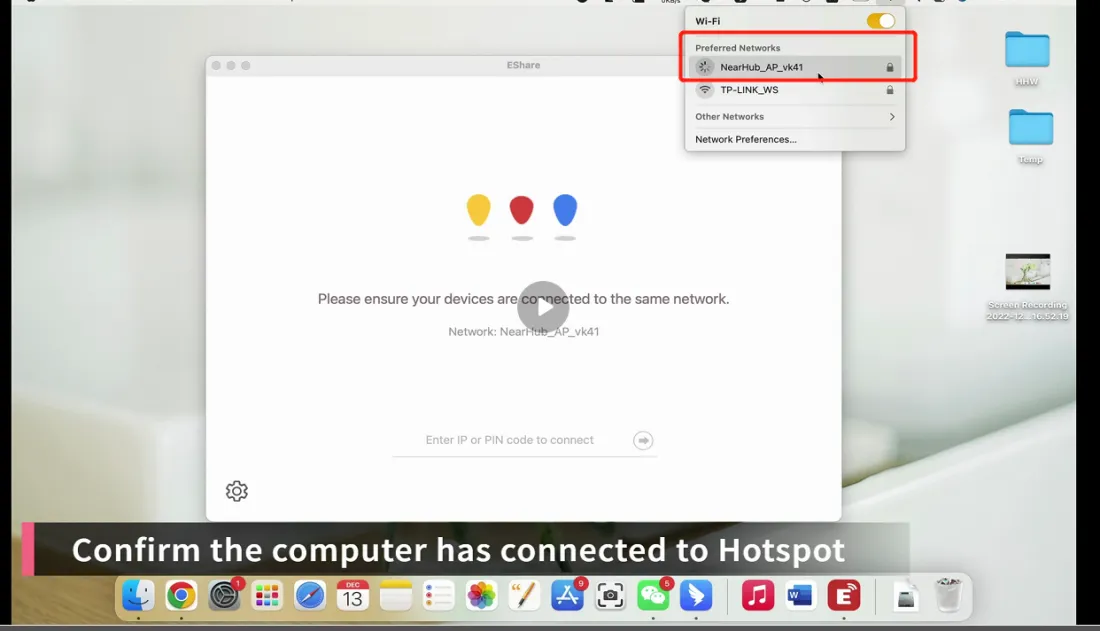
Step 3 confirm the computer has connected to Hotspot
You are suggested to make sure that your computer has connected the hotspot.
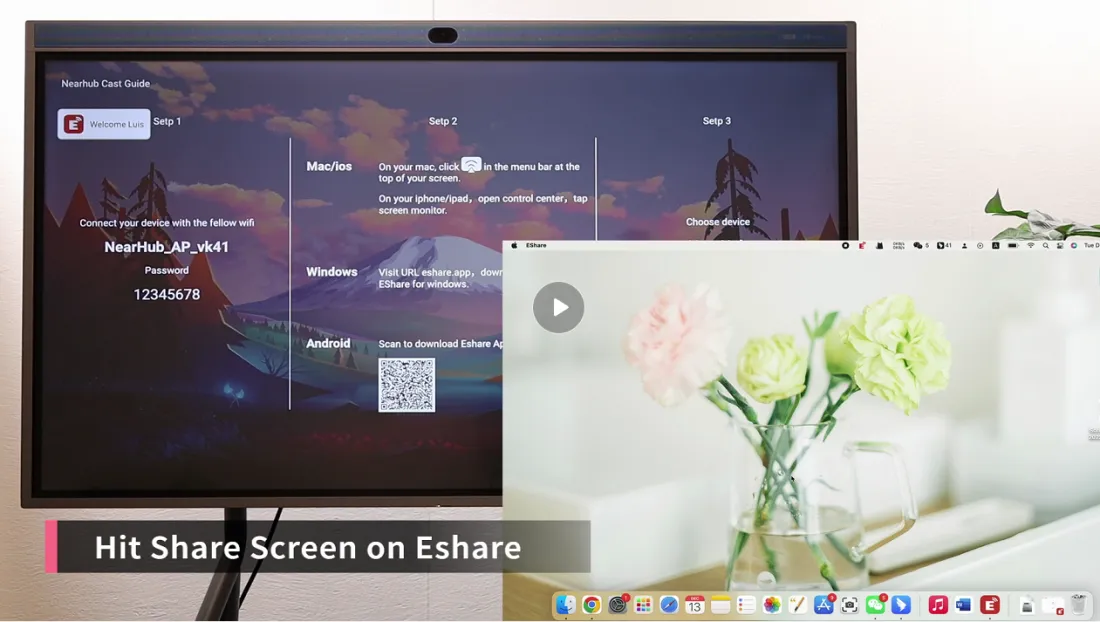
Step 4 Hit Share Screen on EShare
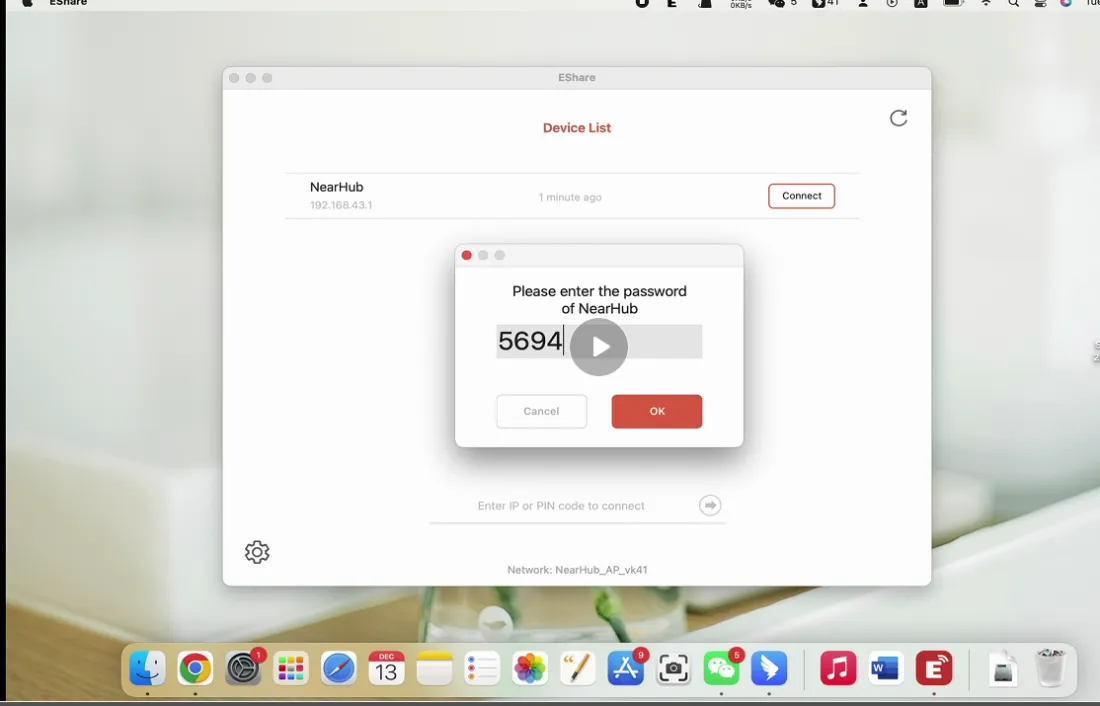
Open your EShare and enter your cast code which you can find in the Step 3 on the cast page. If you don’t have EShare, you can find it by visiting URL eshare.app. Click here to know more about screen mirroring by EShare.
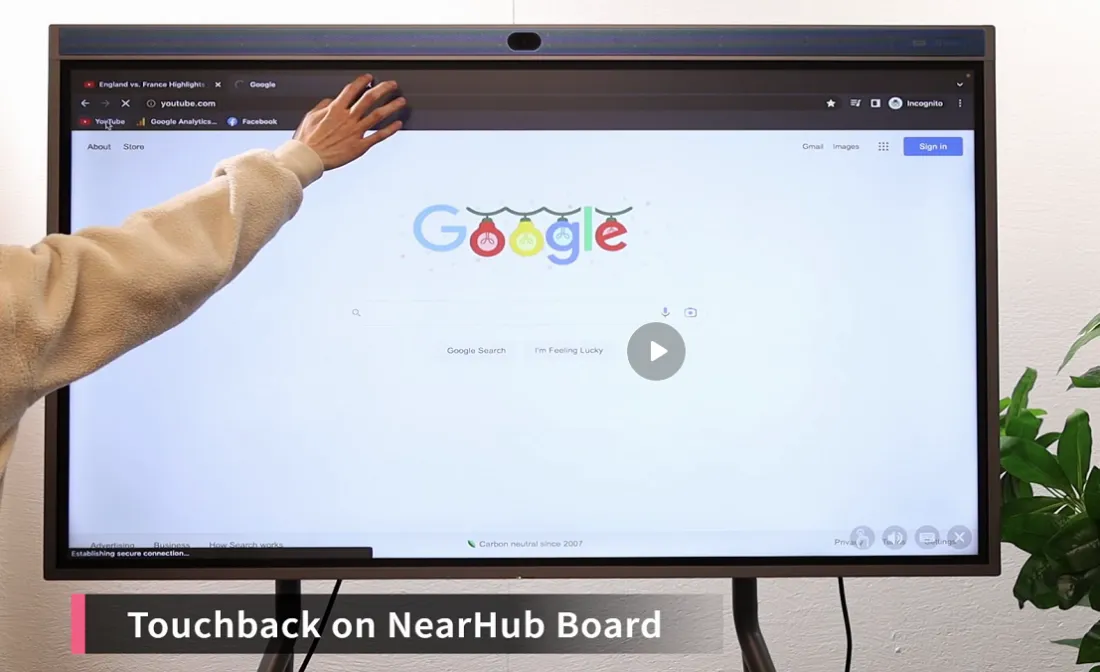
Step 5 Touchback on NearHub Board
A unique feature EShare has is the ability to touchback. To touchback means that you can control your computer simply by touching your board.
If you meet any problems in the process or have any further questions, please submit a support ticket here. Our support team will respond as soon as possible.