

































































Master the art of professional communication with our comprehensive guide on Meeting Manners and Etiquette. We identify the five most common conference room blunders—from poor lighting to technical delays—and provide actionable fixes. Discover how NearHub’s innovative 4K solutions, like the Nearity 360 Alien, enhance inclusive hybrid collaboration by ensuring every participant is seen and heard, effectively bridging the gap between physical and remote boardrooms.
Key Takeaways
- Prioritize Remote-First Inclusion: Ensure hybrid meetings treat off-site participants as equal stakeholders to prevent communication gaps and isolation.
- Adopt Plug-and-Play Technology: Use seamless hardware like the Nearity 360 Alien to eliminate technical delays that compromise professional respect and punctuality.
- Leverage 4K Visual Clarity: High-definition video preserves vital non-verbal cues and facial expressions, which are essential for building executive-level trust.
- Minimize Audio Distractions: Utilize AI-driven noise-canceling microphones to maintain focus and ensure your message is delivered without background interference.
- Standardize Meeting Protocols: Implement strict guidelines for punctuality, digital agendas, and role assignments to maximize collective productivity and respect.
Have you ever walked into a high-stakes board meeting, only to spend the first fifteen minutes fumbling with cables while your CEO stares at the back of your head? Or perhaps you’ve been on the remote end of a call where the person in the conference room looked like a blurry silhouette in a witness protection program. These aren't just technical glitches; they are major breaches of Meeting Manners and Etiquette.
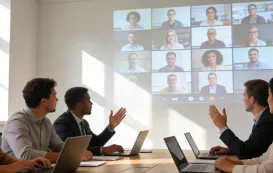
In today’s high-velocity business environment, how you present yourself and your team in a conference room speaks volumes about your brand's professionalism. This article serves as a comprehensive Product Review and Showcase, diving deep into how modern technology like the NearHub ecosystem can bridge the gap between sloppy sessions and executive-level presentations.
Mastering Meeting Manners and Etiquette is no longer just about who sits at the head of the table; it’s about how you utilize meeting room solutions to ensure everyone is seen, heard, and respected.
Understanding the Modern Importance of Meeting Manners and Etiquette
The landscape of corporate communication has shifted. According to a study by the Harvard Business Review, over 70% of senior managers across a range of industries said meetings are unproductive and inefficient. A significant portion of this inefficiency stems from a lack of established Meeting Manners and Etiquette.

In the hybrid work era, etiquette extends beyond the physical room. It encompasses:
Digital Presence: How you appear on a screen to remote participants.
Technological Fluency: Your ability to start a meeting without a "tech-tastrophe."
Inclusive Communication: Ensuring that "out of sight" does not mean "out of mind."
By following strict meeting protocols, businesses can reclaim lost time and improve morale.
Blunder 1: Poor Punctuality and Disjointed Meeting Protocols
Nothing screams "unprofessional" louder than a meeting that starts ten minutes late because the webcam for conference room wasn't recognized by the laptop.
The Etiquette Fix:
The 5-Minute Rule: Always arrive five minutes early to test the video conferencing equipment.
Agenda First: Never start a meeting without a shared digital agenda.
Role Assignment: Designate a "tech lead" to manage the screen sharing and recording.

Standard business meeting manners dictate that the host’s primary responsibility is to respect the attendees' time. If you are struggling with complex setups, it’s time to look at simpler hardware solutions.
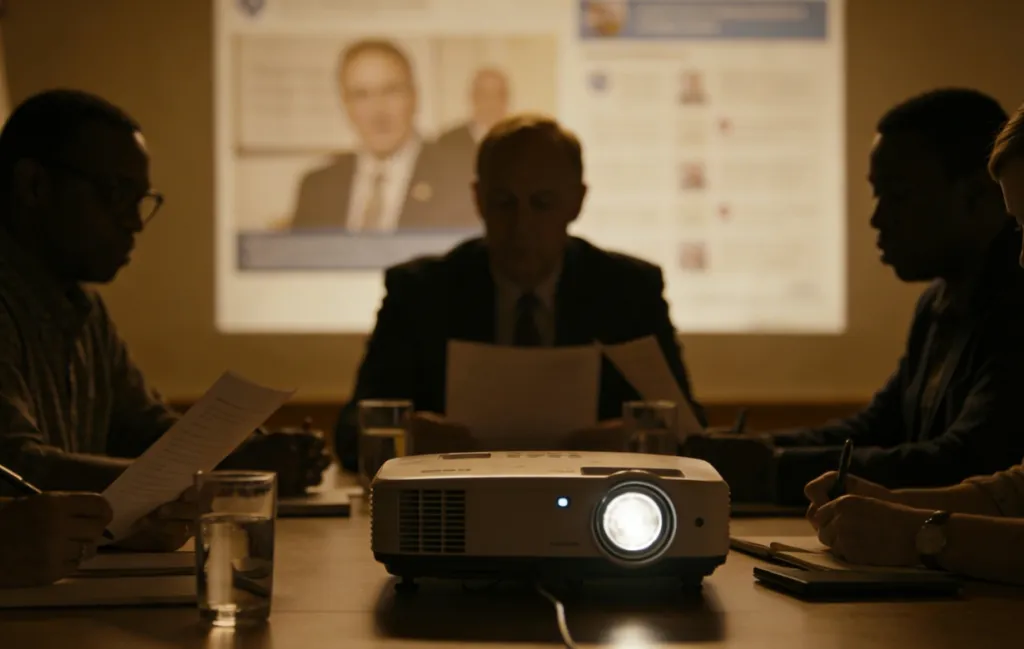
Blunder 2: The "Ghosting" Effect - Poor Lighting and Bad Camera Angles
This is where many organizations fail. You might have the best Meeting Manners and Etiquette in the world, but if the remote team can only see the top of your head or a grainy, dark image, the connection is lost. Poor lighting and "bowling alley" camera views (where people at the end of the table look like ants) are significant etiquette blunders.
Product Showcase: The Nearity 360 Alien
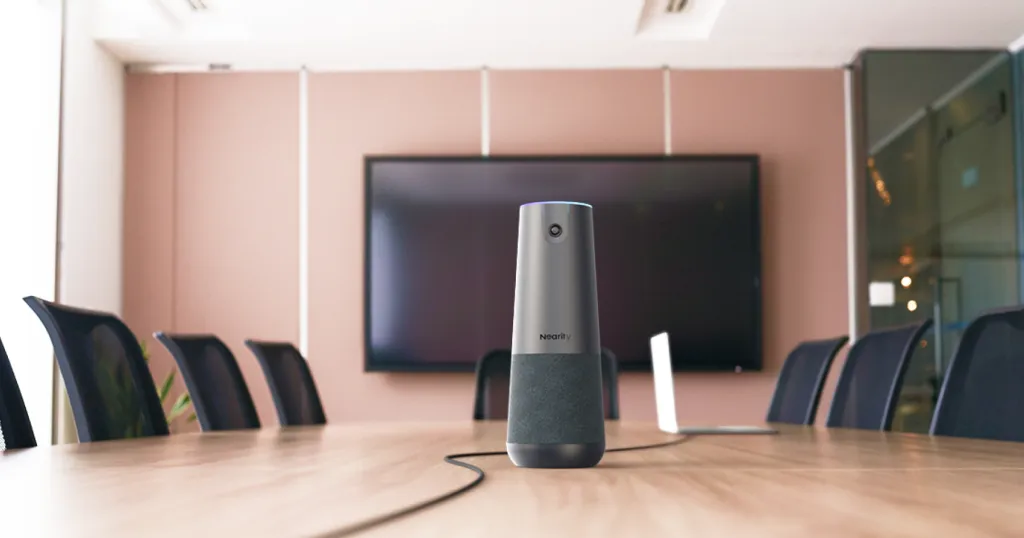
To solve this, NearHub introduced the Nearity 360 Alien. It is designed specifically to eliminate the "invisible participant" problem.
True 4K Clarity: High definition prevents the "blur" that makes participants look disengaged. Seeing facial expressions is key to business meeting manners.
360-Degree Coverage: No one is left out. The camera captures the entire room, ensuring that every participant is visually "present" at the table.
AI Auto-Framing: This feature acts like a digital director, automatically focusing on whoever is speaking. This mimics natural human conference room etiquette—when someone speaks, you look at them.
Why Plug-and-Play is Essential for Meeting Manners and Etiquette
We’ve all seen it: the frantic call to the IT department because the HDMI won't handshaking or the driver is missing. This delay is a breach of Meeting Manners and Etiquette. It signals that you didn't value the participants' time enough to prepare.
Solving the IT Headache
The beauty of modern meeting room solutions lies in simplicity. The Nearity 360 Alien offers a plug-and-play experience.
No Drivers Needed: Simply plug into a USB port and start.
Universal Compatibility: Works seamlessly with Zoom, Teams, and Google Meet.
IT-Friendly: Reduces support tickets because the hardware "just works."
Feature | Standard Webcam | Nearity 360 Alien |
Resolution | 1080p (often grainy) | True 4K Ultra HD |
Field of View | 90 Degrees (Narrow) | 360 Degrees (Total Room) |
Setup Time | 5-10 Minutes (Drivers/Angles) | <1 Minute (Plug-and-Play) |
Audio | Internal Mic (Echo-prone) | 8-Mic Array (Noise Canceling) |
Blunder 3: Ignoring the "Remote First" Perspective
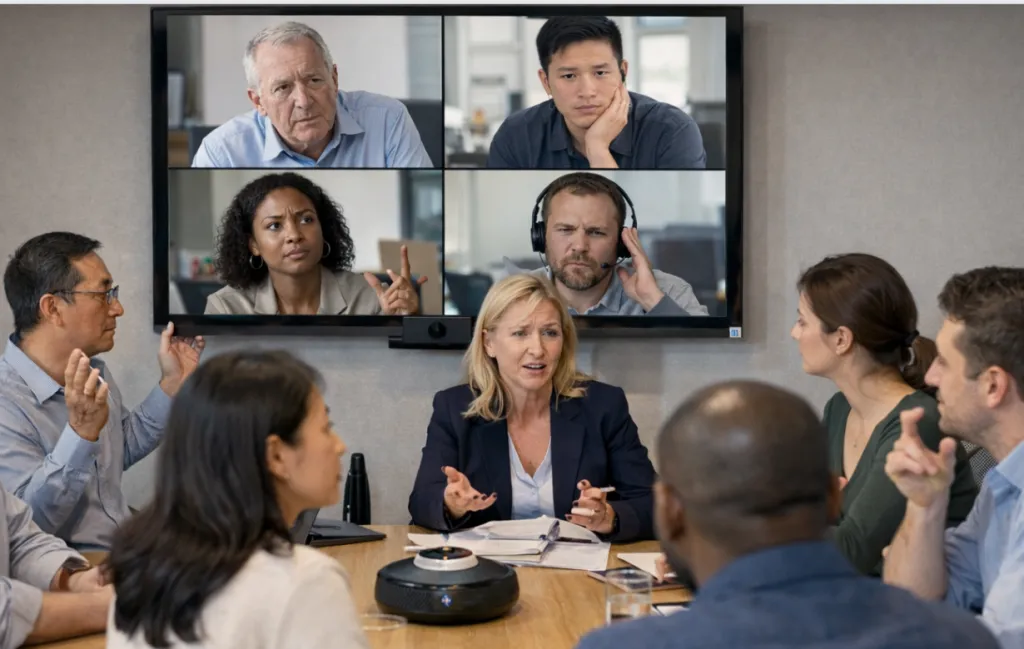
In conference room etiquette, we often focus on the people in the room. However, the most critical Meeting Manners and Etiquette rule in 2025 is: Prioritize the Remote Experience.
If you are whispering to the person next to you, the remote person feels excluded. If the camera is pointed at a whiteboard they can’t see, they are being ignored.
How to Improve Remote Inclusion:
Acknowledge Remote Guests First: Always say hello to the faces on the screen before the people in the room.
Use High-Quality Audio: If the audio is choppy, remote participants will tune out. NearHub equipment uses advanced beamforming to ensure every word is crisp.
Center the Camera: Place your webcam for conference room at eye level to simulate real eye contact.
Blunder 4: The "Mute" Disaster and Background Noise
We've all heard the dog barking or the coffee machine grinding in the middle of a strategic pitch. While some things are unavoidable, consistent background noise shows a lack of business meeting manners.
Protocols for Audio Etiquette:
Default to Mute: If you aren't speaking, you should be on mute.
Use Noise-Canceling Tech: Invest in the best video conferencing equipment that filters out non-human sounds.
Announce Transitions: "I'm going to unmute now to share a thought," helps avoid the awkward "You're on mute!" shout.
The Nearity 360 Alien features a sophisticated 8-microphone array that uses deep-learning AI to suppress background noise while enhancing the human voice. This ensures your Meeting Manners and Etiquette remain intact, even in noisy office environments.
Blunder 5: Cluttered Visuals and Messy Backgrounds
Your physical environment is part of your Meeting Manners and Etiquette. A messy conference room with half-eaten lunches and tangled wires sends a message of chaos.
Professional Environment Checklist:
Clear the Table: Remove everything except laptops and water.
Cable Management: Use meeting room solutions that minimize wire clutter.
Lighting: Ensure light is in front of your face, not behind you (which creates a dark silhouette).
FAQs
Q: What is the most important rule of conference room etiquette?
A: Respect. This manifests as punctuality, preparation, and ensuring all participants—physical and remote—can participate equally.
Q: How does a 4K camera improve business meeting manners?
A: High resolution allows for the transmission of non-verbal cues. Seeing a smile or a nod is crucial for building trust, which is the foundation of etiquette.
Q: Why is "Plug-and-Play" considered a part of etiquette?
A: Because technical delays waste collective time. Being "ready to go" is a sign of professional respect for your colleagues.
Q: Can bad audio ruin my professional reputation?
A: Yes. If people have to struggle to hear you, they will eventually stop listening. Good audio is the "invisible" part of Meeting Manners and Etiquette.
Q: How should I handle a person who talks too much in a meeting?
A: Follow meeting protocols by having a moderator who uses "time-boxing" for each agenda item.
Conclusion: Elevating Your Professional Image
Mastering Meeting Manners and Etiquette is a continuous journey of refining your habits and your environment. By avoiding common blunders—like poor camera angles, messy backgrounds, and tech delays—you position yourself as a leader who values efficiency and inclusion.
The tools you choose are a direct reflection of your commitment to these standards. Investing in high-quality meeting room solutions isn't just a capital expense; it's an investment in your company's culture and professional reputation. When you choose the best video conferencing equipment, you are telling your clients and employees that their presence matters.
Looking for a reliable way to upgrade your Meeting Manners and Etiquette? Check out our Nearity 360 Alien here: https://www.nearhub.us/product/true-4k-conference-camera-360-alien.




 sales@nearhub.us
