
































Have you ever noticed audio being slightly out of sync when watching videos or playing games with wireless earbuds? When explosion sounds don’t line up with action scenes, or characters’ lip movements don’t match their dialogue, even the best content can feel frustrating. This audio delay is exactly what we call wireless earbud latency. If you want a seamless experience, choosing high-quality low latency bluetooth earbuds is essential to bridge this gap.
In recent years, wireless earbuds have become incredibly popular thanks to their convenience and freedom from cables. However, that convenience often comes with a trade-off: latency. This issue becomes especially serious in fast-paced gaming or real-time communication scenarios such as online meetings, where even a split-second delay can matter.
Today, many products claim to be low latency earbuds or even wireless earbuds with no delay. But what actually makes the difference? And how do dongles—something you’ve probably heard mentioned more and more—fit into the picture?
In this article, written from the perspective of an SEO content strategist, we’ll break down the root causes of wireless earbud latency and provide a complete, practical guide to help you find the best low latency earbuds for your specific use case.
Key Takeaways
- Wireless earbud latency is caused by Bluetooth codecs wireless interference and device performance.
- Latency above 100 milliseconds is noticeable for video gaming and real-time communication.
- Low latency bluetooth earbuds with aptX Adaptive or LC3 codecs minimize audio delay.
- Dongles provide near zero-lag performance for professional gaming work and content creation.
What Is “Latency” in Wireless Earbuds, and Why Do You Need Low Latency Bluetooth Earbuds?
Latency refers to the time delay between when an audio signal is sent from a device (such as a smartphone or PC) and when the sound is actually produced by your earbuds. This includes the time required for the signal to be transmitted, decoded, and played back. According to technical insights from SoundGuys, standard Bluetooth transmission inherently involves processing stages that can delay audio delivery.
No matter how advanced the hardware is, this process always takes some amount of time.
How Bluetooth Earbud Latency Works
With wired earbuds, audio signals travel through cables almost instantaneously as electrical signals. Latency is essentially negligible—just a few milliseconds—and completely imperceptible to human ears. Wireless earbuds, especially those using Bluetooth, involve a much more complex process:
- Source device (phone or PC): Audio is encoded (compressed) into digital data.
- Transmission: The compressed data is sent wirelessly via Bluetooth.
- Earbuds: The signal is received as digital data.
- Earbuds: The data is decoded (decompressed) back into audio signals.
- Playback: The driver (speaker unit) produces sound.
The total time required for steps 1 through 5 is what we experience as latency. The longer this process takes, the more noticeable the audio-video mismatch becomes.
When Does Latency Become Noticeable?
Human perception is surprisingly sensitive. In general, once latency exceeds 100 milliseconds (0.1 seconds), many people begin to notice audio-video desynchronization.
- Below ~50 ms: Excellent. Virtually imperceptible, even for gaming or music production. Close to “no latency.”
- 50–100 ms: Very good. Suitable for video streaming and most games.
- 100–150 ms: Common range for products marketed as “low latency wireless earbuds.” Some users may notice slight delay in videos.
- 150 ms and above: Clearly noticeable in videos, especially dialogue. Problematic for rhythm games and FPS titles.
Three Main Causes of Delay in Low Latency Bluetooth Earbuds
Why does latency vary so much between different products? The main factors are codecs, wireless environment, and device performance.
1. Codecs: The Biggest Factor
A codec is the method used to compress and decompress audio data for transmission. Bluetooth audio requires compression, but different codecs introduce different levels of delay.
- SBC (Subband Codec): The default codec with high latency (200 ms or more).
- AAC (Advanced Audio Coding): Common on Apple devices (120–180 ms).
- aptX & aptX Adaptive: Widely used on Android for higher quality and lower latency (around 50–80 ms).
- LC3 (LE Audio): As highlighted by the Bluetooth SIG, the LC3 codec is the new standard designed to provide better quality at lower latencies.
2. Wireless Interference
Bluetooth operates in the crowded 2.4 GHz frequency band. In busy environments like offices or cafés, interference can cause data retransmissions, leading to increased latency.
3. Device and Chipset Performance
Older smartphones or low-quality chipsets in earbuds may take longer to encode/decode audio, adding to the total delay.
How to Choose the Best Low Latency Bluetooth Earbuds
Now that we understand the causes, let’s look at practical selection tips for finding the best low latency bluetooth earbuds.
- Look for aptX Adaptive or LE Audio (LC3): These are the most reliable ways to achieve low latency on Android and modern PCs.
- Choose Models with a “Gaming Mode”: Many modern earbuds, including the Nearity MemPod Fit 2, include a dedicated low-latency mode that optimizes transmission to around 50–80 ms.
- Prefer Bluetooth 5.2 or Newer: Newer versions offer better stability and efficiency.
- Don’t Ignore Other Features: If you need a best noise cancelling earbuds for work, comfort is key. For professionals, a headset for work ensures clear calls, while earbuds for calls and music need a secure fit.
Is “Zero Latency” Wireless Audio Possible? The Ultimate Solution: Dongles
While Bluetooth latency has improved dramatically, it’s still not truly zero. For professional gamers, musicians, or anyone who demands absolute precision, even minimal delay can be unacceptable.
This is where low-latency dongles come in.
What Is a Dongle?
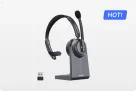
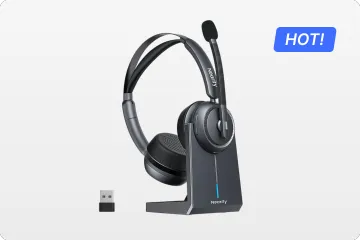
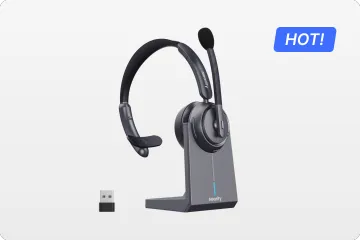
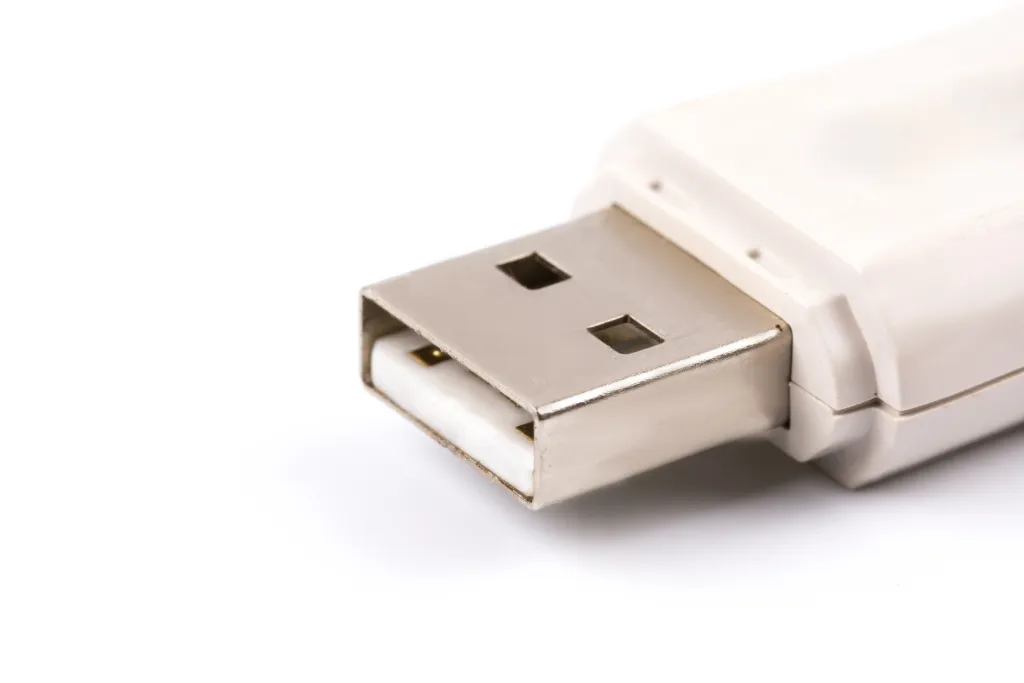
A dongle is a small transmitter, usually plugged into a PC, console (PS5, Nintendo Switch), or other devices via USB. Unlike standard Bluetooth adapters, low-latency dongles often use proprietary 2.4 GHz wireless protocols, not Bluetooth.
Why Dongles Achieve “No Perceptible Latency”
- Optimized proprietary transmission: Designed solely for audio, minimizing encoding and decoding overhead.
- Dedicated one-to-one connection: No device scanning or pairing delays.
- Strong interference resistance: More stable performance even in crowded environments.
As a result, latency can be reduced to 20–30 ms, comparable to wired connections and effectively imperceptible.
Who Should Use a Dongle?
- PC and console gamers: Especially FPS and rhythm game players.
- Business professionals: For mission-critical online meetings.
- Audio and video creators: For precise timing in editing and production.
Dongles prioritize absolute stability and ultra-low latency over the convenience of universal Bluetooth compatibility.
Nearity’s Low-Latency Solutions for Work and Everyday Life

Different use cases require different solutions. Nearity offers several products that address latency from multiple angles:
For Business Professionals Who Need Ultimate Stability
Nearity MemPod Pro 2S is an open-ear earbud designed for long meetings and professional workflows. Beyond stable, low-latency audio, it offers recording, transcription, and summarization features—ideal for improving meeting productivity.
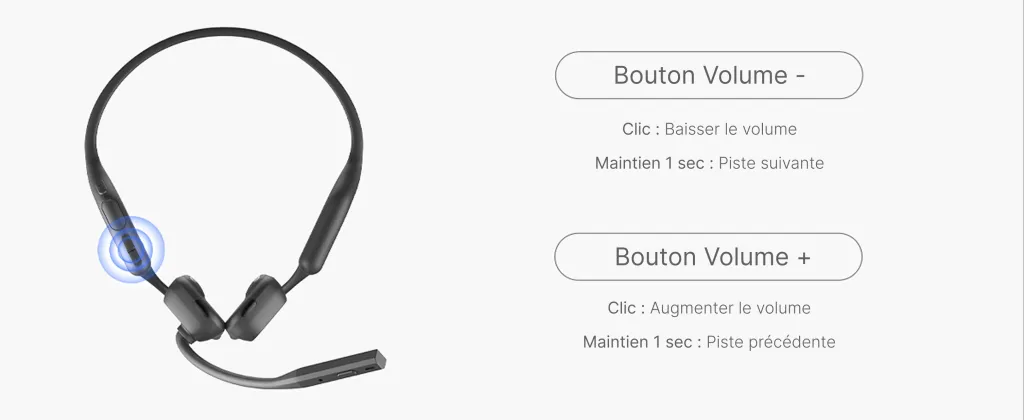
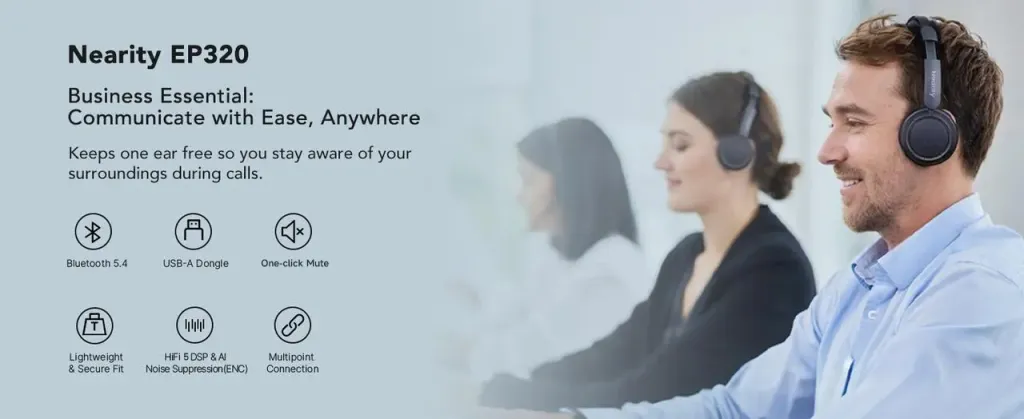
Nearity EP320 is a comprehensive answer to latency concerns. It supports three connection modes out of the box: low-latency dongle, Bluetooth, and wired. Use the dongle for “zero-lag” PC meetings, Bluetooth for mobility, and wired mode for absolute reliability.
A New Balance of Comfort and Low Latency
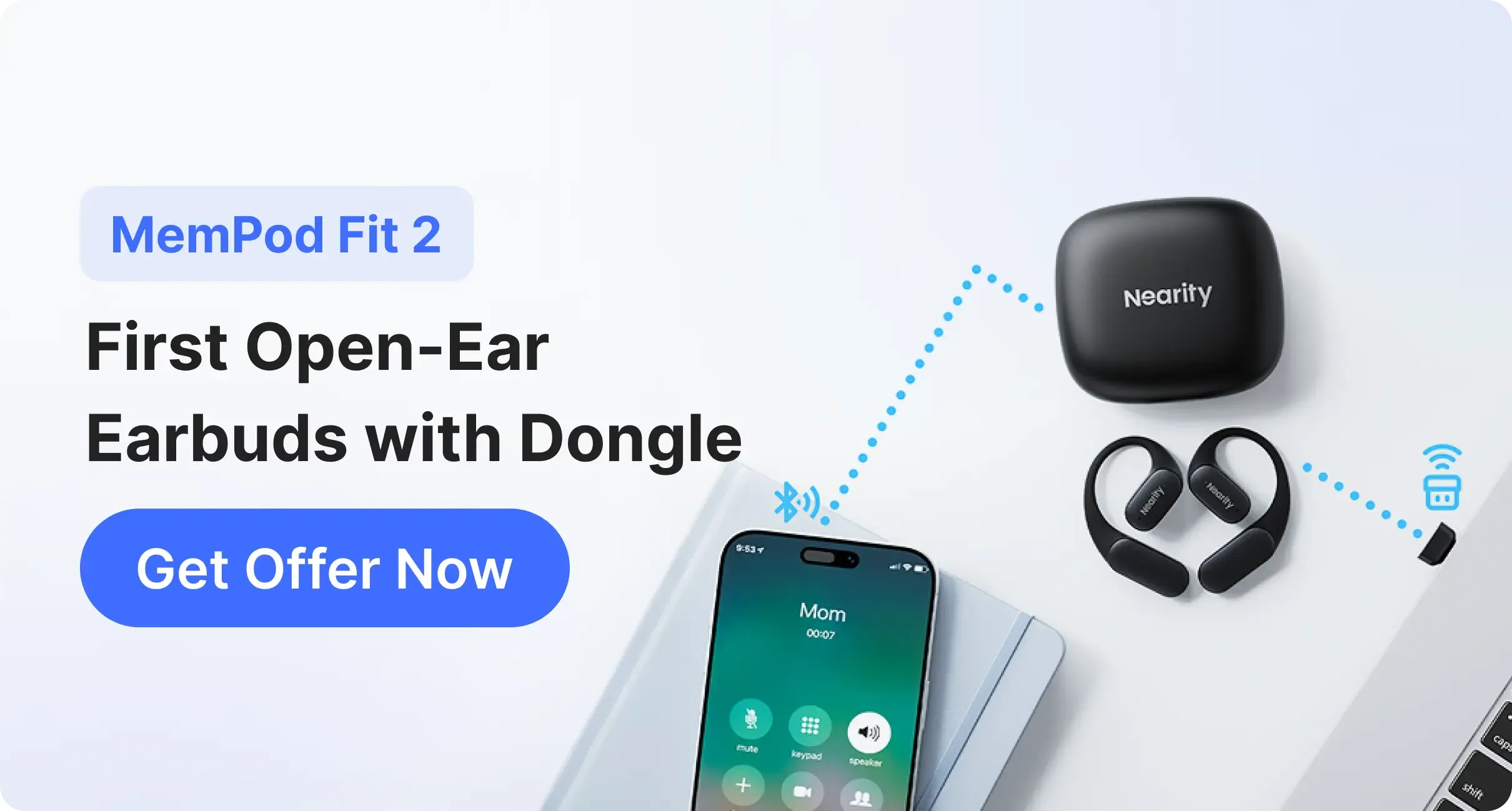
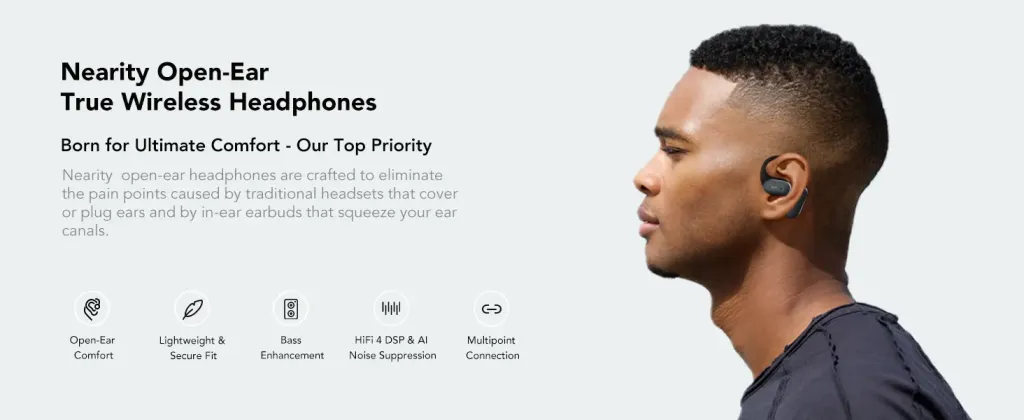
Nearity MemPod Fit 2 combines open-ear comfort with low-latency performance. Its ear-hook design allows all-day wear while staying aware of your surroundings. The included USB-C dongle eliminates Bluetooth instability, making it ideal for gaming, work, and everyday multitasking.
Conclusion: Choosing the Right Approach to Wireless Earbud Latency
Wireless earbud latency has improved significantly thanks to advances in codecs and transmission technology.
- For video streaming and casual gaming, earbuds with aptX Adaptive or a gaming mode are usually sufficient.
- For competitive gaming or professional online meetings where “no latency” is essential, dongle-based wireless solutions remain the most reliable option.
Identify your priorities—convenience versus absolute performance—and choose the setup that best fits your needs. Nearity’s product lineup offers strong options for both everyday users and professionals.
FAQs
1: When does wireless earbud latency become noticeable?
Most people begin to notice delay beyond 100 ms. For gaming, under 50 ms is ideal.
2: Can iPhones use aptX?
No. iPhones only support AAC, not aptX.
3: What is “Gaming Mode”?
A manufacturer-optimized mode that reduces latency—often to 50–80 ms—by adjusting transmission parameters.
4: What are LE Audio and LC3? Are they low latency?
LE Audio is a new Bluetooth standard. Its LC3 codec offers higher efficiency and lower latency, comparable to aptX.
5: Will a dongle reduce latency for any wireless earbuds?
No. Low-latency dongles only work with earbuds or headsets specifically designed for them.
6: Are there quick ways to reduce latency right now?
Yes. Try resetting and re-pairing your earbuds, restarting your device, avoiding wireless interference, or enabling a gaming/low-latency mode if available.