
































































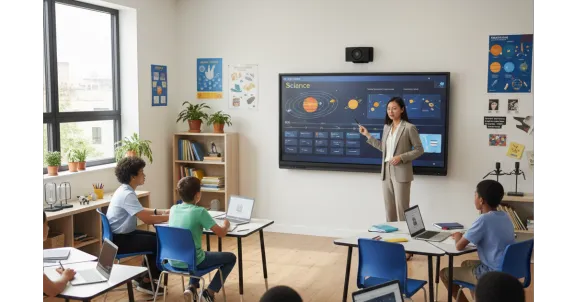
Imagine walking into a meeting room ten years ago. You’d likely see a faint projector beam struggling against the morning sunlight, a tangled mess of VGA cables, and a dry-erase board covered in the ghostly stains of last month’s brainstorming session. We’ve all been there—squinting at a "large screen touch screen" that wasn’t actually touch-sensitive, or trying to find a marker that wasn't bone-dry.
Fast forward to today. The world has changed. Our "offices" are now hybrid, our "classrooms" are digital hubs, and our expectations for collaboration have skyrocketed. Enter the interactive flat panel. It isn't just a screen; it’s the heartbeat of the modern collaborative environment. Whether you are an educator trying to spark curiosity or a CEO aiming to align a global team, the right smart electronic whiteboard is no longer a luxury—it’s a necessity.
In this guide, we’re going to dive deep into everything you need to know about the interactive flat panel display, from the technical wizardry of infrared touch to the tactile joy of modern smart board pens. By the end, you’ll not only be an expert on the tech—you’ll know exactly how to choose the solution that makes your life easier.
Key Takeaways
Transforming your workspace or classroom doesn't have to be complicated. Here are the essential insights and actionable conclusions from our guide:
- Industry Trends and Technical Evolution:Interactive flat panels are rapidly replacing traditional projectors in offices and classrooms due to their superior 4K clarity and low maintenance costs.
- Core Interaction and Touch Technology:High-precision touch technology paired with smart pens delivers a zero-latency, natural writing experience while supporting simultaneous multi-user collaboration.
- Industry Application Scenarios:These displays significantly boost student engagement in education and bridge communication gaps for remote corporate teams during complex design reviews.
- NearHub Board S55 Product Advantages:The NearHub S55 provides an all-in-one professional collaboration solution by integrating a 4K camera, an 8-microphone array, and wireless quad-screen sharing.
- Buying Guide and Long-term Value:Selecting panels with zero-bonding and eye-care features ensures high ROI, supported by an impressive lifespan of over 50,000 hours.
What is an Interactive Flat Panel Display (IFPD)?
At its simplest, an interactive flat panel display (IFPD) is one large-format touchscreen display ideal for meeting rooms and collaborative spaces. Think of it as a giant, incredibly powerful tablet that hangs on your wall. But calling it a "big tablet" is doing it a disservice.
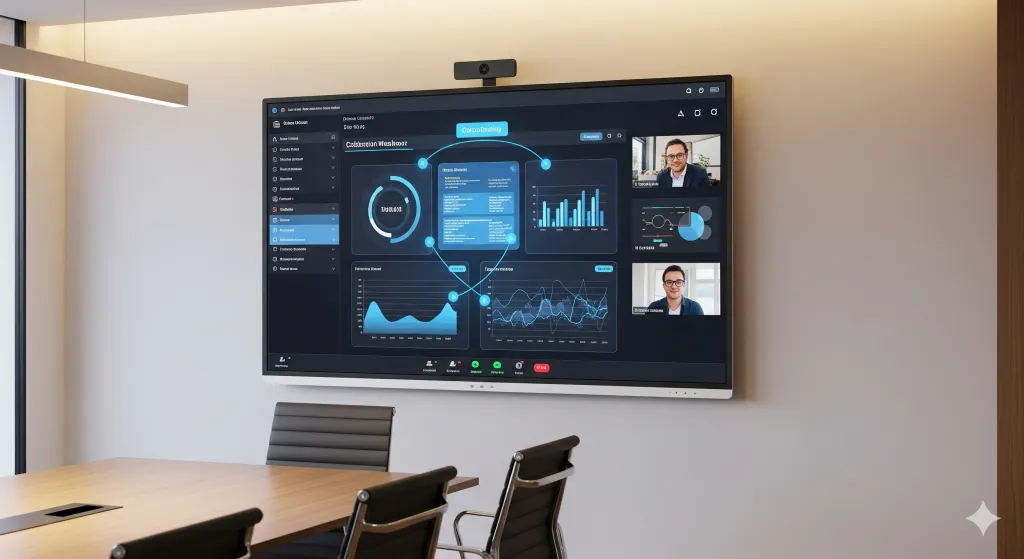
Unlike the old-school combination of a projector and an interactive smart board, an IFPD is an all-in-one solution. It houses its own operating system (usually Android or Windows), high-definition speakers, microphones, and a vibrant 4K LED screen.
The Death of the Projector
Why are businesses and schools ditching projectors in droves?
- Clarity: Even the best projectors struggle with ambient light. An IFPD shines bright with 4K resolution, ensuring every spreadsheet cell and architectural detail is crisp.
- Maintenance: No more $300 light bulbs to replace or filters to clean.
- Interactivity: A projector is a passive medium. An IFPD is an active one. You don't just look at it; you work withit.
The Magic of the Large Screen Touch Screen Experience
When we talk about a large screen touch screen, we’re talking about more than just size. We’re talking about latency and precision.
Have you ever tried to draw on a cheap touchscreen and felt like the line was "chasing" your finger? That’s high latency, and it kills creativity. Modern interactive panels use advanced touch technologies—like Advanced Infrared (IR) or In-Glass technology—to ensure that when you write, it feels as natural as pen on paper.
Why "The All-Rounder" Cares About Touch Points
If you're a teacher, you know the chaos of a classroom. You want three students to be able to come up to the board and solve a math problem simultaneously. Most high-quality panels now support 20 to 40 points of touch. This multi-user capability turns a presentation into a workshop. It transforms a lecture into a conversation.
| Feature | Projector & Whiteboard | Traditional TV | Interactive Flat Panel |
|---|---|---|---|
| Interactivity | Limited/External Sensor | None | Built-in (Multi-touch) |
| Resolution | Usually 1080p (Fuzzy) | 4K | 4K Ultra HD |
| Life Span | 3,000 - 5,000 hours (Bulb) | 30,000 hours | 50,000+ hours |
| Collaboration | Low | Low | High (Built-in Software) |
| Setup | Complex Cables/Calibration | Simple | Plug-and-Play |
Precision at Your Fingertips: The Role of Smart Board Pens
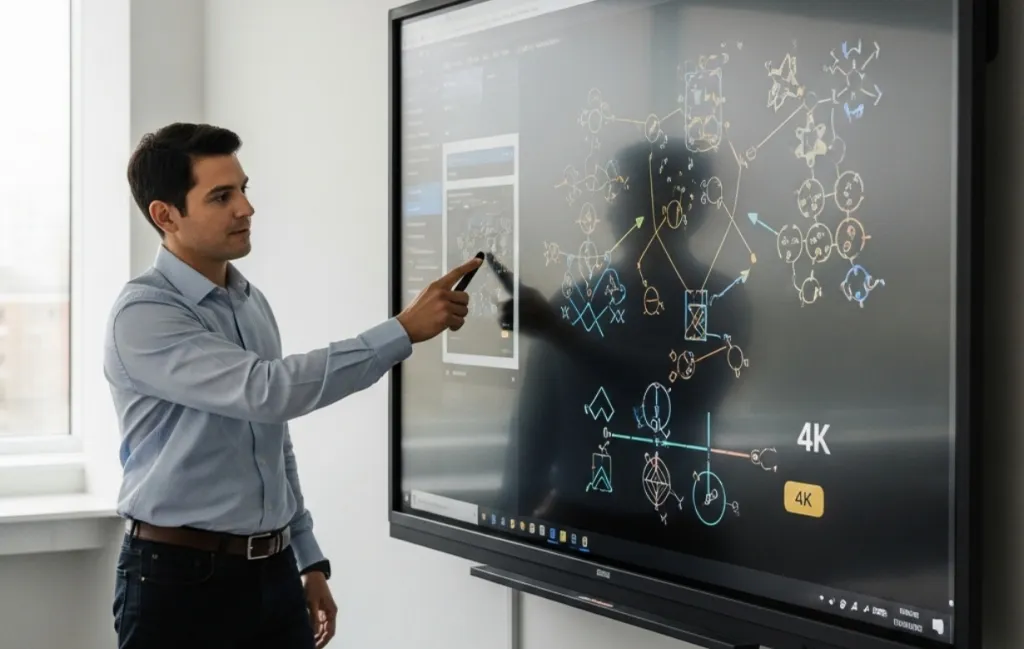
While our fingers are great for swiping and zooming, true professional work requires precision. This is where smart board pens come into play. These aren't just plastic sticks; they are ergonomically designed tools that communicate with the panel to provide different "ink" thicknesses, colors, and even pressure sensitivity.
Imagine you're in the middle of a high-stakes design review. You pick up your stylus, circle a flaw in a 3D model, and use the back of your hand to erase a mistake. The panel knows the difference between the pen (writing), your finger (moving the object), and your palm (erasing). This intuitive flow is what separates a mediocre smart white board from a professional-grade tool.
Pro-tip: Look for panels that offer "dual-pen" functionality, allowing two users to write in different colors at the same time without having to change settings manually.
Transforming the Classroom: Interactive Displays for Education
Education has undergone a massive shift. The "sage on the stage" model is being replaced by active learning. Research from Harvard University suggests that students retain significantly more information when they are actively engaged with the material.
By using interactive displays for education, teachers can:
- Gamify Learning: Run interactive quizzes where students use their own devices to send answers to the big screen.
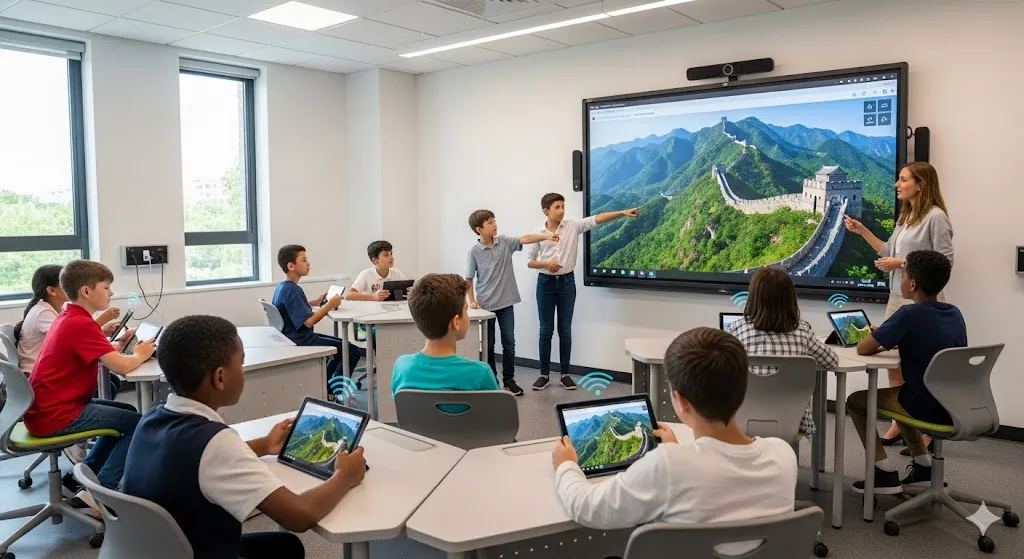
- Virtual Field Trips: Explore the Great Wall of China in 4K with a swipe of a finger.
- Save and Share: Never hear "I didn't get the notes" again. Teachers can record the entire session—including the annotations—and email it to the class instantly.
Achieving Peak Productivity: How the NearHub Board S55 Empowers Your Smart Electronic Whiteboard Workflow
When we look for the gold standard in the "All-Rounder" category, we need a device that handles the boardroom as gracefully as it handles a creative studio. The NearHub Board S55 is exactly that. It isn't just a display; it's a complete ecosystem designed to remove the friction from your workday.
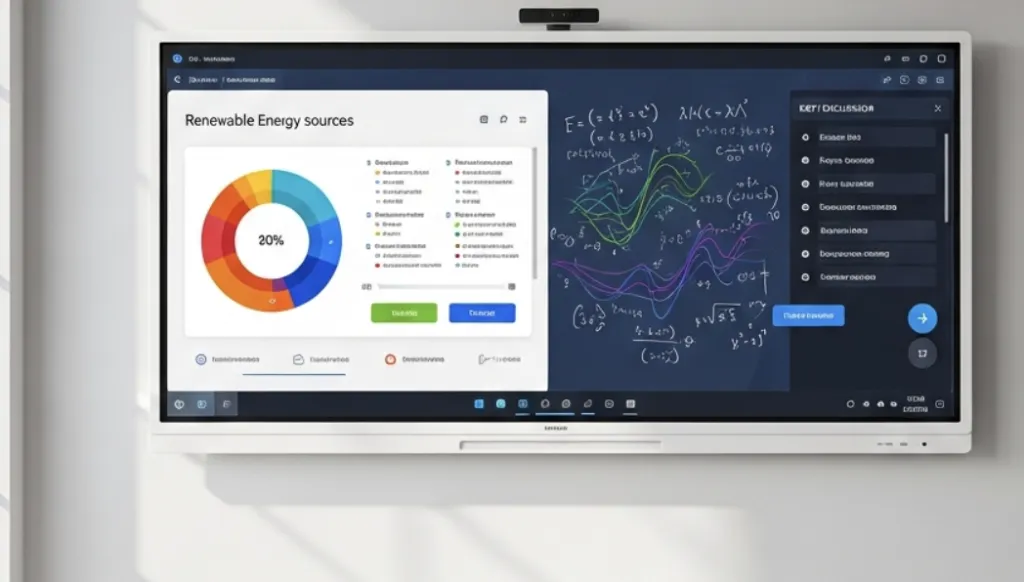
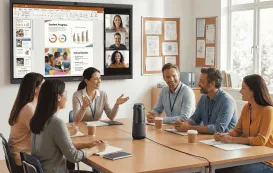
The smart electronic whiteboard functionality of the S55 is powered by an incredibly responsive 4K panel that makes every interaction feel instantaneous. One of the standout features of this specific smart electronic whiteboard is its integration with professional-grade video conferencing. With a built-in 4K camera and an 8-array microphone, you aren't just showing a screen to your remote teammates—you're bringing them into the room.
What truly sets the NearHub Board S55 apart is its "Frictionless Sharing." In a world where everyone brings their own device (BYOD), the S55 allows for seamless wireless casting from Windows, Mac, iOS, and Android. You can display up to four screens simultaneously, making it the ultimate tool for data comparison and collaborative brainstorming. It’s the kind of tech that makes people say, "Wait, how did you do that?" within the first five minutes of a meeting.
Key Technical Specs You Should Know (Without the Boring Jargon)
If you're comparing different models of an interactive flat panel, it's easy to get lost in the sea of acronyms. Let's break down what actually matters for your daily use.
1. Bonding Technology
You might see terms like "Air Bonding" or "Zero Bonding."
- Air Bonding leaves a tiny gap of air between the LCD and the glass. It’s cheaper, but it can cause a slight visual parallax (where the "ink" looks like it's floating slightly above the screen).
- Zero Bonding (like found on premium smart white board models) fuses the glass and the panel. This results in a better viewing angle and a writing experience that feels much more direct.
2. Operating Systems
Most panels run Android for their built-in whiteboard and browser features. However, for "All-Rounders" who need to run heavy software like AutoCAD or Photoshop, look for a panel with an OPS (Open Pluggable Specification) Slot. This allows you to slide a dedicated Windows PC directly into the side of the monitor, giving you the best of both worlds.
3. Eye Care Technology
Since you’ll be staring at this large screen touch screen for hours, ensure it has Flicker-Free technology and a Blue Light filter. Your eyes (and your sleep schedule) will thank you.
Conclusion: Take Your Collaboration to the Next Level
The transition from passive viewing to active collaboration is the single biggest upgrade you can give your team. The interactive flat panel has moved past being a "cool gadget" to becoming a fundamental pillar of modern work and education.
Whether you're looking for the precision of smart board pens, the immersive quality of a large screen touch screen, or the versatile power of an interactive flat panel display, the goal remains the same: to communicate more clearly and work more effectively.
If you are ready to stop fighting with cables and start winning at collaboration, there is no better place to start than the smart electronic whiteboard from NearHub. It’s built for the way we work today—fast, fluid, and focused on results.
Ready to transform your space? Discover the NearHub Board S55 today and see how the right technology can turn your next "boring meeting" into a breakthrough.
Frequently Asked Questions (FAQ)
1. Can I use my own software on an interactive flat panel?
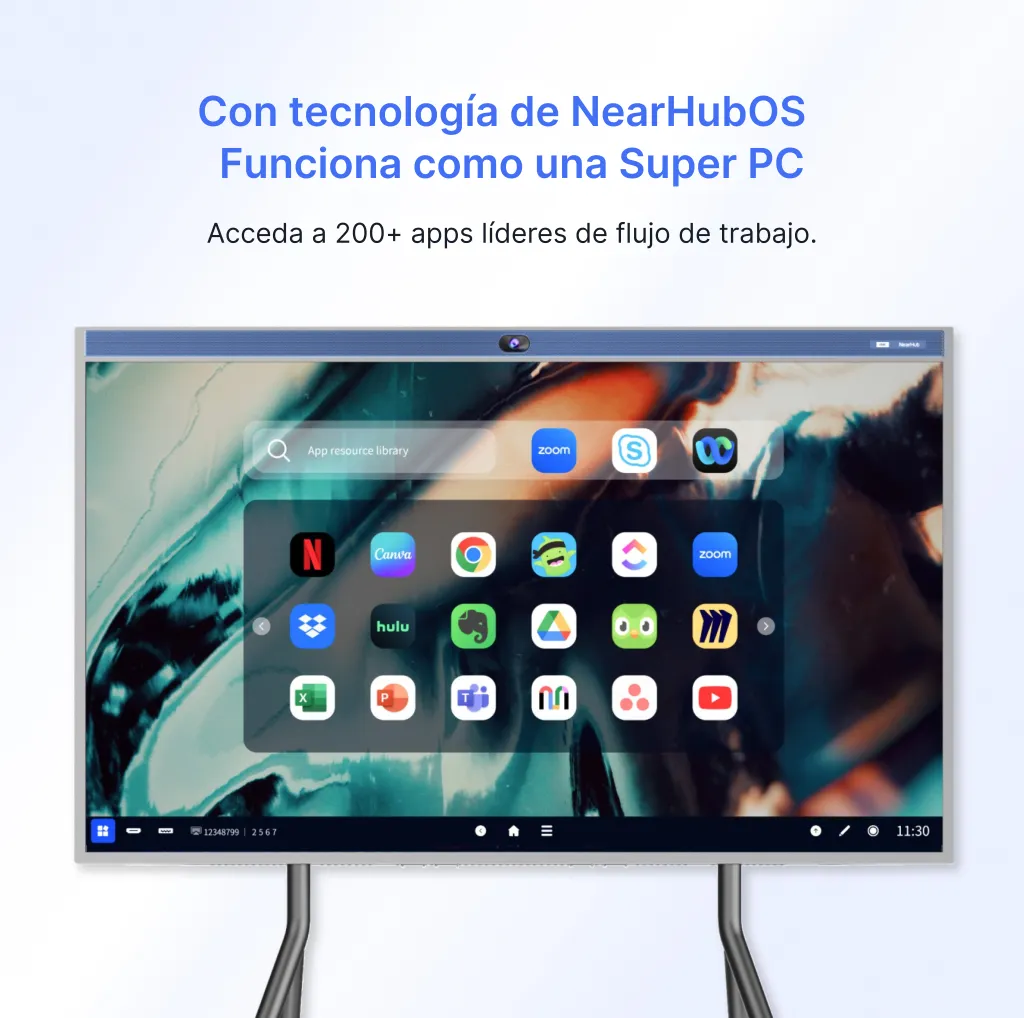
Absolutely! Most IFPDs are platform-agnostic. Whether you use Zoom, Microsoft Teams, Google Workspace, or specialized education software, you can run them directly from the built-in OS or by connecting your laptop.
2. Do I need special markers for the smart board pens?
No! Smart pens are usually passive (stylus-based) or active (battery-powered/rechargeable). You never have to worry about running out of ink, and the screen is designed to resist scratches.
3. How do I clean a large screen touch screen?
Use a dry microfiber cloth for dust. For smudges, a tiny amount of screen-safe, alcohol-free cleaner on the cloth (never directly on the screen) will do the trick. Because these are built for classrooms, the glass is usually toughened (7H hardness) to withstand daily use.
4. Is the setup difficult for a smart electronic whiteboard?
It’s surprisingly simple. Most panels only require a power cable and an internet connection (Wi-Fi or Ethernet). If you want to cast your screen, it's usually a one-click process.
5. What is the typical lifespan of an interactive flat panel display?
Most high-quality panels are rated for 50,000 hours of use. If you used the board for 8 hours every single day, it would last you over 17 years!



 sales@nearhub.us
