
































































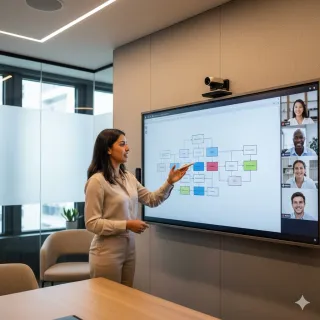
As the professional landscape of 2026 evolves, the success of a hybrid work schedule depends on shifting from rigid attendance mandates to a model of "Activity-Based Presence." This comprehensive guide examines how organizations can move away from the "Ghost Town" office phenomenon by creating "Innovation Theaters" equipped with high-performance hardware. By leveraging the NearHub S Pro’s Windows-based architecture and AI-driven features—such as Speaker Tracking and Auto-Framing—teams can ensure true presence equity for remote participants. The article provides a strategic roadmap for eliminating technical friction (the "Setup Tax") and fostering cognitive zoning, ultimately driving innovation velocity and maximizing real estate ROI in a decentralized world.
Key Takeaways
- Transition to Activity-Based Presence: Align work locations with cognitive requirements—reserve the home office for deep focus and the physical hub for high-bandwidth synchronous innovation.
- Achieve Presence Equity: Use AI-powered features like Speaker Tracking and Auto-Framing to ensure remote members have the same visual weight and engagement as those in the room.
- Leverage Native Compatibility: Prioritize Windows-based smart boards to ensure seamless integration with desktop versions of Teams, Zoom, and enterprise security protocols.
- Eliminate the "Setup Tax": Reduce technical friction by using standalone interactive hubs that allow teams to join meetings in under 60 seconds without cable fumbling.
- Create Innovation Theaters: Redesign office spaces into acoustically treated, tech-heavy zones that offer a "collaboration surplus" superior to any home setup.
- Focus on Innovation Velocity: Measure success through the speed of problem-solving and impact-on-milestones rather than traditional attendance metrics or badge swipes.
We have all been there: you wake up early, navigate a stressful forty-minute commute through heavy traffic, and arrive at the office only to realize you are sitting in a cubicle alone, spending the next eight hours on the exact same video calls you could have taken from your kitchen table. It feels inefficient, outdated, and frankly, a waste of human energy. This "ghost town" office phenomenon is the primary reason why so many organizations are struggling to maintain morale in 2026. If your team feels like the office is a chore rather than a tool, your current hybrid work schedule is likely failing.
Welcome to the Ultimate Guide to modern workforce management. This is a comprehensive deep dive into building a synchronized work system that bridges the gap between remote freedom and office-based collaboration. In this guide, we will explore why a successful strategy is no longer about mandatory attendance "day counts" but about creating a "magnet" office that employees actually choose to visit. Whether you are navigating the complexities of federal workers returning to office mandates or looking to optimize a private-sector startup, this guide provides the roadmap to high-performance success.
What is a Hybrid Schedule? Understanding the 2026 Definition
Before we can optimize for productivity, we must first answer the foundational question: what is a hybrid schedule in the modern context? In the early 2020s, the term was often synonymous with a rigid "3-2" model where employees were in the office on specific days regardless of their tasks. Today, the hybrid schedule meaning has evolved into something far more intentional and performance-driven.
The Core Components of a Modern Schedule
A high-performance schedule is no longer a calendar mandate; it is an architectural strategy.
- Activity-Based Presence: The location of the work is dictated by the nature of the task, not a date on the calendar.
- Synchronous Fluidity: The ability for a team to gather physically for high-bandwidth strategy sessions while maintaining a remote-first communication standard.
- Intentionality: Every trip to the office must yield a "collaborative surplus" that justifies the commute.
Why Old Models of Hybrid Scheduling are Failing
According to a recent report by Gartner, employees in a poorly managed hybrid environment are 40% more likely to experience engagement decay compared to those in fully aligned environments. This decay happens when hybrid scheduling is treated as a compliance exercise rather than a productivity lever. When you force people to commute just to answer emails, you are paying a "morale tax" that kills innovation.
The Evolution of the Hybrid Work Schedule: From Mandates to Magnets
The shift from a "mandate" to a "magnet" is the most significant change in corporate culture in over a century. A successful hybrid work schedule does not require a badge-swipe report to ensure compliance; it provides an environment so superior to the home office that employees naturally gravitate toward it for specific high-value activities.
Moving Toward "Collaborative Theaters"
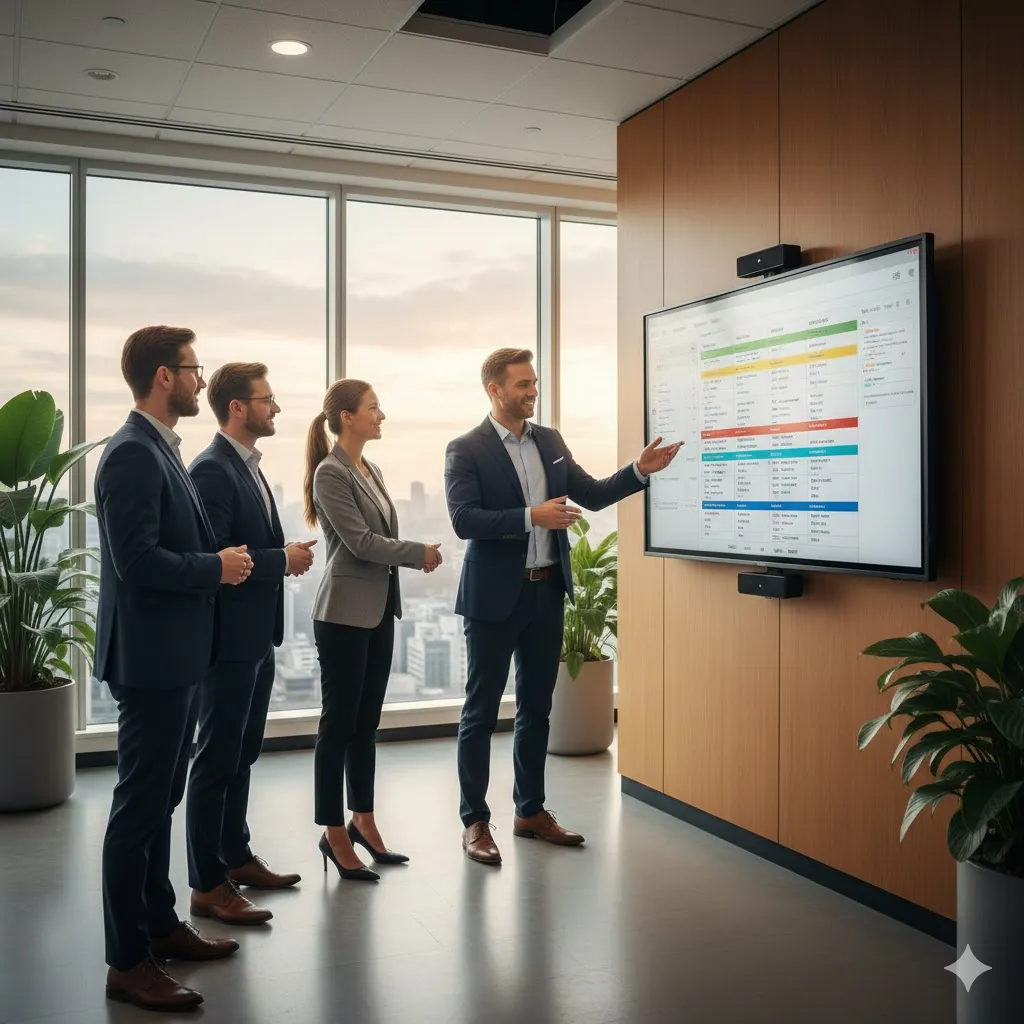
Rather than rows of desks, the 2026 office is designed as a series of high-performance stages.
- The Creative Sprint: The office is the primary site for high-velocity brainstorming that requires low-latency visual tools.
- Mentorship Anchors: Junior staff return to the office not to "work," but to absorb the "tribal knowledge" that is often lost in purely digital channels.
- Physical-Digital Convergence: Utilizing nearhub centers to ensure that even when teams are split, they are working on a unified digital canvas.
Categorizing Presence by Cognitive Load
A modern strategy aligns tasks with the most efficient cognitive environment:
- Asynchronous Execution: Deep focus, coding, and report writing (Home).
- Synchronous Innovation: Strategy, conflict resolution, and complex visual mapping (Office).
Presence Equity: AI-Driven Visibility in Your Hybrid Work Schedule
The biggest hurdle in answering the question of how to lead a global team is the concept of "Presence Equity." To solve this, the technology must move beyond simple video feeds and toward intelligent interaction. This is a critical pillar of any high-functioning hybrid work schedule.
AI Camera Features: Speaker Tracking and Auto-Framing
In a traditional meeting, remote participants are often "small squares" looking at a wide, distant shot of a conference room. This creates a psychological distance that undermines productivity.
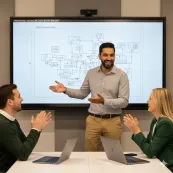
- Speaker Tracking: The NearHub S Pro Smart Whiteboard utilizes intelligent AI to automatically zoom in on whoever is speaking. This ensures that facial expressions and non-verbal cues are preserved for remote members.
- Auto-Framing: The camera constantly adjusts to include everyone in the room perfectly within the frame, making the remote participant feel like they are sitting at the same table.
Maintaining the "Visual Voice"
When you integrate advanced AI tracking into your scheduling, you ensure that the remote worker’s contribution is just as visible as the person sitting next to the manager. This high-fidelity interaction is what makes a synchronized schedule actually work.
The Tech Stack: Why a Windows-Based Smart Board is Non-Negotiable
A strategy without the right tools is just a wish list. To support a high-functioning environment, you must invest in hardware that doesn't just "support" apps, but runs them natively.
Seamless Compatibility via Windows OS
The NearHub S Pro Smart Whiteboard is powered by a robust Windows system. This is a critical distinction from Android-based boards that often run limited "mobile" versions of collaboration software.
- Full App Experience: Run the desktop versions of Zoom, Microsoft Teams, and Google Meet with zero feature loss.
- Enterprise Security: Since it is a Windows-based device, it integrates seamlessly with your existing IT security protocols.
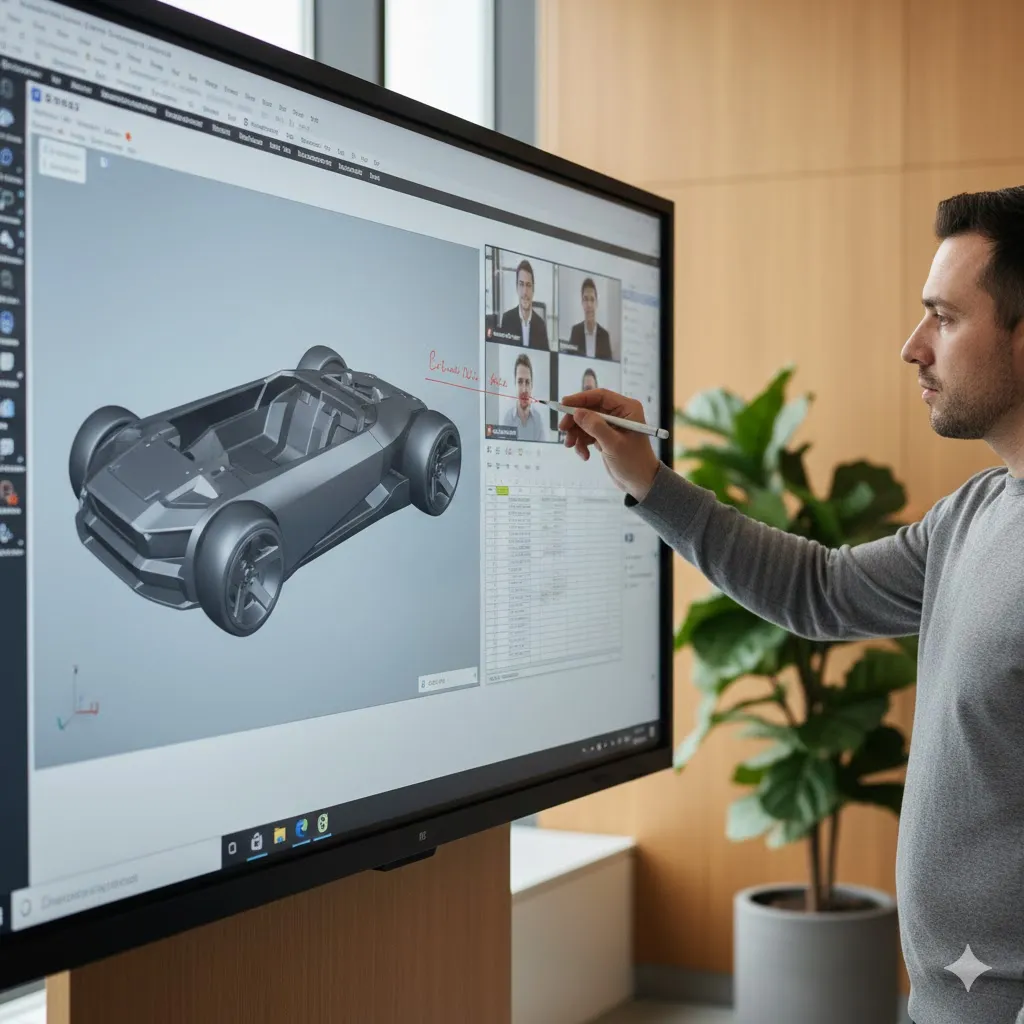
- Multitasking Power: Open a 4K CAD file, a browser window, and a Teams call simultaneously on a single smart electronic whiteboard.
Eliminating the "Setup Tax"
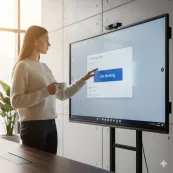
One of the most ignored friction points is the time wasted connecting devices. By learning how to use a smart board that functions as a standalone Windows PC, you walk in, tap "Join," and start collaborating instantly.
Strategic Design: Cognitive Zoning for the Hybrid Team
To achieve a true collaboration hub, we must move beyond the "Focus Pod" and think about "Cognitive Zoning." An advanced approach treats the office as a destination of choice for collective intelligence.
The "Innovation Theater"
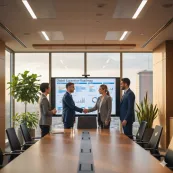
Rather than isolated boxes, the office should feature wide-open, acoustically treated spaces centered around a digital interactive hub.
- Dynamic Mobility: Move from sketching a flowchart to a live video demo in seconds.
- Visual Persistence: Notes from Monday’s office session stay "live" in the cloud for the remote worker on Tuesday morning.
Comparison Table: Legacy Scheduling vs. 2026 Masters
| Feature | Legacy Hybrid Model | 2026 High-Performance Hub |
|---|---|---|
| Primary Driver | Compliance (Badge Swipes) | Value (Collaboration Surplus) |
| Meeting Tech | Wide-Angle Static Cam | AI Speaker Tracking / Auto-Framing |
| OS Platform | Proprietary / Android Lite | Full Windows Pro Integration |
| Documentation | Photo of a physical board | Cloud-Synced Digital Canvas |
| Schedule Basis | Fixed Days (e.g., Wed/Fri) | Activity-Based Presence |
ROI and Innovation Velocity: The Impact of a Synchronized Hybrid Work Schedule
As a leader, you aren't just looking for tools; you are looking for Innovation Velocity. Implementing a robust hybrid work schedule pays for itself not just in rent savings, but in the speed at which your team can solve complex problems.
Calculating the "Friction Cost"
Every minute wasted on technical troubleshooting or misaligned documentation is a drain on your budget. By providing a frictionless entry via the NearHub S Pro, you reclaim hundreds of "lost" hours per month.
Talent Magnetism in a Global Market
In a global talent market, the best employees do not want to be "managed"; they want to be "empowered." A rigid return mandate is an invitation for your competitors to poach your top performers. Providing a high-tech, frictionless office is the best way to ensure long-term loyalty and cultural cohesion.
FAQ Section: Optimizing Your Hybrid Workflow
What makes the NearHub S Pro better for hybrid scheduling?
The S Pro features a full Windows OS, ensuring 100% compatibility with desktop versions of Teams and Zoom. Furthermore, its AI-powered Speaker Tracking and Auto-Framing eliminate the "spectator effect" for remote workers.
How do I define my hybrid schedule meaning to my team?
Define it as "Activity-Based Presence." Explain that the office is a specialized tool for high-bandwidth collaboration, while the home office is the site for deep execution and administrative focus.
Is the hybrid work schedule better for productivity?
Yes, but only if you eliminate the "Setup Tax." If your team spends the first 15 minutes of every office meeting fixing cables, the model will fail. High-performance hardware is the only way to realize true productivity gains.
Does the NearHub board replace focus pods?
While focus pods have their place for private calls, the NearHub S Pro is designed for the Innovation Theater—the space where the real strategy happens. It provides the visual and acoustic clarity needed to make group sessions more productive than isolated work.
Conclusion & CTA
The transition to a hybrid-first world is the most significant shift in corporate culture in over a century. Successfully navigating this change requires more than just a memo; it requires a radical commitment to best practices and a willingness to invest in tools that truly bridge the gap.
By focusing on intentional collaboration, eliminating tech friction with the Windows-powered NearHub S Pro Smart Whiteboard, and utilizing AI features like Auto-Framing to ensure equity, you can build a system that doesn't just "work"—it excels. Make the office a destination where the technology is so intuitive and the collaboration so rich that employees wouldn't dream of staying home.
Looking for a reliable hybrid work schedule? Check out our here: Best Interactive Smart Whiteboard for Teaching & Business | NearHub Board S Pro | NearHub Official.


 sales@nearhub.us
