
































































Dropped calls and unclear audio can ruin meetings. This guide shows you how to choose the best headset for phone calls for clear, comfortable, and professional communication in remote and hybrid work.
Key Takeaways
- The best headset for phone calls prioritizes microphone quality and noise reduction over music-focused sound.
- Stable Bluetooth connectivity and multi-device support are essential for modern work and hybrid meetings.
- Comfort matters for long calls—lightweight, ergonomic designs reduce fatigue and improve focus.
- Open-ear headsets help minimize ear pressure while keeping you aware of your surroundings during calls.
- Wired headsets offer consistency, but Bluetooth headsets provide greater flexibility for daily work.
- Call-focused open-ear models like Nearity MemPod Fit 2 are well suited for frequent phone and online meetings.
Dropped calls. Muffled voices. Constantly repeating yourself on Zoom or phone meetings.
If that sounds familiar, you’re not alone.
In today’s remote-first and hybrid work culture, call quality can make or break productivity, professionalism, and even client relationships. Yet many people still struggle to find the best headset for phone calls that actually delivers clear audio, all-day comfort, and reliable performance.
This article is a comprehensive How-to Guide designed to show you how to choose and use the best headset for phone calls like a pro. Whether you work from home, manage teams, take frequent business calls, or simply want crystal-clear conversations, this guide will walk you through everything that matters—step by step.
Why Call Quality Matters When Choosing a Headset for Phone Calls
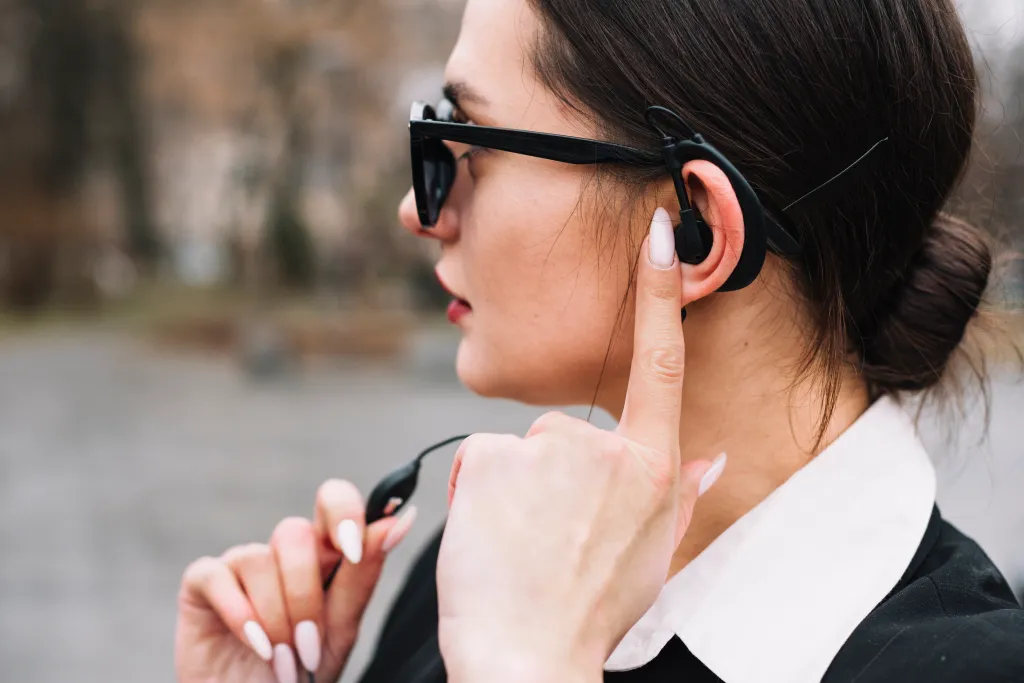
Clear communication is no longer a “nice-to-have.” It’s a business requirement.
Poor Call Quality Costs More Than You Think
According to Statista, over 70% of professionals participate in remote or hybrid meetings weekly, and communication failures are among the top productivity killers. Poor audio doesn’t just frustrate—it leads to:
- Misunderstandings with clients
- Longer meetings and follow-ups
- Reduced credibility and professionalism
- Listener fatigue during long calls
Headsets Are Now a Work Tool, Not an Accessory
A reliable headphone for phone calls directly impacts:
- Your clarity and confidence
- The listener’s experience
- Meeting efficiency
- Long-term comfort during workdays
Choosing the best headphone for phone calls isn’t about sound alone—it’s about performance, comfort, and consistency.
What Makes the Best Headset for Phone Calls?

Not all headsets are created equal. Here’s what truly separates the best from the rest.
Microphone Quality & Noise Reduction
Your microphone matters more than your speakers.
Look for:
- AI noise cancellation
- Dual-mic or beamforming technology
- Clear voice isolation
Why it matters: Your voice should cut through background noise—keyboards, traffic, or office chatter—without distortion.
Call-Focused Audio Tuning
Unlike music headphones, a best headset for phone calls prioritizes:
- Vocal frequency clarity
- Reduced echo
- Balanced mids for natural speech
Stable Bluetooth Connectivity
For any bluetooth headset for phone calls, stability is essential.
Features to prioritize:
- Bluetooth 5.0 or newer
- Low latency connection
- Strong multi-device pairing
Compatibility Across Devices
Your headset should work seamlessly with:
- Smartphones (iOS & Android)
- Laptops & tablets
- Zoom, Teams, Google Meet, and phone calls
Bluetooth Headset for Phone Calls vs. Wired Options
Which is better? Let’s break it down.
Comparison Table: Bluetooth vs. Wired
| Feature | Bluetooth Headset | Wired Headset |
| Mobility | ✅ Excellent | ❌ Limited |
| Call Quality | ✅ High (premium models) | ✅ Consistent |
| Comfort | ✅ Lightweight options | ⚠ Cable drag |
| Work Flexibility | ✅ Multi-device | ❌ Single device |
For most professionals, a best bluetooth earphone for phone calls offers superior flexibility without sacrificing call quality—if chosen correctly.
Comfort, Fit, and All-Day Use for Work Calls

Comfort isn’t optional when calls last for hours.
Why Fit Matters for Phone Calls
A poorly fitting headset causes:
- Ear fatigue
- Pressure headaches
- Constant readjustment
Open-Ear vs In-Ear Comfort
Open-ear designs reduce:
- Ear canal irritation
- Heat buildup
- Long-term discomfort
That’s why many professionals now prefer open-ear earphone for phone calls designs for all-day use.
Open-Ear Headsets for Phone Calls: Safety and Awareness Benefits
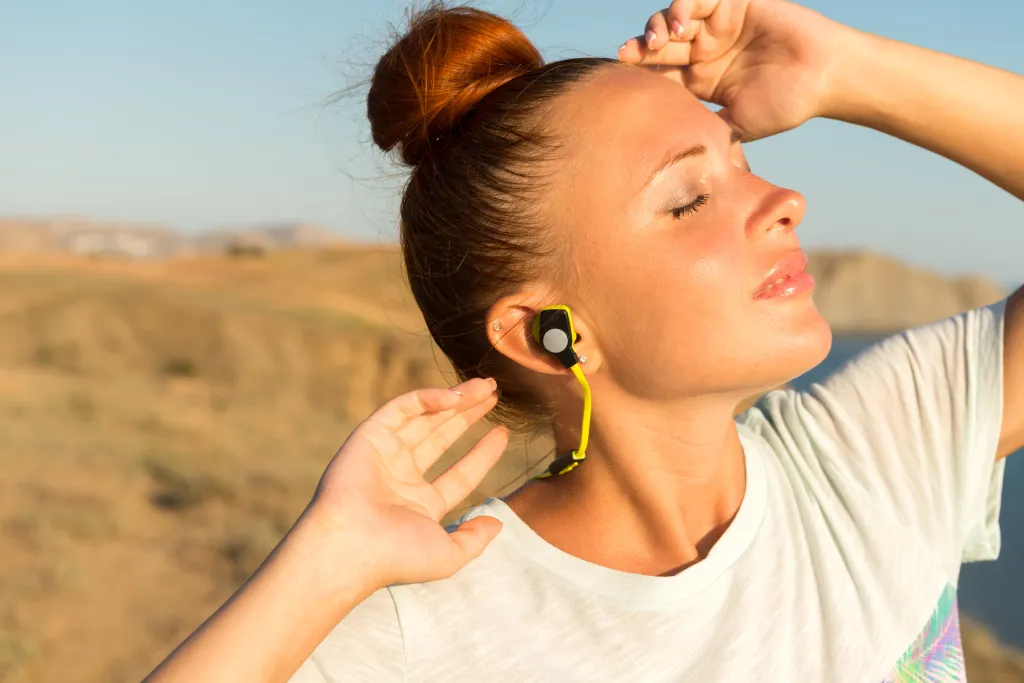
Open-ear technology is redefining how professionals handle calls.
What Is an Open-Ear Headset?
Instead of sealing your ears, open-ear headsets:
- Sit outside the ear canal
- Deliver sound via directional speakers
- Keep you aware of surroundings
Why Awareness Matters During Calls
Especially important for:
- Home offices
- Shared workspaces
- Parents or caregivers
- Professionals multitasking
Benefits of Open-Ear Headsets
- Hear your own voice naturally
- Stay aware of colleagues or family
- Reduce ear fatigue
- Safer for extended wear
Open-ear designs combine comfort, safety, and call clarity, making them ideal for modern work environments.
Best Bluetooth Headset for Phone Calls: Why Nearity MemPod Fit 2 Stands Out
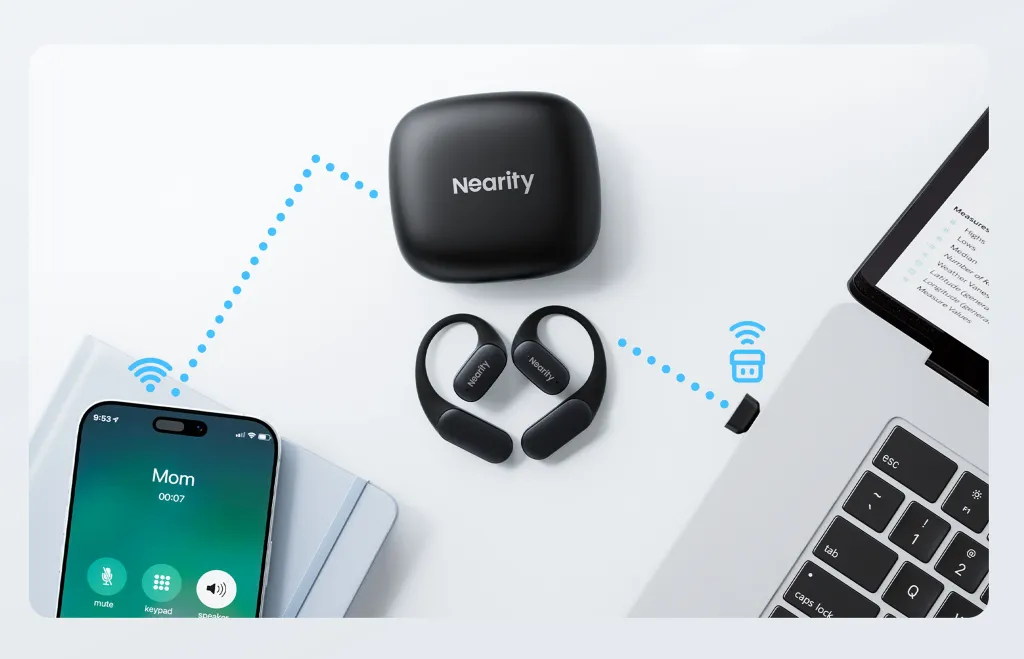
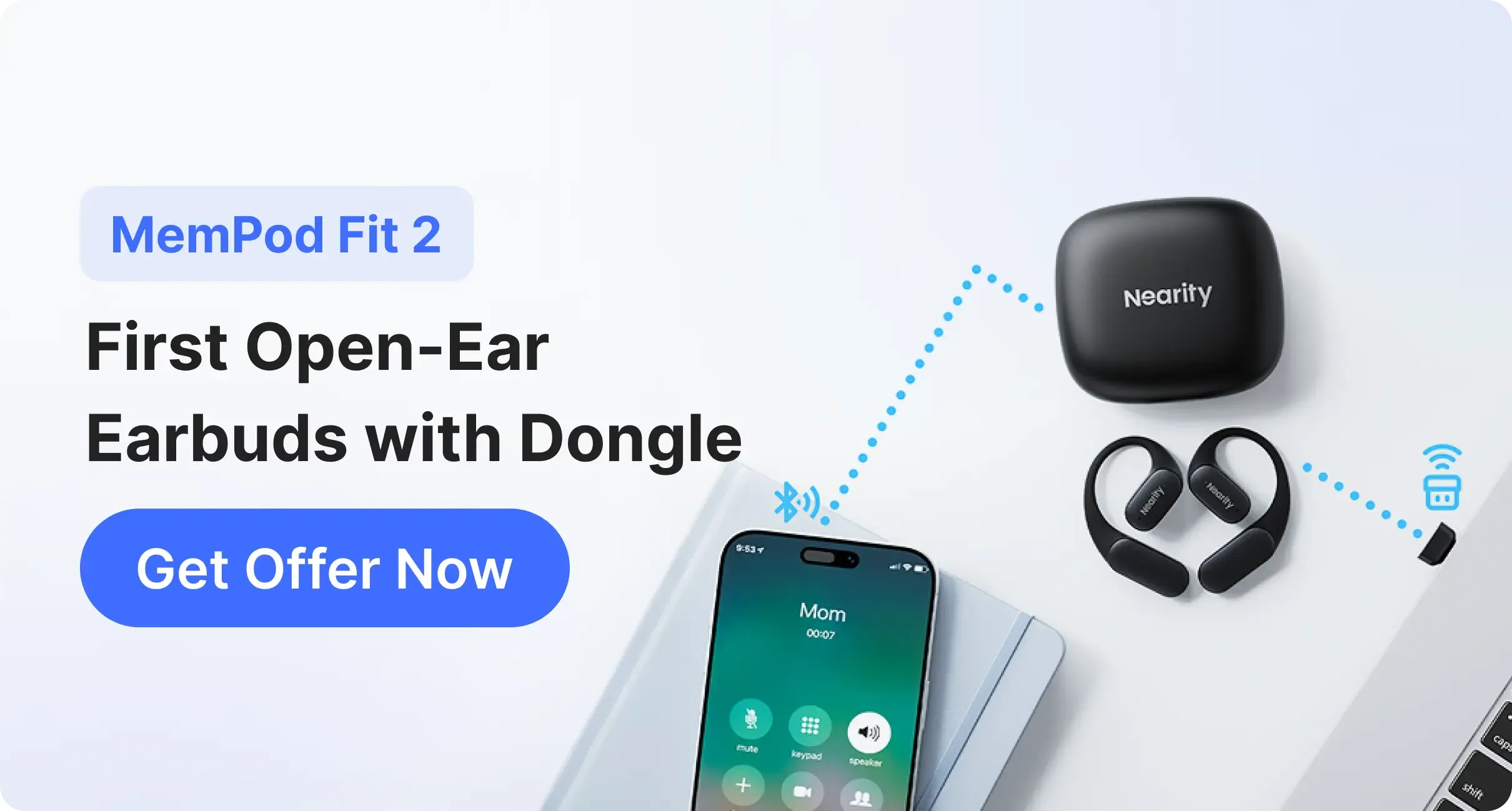
When evaluating real-world call performance, MemPod Fit 2 consistently stands out among bluetooth earbuds for phone calls, delivering features tailored for professionals who need reliable communication and all-day comfort.
🌟Built for Clear, Natural Voice Calls
MemPod Fit 2 uses advanced ENC noise-canceling with dual microphones and HiFi4 DSP to filter out background noise and pick up your voice clearly during calls. This technology actively suppresses ambient sounds in busy environments—like loud offices, cafes, or shared home spaces—so the person on the other end hears your voice with minimal distraction.
🌟Comfortable Open-Ear Wear for Long Use
Thanks to its ultra-lightweight ergonomic design (headset net weight of 94.6 g) and soft skin-friendly silicone material, MemPod Fit 2 sits comfortably outside the ear canal, reducing ear pressure and allowing for extended wear throughout long workdays without fatigue.
🌟Seamless Connectivity and Productivity Boost
With support for Bluetooth 5.4 and multipoint connectivity, MemPod Fit 2 can connect to both your smartphone and laptop simultaneously, letting you switch between calls and meetings without reconnecting. The included USB-C dongle further ensures stable PC connections for video calls and online meetings.
🌟Long Battery Life That Keeps You Powered
MemPod Fit 2 offers up to 10 hours of playback on a single charge and up to 45 hours total with the charging case, providing enough battery life to last through busy work routines and back-to-back calls.
How to Choose the Right Headset for Your Phone Call Needs
Choosing the best headphone for phone calls depends on how you work.
Step-by-Step Buying Checklist
Ask yourself:
- How many hours per day am I on calls?
- Do I work in a noisy environment?
- Do I need awareness while talking?
- Will I switch between devices?
Quick Decision Guide
- Heavy daily calls: Prioritize comfort + mic quality
- Hybrid work: Choose Bluetooth + multi-device support
- Long meetings: Open-ear for fatigue reduction
Conclusion: Choose Smarter, Sound Better on Every Call
Finding the best headset for phone calls is no longer just about audio specs—it’s about choosing a tool that truly supports how you work and communicate every day.
From microphone clarity and Bluetooth stability to long-term comfort and situational awareness, the right headset can significantly improve call efficiency, reduce fatigue, and help you sound more professional on every conversation.
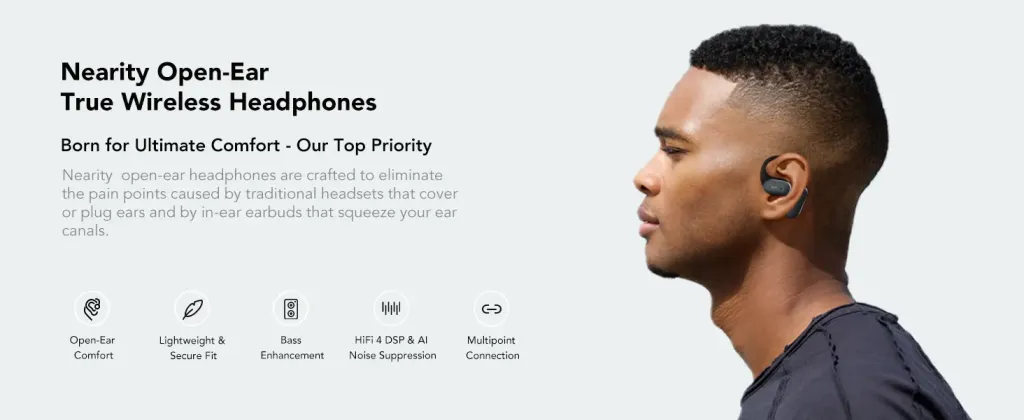
For modern professionals who take frequent calls, work remotely, or switch between devices throughout the day, open-ear Bluetooth headsets offer a strong balance of clarity, comfort, and awareness. Designed specifically for work calls rather than music alone, Nearity MemPod Fit 2 delivers reliable call performance without sacrificing all-day wearability.
FAQs
1. Is Nearity MemPod Fit 2 a good headset for phone calls?
Yes. Nearity MemPod Fit 2 is designed specifically for phone and work calls, offering clear voice pickup, stable Bluetooth connectivity, and call-focused audio tuning. Its open-ear design also helps reduce ear fatigue during long conversations.
2. Are open-ear headsets comfortable for long work calls?
Yes. Open-ear headsets are lightweight and reduce ear canal pressure, making them more comfortable than traditional in-ear options for extended phone and work calls.
3. How does the open-ear design improve call experience?
Open-ear designs allow you to hear your own voice naturally while staying aware of your surroundings. This is especially helpful in home offices or shared workspaces, where situational awareness and comfort matter during frequent calls.
4. Can a Bluetooth headset be used for both phone calls and online meetings?
Yes. Most modern Bluetooth headsets work seamlessly with smartphones, laptops, and popular meeting platforms like Zoom, Microsoft Teams, and Google Meet.





 sales@nearhub.us
