














































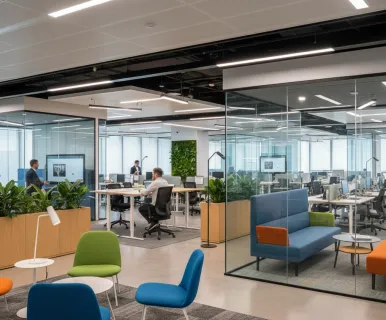
In this era of hybrid work, teams all over the world are working differently, adapting to new workplace trends and employee preferences. Employees now want the choice to come into the office specifically to connect and collaborate with their colleagues in flexible and often spontaneous ways. This shift has placed hybrid team collaboration at the forefront of the workplace experience conversation—and it is exactly why your huddle room strategy may be due for an upgrade.
This year, employees are using the office for collaborative space much more than they did in the past. The State of Hybrid Work Report by Owl Labs found that the use of collaborative spaces is up 50% year over year. Consequently, the new space planning ratio companies should adopt is one collaborative space for every two desks—a massive jump from pre-pandemic data when companies planned for one collaborative area for every six desks.
As workplace strategists plan for the months ahead, they need to consider why employees are using office spaces and how those spaces can be designed for the best possible engagement. One of the most immediate and lasting changes in the workforce is in how meeting rooms operate and how hybrid teams collaborate. Both depend on reliable technology and choosing the right meeting room solutions to bridge the gap between physical and digital participants.
This guide provides a roadmap for IT managers and business leaders to equip these agile spaces effectively, ensuring your small teams remain productive, engaged, and connected without overspending on unnecessary complexity.
Key Takeaways
- The 1:2 Space Revolution: Modern office planning has shifted from one collaborative space per six desks to a 1:2 ratio, making the agile huddle room the new architectural priority for 2026.
- Prioritizing Wide-Angle Optics: Because participants sit closer to the screen in small rooms, huddle room video conferencing requires specialized 120°+ ultra-wide lenses—like the one found in the NearHub S Pro—to ensure everyone at the table is visible.
- Combating Small-Room Acoustics: Small spaces are prone to echo; essential meeting room solutions must include advanced mic arrays (ideally 20+ mics) with AI noise suppression to maintain audio clarity.
- All-in-One Efficiency over Complexity: Integrated systems offer higher ROI for small teams by consolidating the camera, mics, and interactive whiteboard into a single, cable-free device.
- Frictionless Co-Creation: The transition from passive viewing to active collaboration—driven by smart writing boards with low-latency touch—is the primary factor in reducing cognitive fatigue.
How Have Workplace Meeting Rooms Evolved for the Hybrid Era?
The evolution of the meeting room is a direct reflection of how we work. A decade ago, meetings were primarily "in-person." Today, the "remote" participant is just as likely to be a key stakeholder.
The Disappear of the "One-Size-Fits-All" Boardroom
The traditional corporate office used to revolve around one or two massive conference rooms. However, relative research and industry trends suggest that these large rooms are often empty, while small teams scramble to find a quiet corner for a video call.
According to a study by Harvard Business Review, high-performing teams are increasingly moving toward "synchronous agility," which requires frequent, short bursts of collaboration. This shift has necessitated the rise of the huddle room—a space designed for 2 to 5 people that prioritizes speed and high-tech integration.
The Emergence of "Meeting Equity"
In the hybrid era, we talk about "equity." Meeting equity is the idea that every participant should have an equal presence. In a well-equipped huddle room, the technology bridges the gap, making digital collaboration feel as immediate as a face-to-face conversation.
The 2026 Office Landscape
By 2026, the office is a social and collaborative anchor. The majority of floor space is being converted into huddle rooms. The goal is to maximize the "collaboration per square foot," and choosing the right video conferencing systems is the only way to achieve that.
Essential Video Conference Device Categories for a Seamless Digital Space
Equipping a small space doesn't mean you can use "small" technology. To create a seamless digital space, you need to focus on three core categories of hardware that prioritize high-fidelity performance.
High-Resolution Visual Hubs
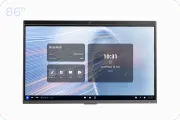
The centerpiece of any small meeting space is the display. In a huddle room, you need a screen that offers crisp clarity even at close range. The NearHub S Pro, for instance, features a 75-inch 4K UHD display with anti-glare technology and 1.07 billion colors, ensuring that even the finest details of a design or spreadsheet are visible to everyone in the room. This is where the smart writing board has revolutionized the market—turning a passive monitor into an active creative hub.
Wide-Angle Optics with AI Intelligence
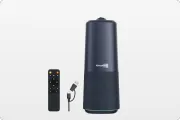
In a huddle room, participants sit just a few feet away from the screen. A standard camera often crops out the people at the ends of the table. You need a 120° ultra-wide-angle lens to capture the entire group. Furthermore, modern video conferencing systems now include AI auto-framing and speaker tracking, which automatically focuses the camera on whoever is talking, creating a more professional and dynamic viewing experience for remote attendees.
Massive Microphone Arrays for Audio Clarity
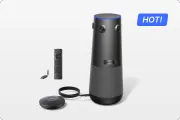
Audio is the most critical component of huddle room video conferencing. Small rooms often create a "boxiness" sound. High-end meeting room solutions solve this by using massive microphone arrays. For example, the NearHub S Pro utilizes a 24-microphone array with a 15-meter (50-foot) pickup range. Combined with AI noise reduction and echo cancellation, it ensures that your voice is heard clearly, even if you are standing at the back of the room.
Why Huddle Room Video Conferencing Requires Specialized Hardware
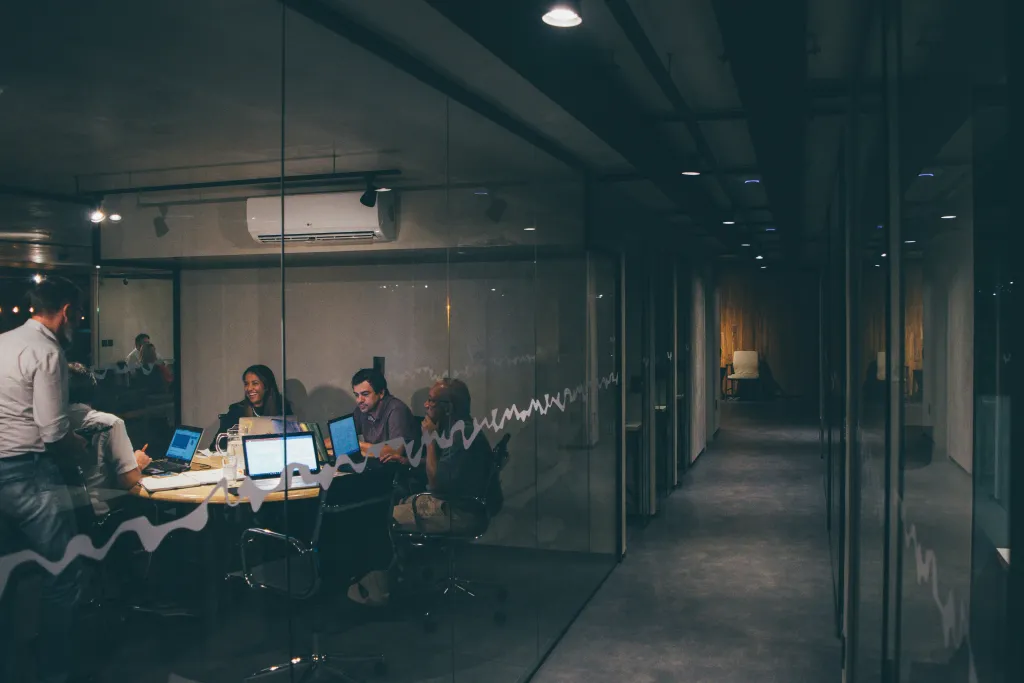
One of the biggest mistakes IT departments make is buying "lite" versions of large-room equipment. Small rooms present unique architectural challenges that require specialized hardware.
The "Zero-Gap" Writing Experience
In a huddle room, you are often standing right at the board. Traditional touchscreens have a gap between the glass and the panel, causing "parallax error"—it feels like you're writing an inch above the surface. Specialized meeting room solutions now use "Zero-Gap" bonding. On the NearHub S Pro, this technology makes writing feel as natural as pen on paper, with ultra-low latency that keeps up with your fastest brainstorming sessions.
Acoustic Reflection and AI Suppression
Small rooms are notorious for hollow, echoing sound. Large-room microphones are designed to pick up sound from long distances, which can actually amplify the echo in a small space. Specialized hardware uses AI to isolate the human voice while suppressing background noise and cabin-like echoes, ensuring your huddle room video conferencing sounds as professional as an executive boardroom.
All-in-One Minimalism
Small teams don't have time for cable clutter. They want a "plug-and-play" experience. The NearHub S Pro Smart Whiteboard provides this by integrating the 4K AI camera, the 24-mic array, dual 20W speakers, and a powerful quad-core processor into one single, minimalist chassis. This "All-in-One" approach eliminates the need for separate hubs and messy wires, making small rooms feel larger and more organized.
How Smart Meeting Room Solutions Encourage Seamless Collaboration
The best technology acts as a catalyst for ideas. In a huddle room, the goal is to remove every barrier between a team and their creative output.
Unlimited Digital Canvas (NearHub Canvas)
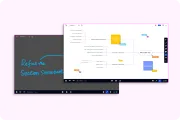
Real collaboration requires space. While a physical whiteboard is limited by its dimensions, a smart writing board offers an "unlimited" digital canvas. Using tools like NearHub Canvas, teams can zoom out to see the big picture or zoom in to refine details. This allows for complex project mapping that simply isn't possible on a traditional board.
Eliminating the "Friction of Entry"
Every minute spent looking for a remote or an adapter is lost innovation. Smart video conferencing systems now prioritize "BYOD" (Bring Your Own Device) flexibility. With a single USB-C cable, a user can connect their laptop to the NearHub S Pro, instantly gaining 4K video output, 65W charging, touchback control, and access to the room's professional-grade camera and microphones. This "one-cable" standard is the future of frictionless collaboration.
Hybrid Brainstorming Sessions
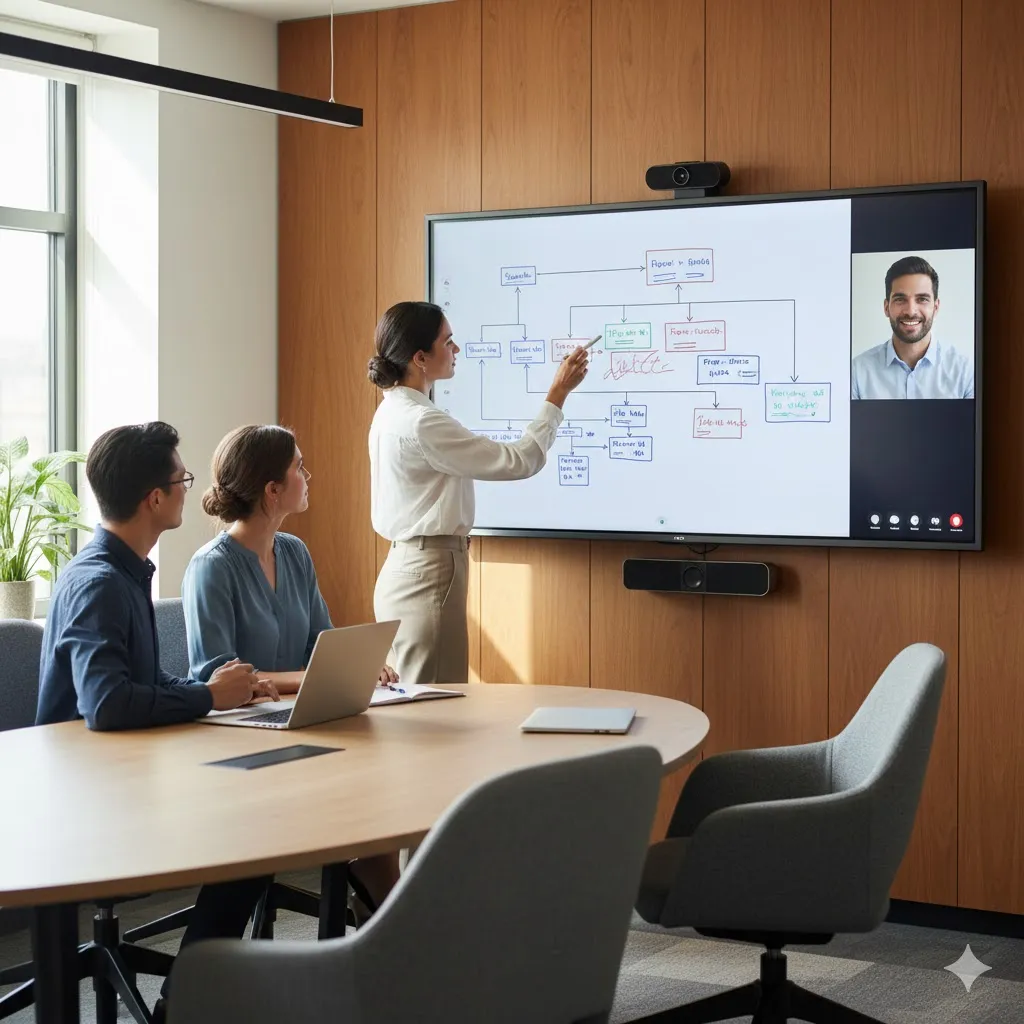
One of the hardest things in a hybrid world is the "Whiteboard Session." Traditionally, remote people watch a blurry video of a physical board. Modern meeting room solutions solve this by sharing the digital "ink" directly through the call. Whether you are using Zoom, Teams, or Google Meet, the remote participant sees a high-definition, real-time feed of the brainstorming session, ensuring they are active participants rather than just observers.
Designing Huddle Rooms for an Optimal Hybrid Work Experience
Design is not just about aesthetics; it’s about ergonomics. A poorly designed huddle room will be avoided by employees, no matter how much you spent on the tech.
The "Eye Line" and Camera Height
The most important rule of huddle room design is camera placement. To create a natural connection, the camera must be at eye level. Integrated systems simplify this, but you must still ensure the screen is mounted so the lens sits approximately 48 to 52 inches from the floor.
Lighting: 4K Sensor Compensation
Small rooms often have uneven lighting. While you should aim for diffused lighting, high-quality video conferencing systems use 4K sensors with AI light correction to balance the image. This ensures that even in a room with harsh overhead LEDs or a bright window, you look professional on camera.
Budgeting: The True Cost of Ownership
When considering the cost, managers often ask: how much does a smart board cost? While a consumer TV is cheaper upfront, it requires a separate PC, a separate webcam, and a separate speakerphone. By choosing a high-quality, integrated smart writing board, you save on installation and maintenance.
| Feature | Consumer TV + Webcam | NearHub S Pro (All-in-One) |
|---|---|---|
| Resolution | Standard 4K | 4K UHD + Anti-Glare |
| Mic Range | 3-5 feet | 50 feet (15m) |
| Setup Time | 60+ Minutes | 10 Minutes |
| Touch Tech | None | 20-Point Touch (Zero-Gap) |
| Connectivity | Multiple Cables | One-Cable USB-C (BYOD) |
Choosing the Right Video Conferencing Systems for Small Team Spaces
How do you make the final choice? It comes down to identifying your team's specific "Collaboration DNA."
Agnostic vs. Native Systems
Do you only use one platform? Then a "Native" system is fine. But most small teams deal with clients on Zoom and freelancers on Google Meet. For huddle rooms, we always recommend an Agnostic system. This allows for "Bring Your Own Meeting" (BYOM) versatility, ensuring your hardware works with every software on the market.
The "Touch" and "Ink" Quality
In a small room, you are always within arm's reach of the screen. This makes the quality of the "touch" experience essential. If you are comparing vibe board alternatives, look for high-precision infrared touch technology. This ensures that the digital ink flows smoothly without lag, allowing for the precise handwriting needed for complex diagrams.
Enterprise-Grade Scalability
If you are managing an office with multiple huddle rooms, you need centralized control. Choose video conferencing systems that offer cloud-based management portals. This allows IT teams to push firmware updates, check device health, and ensure that every room is ready for a meeting at the touch of a button.
Improving the Employee Experience Through Collaborative Office Spaces
Your meeting room solutions serve the people, not the other way around. In a world of hybrid work, the quality of the workplace environment is a major retention tool.
Reducing Cognitive Load and Fatigue
Poor audio quality is exhausting. When a microphone cuts out, the brain has to work twice as hard to process information. By providing crystal-clear huddle room video conferencing with AI-driven audio, you reduce cognitive load. Employees leave meetings feeling accomplished rather than drained.
Fostering Spontaneous Innovation
Innovation happens when two people have an idea and duck into a huddle room to sketch it out. By having rooms equipped with a NearHub S Pro, you encourage this culture. The device’s "One-Touch Join" and instant-on capabilities mean that the technology never gets in the way of a great idea.
The NearHub S Pro Advantage
The NearHub S Pro Smart Whiteboard was designed to be the ultimate hybrid hub. From its 4K AI camera with 120° FOV to its massive 24-microphone array, it provides the high-fidelity experience that small teams need to feel truly connected. As a flagship in the video conferencing systems space, it simplifies the complex, allowing your team to focus on what matters most: collaboration.

FAQ: Frequently Asked Questions About Huddle Rooms
What is the ideal size for a huddle room?
A standard huddle room is typically between 100 to 150 square feet. This is enough space for a small table and 3-5 chairs. The goal is "cozy efficiency."
Can I use a regular iPad for whiteboarding in a huddle room?
While you can share an iPad screen, it isn’t a true huddle room experience. A dedicated smart writing board provides a 75-inch canvas and allows for "multi-touch," meaning multiple people can write on the screen simultaneously in the room.
Is Wi-Fi enough for huddle room video conferencing?
While modern Wi-Fi is fast, we always recommend a hardwired Ethernet connection (available on the NearHub S Pro) for professional video conferencing systems to ensure zero-lag stability.
What is the most common mistake in huddle room setup?
Over-complication. Many companies buy too many separate components. For a small room, simplicity is the ultimate sophistication. An integrated, All-in-One smart board is almost always the better choice.
Does the NearHub S Pro support BYOD?
Yes. With its full-featured USB-C port, you can connect your laptop to gain instant access to the board's 4K screen, camera, and microphones while charging your device at 65W.
Conclusion & CTA
Choosing the right meeting room solutions for your small teams is one of the most impactful decisions you can make for your hybrid office in 2026. A huddle room isn't just a "small conference room"—it’s a specialized environment that demands specialized tech. From 120° wide-angle cameras to massive 24-mic arrays and the "Zero-Gap" writing experience of the NearHub S Pro, the right equipment makes the difference.
By focusing on "Meeting Equity" and choosing all-in-one systems to reduce clutter, you turn your office into a hub of innovation. Don't let your small teams struggle with big-room problems. Give them the agility they need to thrive in a borderless, digital world.





 sales@nearhub.us
