







































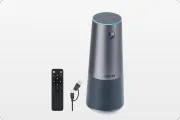
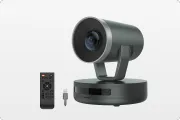
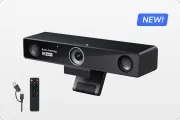
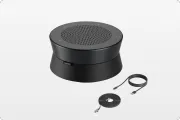
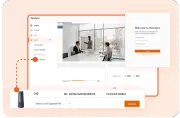








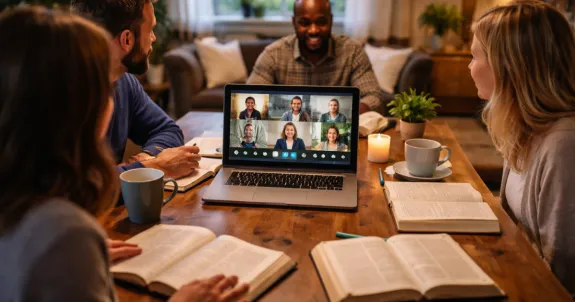
Stop settling for pixelated foreheads and muffled prayers during your weekly fellowship. Running a truly impactful Zoom Bible Study requires more than just an open laptop; it demands a seamless hybrid environment where every participant feels a front-row connection to the Word. By upgrading to professional video conferencing solutions like the Nearity 360 Alien, you can bridge the "Distance Gap" with immersive 4K video and AI-driven audio. Whether you are hosting a small group or a large ministry, mastering these hybrid setup techniques ensures that physical distance never hinders spiritual growth or community engagement.
Key Takeaways
- Bridge the Distance Gap: Transition from a "me" device (laptop) to a "we" device (360° camera) to ensure remote members feel like equal participants.
- Eliminate Technical Fatigue: Use 4K resolution and AI-driven speaker tracking to reduce "Zoom fatigue" and maintain visual engagement.
- Prioritize Audio Clarity: Replace weak laptop microphones with professional-grade arrays to capture every prayer and contribution clearly.
- Adopt a "Remote-First" Mentality: Facilitate sessions by calling on virtual members first and assigning a "Chat Deacon" to monitor online interactions.
- Optimize Your Environment: Position monitors at eye level and use central hardware placement to create a natural, face-to-face conversational flow.
We have all been there. You log into your weekly zoom bible study, eager for connection and spiritual growth, only to find yourself staring at a blurry, pixelated image of your leader's forehead. Or worse, you are the one hosting, and you can see the frustrated faces of your remote members as they struggle to hear the discussion happening in the back of the room. This "tunnel vision" and audio disconnect are the silent killers of virtual community.
If you want to move beyond "just getting by" and create a truly immersive experience, you need a plan. This article offers a guide on how to run the best hybrid zoom bible study—whether in the room or on the screen—feels like they have a front-row seat to the World.
1. What is a Zoom Bible Study?
At its core, a zoom bible study is a virtual or hybrid gathering that uses the Zoom video conferencing platform to facilitate group scripture study, prayer, and fellowship. Unlike traditional in-person meetings, it leverages digital tools to bring people together regardless of their physical location.
Key characteristics of a modern zoom bible study include:
Synchronous Interaction: Participants engage in real-time discussion, seeing and hearing each other as they dive into biblical texts.
Multimedia Integration: Leaders can share digital study guides, maps, or video clips directly through the "Share Screen" feature.
Inclusive Environment: It creates a space for those who cannot attend in person—such as those with health issues, travel constraints, or busy schedules—to remain active in their faith community.
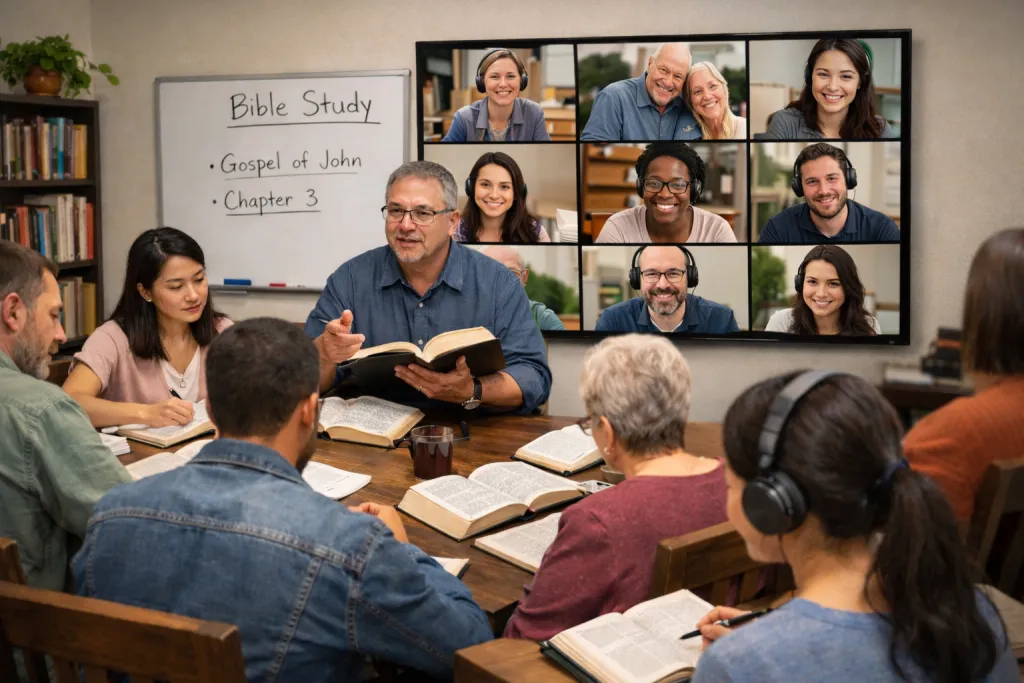
Hybrid Potential: It allows a physical group sitting in a church hall or living room to seamlessly connect with remote participants through professional video conferencing solutions.
Whether it is a small group of five or a large seminar of fifty, the goal of a zoom bible study remains the same: to foster spiritual growth and community through high-quality, accessible communication.
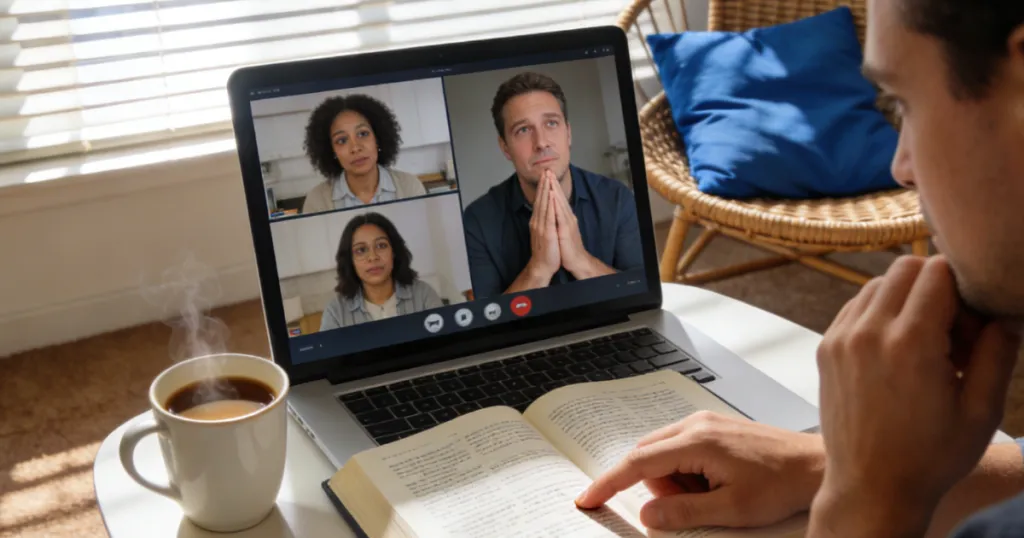
2. Why Hosting a Zoom Bible Study is the Future of Fellowship
The landscape of community has changed. According to data from the Pew Research Center, a significant portion of regular churchgoers now prefer a hybrid approach to worship and study. This shift isn't just about convenience; it’s about accessibility.
A zoom bible study allows:
Homebound members to stay connected to their spiritual family.
Busy parents to join in during nap times or between errands.
Traveling members to never miss a session, regardless of their time zone.
However, the "Hybrid" model introduces a new challenge: the "Distance Gap." To bridge this gap, you must treat your virtual setup with the same intentionality as you do your physical meeting space.
3. The Common Pitfalls of a Low-Tech Zoom Bible Study
Before we look at the solutions, we have to address why most hybrid studies feel "off." When you rely on a standard laptop setup, you encounter three major "Engagement Killers":
The "Talking Head" Syndrome: A laptop webcam has a narrow field of view. Remote users only see the person sitting directly in front of the computer. Everyone else in the room becomes a disembodied voice.
The Audio Abyss: Built-in laptop microphones are designed for one person sitting 18 inches away. In a group setting, they pick up the hum of the AC but muffle the person sharing a heart-felt prayer across the table.
Visual Fatigue: Low-resolution video makes it hard to read body language. Over an hour-long session, this causes "Zoom fatigue," leading members to quietly turn off their cameras and disengage.
To run a zoom bible study right, you must move Beyond the Laptop. This is where professional video conferencing solutions become essential.
4. The Solution: Why a Pro Conference Camera Changes the Game
If you are serious about your online bible study groups zoom experience, the first thing you need to upgrade is your eyes and ears. A standard webcam is a "me" device; a conference camera is a "we" device.
Introducing the Nearity 360 Alien
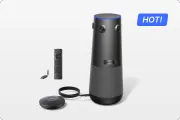
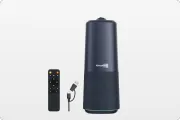
When we look at the requirements for a successful hybrid study, the Nearity 360 Alien stands out as a top-tier choice. Why? Because it solves the "in-room" vs. "remote" divide through sheer technical excellence.
360-Degree Vision: Unlike traditional webcams, a 360 conference camera sits in the center of the table. It captures everyone in the room simultaneously.
AI Intelligence: The 360 Alien features AI-driven speaker tracking. When someone in the corner of the room starts reading a scripture, the camera automatically finds and frames them.
True 4K Resolution: No more blurry faces. High-definition video allows remote members to see the expressions and emotions of their friends, which is vital for deep spiritual connection.
By integrating Nearhub technology, you transform the meeting from a "broadcast" into a "conversation."

5. How to Set Up Your Space for a Hybrid Zoom Bible Study
Setting up for success requires more than just a good video camera zoom setup; it requires environmental awareness. Follow these steps to prepare your room:
Centralize the Hardware: Place your 360 conference camera in the physical center of your seating arrangement (usually the middle of the table).
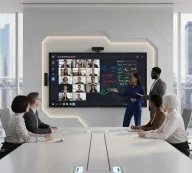
Monitor Placement: Place a large TV or monitor at one end of the table at eye level. This allows the people in the room to look at their remote friends naturally, rather than looking down at a tiny laptop screen.
Lighting Matters: Avoid "Backlighting." If there is a bright window behind a participant, they will look like a silhouette. Ensure light is hitting faces, not the camera lens.
Acoustics: Soft surfaces (rugs, curtains) help reduce echo. If your room is very "echoey," even the best webcam for zoom will struggle to provide clear audio.
Feature | Laptop Webcam | Nearhub 360 Alien |
Field of View | 60° - 90° (Narrow) | 360° (Full Room) |
Resolution | 720p / 1080p | True 4K |
Microphone Range | 2-3 Feet | Pro-Grade Array |
AI Tracking | None | Auto-Framing |
Setup Level | Basic | Professional/Hybrid |
6. Step-by-Step Guide: Running Your Session Like a Pro
To run a zoom bible study that people actually look forward to, follow this operational flow:
Step 1: The Pre-Flight Check
Log in 10 minutes early. Test your video conferencing solutions to ensure the AI tracking is active and the audio levels are crisp.
Step 2: The Warm Welcome
Don't wait for the official start time to acknowledge remote members. As they log in, greet them by name. This reinforces that they are "present," not just "watching."
Step 3: Use the "Screen Share" Wisely
If you are using a digital study guide or showing a video clip, use Zoom's "Share Screen" feature. However, always remember to "Stop Share" as soon as the discussion starts so the grid of faces returns to the center of the experience.
Step 4: Facilitate with "Remote First" Mentality
A pro tip for any zoom bible study leader: Always call on a remote participant first. This prevents the "in-room" group from dominating the conversation and reminds everyone that the virtual members are equal participants.

7. Engaging Your Online Bible Study Groups Zoom Members
Engagement is the metric of success. If people are silent, they aren't connecting.
Breakout Rooms: For larger groups, use breakout rooms to facilitate small-group prayer or discussion.
Chat Monitoring: Assign a "Chat Deacon" in the physical room to watch the Zoom chat for questions or prayer requests from those who might be muted.
Dynamic Content Sharing: Use digital polls or high-quality screen sharing to present maps and scripture slides. Providing a clear visual anchor helps participants stay focused on the text and reduces the mental strain of long video calls.
8. Troubleshooting Common Connection and Audio Issues
Even with the best webcam for zoom, tech hiccups happen. Here is how to handle them:
Laggy Video: This is usually a bandwidth issue. Ensure your host computer is connected via Ethernet rather than Wi-Fi if possible.
Echo/Feedback: This happens when two devices in the same room are logged into the same Zoom call with audio on. Only ONE device per room should have the "Join Audio" button activated.
Muffled Sound: Check if the conference camera is blocked by a stack of Bibles or a coffee pot. Keep the path to the microphone clear.
FAQ: Optimizing Your Zoom Bible Study
Q1: What is the best webcam for zoom if I have a large group?
For large groups, a standard webcam isn't enough. You need a 360 conference camera like the Nearity 360 Alien. It allows for 4K resolution and ensures everyone in the room is visible and audible, which a standard wide-angle webcam simply cannot do.
Q2: How do I stop people from talking over each other in a hybrid study?
Establish a "hand-raising" rule—both physical and virtual. Use the "Raise Hand" feature in Zoom. As the leader, your job is to act as a moderator, ensuring the zoom bible study flow remains orderly.
Q3: Is 4K video really necessary for a bible study?
While you can study the Word in 240p, 4K video significantly reduces "Zoom fatigue." When the image is crisp, our brains don't have to work as hard to interpret facial expressions, making the 1-hour session much more enjoyable.
Q4: How do I set up a zoom bible study for the first time?
Start by creating a recurring meeting in Zoom. Send the link via email or text. For the hardware, simply plug your conference camera into your laptop via USB, select it as your "Camera" and "Microphone" in Zoom settings, and you are ready to go.
Q5: Can I use Nearhub products for other church events?
Absolutely. Professional video conferencing solutions are perfect for board meetings, choir rehearsals, and even small-scale streaming of weddings or funerals.
Conclusion: Elevating Your Fellowship
Running a zoom bible study is a ministry of hospitality. By investing in the right setup, you are telling your remote members: "You are seen, you are heard, and you are important to this community."
The transition from a clunky, "talking head" meeting to a professional, immersive hybrid experience doesn't have to be complicated. With a clear facilitation plan and a high-quality conference camera, you can bridge the physical gap and focus on what truly matters: the study of the Word and the building of the Body.
Ready to take your group to the next level? Stop settling for blurry video and disjointed audio. Nearhub offers the tools you need to make every session feel like a divine appointment.
Looking for a reliable zoom bible study setup? Check out our Nearity 360 Alien here: https://www.nearhub.us/product/true-4k-conference-camera-360-alien.





 sales@nearhub.us
