
































































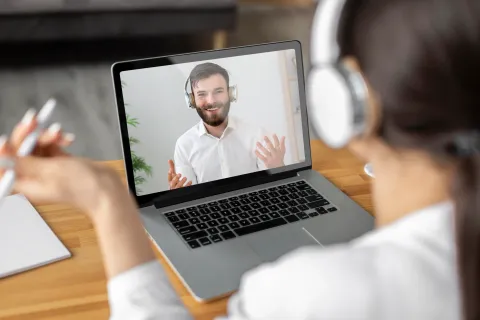
We’ve all been there. You’re in the middle of a high-stakes presentation on Microsoft Teams. You’re hitting your stride, your slides are pixel-perfect, and you feel like a remote work rockstar. Then, you see it—the subtle, pained winces on your colleagues' faces. Someone reaches for their volume icon. Someone else puts their hand over their forehead.
In the world of remote work, your audio is your "first impression." If people can’t hear you clearly—or worse, if they are subjected to the chaotic symphony of your household—it doesn't matter how good your ideas are. The hard truth is that poor audio quality is one of the fastest ways to lose professional credibility.
To solve this, you need more than just "any" pair of headphones. You need the best headset for teams meetings to ensure that your message is the only thing your audience hears. When you switch to a high-end best noise cancelling headset, you aren't just buying gear; you're investing in a "bubble of professionalism" that follows you wherever you work.
Key Takeaways
- Background noise disrupts colleagues’ focus; a quality noise-cancelling headset effectively isolates your voice.
- Poor audio clarity forces repeated communication, breaking meeting momentum and harming your professional image.
- Unstable Bluetooth connections can make you a “digital ghost”; premium headsets ensure stable, multi-device connectivity.
- Low-quality headsets increase digital fatigue and reduce productivity; professional gear enhances communication efficiency.
- Optimizing your environment (soundproofing, mic placement, network stability) further improves audio quality.
- Nearhub EP320 highlights: dual-mic ENC for crystal-clear voice, all-day comfort, seamless multi-device switching, and long battery life.
- Proper headset use and setup can elevate you from a “remote worker” to a “remote leader.”
The 4 Reasons You’re Secretly Annoying Your Colleagues in Online Meetings
Before we look at the solutions, we have to address the "why." Most remote workers aren't trying to be disruptive, but without the best headset for meetings, you might be committing one of these four cardinal sins of digital communication.
1. The "Leaf Blower" Effect: Your Background Noise is Louder Than You Think
It is a common psychological phenomenon: our brains are remarkably good at "tuning out" the familiar sounds of our own environment. You might not notice the low hum of your refrigerator, the distant whir of a neighbor's lawnmower, or the rhythmic clicking of your mechanical keyboard. But for your colleagues, these sounds aren't background noise—they are front and center.
Comprehensive research published in Nature shows that "unwanted noise" significantly increases cognitive load for the listener. When your microphone captures these sounds in high definition and beams them directly into your teammates' ears, their brains have to work twice as hard to filter out the distractions and focus on your voice. This leads to "Zoom fatigue" and frustration. While you've "learned" to ignore the chaos of your home office, without the right tools, you are effectively forcing your colleagues to live in it with you.
2. The Momentum Killer: You Keep Needing to Repeat Yourself
Nothing kills the energy of a collaborative brainstorming session faster than the phrase, "Sorry, can you say that again?" When your audio cuts out or lacks clarity, you are forced into a cycle of repetition that wastes time and irritates your audience.
When you keep needing to repeat yourself, it’s usually because your microphone isn't discriminating between your voice and the air around you. According to insights from Harvard Business Review, this constant interruption breaks the "flow state" of the meeting. Colleagues stop asking follow-up questions because they dread the effort required to simply hear your initial answer. If you want to be seen as a leader, you need the best headset for meetings so that your first time saying something is the only time you need to say it.
3. The Digital Ghost: Your Bluetooth Connection Keeps Dropping
There is nothing more unprofessional than disappearing in the middle of a sentence. When your Bluetooth connection keeps dropping, you become a "digital ghost"—flickering in and out of the conversation, leaving your colleagues to guess the end of your points. This often happens with lower-end consumer headsets that struggle with signal interference from other devices in your home.
A dropped connection isn't just a technical glitch; it's a social friction point. It forces the meeting to pause, requires someone to summarize what you missed, and erodes the confidence your team has in your "availability." To maintain a steady, authoritative presence, you need the best headphones for meetings that utilize stable, professional-grade wireless protocols to ensure you stay connected from the first "hello" to the final "goodbye."
4. The Hidden Tax: You’re Not as Productive as You Could Be
Poor audio doesn't just annoy your colleagues—it actively drains your own energy. Microsoft’s Work Trend Index highlights how "digital debt" and poor tools can sabotage human ingenuity. When you use subpar equipment, you’re not as productive as you could be because you’re constantly fighting your tools instead of focusing on your tasks.
For remote professionals, a reliable work from home headset removes the technical friction from your day. When you can trust that your audio is crystal clear, you can speak with more confidence and participate more fluidly in fast-paced discussions. Productivity isn't just about how fast you type; it's about how effectively you communicate. If your gear is holding your voice back, it's holding your career back too.
Pro-Tips: Essential Techniques for Improving Online Meeting Quality
Even with the best agenda, a meeting is only as good as its delivery. To truly stand out and avoid the common pitfalls mentioned above, you need to optimize every layer of your digital presence.
Optimize Your Physical Environment
The first rule of a professional meeting is to control your surroundings. Whenever possible, choose a quiet, enclosed space with minimal echo. Hard surfaces like bare walls and wood floors cause sound to bounce, making you sound distant or hollow. Adding soft elements like rugs, curtains, or even bookshelves can significantly dampen reverb, providing a much richer audio profile for your colleagues.
Prioritize Network Stability
No matter how good your hardware is, a jittery internet connection will turn you into a "digital ghost." For high-stakes Teams meetings, a wired Ethernet connection is always superior to Wi-Fi. If you must use wireless, position yourself close to the router and minimize the number of other devices streaming 4K video or gaming on your network. Stable bandwidth ensures that your audio devices can transmit high-definition voice data without compression or lag.
Invest in a Professional Toolkit
The single most effective technique for professional audio is integrating a best noise cancelling headset into your setup. While software can help, hardware-level cancellation provides a layer of reliability that software alone cannot match. Pair this with a dedicated 4K webcam to ensure your non-verbal cues are as clear as your voice. High-quality tools show your team that you are a serious professional who values their time and the quality of collective communication.
Maximizing Performance: Why the Nearhub EP320 is the Professional's Top Choice
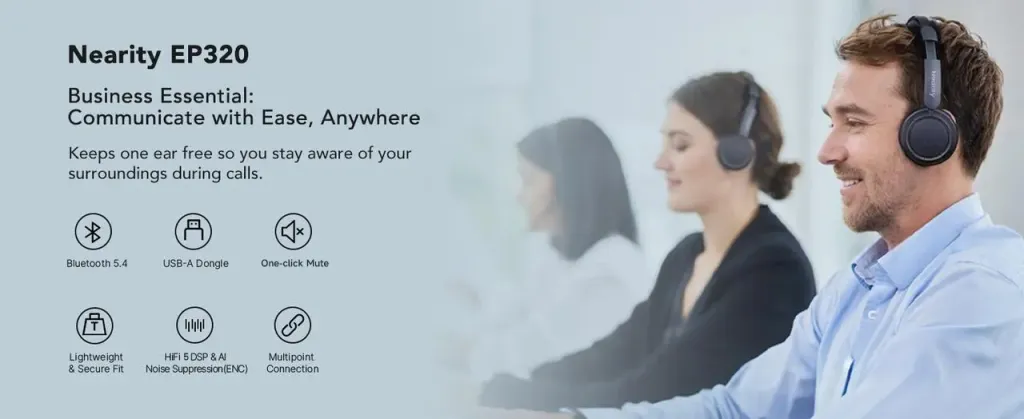
If you’re ready to put these techniques into practice, you need a headset that can keep up. This is where the Nearhub EP320 comes in. More than just headphones, it is a productivity-focused headset built to remove the friction from remote communication. Here are four reasons why the EP320 stands out.
1. Crystal Clear Voice with Advanced Quad-Mic ENC
The EP320 features a four-microphone Environmental Noise Cancellation (ENC) system. Two microphones focus on capturing your voice with clarity, while the other two actively detect and reduce background noise in real time. Even in noisy environments—like a neighbor mowing the lawn—your voice stays clear, focused, and professional. Your team hears only you.
2. All-Day Comfort Without Fatigue
Long meetings demand long-lasting comfort. The EP320 is designed with ultra-soft protein leather ear cushions and a lightweight ergonomic frame to reduce pressure and prevent headset fatigue. It stays comfortable through hours of calls, making it an ideal choice for professionals looking for the best headset for work.
3. Seamless Multi-Device Switching (Bluetooth + USB Dongle)
Work often happens across multiple devices. The EP320 supports simultaneous connections via Bluetooth and a dedicated USB dongle, allowing you to switch effortlessly between your computer and smartphone. You stay connected without interruptions or manual re-pairing.
4. Long Battery Life for Uninterrupted Meetings
With over 30 hours of talk time, the EP320 is built for full workweeks of meetings on a single charge. No low-battery alerts mid-call—just reliable performance when it matters most.
Comparative Analysis: Finding the Right Gear
| Feature | Nearhub EP320 | Standard Earbuds | High-End Gaming Headset |
|---|---|---|---|
| Primary Focus | Professional Communication | Music/Portability | Immersion/SFX |
| Noise Filtering | Advanced Dual-Mic ENC | Basic or None | Moderate |
| Battery Life | 30+ Hours | 4-6 Hours | 15-20 Hours |
| Professionalism | Sleek, modern look | Unreliable/Casual | Often too bulky/Glowy |
| Weight | Optimized for all-day wear | Minimal | Heavy |
How to Set Up Your Home Office for Audio Success
Even with the best headset for meetings, a few environmental tweaks can elevate your status from "Remote Worker" to "Remote Leader."
- Manage Your Reverb: Hard surfaces (like tile floors or empty walls) cause your voice to bounce. Adding a rug or some acoustic foam can drastically improve how you sound.
- Mic Positioning: If your headset has a boom arm, keep it about two fingers' width away from the corner of your mouth. This prevents "plosives" (the popping sound on 'P' and 'B' letters).
- Check Your Software Settings: Always ensure that your Microsoft Teams or Zoom settings are set to your best headset for work rather than the default "System" audio.
Conclusion: Don't Let Bad Audio Hold You Back
Ultimately, your technical skills and leadership are only as effective as your ability to communicate them. Investing in high-quality equipment is about more than just convenience; it's about career growth. In the remote world, your audio is your bridge to your team. If that bridge is shaky, noisy, or prone to collapse, your professional relationships will suffer.
Stop being the person who causes "audio dread" in the group chat. By prioritizing clear communication, you show your colleagues that you value their time and focus. The Nearhub EP320 stands out because it is built to handle the unique challenges of the modern professional. It’s time to silence the distractions and let your voice be heard with the clarity it deserves.
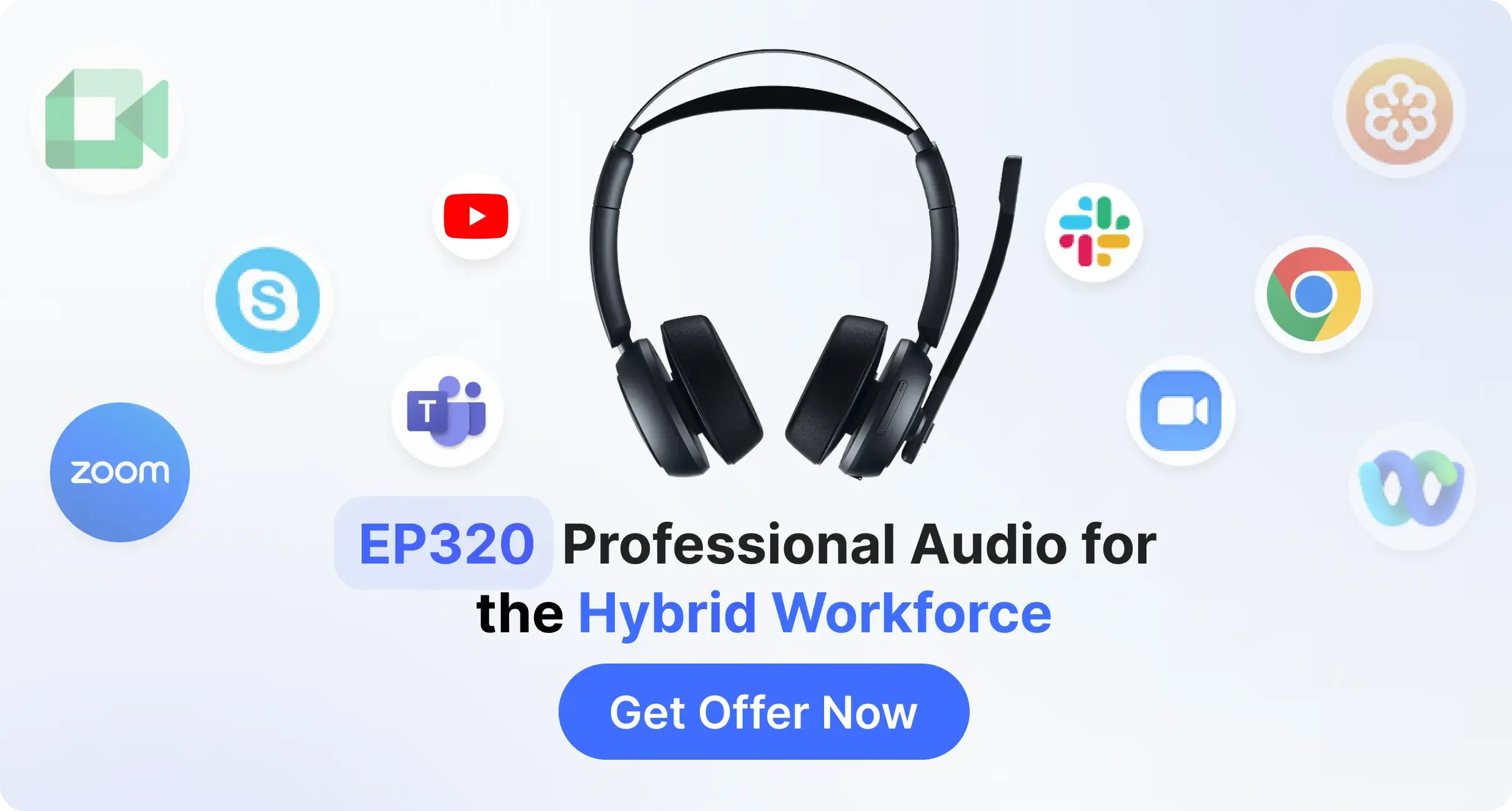
Ready to upgrade your professional presence? Click here to discover why the Nearhub EP320 is the only headset you'll ever need for your remote office.
FAQ: Solving Your Most Common Meeting Audio Problems
- Why do my colleagues say I sound like a robot?
This is usually due to "packet loss" in your internet connection or a Bluetooth codec struggling to keep up. Using a high-quality wireless headset with a dedicated USB dongle (like the EP320) can often stabilize this. - Can I use noise-cancelling headphones for music AND meetings?
Absolutely. However, make sure they have a dedicated microphone arm or high-quality internal beamforming mics. Traditional music headphones often have the mic too far from the mouth, making you sound distant. - How do I know if I'm echoing?
If you see the "speaking" indicator flash next to your name in Teams when someone else is talking, you are likely the source of the echo. Plugging in a dedicated headset is the instant fix. - Is a wired headset better than wireless?
In the past, yes. But modern Bluetooth 5.2+ technology has made the best headset for teams meetings just as reliable as wired ones, with the added benefit of being able to pace around your room during long calls. - How do I clean my headset?
For protein leather cushions, use a slightly damp cloth with mild soap. Never use harsh chemicals, as they can crack the material over time.




 sales@nearhub.us
