- Ver productos
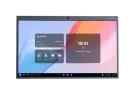
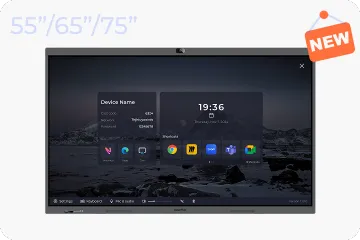
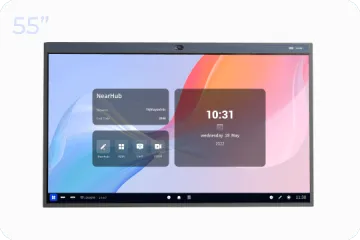
Para Salas Huddle
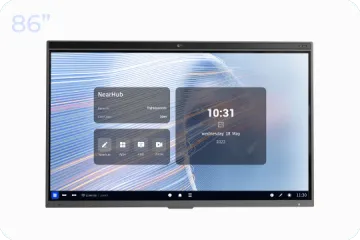
NearHub Board S55
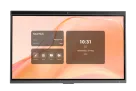
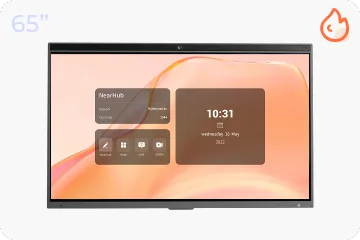
Para Salas Medianas
NearHub Board S65
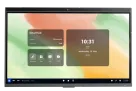
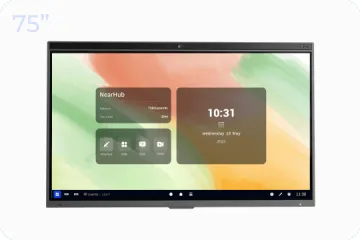
Para Salas Grandes
NearHub Board S75
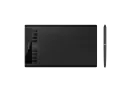
Tableta de Dibujo USB
NearHub MagicPad S13
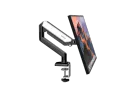
Soporte para Monitor Único
NearHub MS-001
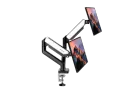
Soporte para Doble Monitor
NearHub MS-002
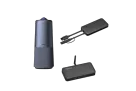
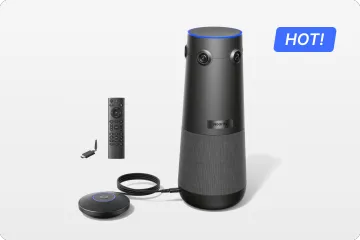
NearHub Air + Tail + C50
Solución Integral Definitiva para Salas
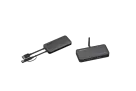
NearHub Air + Tail
Cartelería, Pantalla Compartida y BYOM
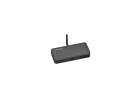
NearHub Air
Cartelería y Pantalla Compartida
- Seleccione su NearHub
Seleccione la NearHub Board con el mejor valor y accesorios perfectos.
- NearHub vs. Competidores
Hagamos comparaciones lo más objetivas posible.
- Casos de Éxito
Cómo empresas reales usan NearHub para innovar.
- Integraciones de Apps
Mejore su flujo de trabajo con las aplicaciones que ama.
- Reuniones
- Auriculares
- Ergonomía