
































































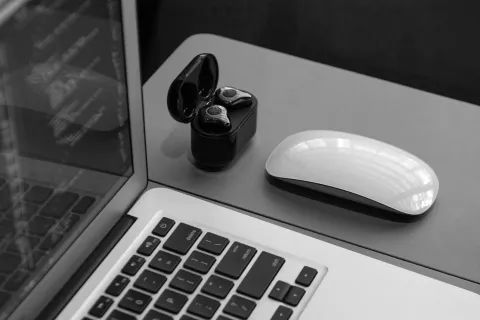
Finding the best wireless earbuds for PC isn't as simple as picking a pair for your smartphone. While most earbuds connect via Bluetooth, the PC environment introduces unique challenges—from driver incompatibilities and audio latency to mediocre microphone performance during Zoom calls.
In this guide, we’ll break down why your choice of wireless earbuds for pc matters and which models are actually worth your investment for a seamless desktop experience.
Key Takeaways
- Choose earbuds with a USB dongle for zero-latency, interference-free PC connections.
- Advanced noise-canceling microphones ensure clear communication during calls.
- For gaming, prioritize low-latency 2.4GHz connections to stay competitive.
- Look for ergonomic, lightweight designs for long hours at your desk.
- Ensure Windows/macOS compatibility with dedicated software and Multipoint support.
- Budget options like Nearity MemPod Fit 2 offer comfort and clarity for calls.
- High-end gaming earbuds like Razer Hammerhead Pro HyperSpeed provide customization and ANC.
- Audiophile earbuds like Sony WF-1000XM5 and Sennheiser Momentum True Wireless 4 deliver superior sound quality and high-resolution support.
Why Choosing the Right Earbuds for PC Matters
Using earbuds for pc is a fundamentally different experience than using them with a phone. Most mobile devices are optimized for high-quality Bluetooth audio protocols, but PCs—especially those running Windows—often struggle with the "handshake" between the system and the wireless hardware.
There are three main reasons why not all wireless earbuds are suitable for PC:
- System Overhead: Windows and macOS handle audio drivers differently, which can lead to connection drops or "robot voice" during multitasking.
- The Latency Gap: Standard Bluetooth has a noticeable delay, which might be fine for music but is disastrous for fast-paced gaming or video editing. According to research results, standard Bluetooth latency typically ranges from 40ms to over 250ms, whereas specialized 2.4GHz connections can bring this down to under 20ms.
- Mic Profiles: Many earbuds switch to a lower-quality mono profile (Hands-Free Profile) the moment the microphone is activated on a PC, ruining the sound quality of your meeting.
Choosing the right pair ensures you avoid these technical headaches and get the performance you actually paid for.
Key Factors to Consider When Choosing Earbuds for PC
To find the perfect pair, you need a consistent evaluation framework. Here is what you should look for before hitting the "buy" button:
Connection Type (Bluetooth vs. USB Dongle)
While Bluetooth is convenient, a 2.4GHz USB dongle is the "gold standard" for PC use. It provides a direct, interference-free pipeline that bypasses the Windows Bluetooth stack entirely.
Microphone Quality for PC Calls
PC environments often involve background noise (mechanical keyboards, PC fans). Look for earbuds with advanced noise-canceling microphones or AI voice isolation to ensure you sound professional in every meeting.
Latency Performance for PC Gaming
For gaming, "near-zero" latency is a must. If there is a delay between seeing a shot and hearing it, your performance will suffer. This is where specialized gaming protocols outperform standard Bluetooth.
Comfort for Long PC Use
Unlike a 20-minute commute, PC sessions can last 8+ hours. Look for ergonomic designs, multiple ear-tip sizes, and lightweight builds that won't cause "ear fatigue" by lunchtime.
Windows and macOS Compatibility
Ensure the earbuds have dedicated software support for your OS. This allows you to customize EQ settings, update firmware, and manage "Multipoint" connections (connecting to your PC and phone simultaneously).
Best Wireless Earbuds for PC Calls
When it comes to remote work and professional meetings, stability and voice clarity are non-negotiable.
The Best Value for Comfort: Nearity MemPod Fit 2
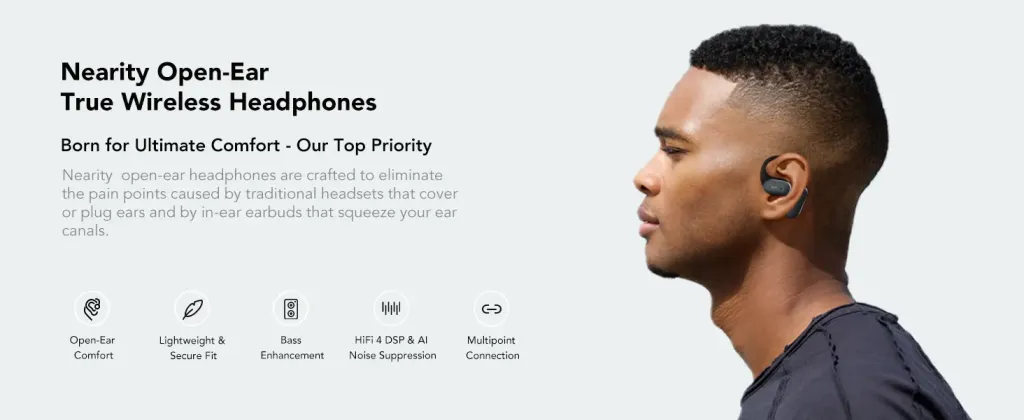
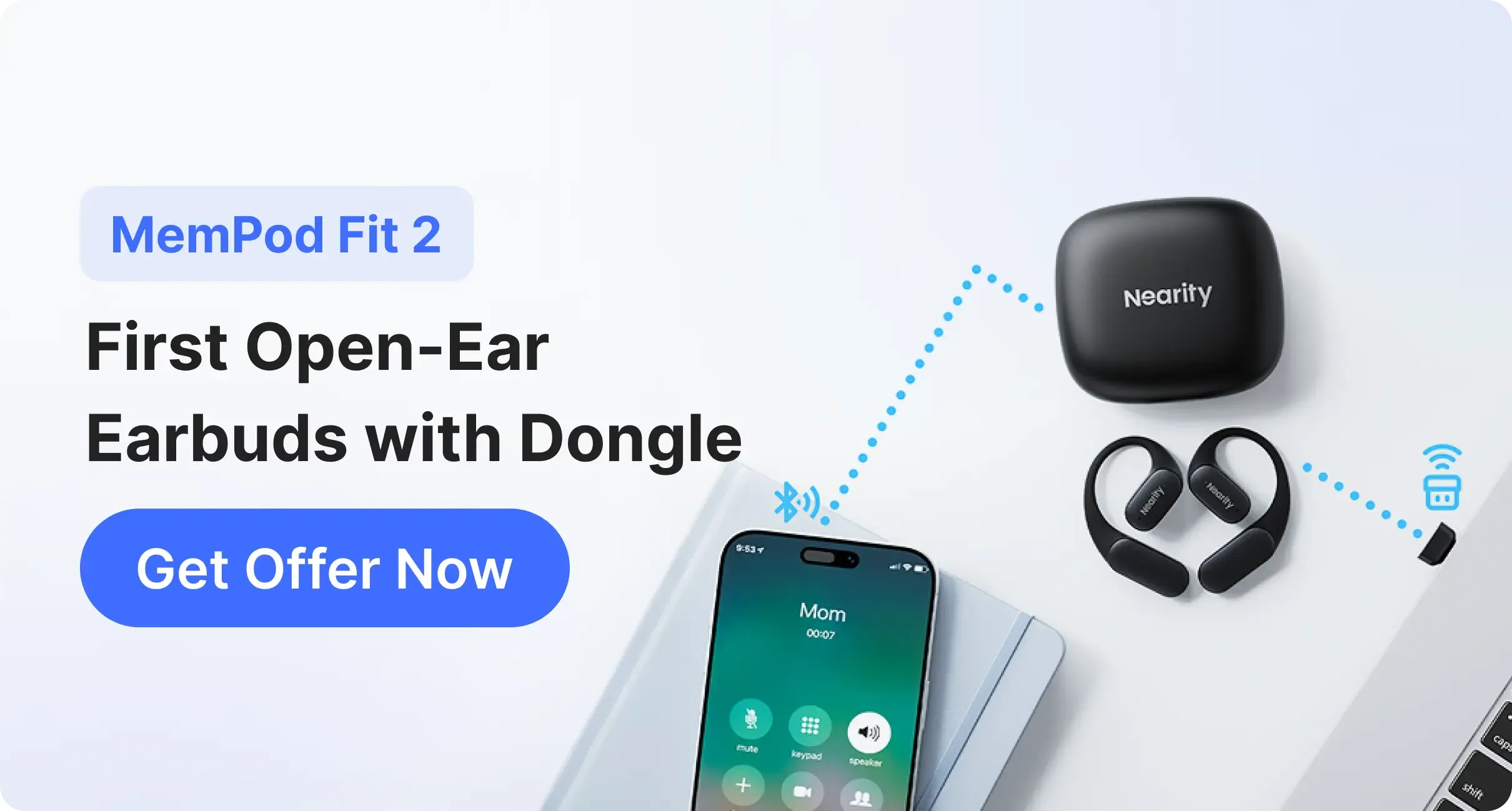
For PC users looking for a comfortable and affordable option, the Nearity MemPod Fit 2 stands out as one of the good budget earbuds on the market, priced at around $80. Unlike traditional in-ear earbuds that often cause discomfort after prolonged use, its open-ear design eliminates ear canal fatigue and allows you to stay aware of your surroundings—making it a practical, budget-friendly choice for all-day home office and PC use.
- Why it’s great for PC: It comes with earbuds with dongle to ensure zero‑latency meetings, while the ENC (Environmental Noise Cancellation) technology allows the other party to hear your voice with perfect clarity, even in noisy environments.
- Open-Ear Advantage:According to clinical insights and audiologist research from Houston Methodist, open-ear designs help prevent the "occlusion effect" and significantly reduce the risk of ear infections and hearing fatigue associated with long-term pressure on the ear canal.
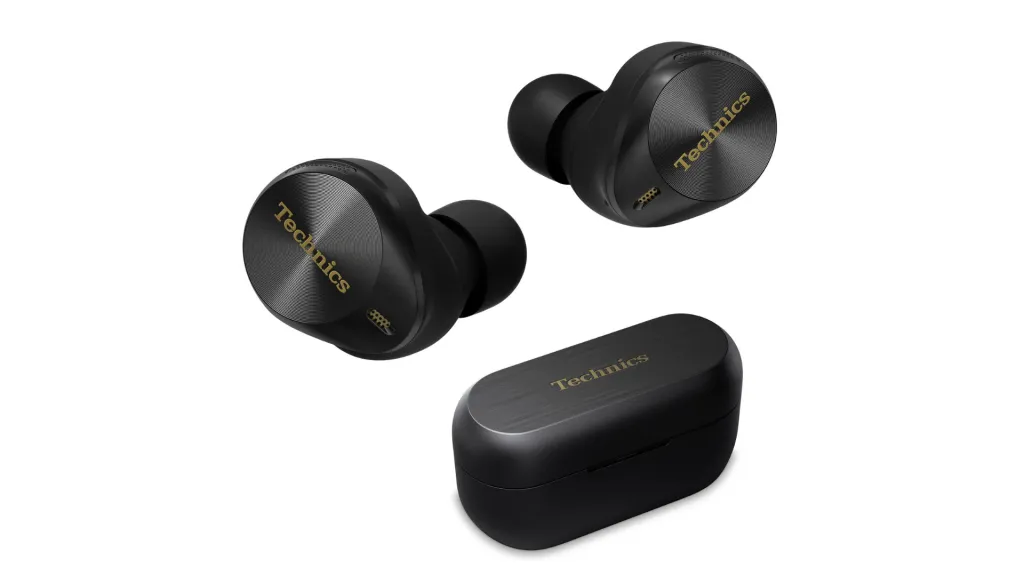
The Professional Standard: Technics EAH-AZ80
For professionals who rely on clear communication, the Technics EAH-AZ80 sets a high benchmark among best earbuds for phone calls. It offers:
- Stable Multi-Device Switching: Seamlessly jump from a Spotify playlist on your phone to a Teams call on your PC using high-quality Multipoint Bluetooth.
- Crystal Clear Pick-up: Advanced beamforming mics that filter out the sound of your typing or clicking.
Using dedicated earbuds for pc calls ensures that you never have to ask, "Can you hear me now?" in the middle of a presentation.
Best Wireless Earbuds for PC Gaming
Gaming is the most demanding scenario for wireless audio. Standard Bluetooth often has a lag of 200ms or more, which is unacceptable for competitive play. To achieve the performance required, the best gaming earbuds for pc rely on dedicated 2.4GHz USB-C dongles.
The Best Overall for Gaming: SteelSeries Arctis GameBuds
The Arctis GameBuds bring the legendary performance of SteelSeries headsets into a compact form factor designed for hours of play.
- Ultra-Low Latency: Using the included 2.4GHz USB-C dongle, it reduces lag to under 30ms, making it effectively "lag-free."
- Positional Audio: These buds feature 360° Spatial Audio, specifically tuned to help you hear footsteps and environmental cues with incredible precision.
- Seamless Switching: Easily swap between the high-speed 2.4GHz connection and Bluetooth with a simple button press.
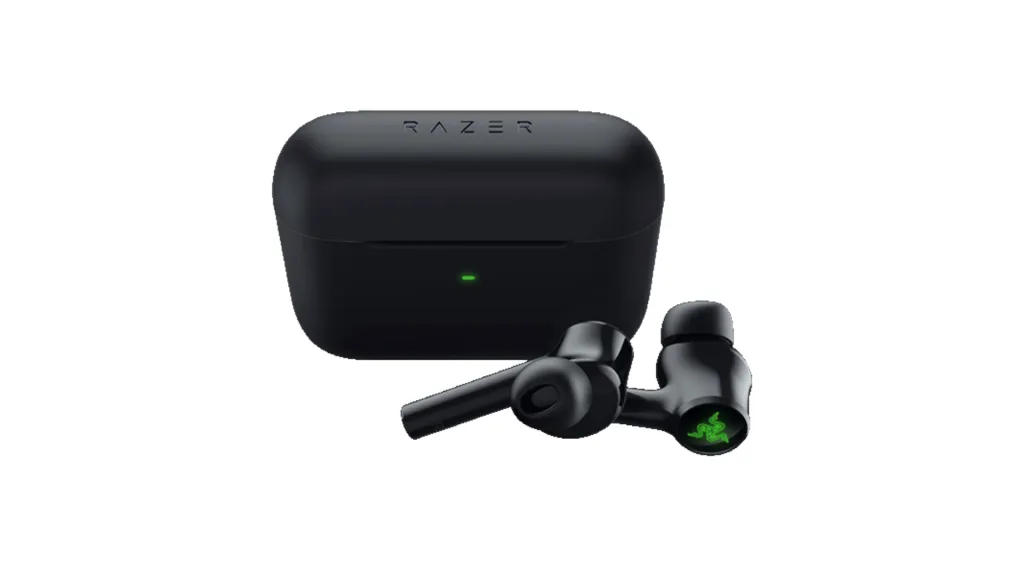
The Best for Customization: Razer Hammerhead Pro HyperSpeed
Razer's flagship gaming earbuds are built for enthusiasts who want high-performance audio combined with premium build quality and features.
- HyperSpeed Wireless Technology: The dedicated USB-C dongle ensures a rock-solid, high-speed connection that is essential for competitive gaming.
- Pro-Grade Noise Cancellation: Features adjustable Active Noise Cancellation (ANC) and THX® Certified audio, allowing you to stay fully immersed without outside distractions.
- RGB Integration: For those who love aesthetics, it features customizable Razer Chroma™ RGB lighting that can be synchronized with your PC setup.
Best Wireless Earbuds for PC Music
If your PC is primarily a media hub for high-fidelity music and movies, your focus should be on soundstage, depth, and the ability to block out office distractions.
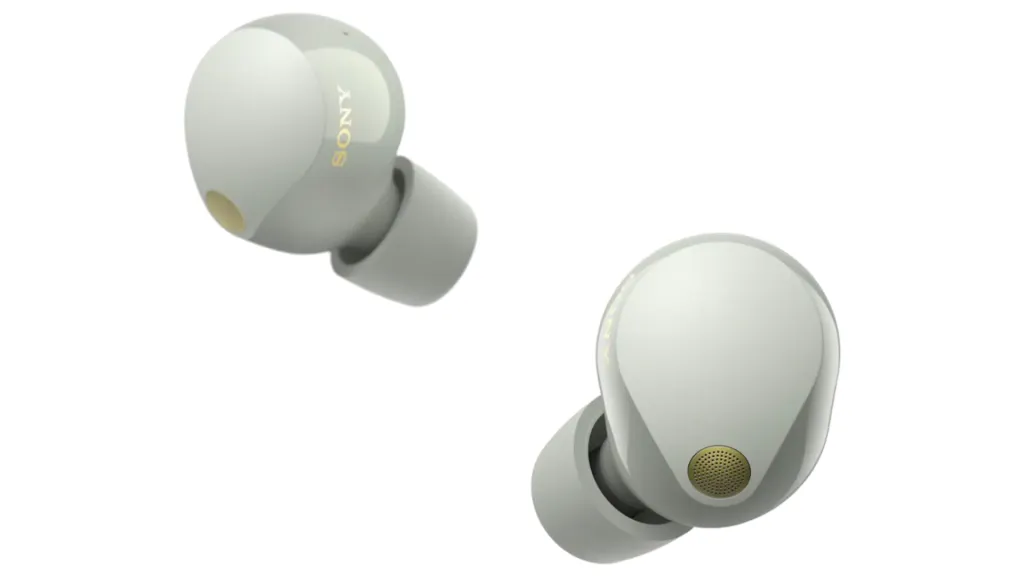
The Industry Leader in ANC: Sony WF-1000XM5
The Sony WF-1000XM5 remains the benchmark for noise cancellation and rich, balanced sound.
- Superior Audio Fidelity: Supports the LDAC codec, which allows you to stream high-resolution audio from your PC (with compatible drivers or transmitters) for a near-lossless experience.
- Best-in-Class ANC: The Integrated Processor V2 and HD Noise Canceling Processor QN2e work together to drown out even the loudest PC cooling fans and office chatter.
- Deep Integration: Its dedicated app allows for precise EQ adjustments that stay active when you switch between your smartphone and your PC.
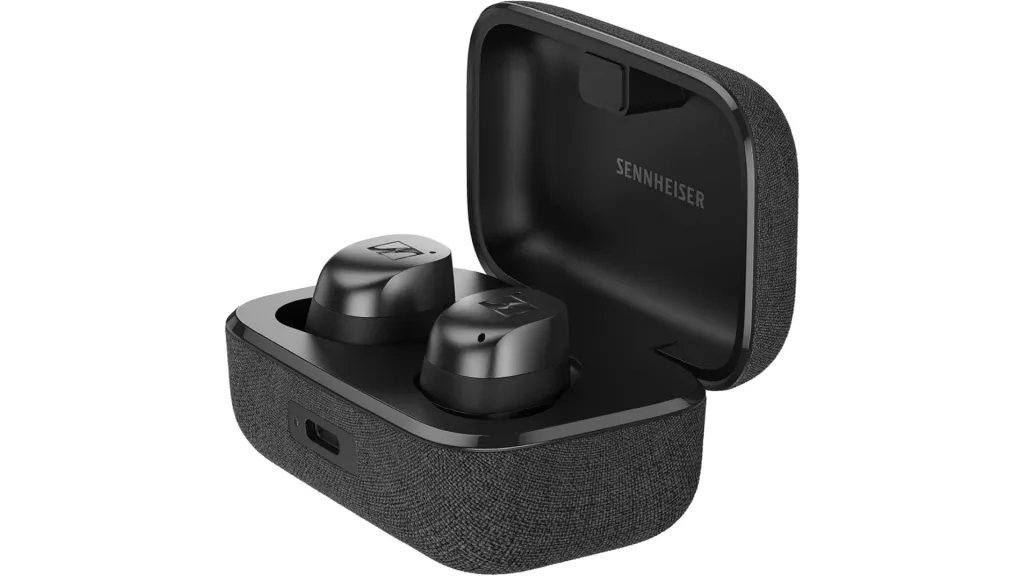
The Audiophile's Choice: Sennheiser Momentum True Wireless 4
For those who prioritize a wide soundstage and musical texture, Sennheiser offers a more "open" and analytical sound profile.
- Future-Proof Tech: Supports aptX Lossless and Auracast, providing a stable, high-bitrate connection that ensures your music sounds exactly as the artist intended.
- TrueResponse Transducers: Sennheiser’s signature drivers deliver deep bass, natural mids, and detailed highs that are difficult to find in most consumer earbuds.
- Refined Comfort: Includes a variety of fin and tip sizes to ensure a secure, comfortable fit for long-form listening sessions at your desk.
Bluetooth vs. USB Dongle for PC — Which Is Better?
This is the final hurdle for most buyers: Do you really need that extra USB stick?
- Bluetooth: Best for casual users and office work. It’s convenient, doesn't take up a USB port, and works across all your devices. However, it is prone to latency and occasional interference.
- USB Dongle (2.4GHz): Best for gamers and power users. It offers the most stable connection, the lowest possible latency, and often better microphone bandwidth.
Our Recommendation: If your work involves constant calls or if you play any competitive games, always opt for a pair that includes a USB dongle.
Conclusion
The best wireless earbuds for PC are the ones that align with your specific workflow and daily use cases.
- If you spend most of your day in meetings, choose earbuds for calls with elite microphone isolation, such as the Nearhub MemPod Fit 2, to ensure all-day comfort and clear communication.
- If you are a gamer, do not settle for anything without a 2.4GHz dongle, as low-latency wireless earbuds for PC are essential for accurate audio sync.
- If you primarily want to enjoy music on your computer, prioritize earbuds for PC with active noise cancelation and high-resolution driver support.
By matching your needs with the right connection type and feature set, you can finally enjoy a truly wire-free desktop experience without the technical compromises of the past.
| Category | Product | Key Features | Approx. Price (USD) |
| PC Calls – Budget | Nearity MemPod Fit 2 | Open-ear design for comfort, ENC technology, USB-C dongle for zero-latency meetings | $85 |
| PC Calls – Professional | Technics EAH-AZ80 | Stable multi-device switching, beamforming mics for crystal-clear voice | $170 |
| PC Gaming – Overall | SteelSeries Arctis GameBuds | 2.4GHz USB-C dongle, ultra-low latency (<30ms), 360° spatial audio | $160 |
| PC Gaming – Customization | Razer Hammerhead Pro HyperSpeed | HyperSpeed USB-C dongle, adjustable ANC, THX® certified audio, customizable RGB | $105 |
| PC Music – ANC Leader | Sony WF-1000XM5 | LDAC codec, best-in-class ANC, dedicated app for EQ, high-res streaming | $230 |
| PC Music – Audiophile Choice | Sennheiser Momentum True Wireless 4 | aptX Lossless & Auracast, TrueResponse transducers, refined comfort | $330 |
FAQs
- Which devices are compatible with earbuds for PC?
Most modern PCs with built-in Bluetooth or a USB-A/USB-C port are compatible. However, for the best features, ensure your OS (Windows 10/11 or macOS) is up to date.
- Can I move around while using earbuds with a dongle?
Yes. Most 2.4GHz dongles have a range of about 10 meters (30 feet), similar to Bluetooth, but with a much more stable signal that is less likely to cut out when you walk to the kitchen.
- Can I connect earbuds to PC and phone at the same time?
Only if the earbuds support Bluetooth Multipoint. This feature allows you to stay connected to both and will automatically switch audio based on which device is playing sound or receiving a call.
- How do I connect wireless earbuds to a PC?
To connect your earbuds to a PC, first put them into pairing mode. On Windows, open Settings, go to Bluetooth & devices, and select Add device, then choose your earbuds from the list. If you are using a USB dongle instead, simply plug it into your computer, and the PC will usually switch the audio output automatically.



 sales@nearhub.us
