




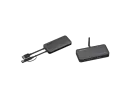
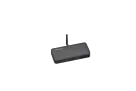
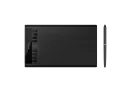

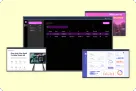
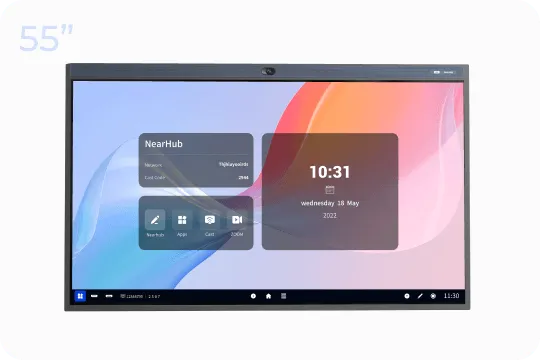
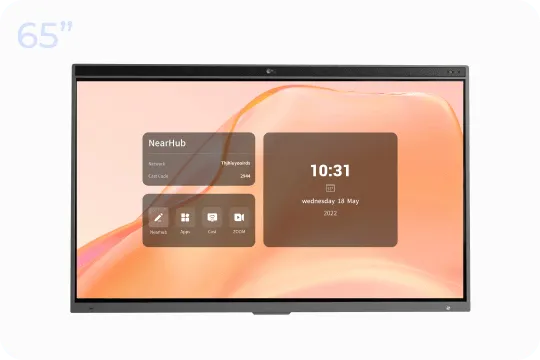
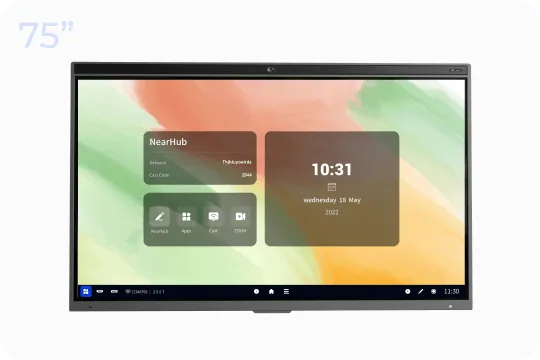
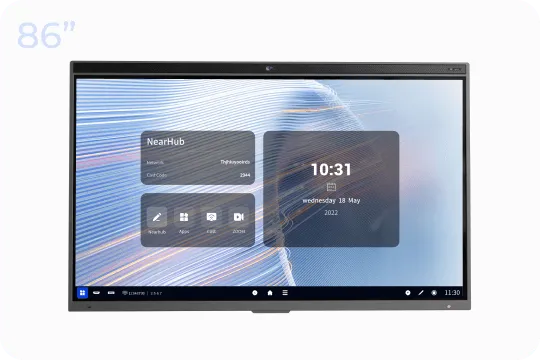








We are pleased to announce the release of the latest version of NearHub V1.0.12.0, which includes some important new features and improvements to enhance the user experience and system functionality.
-
Release time: 03/29/2024
NearHub OS:
-
New Feature - Added NearHubDrop file transfer tool: we support uploading files in any format to NearHub Board from any device on the same network. This feature also allows users to seamlessly transfer files to other devices(mobile phone, tablet, laptop, computer), streamlining file sharing and collaboration processes.
Operating Instructions:
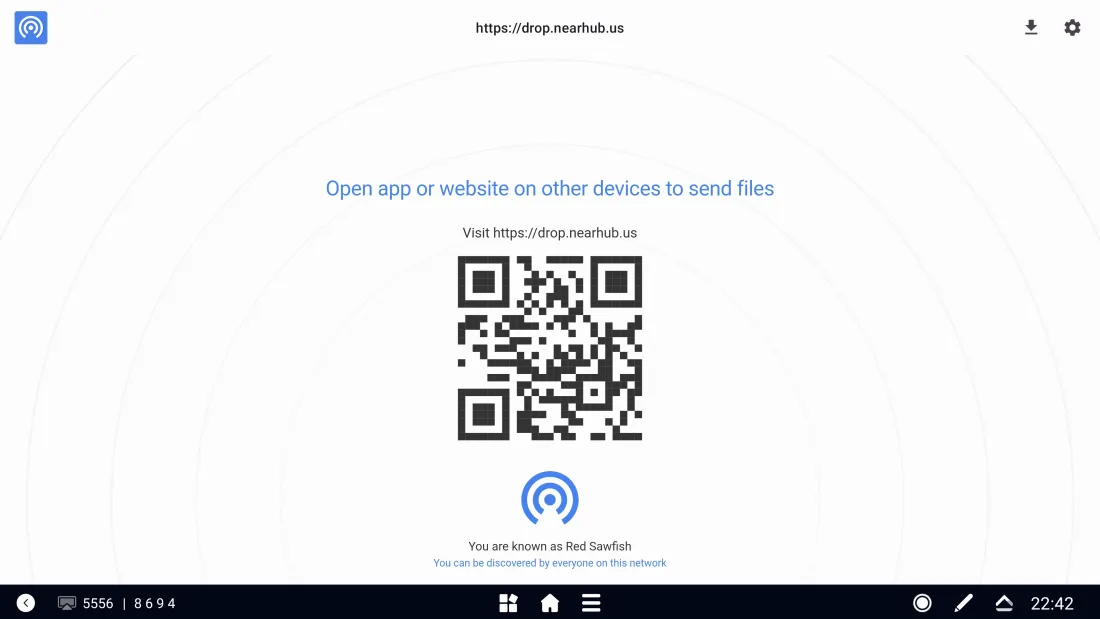
Before opening any device for connection, open the [NearHub Drop] App on NearHub as shown in the picture:
-
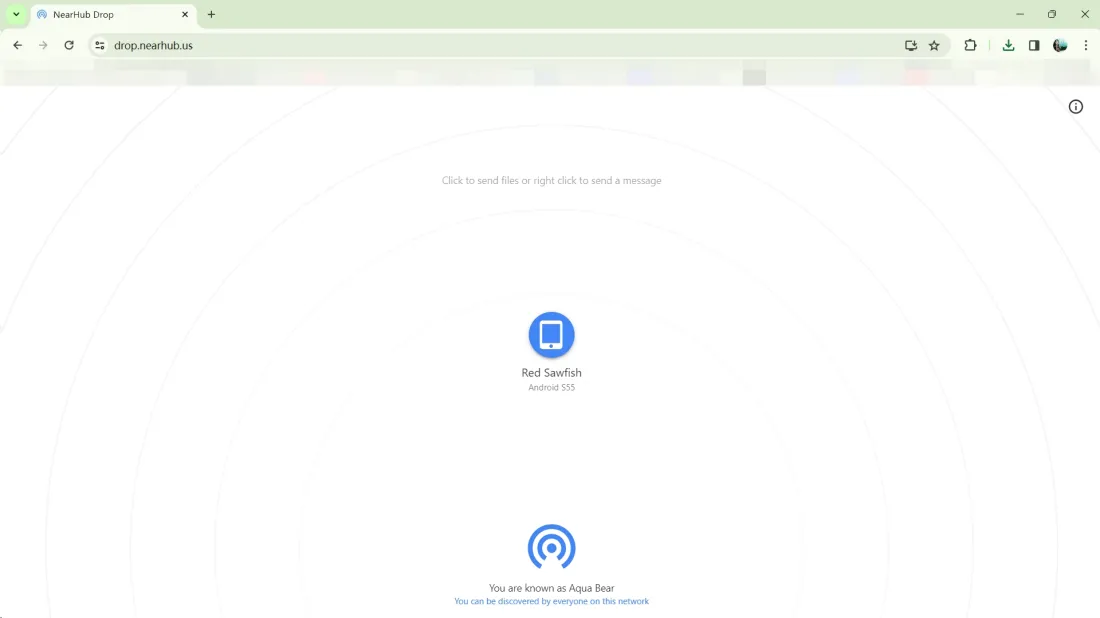
Laptop & Computer: Open the webpage at https://drop.nearhub.us/ in your web browser to complete the connection, and click the device button on the screen to start transferring
-
Mobile phone & Tablet: Open an application that supports code scanning or the system's default scanning function, and scan the QR code on the whiteboard then your device will appear on the whiteboard transfer list. Similarly, just click on the device to start transferring any files to other devices.
tips:
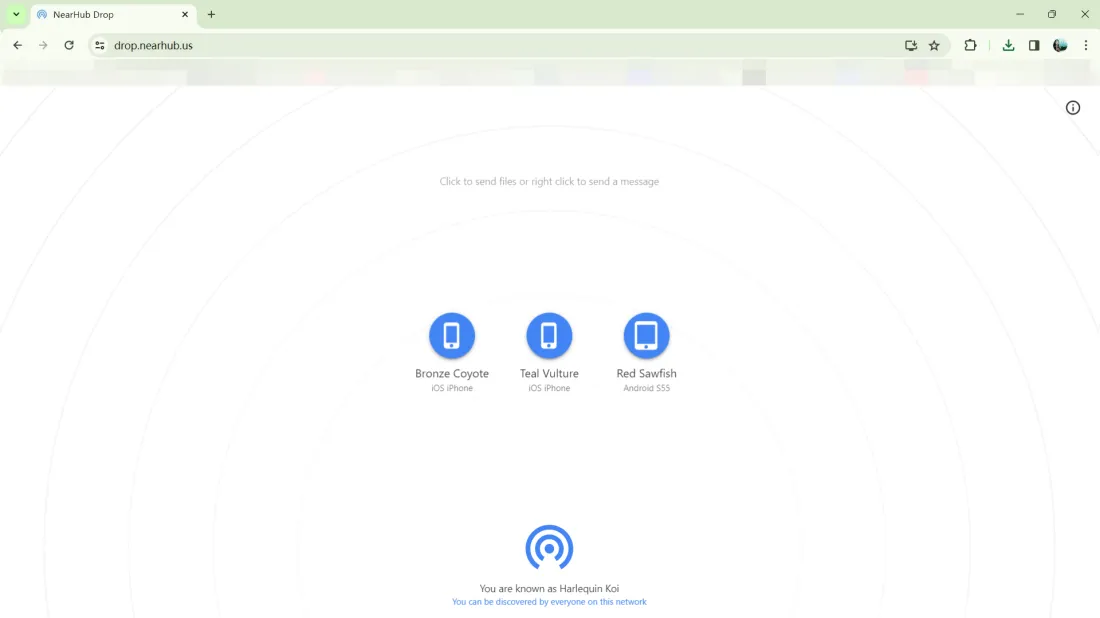
*Multiple devices connected to NearHub at the same time on the same network can realize file transfer between each other.
-
Optimization (Performance) - Optimized some text errors in the system: Text errors in the system have been addressed and optimized, ensuring a smoother and more professional user interface.
-
Optimization (Performance) - Enhanced stability of NearHub Tail screen mirroring: We improved stability in NearHub Tail screen mirroring for a reliable screen sharing experience.
-
Optimization (Interaction) - Improved administrator permission control logic: We fixed the logic closure and enhanced logic for administrator permission control. Now the permissions on the control panel cannot be changed arbitrarily, but only with administrator privileges and Pin code, which provides better control and management for customers.
-
Bug fix - Fixed the issue of Zoom software experiencing repetitive updates: The issue that caused duplicate updates to the Zoom software has been resolved. Users now have a more stable software experience.
NearHub Canvas:
-
Optimization (Performance) - Improved the quality of PDF content exports: We enhanced the quality of PDF content exports for better output.
-
Optimization (Performance) - Optimized the waiting time for local board uploads: We optimized waiting times for uploading local whiteboard content, enhancing utilizing efficiency. Now users can upload their local board to the whiteboard faster.
-
Optimization (Performance) - Enhanced the loading effect of whiteboards: We improved the loading of the online whiteboard, now the progress bar and the loading state of the whiteboard are keeping the same.
-
Optimization (Interaction) - Improved real-time effect display for multi-device synchronization: We enhanced real-time effect display for multi-device synchronization, ensuring a smoother synchronization experience.
We believe that these updates will bring users a more convenient, smooth, and enjoyable experience. If you find any bugs or features that need optimization during your product experience, feel free to submit a ticket at any time. We will continue to work hard to improve and refine NearHub's system and software to meet the needs and expectations of our users. We also welcome everyone to join our NearHub Community for in-depth communication. Thank you for your support and trust in NearHub!
If you have any questions or feedback about these updates, please feel free to contact our customer service team.

 sales@nearhub.us
