
































































This article explores the transition from spontaneous whiteboarding to a formal whiteboard strategy as a catalyst for organizational efficiency. While traditional sessions often lack direction, implementing structured whiteboard strategies—leveraging visual thinking, hierarchical organization, and real-time feedback—enables teams to bridge the gap between ideation and execution. By analyzing core techniques such as the "Parking Lot" method and the integration of digital ecosystems like NearHub, this guide provides a roadmap for modern leaders to foster inclusive, high-impact collaboration in both physical and hybrid workspaces.
Key Takeaways
以下是为您总结的 Key Takeaways(内容精要)。在 SEO 实践中,将这些要点放在文章开头(作为快速浏览导读)或结尾(作为复盘总结),能极大地提升用户停留时间,并帮助搜索引擎抓取核心语义。
🚀 Key Takeaways: Mastering Your Whiteboard Strategy
- Strategy Over Session: A whiteboard strategy is more than just drawing; it is a structured methodology that transforms abstract brainstorming into a visual, actionable roadmap.
- Visual Dominance: Over 60% of professionals prefer visual collaboration. Incorporating diagrams and mind maps makes information more digestible and improves long-term memory retention.
- Goal-Centric Approach: Every successful session must start with a clearly defined objective written at the top of the board to act as a "North Star" for the team.
- Efficiency Through Templates: Utilizing pre-built templates for workflows or SWOT analysis reduces setup time and provides a proven framework for strategic thinking.
- The "Parking Lot" Rule: Protect meeting momentum by using a dedicated space for tangential ideas, ensuring focused discussions without losing creative sparks.
- Digital Transformation: Tools like NearHub and MagicPad S13 elevate whiteboard strategies by offering infinite canvas space, remote synchronization, and the ability to save ideas instantly for future use.
What is a Whiteboard Strategy?
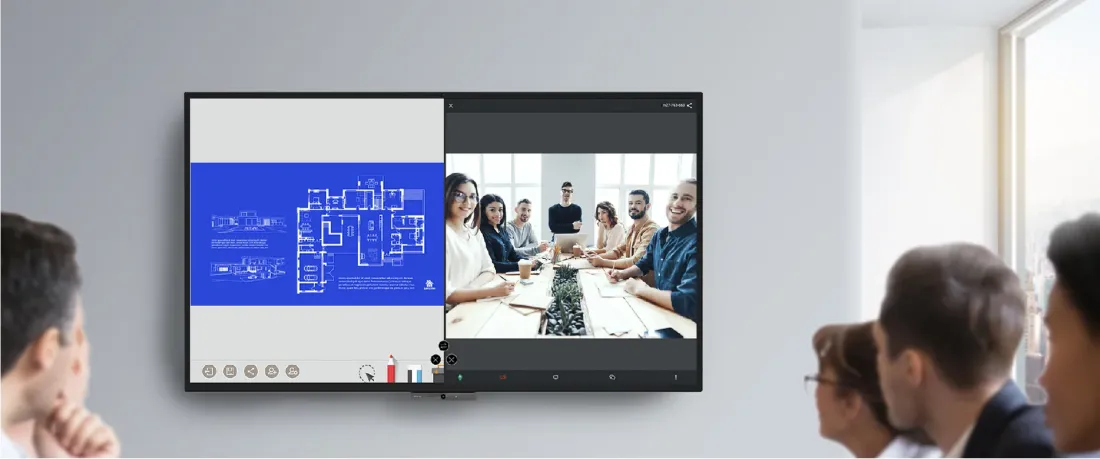
A whiteboard strategy is a structured, collaborative approach used in modern office environments to streamline complex workflows. Unlike traditional note-taking, implementing effective whiteboard strategies allows teams to draw, modify, and annotate ideas in real-time, turning abstract thoughts into actionable roadmaps.
Today, digital tools like NearHub offer powerful features to facilitate remote whiteboard strategies, including:
- Real-time whiteboard sharing and cloud editing
- Infinite canvas for limitless ideation
- Split-screen functionality for video conferencing
- Instant saving and version control for future use
How a Professional Whiteboard Strategy Promotes Collaboration?
Interactive whiteboards are helping the upgrade of office presentations and enhancing learning in institutions and organizations. They have proven to be an effective way to collaborate during meetings than static slides, because a whiteboard can adjust to the conversation of the room. It can help tackle with the indecision and disagreement and optimize decision-making.
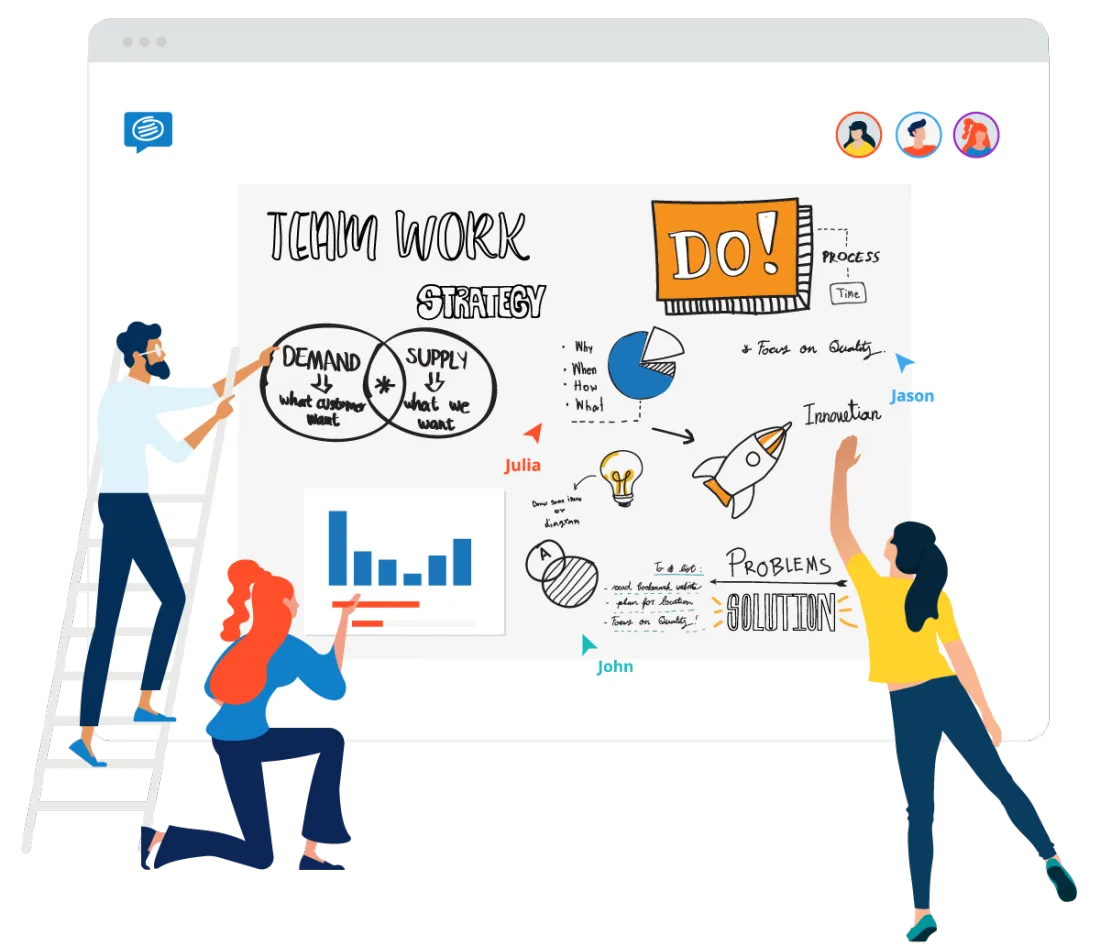
The use of a whiteboard, whether in person or digitally, can improve team morale by demonstrating the importance of each member's thoughts and viewpoints. Utilizing a whiteboard encourages teamwork in finding solutions and enhancing efficiency. When every member feels acknowledged and respected, collaboration becomes more successful.
What should I use a whiteboarding session for?
Visual thinking: visual thinking has been found to aid in understanding ideas on a deeper level, and that’s why many businesses use visual thinking to illustrate workflows and design products.
Collaborative learning: whiteboards facilitate collaborative learning by offering a learning environment which advocates participation, problem-solving, and experimentation.
Brain storming: the infinite canvas of a whiteboard application is a great tool for ideation. The board can easily be modified, edited, and categorized to allow free-thinking and collaboration.
Collecting real-time feedback: online whiteboards can be used to gather real-time feedback and constructive evaluations on concepts, documents, or products.
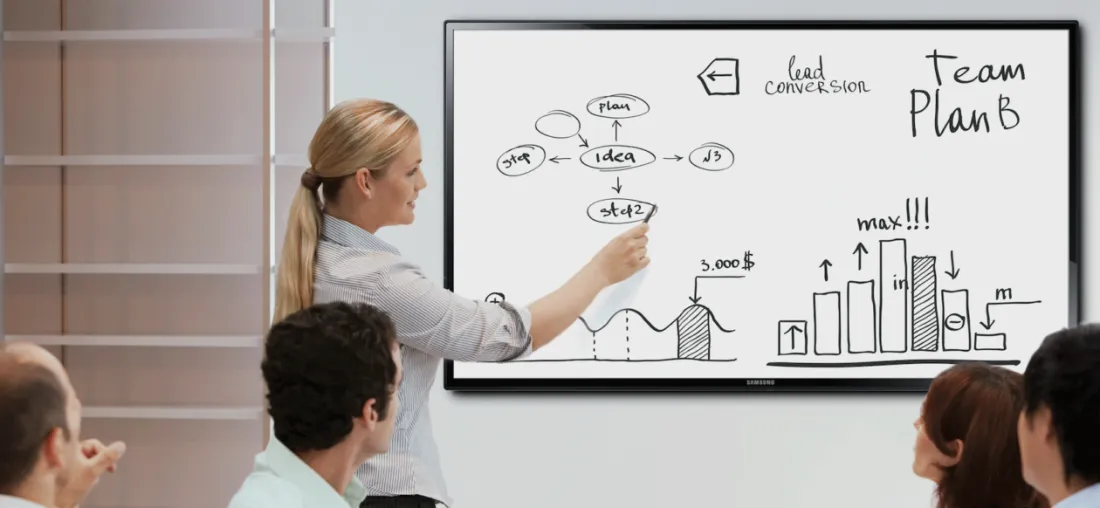
6 Proven Whiteboard Strategies for Successful Meetings
Running an effective whiteboarding session is not easy, and here are some tips for you.
- Focus on your goal
The most effective sessions always have a clearly defined meeting agenda and purpose. To set the tone of the session, write out the goal, purpose of the session and issues to be resolved on the top of the whiteboard to keep everyone on track. As you use the whiteboard, leave the meeting goal at the top of the board as a constant reminder to help keep the meeting focused and on topic.
- Write clearly
To reduce visual clutter and keep meeting participants focused, it's important to start the whiteboarding session by erasing any irrelevant content on the board. Throughout the session, continue to erase content that is no longer useful. Additionally, take the time to write content on the board in a clear and neat manner to avoid illegible messes that can distract participants.
- Use templates
When you are using digital whiteboards, you are able to create a template which organizes and structures your session to focus on an issue ot working towards a common goal. Templates are huge time savers and can help every participant work more efficiently.
You can create your own templates or you can use a built-in templates. You can choose your templates according to your needs, whether it’s brainstorming, workflow, strategy planning, or product development.
- Organize your whiteboard
When ideas start flowing, the whiteboard may become cluttered and disorganized. To make the content easy to understand, it's important to organize ideas into logical categories, columns, or sections. Here are concrete steps.
Firstly, use headlines to guide your audience and prioritize information. Secondly, emphasize big ideas by writing them in a larger font size and sub-points in a smaller font size. Plan the format of your meeting beforehand and ensure it progresses logically towards the end goal. Assign owners and deadlines to action items to avoid any confusion or uncertainty.
- Set up a “parking lot”
During a whiteboarding session, it's common for great ideas to come up that may not be relevant to the current project at hand. To avoid losing momentum, it's important to create a 'parking lot' where these unrelated points or topics can be jotted down.
To make a parking lot, draw a square in the corner of the whiteboard and explain to everyone that it is where all tangential ideas live. At the end of the meeting, set aside 5-10 minutes to review and address the issues in the parking lot. Delete any irrelevant items and defer any relevant but in-depth discussions to a separate meeting or the next agenda. If any points are only relevant to some members of the group, delegate them to a subgroup to save time for team members who don't have expertise in that area.
- Use Visuals as Well as Text
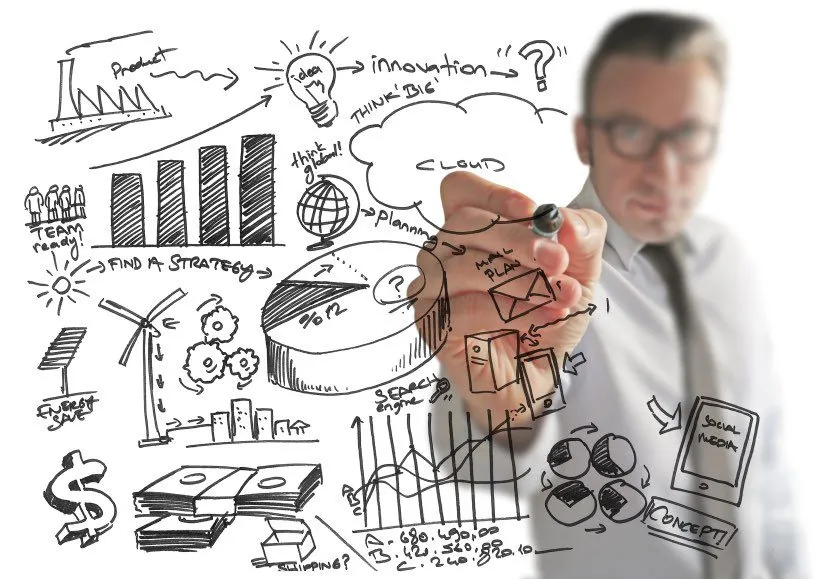
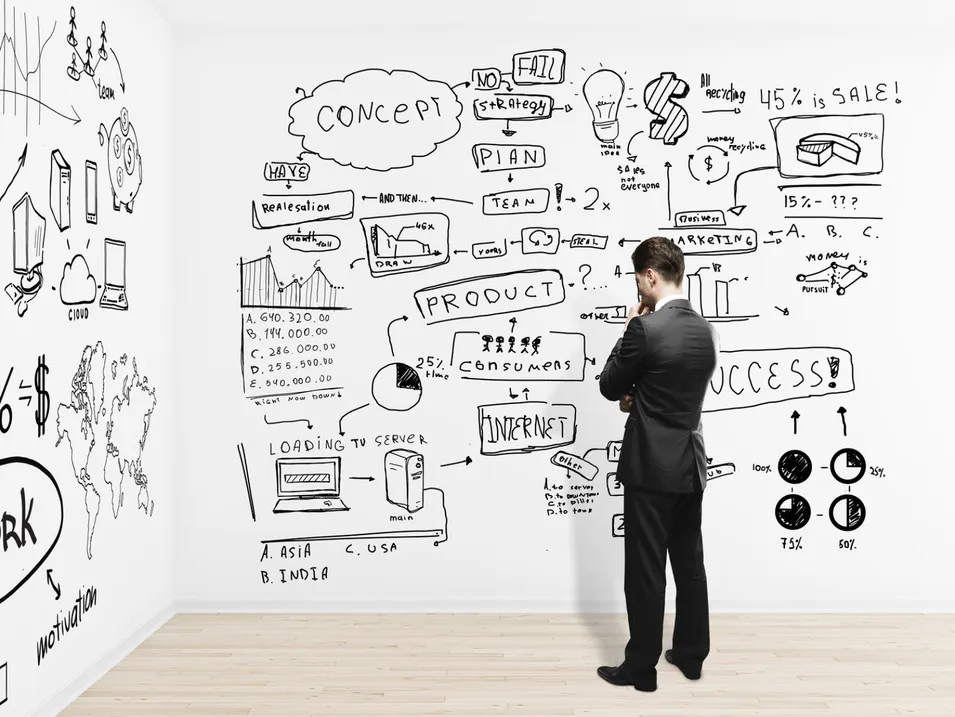
In order to keep everyone engaged during a whiteboard session, it is important to incorporate visuals along with text. Studies show that over 60% of Generation X and Millennials prefer collaboration through visual means. Visual representations help to make content more appealing and easier to absorb and remember. There are various ways to use visuals during a whiteboard session such as drawing simple icons or using mind maps.
Digital whiteboards offer added features to create multimedia mind maps with no limitations. Adding visual communication provides several benefits including delivering information more directly, being more flexible than verbal communication, being attention-grabbing and engaging, making an impact on the audience, and improving the credibility of the message. Therefore, utilizing the power of visual elements is crucial for any successful whiteboard session.
Final Thoughts on Your Whiteboard Strategy
In conclusion, adopting professional whiteboard strategies is the key to active contribution and organizational alignment.
NearHub provides an all-in-one solution for your visual needs. With our interactive digital boards and cutting-edge software, you can combine video conferencing with a mess-free canvas. Whether you are using the NearHub Board or the MagicPad S13, you are equipped to take your digital learning and creativity to the next level.
NearHub is an all-in-one solution for meeting rooms and classrooms. NearHub possesses an interactive digital Board with cutting-edge whiteboard software. By combining your favorite programs with mess-free writing canvas and video conferencing, you can improve your interaction and productivity in the online meeting room or classroom. Besides, NearHub also provides MagicPad S13 to improve digital learning and creativity.
1. What is a whiteboard strategy?
A whiteboard strategy is a structured method of using visual tools to facilitate brainstorming, project planning, and decision-making. Unlike random sketching, a defined strategy ensures that visual collaboration is aligned with specific business goals and results in actionable outcomes.
2. Why are whiteboard strategies important for remote teams?
For remote or hybrid teams, whiteboard strategies bridge the communication gap. By using digital tools like NearHub, remote participants can interact with the same canvas in real-time, making virtual meetings as dynamic and inclusive as in-person sessions.
3. How can I improve my team's whiteboard strategy?
You can enhance your whiteboard strategies by implementing clear organization: use predefined templates, assign different colors for specific tasks (e.g., risks vs. ideas), and always conclude by assigning owners to the action items identified on the board.
4. What are the best tools to support a digital whiteboard strategy?
A successful digital whiteboard strategy requires both high-quality software and hardware. All-in-one solutions like the NearHub Board or portable tools like the MagicPad S13 provide the infinite canvas and video conferencing integration necessary for professional-grade visual collaboration.
5. What is the "Parking Lot" technique in a whiteboard strategy?
The "Parking Lot" is a vital whiteboarding strategy used to manage off-topic ideas. By designating a specific area on the board for tangential thoughts, you keep the main discussion focused while ensuring that no creative ideas are lost for future sessions.





 sales@nearhub.us
