🎉 ¡Lanzamiento oficial! 360 Alien con envío prioritario disponible¡Supere los límites con la nueva NearHub Board con Windows 11 Pro!

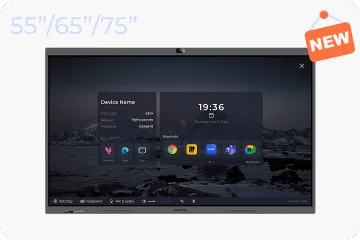
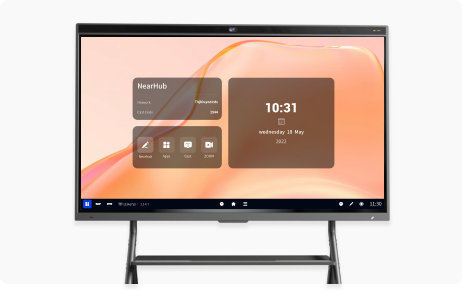
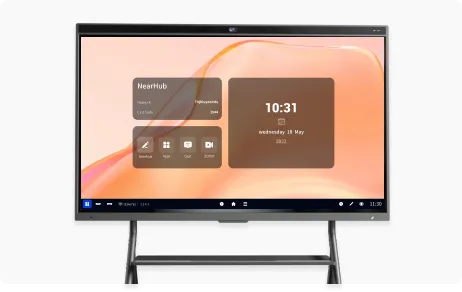
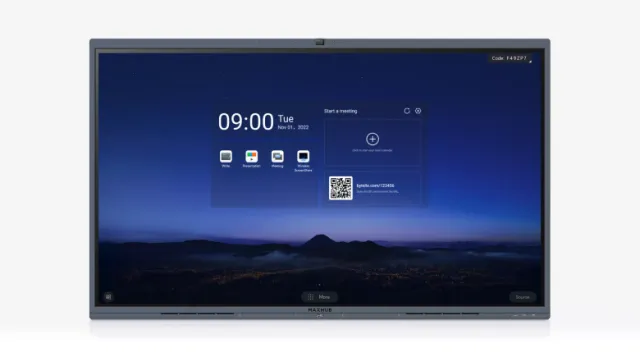
NearHub Board S55

Overview
Compare Spec

NearHub Board vs. MAXHUB V6 Classic

MAXHUB V6 Classic series get Zoom Rooms certification, but it must order with the purchase of Zoom Room preconfigured PC Module, which comes at a considerable cost of over $1549, or even $2379 for the i5 or i7 PC Moduel option. Additionally, there’s ambiguity surrounding the price of the processor 10th gen Intel CPU, leaving customers in the dark until they receive a quote from a reseller.

NearHub offers a transparent pricing with no hidden costs. NearHub Board is sold directly from official website here and sent directly to customers within 3-5 working days. With NearHub, everything is integrated seamlessly, eliminating the need for customers to seek out additional components or worry about functions with hidden cost. Upon purchase, customers instantly become Premium Members of NearHub Board, gaining access to all applications and functions without any further hassle.


See Full ComparationExplore NearHub
1
2
3
4
5
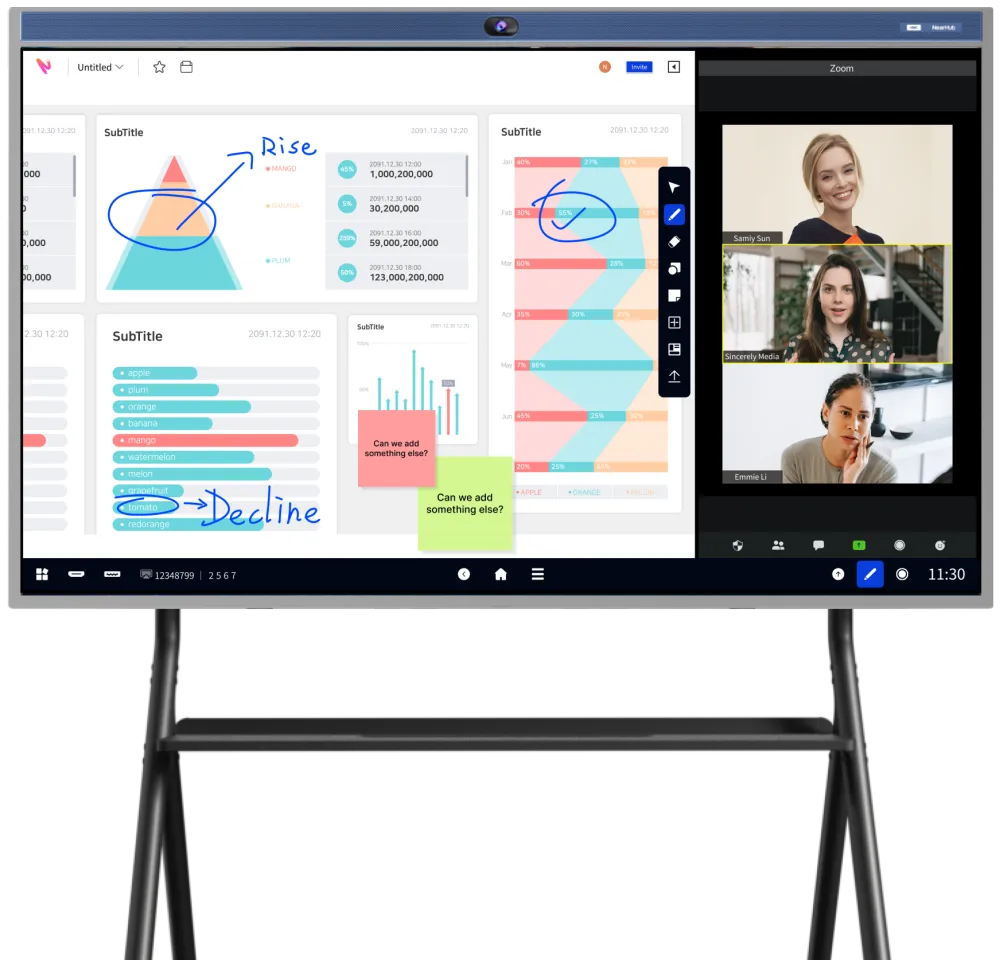
NearHub Board
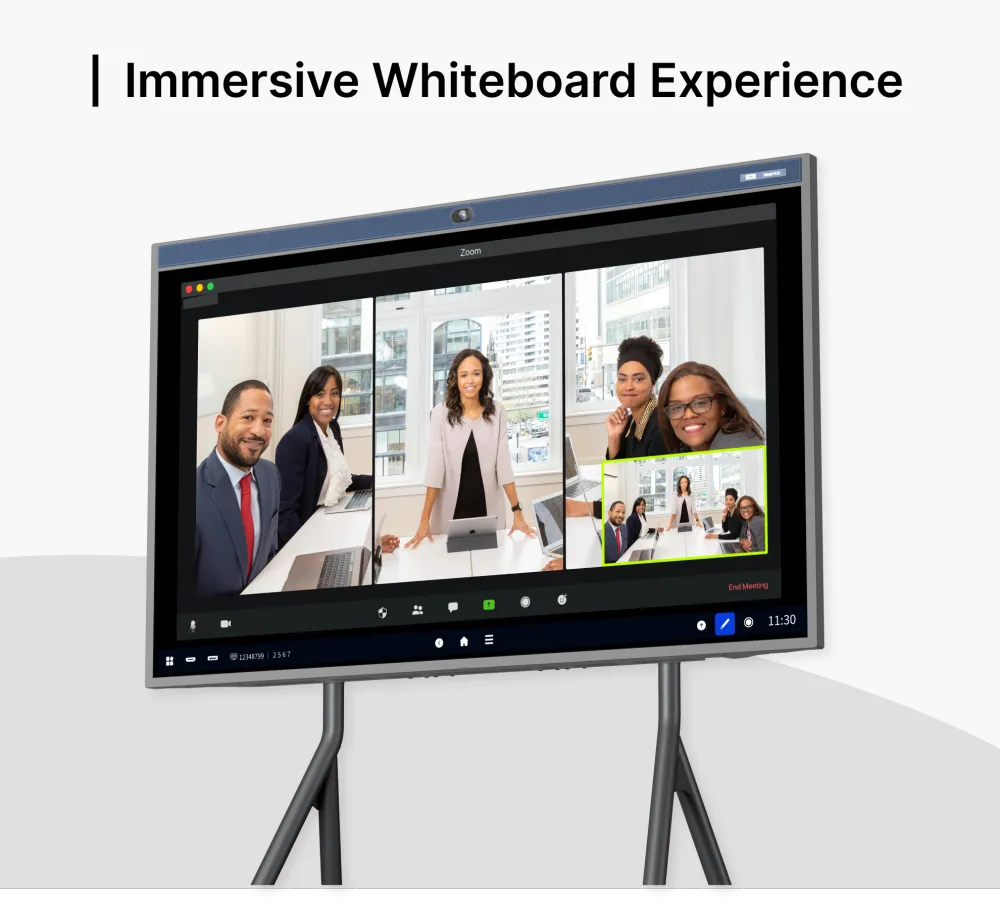
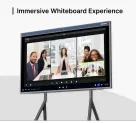
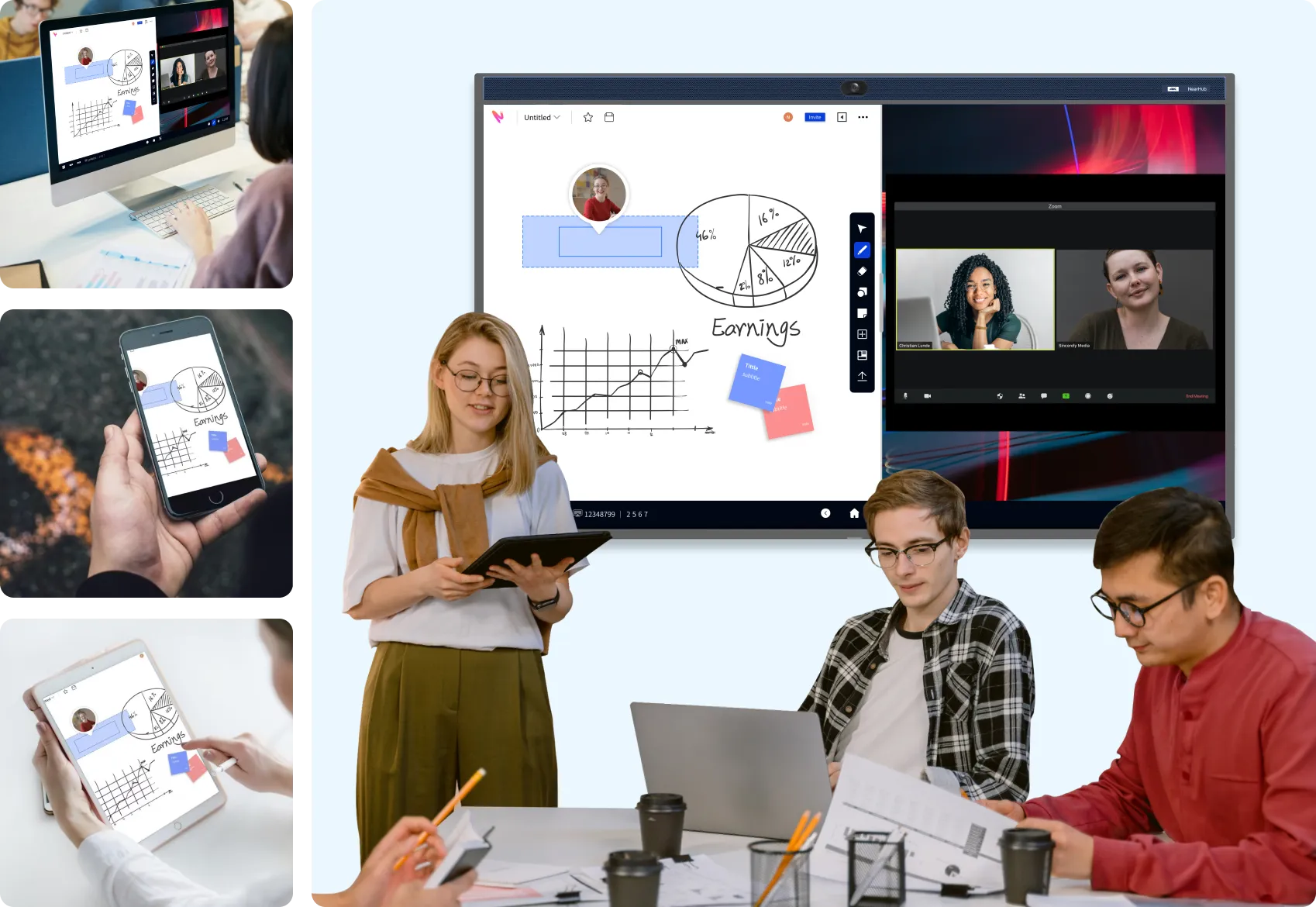
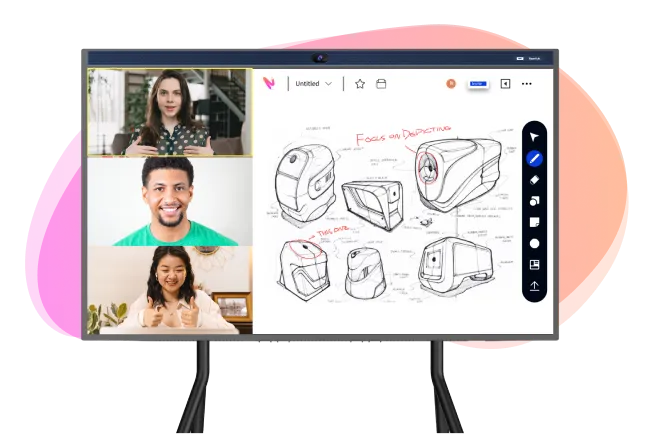
Immersive Whiteboard Experience
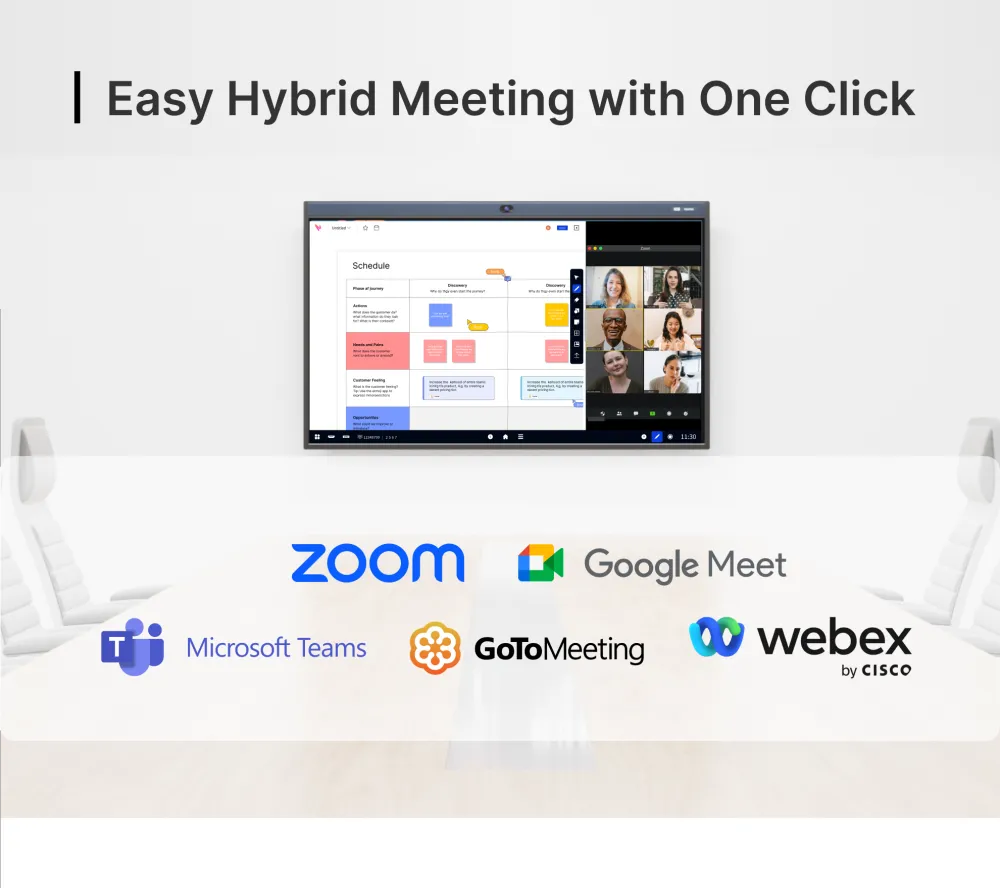
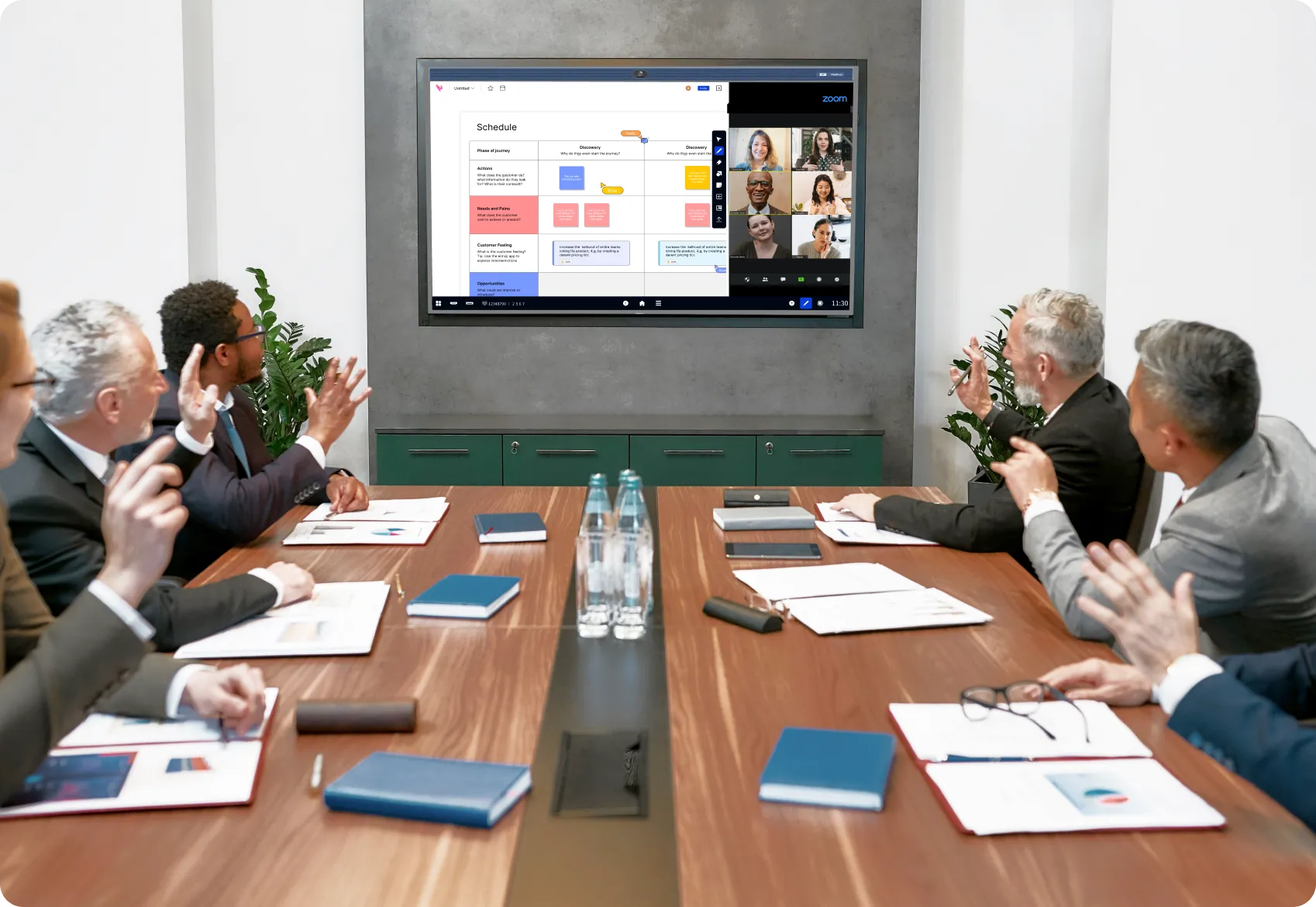
Easy Hybrid Meeting with One Click
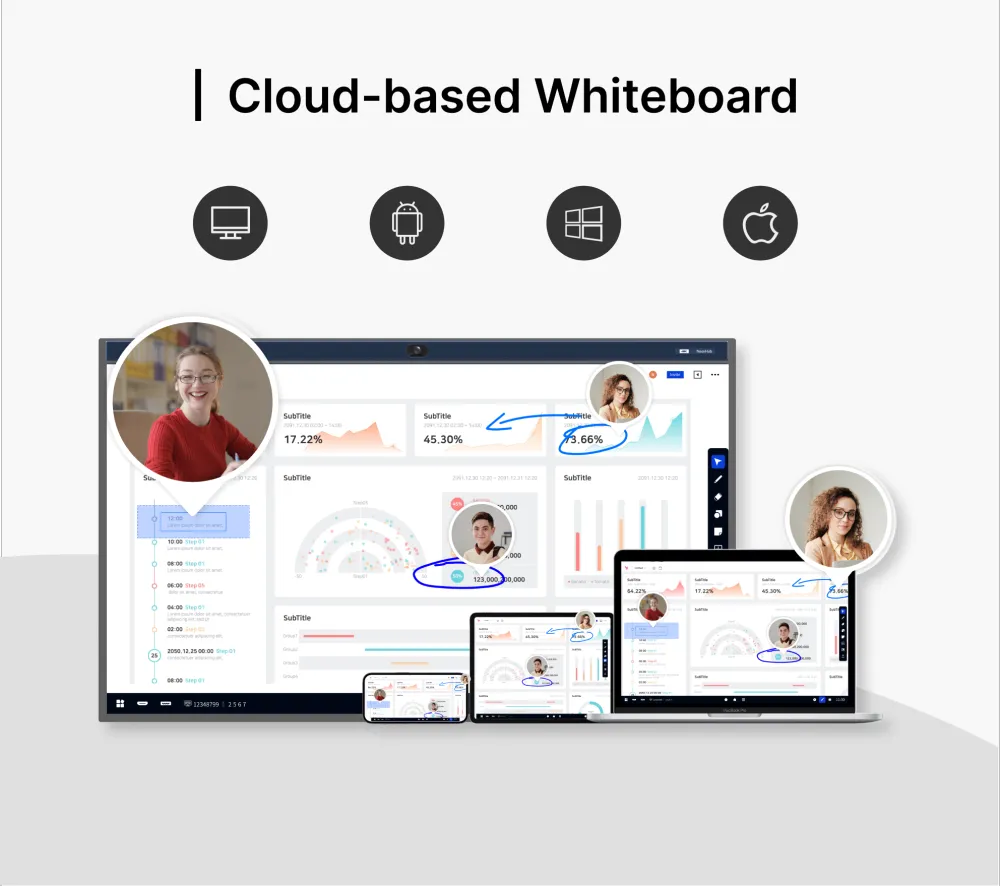
Cloud-based Whiteboard

Why Companies Choose NearHub over MAXHUB V6 Classic?

Open Ecosystem, Support 200+ Apps Integration

NearHub OS is set based on Android OS, gains full support from Google Play Store. You can download any favoured apps from Google Play Store & NearHub Store as desired.
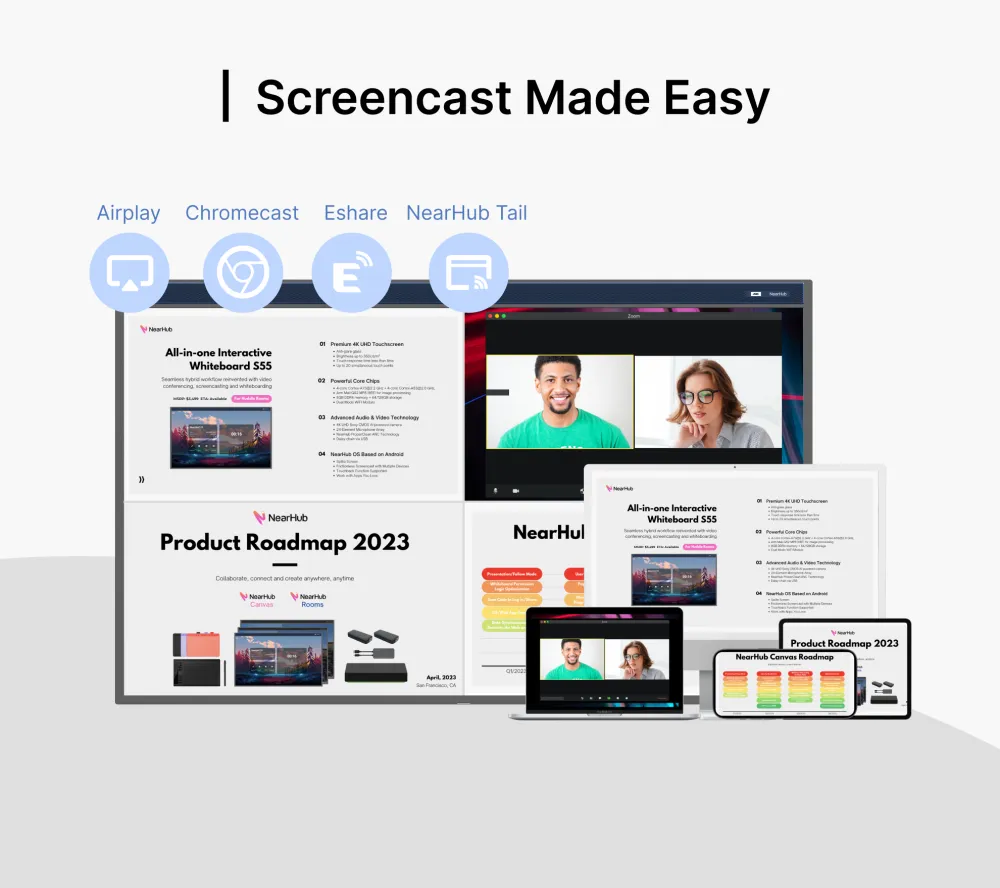
Collaborate from Multi-devices, Save to Cloud Real-time

Combine with NearHub Online Software, users can join the same canvas with their NearHub boards, laptops, mobiles simultaneously, to collaborate and create, without concerns of lossing any data.

Crisp Voice Pick-up with 24 Mics

The ProperClean® Technology applied upon the generous 24-mic beamforming array deliever better meeting experience.

Expert Help at Your Fingertips

Count on NearHub, we are committed to your success with prompt product training and customer support within one business day.

NearHub Board

$2,799 - $4,899
  • Oneclick Anywhere to Start Whiteboarding
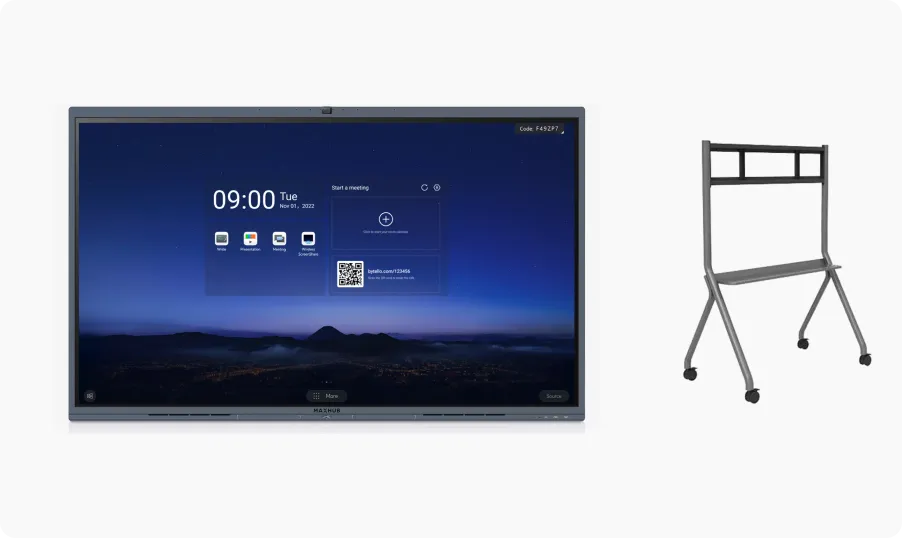
  • Dual App Work Simultaneously, Split screen
  • Open Ecosystem support 200+ Apps integration
  • Multiple Devices Collaborate on Canvas Simultaneously from Mobiles, Laptop, NearHub Board
  • Sreencast up to 9 Devices

MAXHUB V6 Classic Series

$2,289 - $4,459
* optional portable stand from $450, PC module purchased separately from $1,549
  • Start Canvas in the App, Wake Up Tool Bar at the Right Under Corner
  • Zoom Rooms Certified, *Must Order with Zoom Rooms Preconfigured PC Module
  • Pre-installed 10+ apps, not Support 3rd Party Apps
  • Multiple Devices Collaborate on same Canvas, between MAXHUB Boards Only
  • Screencast up to 4 Devices
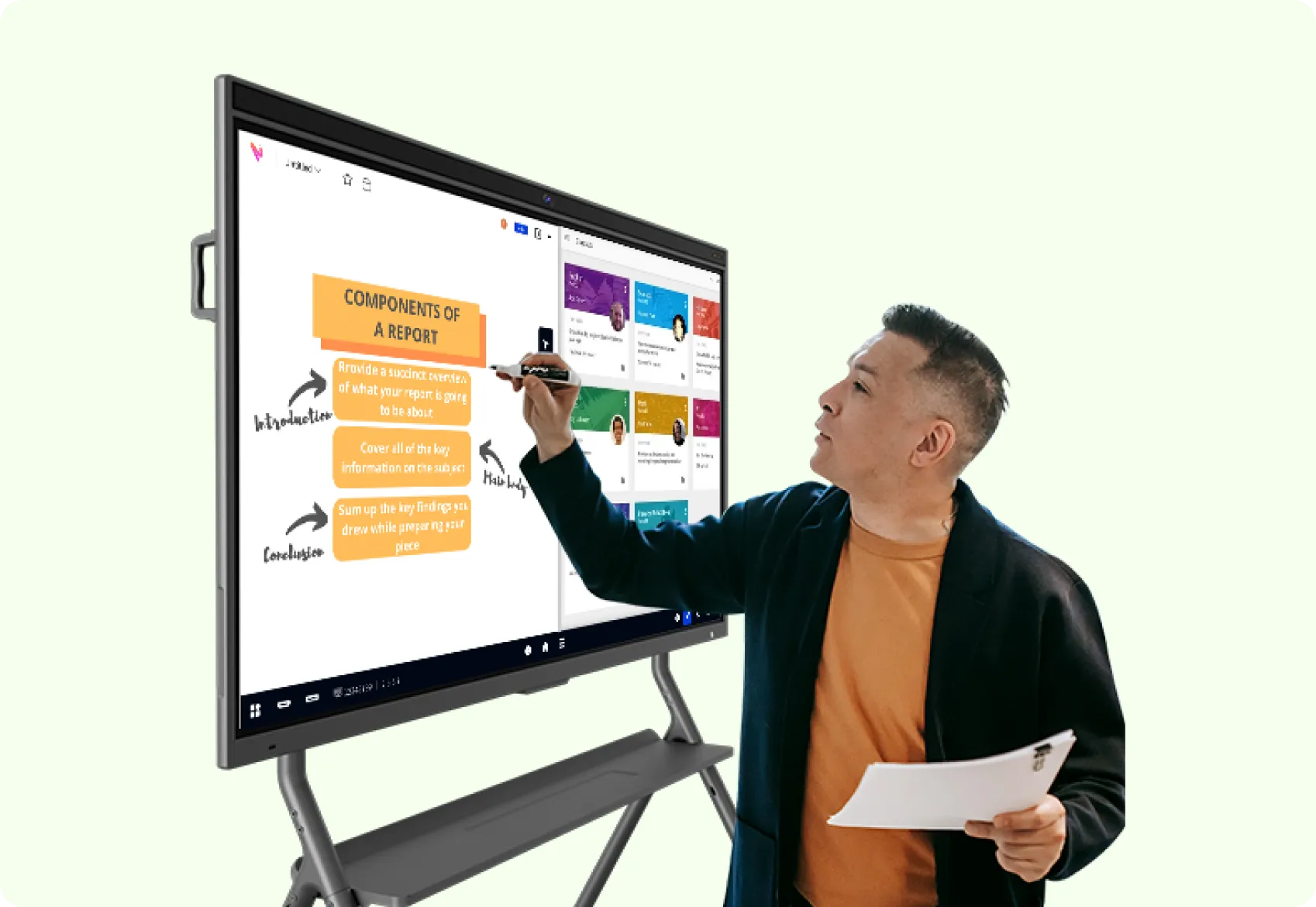
For Hybrid Workplace

Bring Your Teams Together

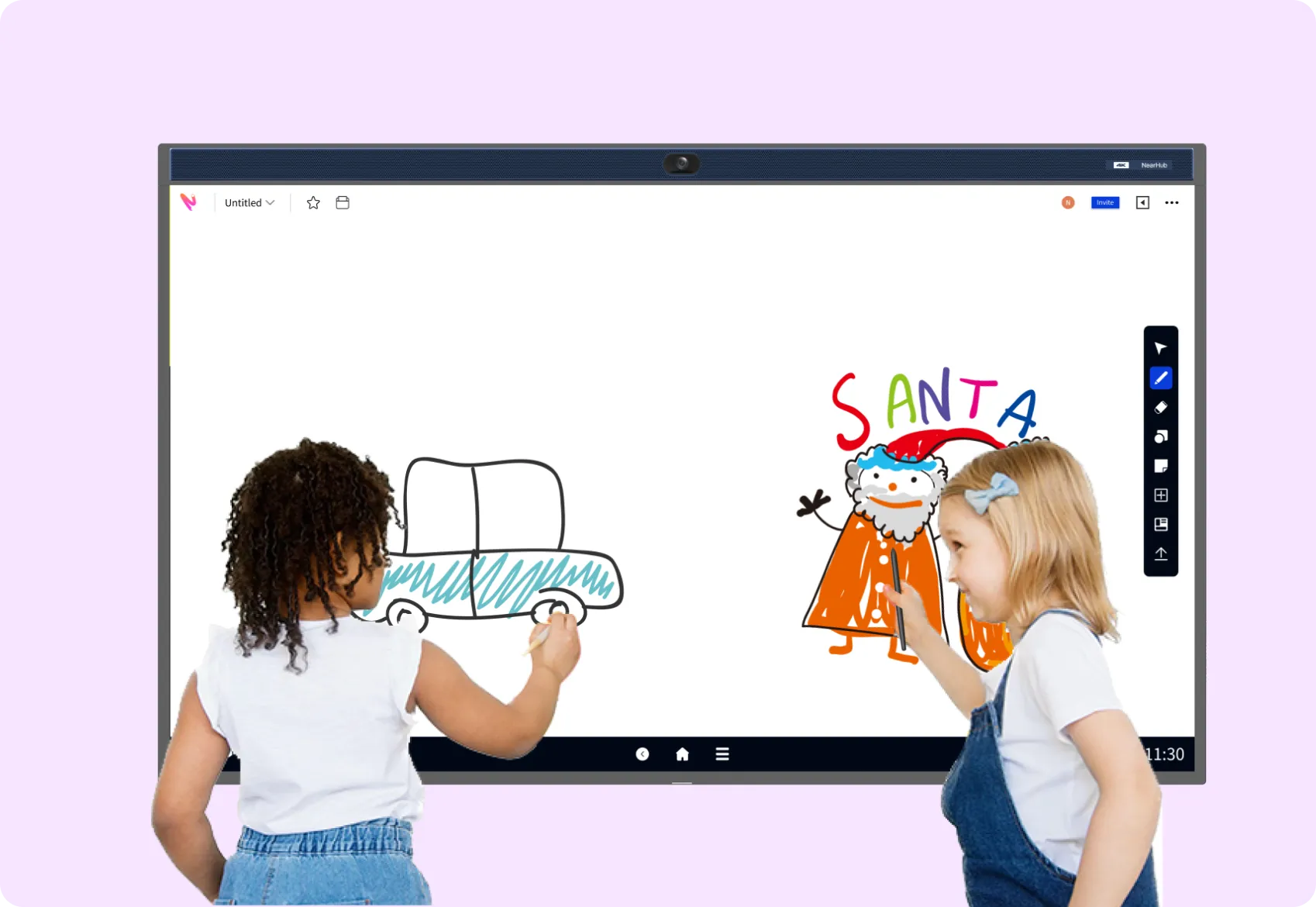
For Classroom

Spark Classroom Engagement

See NearHub in Action

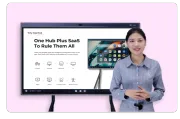
Watch the 4 min demo to learn how NearHub can transform your workspace.
  • iconAll-in-one huddle room solution
  • iconOne-click video conferencing experience
  • iconCloud-based whiteboard app - NearHub Canvas
  • iconScreen share and annotation
  • iconStreamlined workflow with third-party apps

89.9%

Customers increased

Team Collaboration

92.3%

Teams improved

Remote Communication

NearHub logo

¡Comencemos la demostración!

Cuéntanos un poco sobre ti para que podamos personalizar tu experiencia.

Work the Way You Want with NearHub

Meet, present, annotate, import, and share.

Do it all with NearHub all-in-one interactive whiteboard.

NearHub logo

Contact Sales

Need help with product purchase? Our sales team is available to answer any questions.