
































































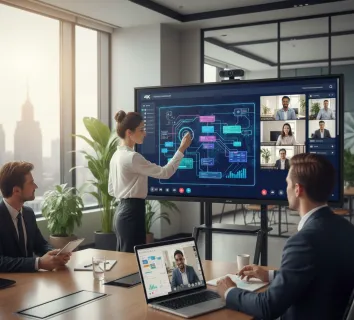
Picture this: You are halfway through an intensive brainstorming session. Your team is buzzing with ideas, but half of them are in the room, and the other half are flickering boxes on a laptop screen. You’re frantically drawing on a traditional whiteboard, but the remote team can’t see the ink, and the person in the back of the room is squinting at your handwriting. By the time you snap a blurry photo of the board to email everyone, the creative spark has vanished.
This is the "collaboration gap" that modern businesses face every day. Whether you are a startup in Silicon Valley or a multinational firm, the need for a seamless interactive digital display, meeting room smart board, smart electronic whiteboard, smart boards for business has never been more critical. In this guide, we will explore how to bridge that gap and why an integrated digital solution is the only way to stay competitive in 2026.
Key Takeaways
- The Hub of Modern Hybrid Work: By 2026, the interactive digital display has evolved into the central nervous system of the office, bridging the "collaboration gap" between in-room and remote team members.
- Next-Gen Hardware Standards: A top-tier meeting room smart board must feature 4K resolution with optical bonding to eliminate parallax error, providing a natural "pen-on-paper" writing experience.
- Software-Driven Innovation: The value of a smart electronic whiteboard lies in its software, offering features like an infinite canvas, AI-driven shape recognition, and deep integration with ecosystems like Microsoft Teams and Zoom.
- Enterprise-Grade Security is Mandatory: For professional environments, smart boards for business must offer robust security protocols, including AES-256 encryption, secure boot, and remote Mobile Device Management (MDM) compatibility.
- Seamless Connectivity & BYOD: Modern displays prioritize wireless flexibility, supporting AirPlay, Miracast, and Google Cast, alongside single-cable USB-C solutions to simplify meeting startups.
- Strategic ROI & Long-Term Value: Investing in a high-quality interactive digital display pays for itself through reduced corporate travel, increased billable efficiency, and optimized real-estate usage.
Why an Interactive Digital Display is the Catalyst for Team Productivity in 2026
The workplace has shifted permanently. We no longer talk about "returning to the office" as a binary event; instead, we talk about optimizing the hybrid experience. An interactive digital display is no longer a luxury—it is the central nervous system of the modern office.
The Rise of Visual Telepresence
In the past, video conferencing was just about seeing faces. Today, it’s about seeing work. A meeting room smart board allows teams to manipulate data, annotate designs, and brainstorm in a shared digital space that feels as natural as paper but carries the power of the cloud. When everyone can see the same "digital truth" in real-time, decision-making speeds up by as much as 30%.
Bridging the Hybrid Divide
According to a recent report by Gartner, by 2026, approximately 75% of enterprise meetings will be "hybrid," meaning at least one participant is remote. Without a smart electronic whiteboard, those remote participants often feel like observers rather than contributors. These boards ensure that a stroke of digital ink in London is visible instantly in New York, creating a unified workspace that ignores geography.
Enhancing Cognitive Load and Retention
Research in educational psychology suggests that visual aids combined with interactive elements significantly improve information retention. When you use smart boards for business, you aren't just talking at your team; you are building a visual story with them. This "active participation" model ensures that meeting outcomes are clearer and action items are better understood.
Choosing the Right Meeting Room Smart Board: Hardware Specs that Drive Results
Not all screens are created equal. When you are scouting for the perfect meeting room smart board, you need to look beyond the price tag and dive into the "guts" of the machine. The hardware determines whether your meeting is a fluid exchange of ideas or a frustrating battle with lag.
Ultra-HD 4K Resolution and Optical Bonding
In 2026, 4K is the baseline. However, the secret to a great interactive digital display is "optical bonding." This technology eliminates the air gap between the touch glass and the LCD panel. Why does this matter? It reduces parallax error, making it feel like the digital ink is flowing directly from your fingertip or stylus. If you are looking for a premium writing smart board, ensure it features a high-refresh-rate panel to prevent "ghosting" during fast movements.
Touch Sensitivity and Pressure Points
The best smart boards for business now support at least 20 to 40 points of simultaneous touch. This allows multiple team members to gather around the board and work at the same time. Advanced infrared (IR) or Capacitive (P-Cap) touch technology ensures that the board can distinguish between a pen (for writing), a finger (for moving objects), and a palm (for erasing).
Integrated Audio and Camera Arrays
The "All-in-One" trend is dominating 2026. A high-quality smart electronic whiteboard should come equipped with:
- 4K AI Cameras: These can automatically frame the speaker (Auto-Framing) and track them as they move around the room.
- Beamforming Microphones: These filter out HVAC noise and focus on human speech, ensuring remote participants hear every word clearly.
- High-Fidelity Speakers: Clear audio is just as important as clear video. Look for front-facing speakers that fill the room without distortion.
| Feature | Standard Display | Advanced Smart Board (e.g., NearHub S Pro) |
| Resolution | 1080p / 4K | 4K with Anti-Glare & Optical Bonding |
| Touch Tech | None / Basic | 20+ Point Multi-Touch / Pen-on-Paper feel |
| Camera | External USB | Built-in 4K AI Tracking Camera |
| OS | None | Android / Windows Dual Slot |
| Collaboration | Passive Viewing | Real-time Cloud Whiteboarding |
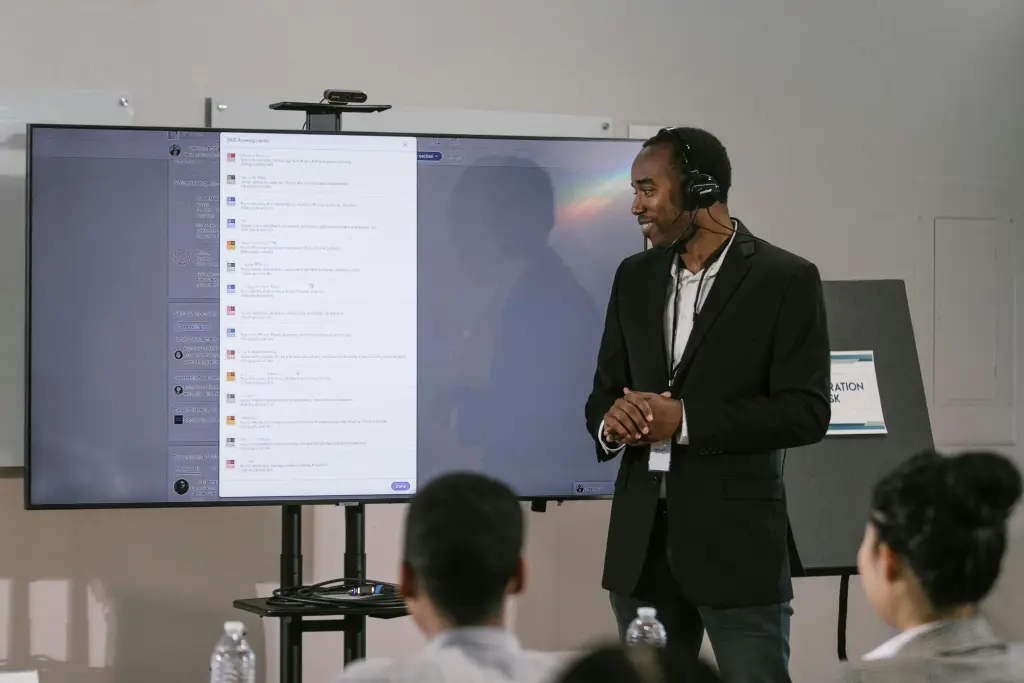
The Smart Electronic Whiteboard Experience: Streamlining Brainstorming and Ideation
Software is where the magic happens. A smart electronic whiteboard is only as good as the interface that lets you express your ideas. If the software is clunky, your team simply won't use it.
The "Infinite Canvas" Concept
One of the greatest limitations of a physical board is the edge. Once you run out of space, you have to erase. With an interactive digital display, you have an infinite canvas. You can zoom out to see the big picture of a project roadmap or zoom in to the tiniest detail of a UI design. This freedom allows for non-linear thinking, which is where the best innovations often hide.
Intelligent Shape and Handwriting Recognition
We aren't all artists. Many smart boards for business now include AI-driven "Smart Shapes." You draw a messy circle, and the board snaps it into a perfect vector. You scribble a note, and it converts it into searchable text. This makes your session outputs "client-ready" the moment the meeting ends.
Integration with Existing Ecosystems
Your meeting room smart board shouldn't be an island. It needs to play nice with the tools you already use. Whether your team lives in Microsoft Teams, Zoom, Slack, or Google Workspace, the board should allow you to pull in files from OneDrive or Dropbox, annotate them, and save the changes directly back to the cloud. When considering vibe board alternatives, look for platforms that offer an open ecosystem rather than a "walled garden."
The NearHub S Pro Advantage
The NearHub S Pro Smart Whiteboard is a prime example of this synergy. It combines a sleek, professional aesthetic with an ultra-responsive interface that minimizes the learning curve for new users. By focusing on a "plug-and-play" experience, it ensures that technology facilitates the meeting rather than distracting from it.
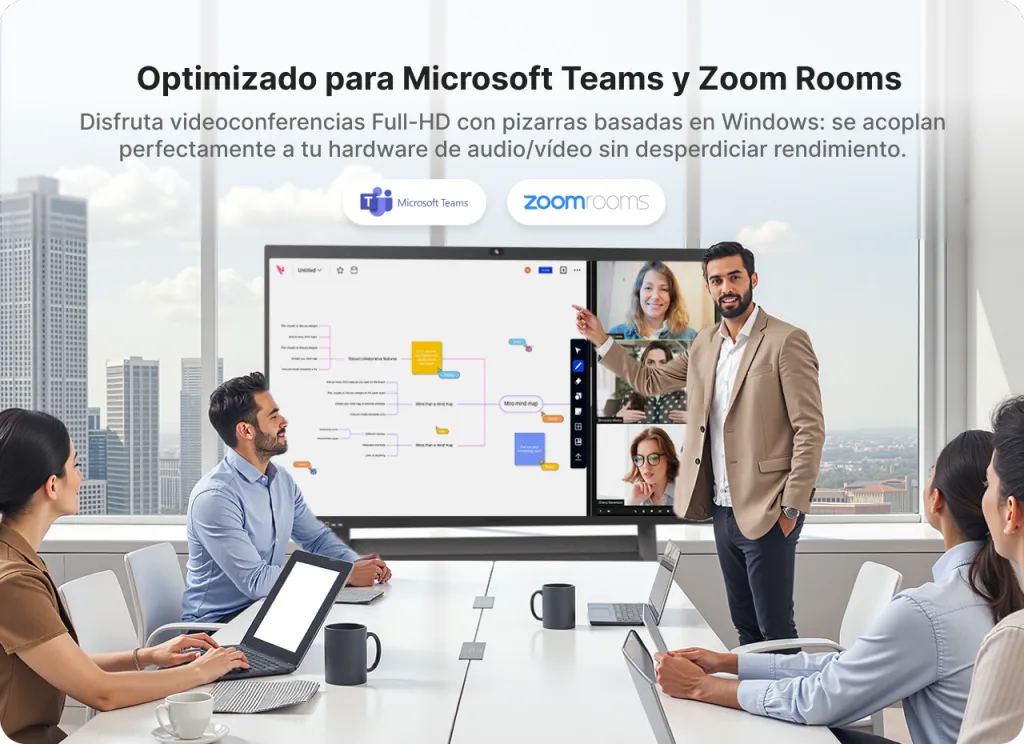
Enterprise-Grade Security and Software for Smart Boards for Business
In an era of rising cyber threats, "smart" devices can often be the weakest link in a company's network. When deploying an interactive digital display, meeting room smart board, smart electronic whiteboard, smart boards for business, security cannot be an afterthought.
Secure Boot and Encryption
Enterprise-grade smart boards for business utilize secure boot protocols to ensure that only authorized software runs on the device. Furthermore, any data stored locally or transmitted to the cloud should be protected with AES-256 encryption. If you are discussing sensitive intellectual property on your smart electronic whiteboard, you need to know that your digital ink is for your eyes only.
Mobile Device Management (MDM) Compatibility
For IT departments, managing fifty different boards across three floors can be a nightmare. Modern meeting room smart board solutions support MDM software. This allows IT managers to:
- Push firmware updates remotely during off-hours.
- Monitor board health and usage statistics.
- Remotely wipe data from a board if a security breach is suspected.
- Set up custom "Home Screens" with company branding and approved apps.
User Authentication and Guest Modes
In a shared office space, you don't want the next group of people to see what you were working on. The best interactive digital display systems feature "Quick Clear" functions and secure user logins via NFC badges or QR codes. Once you sign out, the board wipes the temporary cache, ensuring total privacy for the next session.
Professional Connectivity and BYOD Casting on Your Meeting Room Smart Board
The days of hunting for the right HDMI dongle or a specific "Mini-DisplayPort" adapter are over. In 2026, connectivity is wireless, or it's non-existent.
The BYOD (Bring Your Own Device) Revolution
A meeting room smart board should serve as a hub for everyone’s personal devices. Whether a team member walks in with a MacBook, a Windows laptop, an iPad, or an Android phone, they should be able to cast their screen in seconds.
Multi-Screen Casting and Interaction
The modern interactive digital display supports "Split Screen" mode, where up to four or nine devices can cast simultaneously. Imagine a marketing meeting where you have the social media analytics on one quadrant, the new video ad in another, and the budget spreadsheet in a third. The smart electronic whiteboard allows the moderator to switch between these feeds seamlessly or even "Reverse Control" the laptop from the touch screen itself.
Advanced Casting Protocols
To ensure compatibility across all US-based corporate environments, your smart boards for business should support:
- AirPlay: For seamless Apple integration.
- Miracast: For native Windows and Android casting without apps.
- Google Cast: For Chrome-based environments.
- USB-C Single Cable Solution: For those who prefer a wired connection, a single USB-C cable should provide 4K video, touch data, and 65W–100W of power to charge the laptop simultaneously.
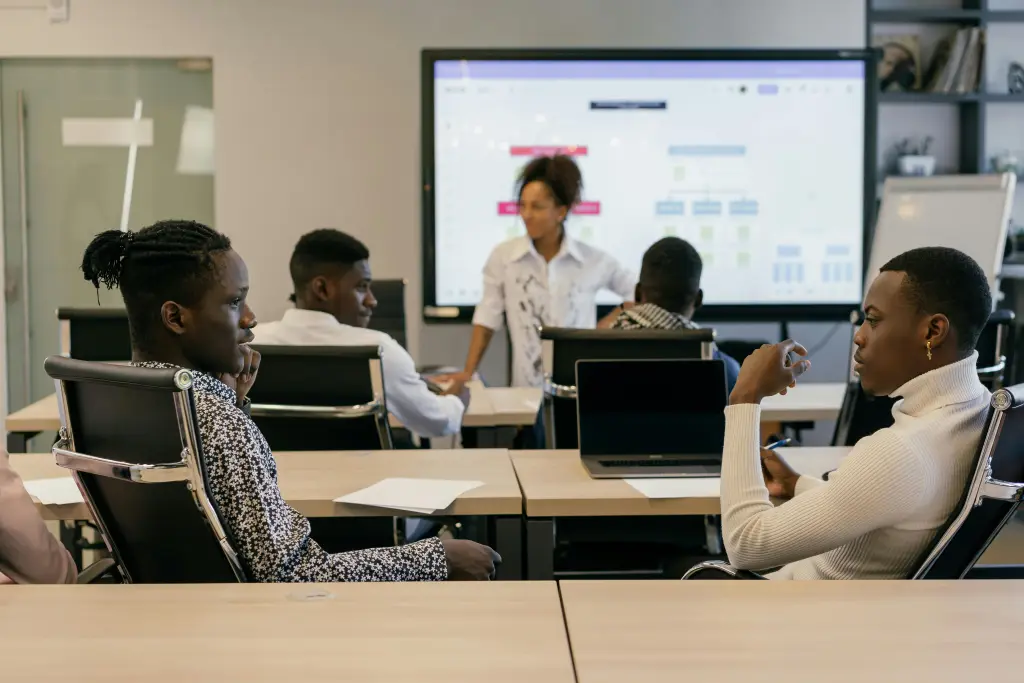
Scaling Success: Sizing, ROI, and Long-Term Management of Smart Boards for Business
Investing in an interactive digital display, meeting room smart board, smart electronic whiteboard, smart boards for business is a significant capital expenditure. Naturally, stakeholders want to see a clear Return on Investment (ROI).
Choosing the Right Size for the Space
Size matters, but bigger isn't always better.
- Huddle Rooms (2-4 people): 55-inch displays are ideal. They offer intimacy without overwhelming the small space.
- Standard Conference Rooms (6-12 people): 65-inch to 75-inch boards are the "sweet spot."
- Boardrooms and Training Centers: 86-inch or even 98-inch displays ensure that people at the back of the 30-foot table can still read the fine print on a financial report.
Calculating the ROI
When analyzing the smart whiteboard cost, don't just look at the invoice. Consider the "Soft ROI":
- Reduced Travel Costs: If the meeting room smart board is good enough to replace one international flight per quarter, it pays for itself in less than a year.
- Increased Billable Hours: By reducing "meeting about meetings" and streamlining decision-making, your team spends more time on high-value work.
- Real Estate Optimization: A high-tech huddle room can be more productive than a massive, low-tech conference hall, allowing companies to downsize their office footprint.
Longevity and Future-Proofing
Technology moves fast, but hardware shouldn't be disposable. A quality smart electronic whiteboard should have a lifespan of 30,000 to 50,000 hours. Look for boards with "OPS Slots" (Open Pluggable Specification). This allows you to upgrade the computer module (the CPU/RAM) in three years without having to replace the expensive 4K glass panel.
The NearHub S Pro Smart Whiteboard is designed with this longevity in mind, offering robust build quality that withstands the rigors of daily corporate use while maintaining a premium look that impresses clients and recruits alike.
Frequently Asked Questions (FAQ)
1. How does an interactive digital display improve remote employee engagement?
As Harvard Business Review reports, visual collaboration tools are essential for maintaining psychological safety and participation in distributed teams. An interactive digital display acts as a window into the physical office. Features like real-time digital whiteboarding allow remote workers to see exactly what is being drawn without lag. When remote employees can contribute to the board from their own tablets or laptops, they transition from passive listeners to active collaborators, which is essential for maintaining morale in hybrid teams.
2. Is a meeting room smart board difficult for non-technical staff to use?
Not in 2026. The leading meeting room smart board solutions, such as the NearHub S Pro, are designed with a "walk-up-and-use" philosophy. If you can use a tablet or a smartphone, you can use a smart board. Most common functions—like opening a whiteboard or starting a Zoom call—are accessible with a single tap from the home screen.
3. What are the main benefits of using smart boards for business over traditional projectors?
Traditional projectors suffer from "shadowing" (when the presenter blocks the light), poor contrast in bright rooms, and a lack of interactivity. Smart boards for business are self-illuminated, meaning they are crisp and bright even in a sun-drenched glass office. Furthermore, they are two-way devices; you aren't just projecting an image, you are interacting with it, editing it, and saving it in real-time.
4. Can a smart electronic whiteboard handle high-security government or legal meetings?
Yes, provided you choose an enterprise-grade smart electronic whiteboard. Look for features like "No-Cloud" modes (for offline use), TAA compliance (for government contracts), and end-to-end encryption. Many boards also allow for the disabling of USB ports and cameras via software to meet strict security protocols.
5. What is the typical maintenance required for an interactive digital display?
Maintenance is surprisingly low. Unlike projectors, there are no expensive bulbs to replace. The main requirements are periodic software/firmware updates (which can be automated) and cleaning the glass with a microfiber cloth and approved screen cleaner. Because they are solid-state devices, they are much more reliable than traditional AV setups.
Conclusion: Empowering Your Team for the Future
The evolution of the workplace is not about the physical desks or the office snacks; it is about the quality of the interactions between people. An interactive digital display, meeting room smart board, smart electronic whiteboard, smart boards for business is the ultimate tool for facilitating those interactions. By removing the friction from brainstorming, the lag from video calls, and the complexity from screen sharing, you allow your team’s creativity to take center stage.
In 2026, the businesses that thrive will be those that invest in their "collaboration infrastructure." Whether you choose the NearHub S Pro Smart Whiteboard for its seamless integration or another high-end solution, the goal remains the same: to make every meeting count. Don't let your best ideas get lost on a dusty physical whiteboard or a static projection screen.
Are you ready to transform your workspace into a powerhouse of productivity? It’s time to embrace the future of visual communication.





 sales@nearhub.us
