

































































We’ve all been there: you’re in the middle of an important Zoom presentation when background noise suddenly takes over—whether it’s a neighbor with a leaf blower or the constant clatter of a busy coffee shop. In 2026, the office is everywhere, and keeping professional audio clarity has become more challenging than ever.
This article is a comprehensive product review designed to help you navigate today’s crowded audio market. If you’re searching for the best headphones for Zoom meetings, we’ll explain why the right gear matters for productivity and why the Nearity EP320 stands out for professionals who won’t compromise on sound.
Key Takeaways
- Choosing the best headphones for Zoom meetings is essential for clear communication reduced fatigue and a professional remote presence.
- AI powered ENC and a dedicated boom microphone make a significant difference in how clearly your voice is heard on Zoom calls.
- Long talk time multipoint Bluetooth and all day comfort are must have features for hybrid and remote professionals.
- Nearity EP320 stands out as a smart choice by combining clear call quality reliability and strong value for work focused users.
Why Choosing the Best Headphones for Zoom Meetings Matters in 2026

The landscape of work has fundamentally shifted. According to a 2025 report by Mordor Intelligence, the rising adoption of ANC (Active Noise Cancellation) headphones for hybrid work environments is driving a massive market surge, with a projected CAGR of over 14% through 2030. Why? Because audio quality is no longer a "nice-to-have"—it is a core component of your professional identity.
The "Acoustic First Impression"
When you join a Zoom call, your voice is your most powerful tool. If you sound muffled, distant, or surrounded by static, it creates a "cognitive load" for your listeners. Research from the World Health Organization (WHO) and recent clinical insights suggest that processing background noise requires significant brain power, leading to "meeting fatigue." By using the best headphones for Zoom meetings, you aren't just helping yourself; you're being courteous to your colleagues by providing a clean, easy-to-digest audio stream.
Productivity and the "Flow State"
Distractions are the enemy of deep work. Whether it’s a headset with mic for work that blocks out household chatter or earbuds for calls that allow you to stay mobile, the right equipment acts as a physical barrier between you and chaos.
Health and Ergonomics
In 2026, we are more aware than ever of "Volume Creep"—the tendency to turn up the volume to drown out external noise. High-quality headphones with Environmental Noise Cancellation (ENC) allow you to keep volumes at a safe level (below 70dB), protecting your hearing over the long term.
What to Look for in the Best Headphones for Zoom Calls
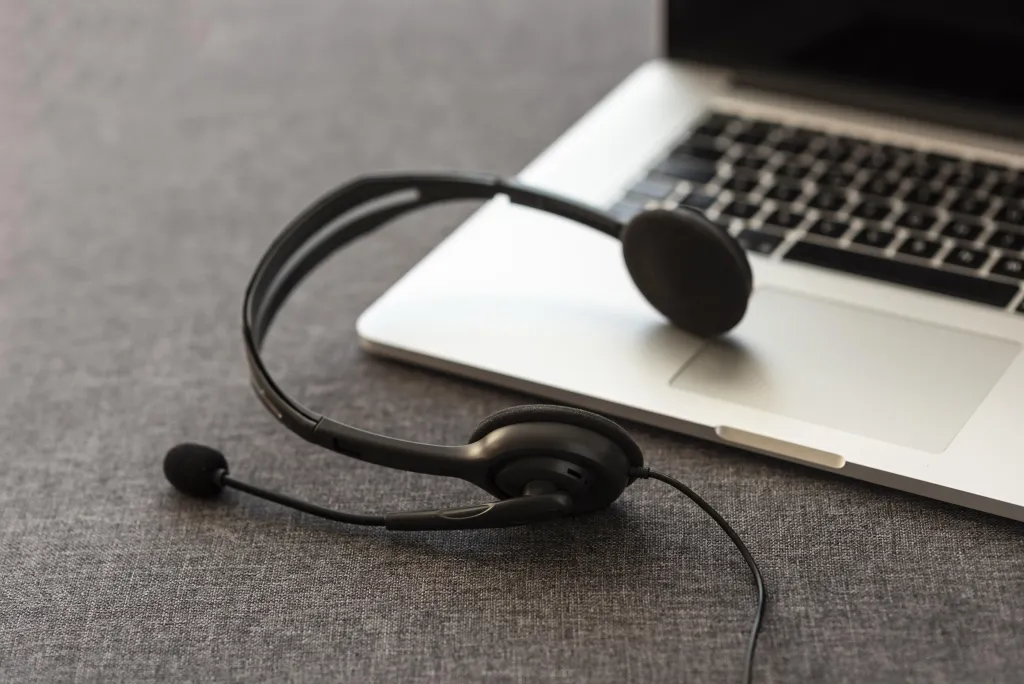
Choosing the right pair requires looking past the marketing fluff. Here are the non-negotiables for a professional-grade experience:
A. Advanced Microphone Technology
A standard built-in laptop mic is omnidirectional, meaning it picks up everything. The best options utilize "beamforming" technology or multiple-mic arrays to isolate your voice from the environment.
B. Long-Lasting Battery Life
In a world of back-to-back meetings, a dead battery is a disaster. Look for:
- Talk Time: At least 20+ hours.
- Quick Charge: The ability to get 2 hours of use from a 10-minute charge.
C. Seamless Connectivity (Multipoint)
You likely jump between your laptop for Zoom and your phone for quick syncs. Bluetooth 5.4 or higher with multipoint pairing is essential to stay connected to two devices simultaneously.
D. All-Day Comfort
If you're wearing a headset for 6 hours a day, weight distribution and ear cup material matter. Look for protein leather or memory foam that doesn't cause "ear sweat" or pressure points.
Feature | Essential Requirement | Why It Matters |
| Noise Cancellation | AI-Powered ENC / ANC | Eliminates 90%+ of background distractions. |
| Mic Quality | Dual or Quad-Mic Array | Ensures your voice is crisp and isolated. |
| Battery | 35+ Hours (Talk Time) | Avoids mid-meeting power failures. |
| Bluetooth | v5.4 with Multipoint | Seamlessly switch between laptop and phone. |
| Fit | Lightweight/Ergonomic | Prevents neck strain and ear fatigue. |
Nearhub Nearity EP320 Overview: Designed for Zoom Meetings
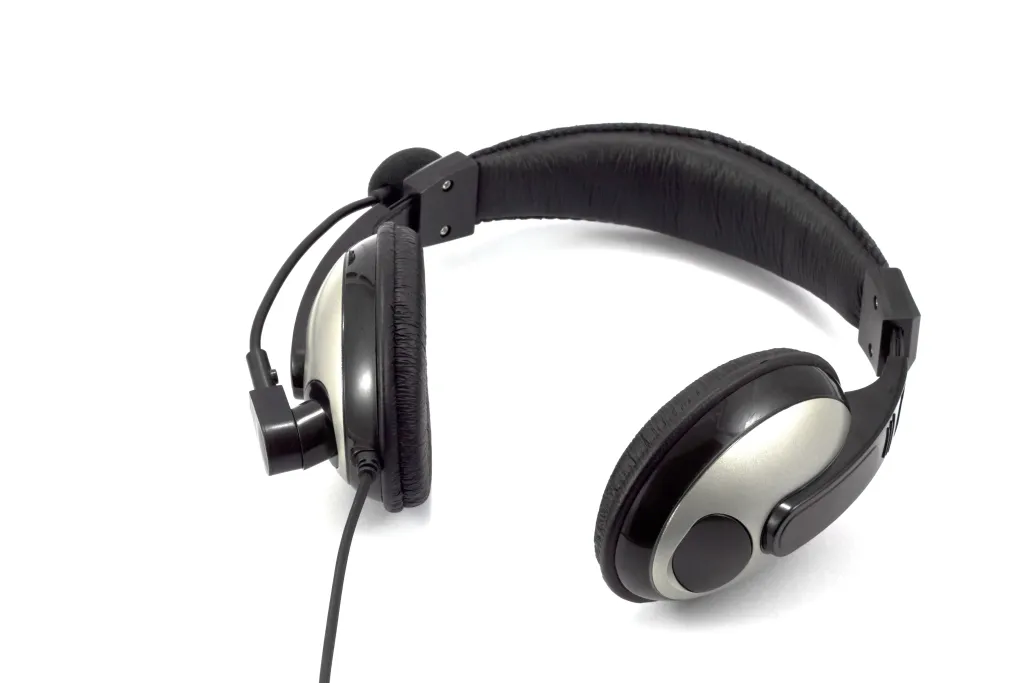
The Nearity EP320 enters the market as a purpose-built solution for the modern professional. Unlike consumer headphones designed primarily for bass-heavy music, the EP320 is engineered from the ground up to prioritize the human voice.
Technical Profile
The Nearity EP320 is a wireless Bluetooth headset featuring an adjustable boom microphone and high-fidelity drivers. It is frequently cited alongside the best earbuds for office as a top choice for those who prefer an over-ear form factor with professional mic isolation.
Build and Aesthetics
- Design: Sleek, matte-black finish that looks professional on camera.
- Controls: Dedicated mute button on the mic boom and tactile volume controls on the ear cup.
- Charging: Comes with a convenient desktop charging dock to ensure it’s always ready.
Key Features That Make Nearity EP320 One of the Best Headsets for Zoom Meetings

Why is the Nearity EP320 consistently ranked among the top tier for remote work? It comes down to a few standout technological advantages.
AI-Powered Environmental Noise Cancellation (ENC)
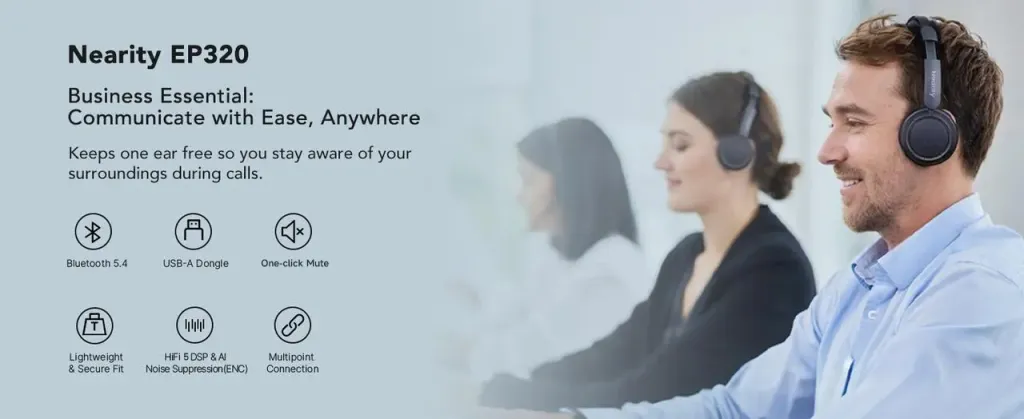
The Nearity EP320 uses a sophisticated 4-microphone array coupled with a deep-learning AI algorithm. While standard ANC blocks noise for you, the headset's ENC blocks noise for your listeners. It can suppress up to 99.99% of ambient sounds—from keyboard clicks to barking dogs—ensuring that only your voice reaches the other side of the Zoom call.
Massive Battery Longevity
One of the most impressive specs of the EP320 is its endurance. It offers:
- 45 Hours of Music Playback
- 35 Hours of Continuous Talk Time
For the average worker, this means charging once a week, not once a day.
Unmatched Comfort for the Long Haul
Weighing significantly less than many "premium" competitors, the Nearity EP320 uses ultra-soft protein leather earcups. The headband is designed to distribute weight evenly, making it a viable option for those marathon "all-hands" sessions.
Reliability and Compatibility
Because it is a "Plug and Play" device, it integrates seamlessly with:
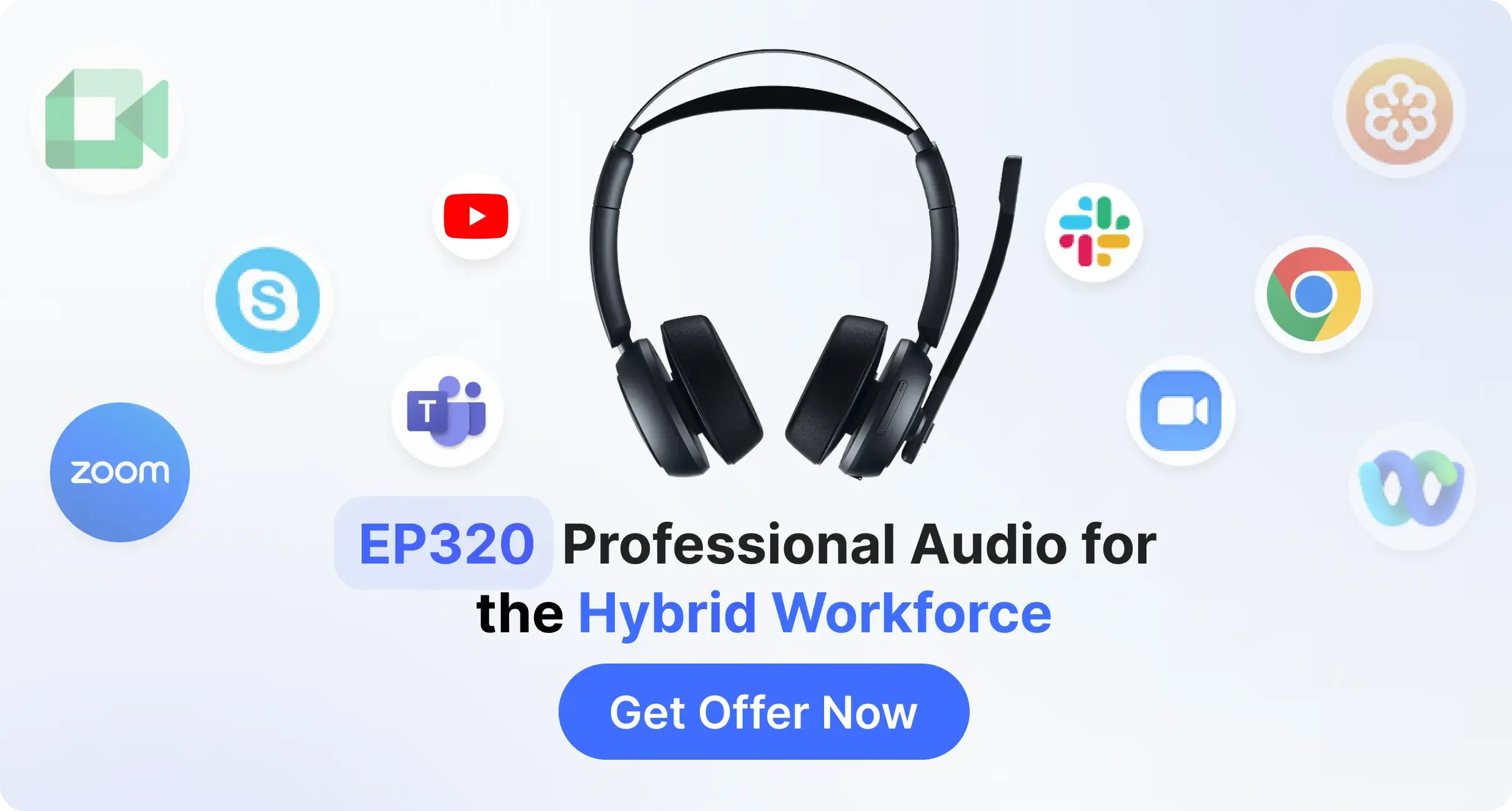
- Zoom (Certified compatibility)
- Microsoft Teams
- Google Meet
- Webex
- Windows, macOS, and Linux
Who Should Choose Nearity EP320 for Zoom Calls?

While there are many options on the market, the Nearity EP320 is tailored for specific user profiles:
The Remote Professional
If your home office isn't a dedicated quiet zone, the AI noise suppression on the EP320 is a lifesaver. It allows you to maintain a professional presence regardless of what's happening in the background.
The Hybrid Office Worker
For those who split time between a quiet home and a noisy open-plan office, the versatility of the headset is unmatched. You can use the boom mic for calls and then retract it to listen to focus music between meetings.
B2B and IT Procurement
For companies looking to outfit an entire team, the Nearity EP320 offers a price-to-performance ratio that beats out many legacy brands. It provides the high-end features (Multipoint, ENC, Docking Station) at a much more accessible price point for bulk orders.
Conclusion
Finding the best headphones for Zoom meetings in 2026 is about more than just finding a pair that "sounds okay." It is about investing in a tool that enhances your professional image, protects your well-being, and simplifies your workflow. Audio clarity is the bridge that connects remote teams, and a poor bridge leads to miscommunication and fatigue.
The Nearity EP320 stands out as a smart choice because it balances cutting-edge AI technology with practical, user-centric design. From its 35-hour talk time to its industry-leading noise suppression, it is built for the rigors of the modern workday. If you're ready to elevate your virtual presence, the EP320 is the reliable, professional partner you've been looking for.
FAQs
1.Will the Nearity EP320 work with my existing Zoom setup?
Yes. The EP320 is designed for universal compatibility. Whether you use the Zoom desktop app or the browser version, the Bluetooth 5.4 connection ensures a stable, low-latency link.
2.Is a boom microphone really better than built-in earbud mics?
Generally, yes. A boom mic places the microphone closer to your mouth, which physically allows for better voice isolation and higher gain before any digital processing even begins.
3.How do I mute myself quickly on the Nearity EP320 during a Zoom call?
The EP320 features a dedicated mute button on the microphone boom. This is often faster and more reliable than clicking the "Mute" icon on your screen with a mouse.
4.Can I use these for listening to music when I'm not in meetings?
Absolutely. With 45 hours of music playback and high-fidelity drivers, the EP320 performs excellently for casual listening, making it a great all-in-one daily driver.
5.What is the difference between ANC and ENC?
ANC (Active Noise Cancellation) helps you hear better by canceling outside noise. ENC (Environmental Noise Cancellation) helps your colleagues hear you better by filtering out noise from your microphone's input. The Nearity EP320 excels at both.





 sales@nearhub.us
