A Slow Mobile Browser That Ruins Web Apps and Won't Let You Draw
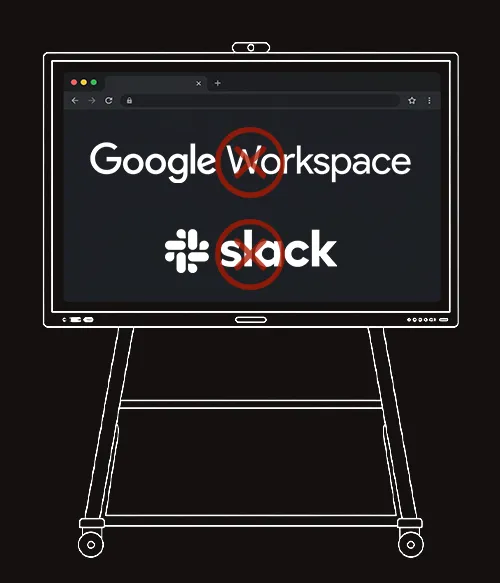
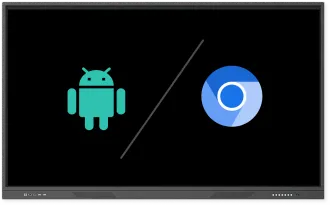
Opening our web dashboard is a joke. It forces a stripped-down mobile browser that's painfully slow and breaks half the page layout. Plus, we can't draw or take notes on it.
Desktop Chrome. Done Right.
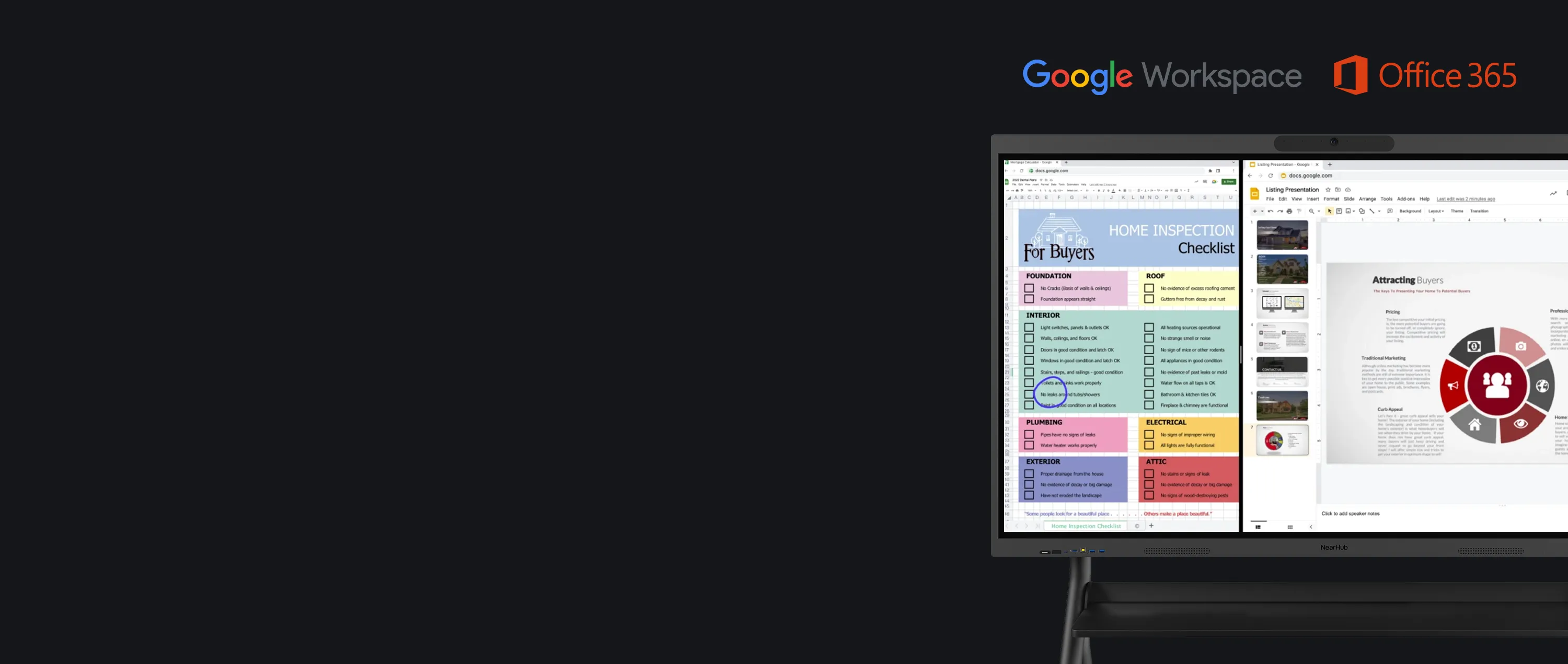
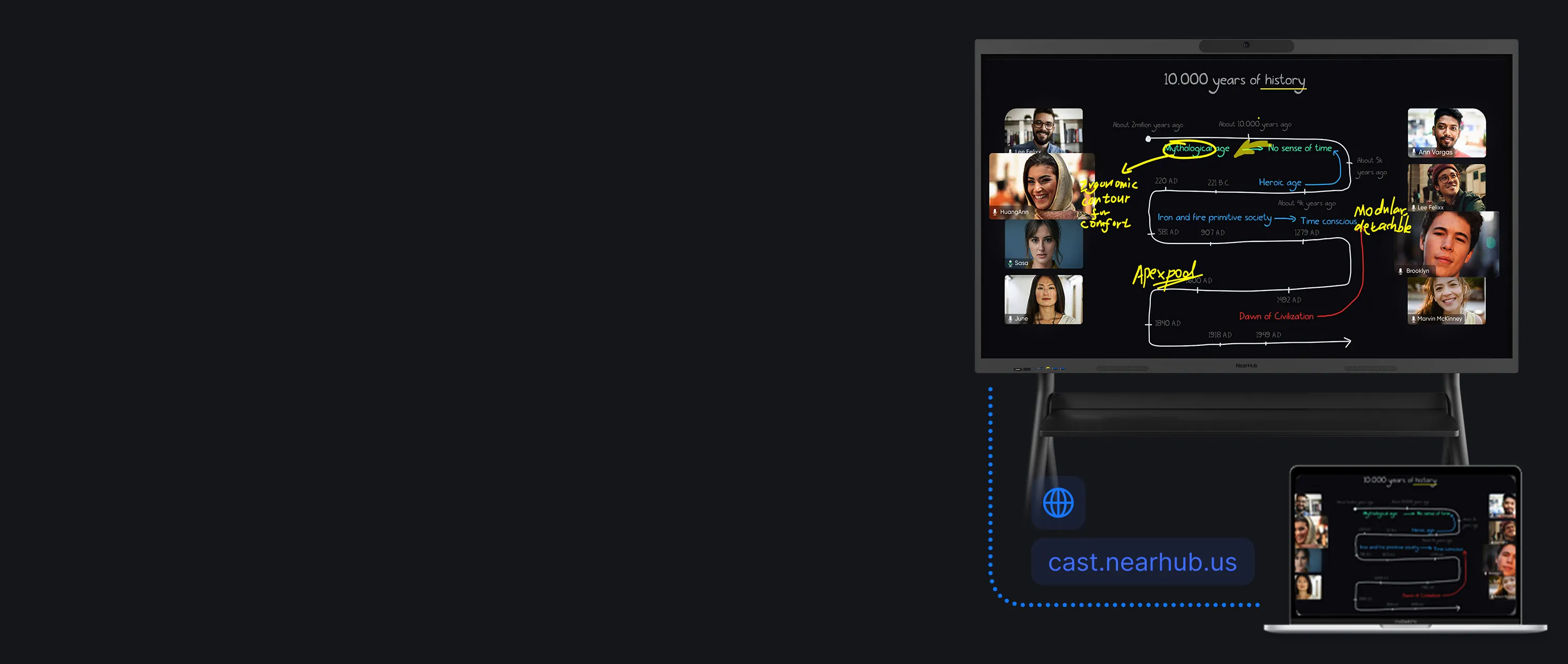
Every Web App, Ready to Draw On
Runs any web app at full speed
100% SaaS compatibility, zero layout breaks
Draw directly on any webpage
Redditu/Strange_Airships • 6mo ago
Useless Built-In Audio & Video Forcing Costly Add-Ons
The built-in camera is blurry and the audio echoes badly. We had to waste thousands on external gear, bringing back the exact cable mess we bought an all-in-one to avoid.
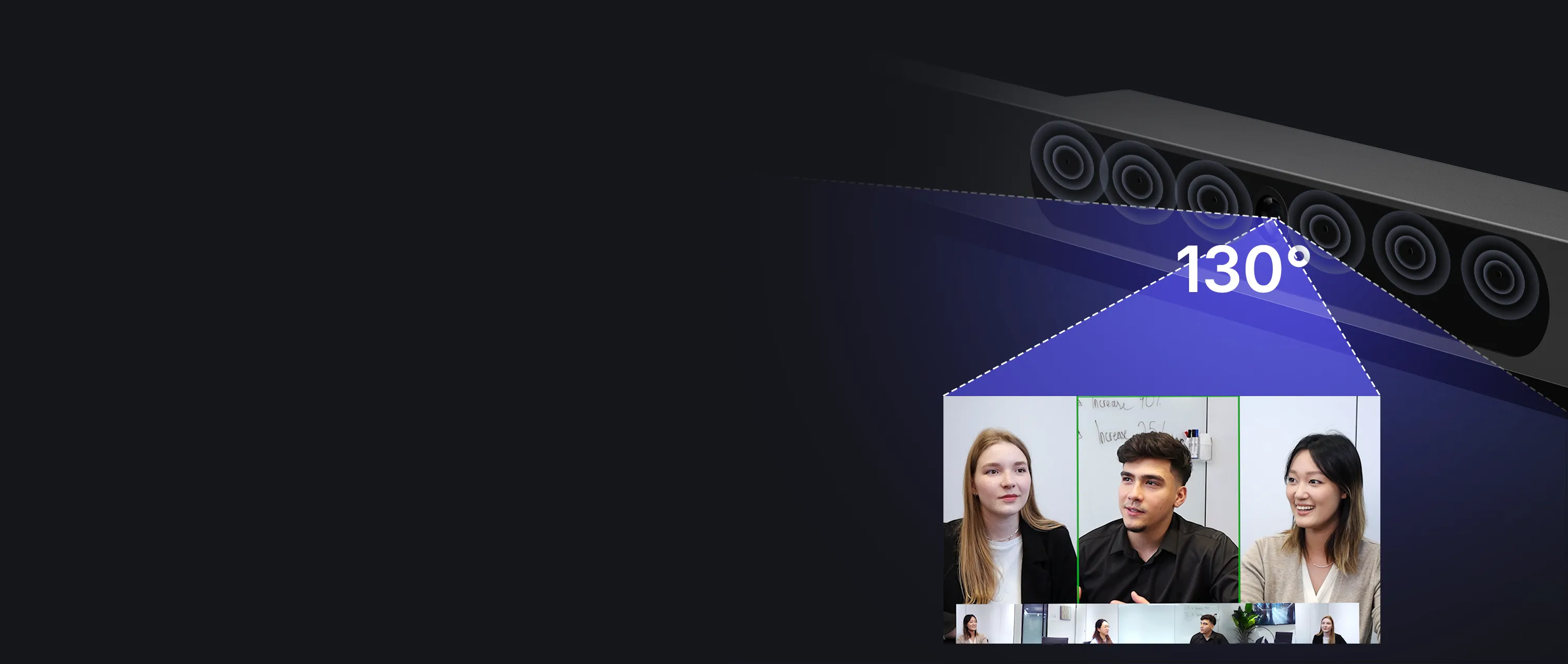
Studio-Quality AV, Built In
Everyone Seen & Heard — No Extra Gear
130° 4K camera with AI Gallery View
8-mic array, clear up to 8 meters
Zero echo, zero extra hardware
Redditu/IT_Manager404 • 3mo ago
Forced App Downloads Just to Share a Screen You Can't Even Draw On
Casting forces guests to download clunky apps just to share their screens. Worse, the content is completely passive—you can’t write, sketch, or annotate directly on top of the live image.
App-Free Casting with Live Ink
Share Instantly. Annotate Everything.
Cast from any browser — no apps
Draw over live shared content
6ms ultra-low latency ink
Redditu/gallandof • 1mo ago
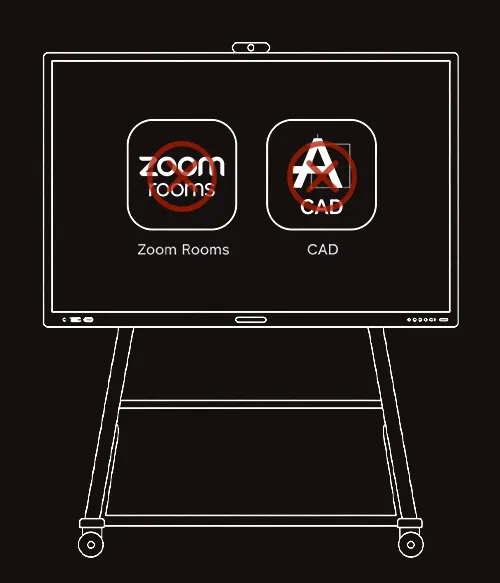
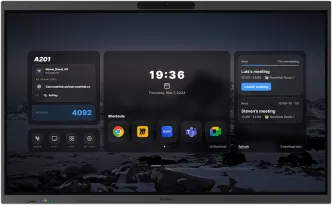
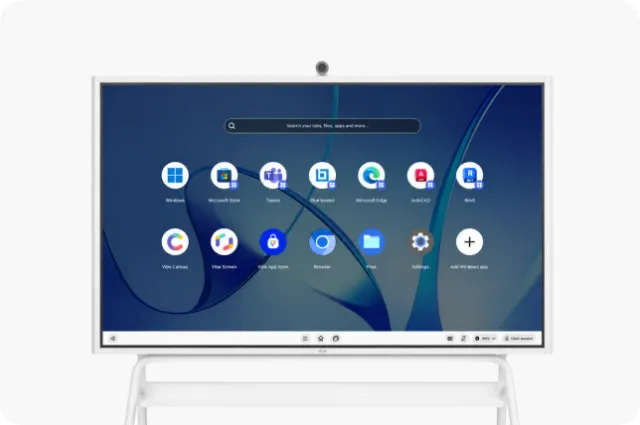
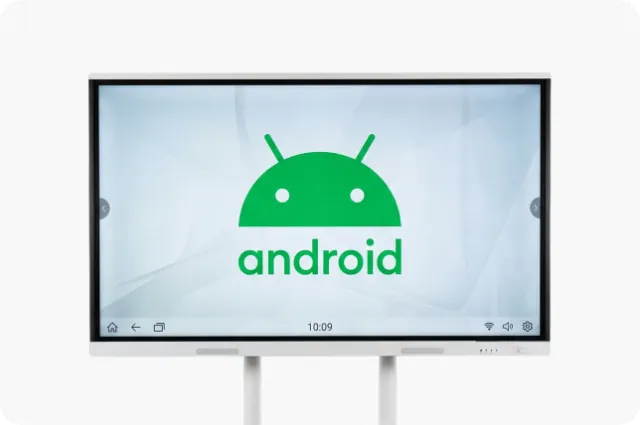
Stuck with an Oversized Tablet OS That Can't Run Real PC Apps
Our board runs a locked Android system that blocks our daily PC apps. Even Zoom is stripped of features and stuck at 360p—it's just an oversized, severely limited mobile tablet.
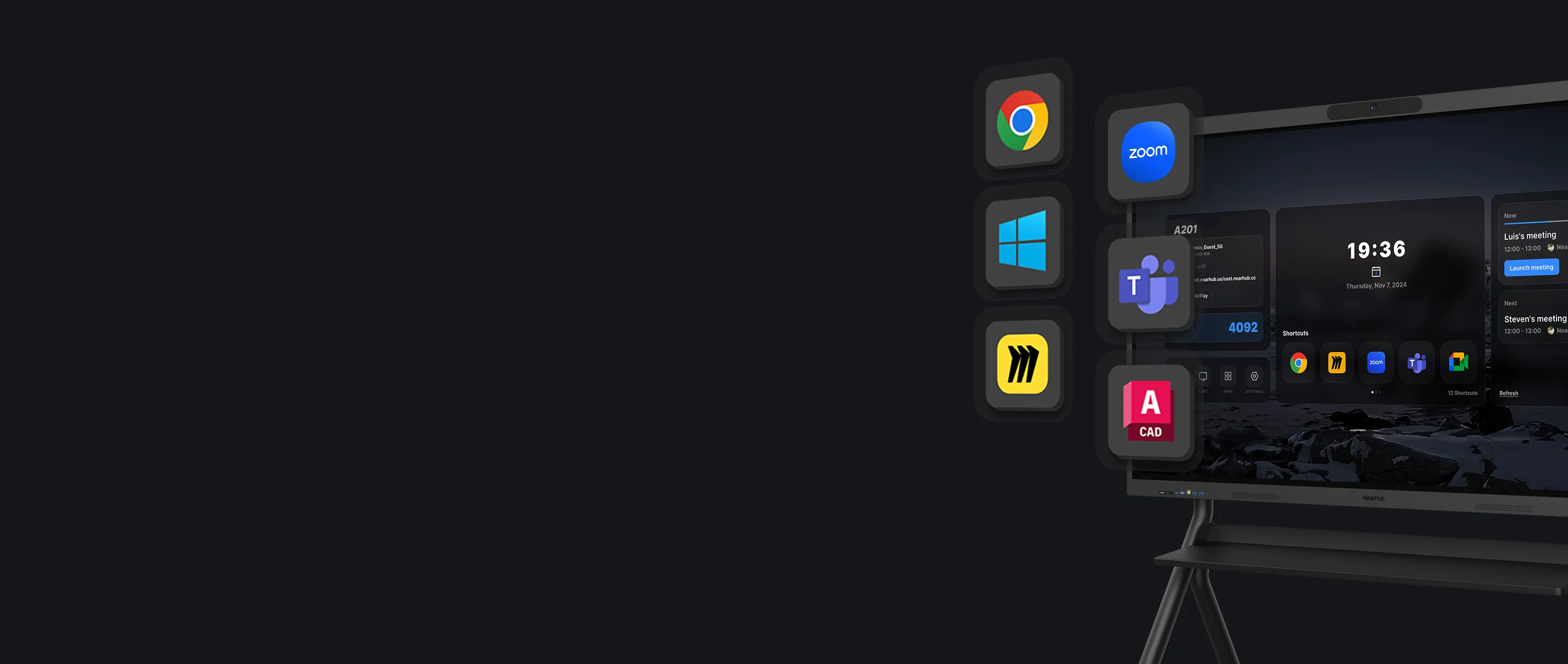
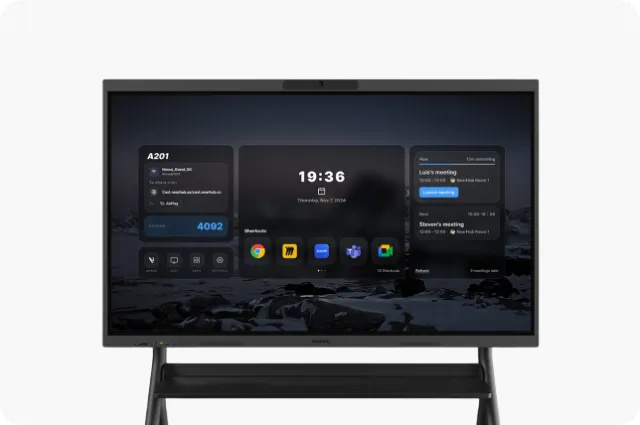
Real Windows 11 Pro Power
Your Desktop Apps, Running Natively
Full x86 apps on Intel Core i5
True 1080p Zoom & Teams video
One-touch launch for any meeting
From Reddit discussions to customer reviews, real-world feedback helps us continuously improve NearHub for more reliable, professional, and seamless hybrid meetings.
Why NearHub Board Max over other interactive smart boards?
Chromium OS Limited compatibility, only supports apps verified in the Vibe Store.
Video Conferencing
Standard/Limited Functionality: Supports only standard versions of conferencing software, often with reduced features (e.g., lacking breakout tools, 1080p, etc.).
No intelligent framing; limited to static wide-angle views
A/V Hardware Compatibility
Limited A/V Hardware Compatibility: Restricted support for external A/V hardware.
System Management
Restricted Support for enterprise fleet management.
NearHub Board Max
Purchasing Decision
All-in-One Solution: Built-in Camera & Mic
Starting Price: $3699; Stand: $299; Tail: $179
App Compatibility
Windows 11 Pro OS Supports Microsoft Store. Full compatibility with Windows desktop applications.
Video Conferencing
Enterprise-Grade Support: Supports Zoom Rooms, Microsoft, and full-feature versions of all conferencing software.
AI Gallery View for intelligent individual framing and equal presence
A/V Hardware Compatibility
Pro A/V Peripheral Support: Compatible with all professional A/V peripherals (like Logitech, Yealink, Neat, etc)
System Management
Supports Microsoft Intune for centralized IT management, security, and remote control.