



















Release Note
- Release time: 05/29/2023
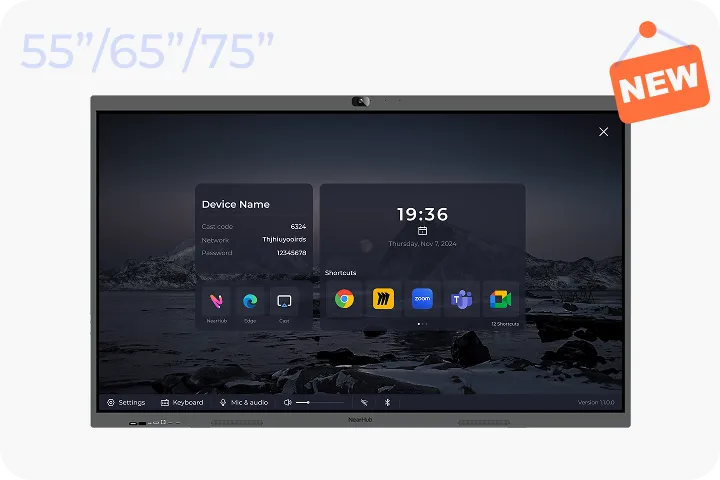
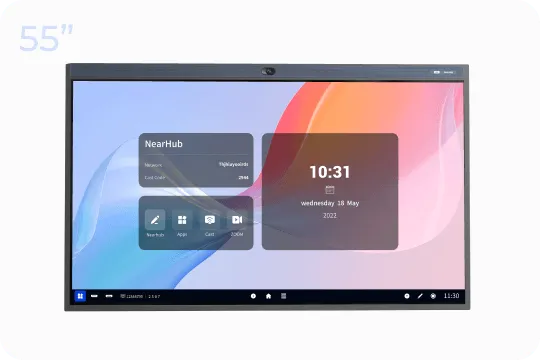
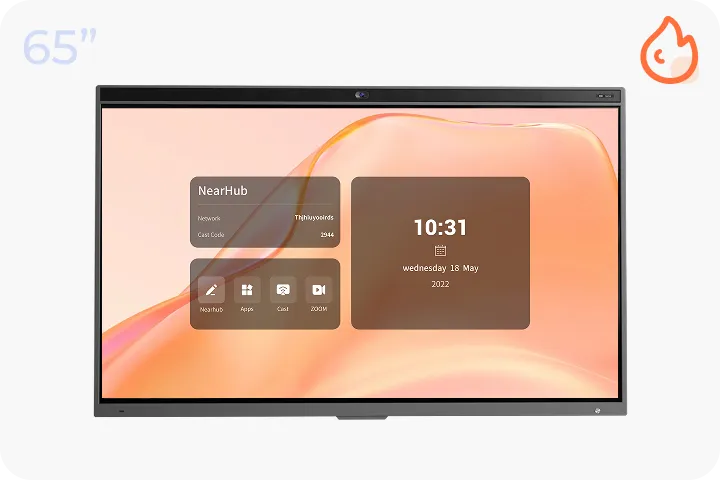
- Compatible model: Web SaaS, NearHub S55/S65/S75, Pad, Mobile
- Click to get started for free
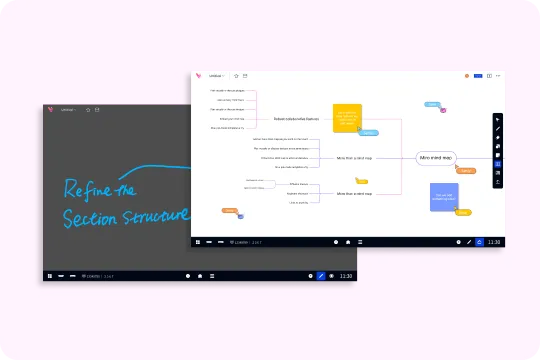
NearHub Canvas (Web SaaS)
Features and Enhancement
-
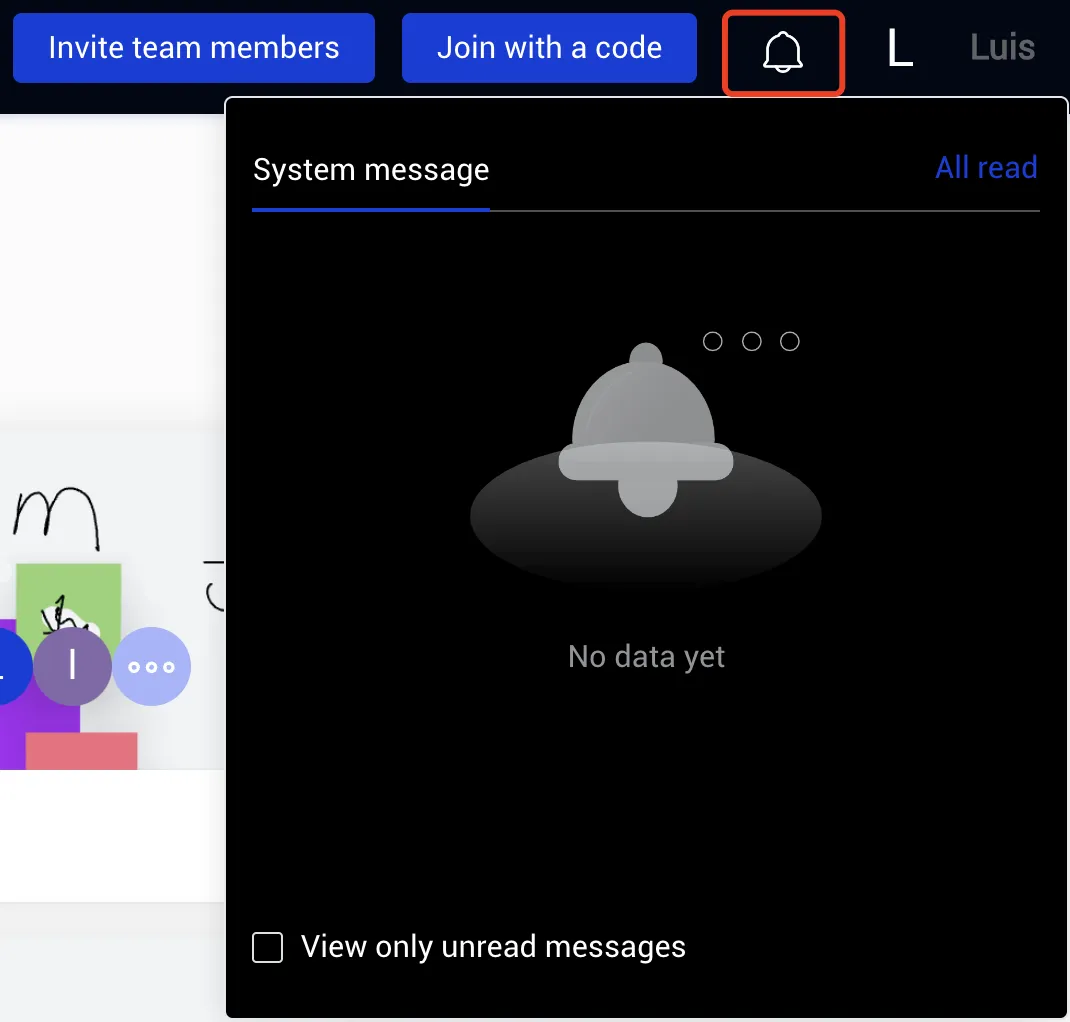
Added message notification module
-
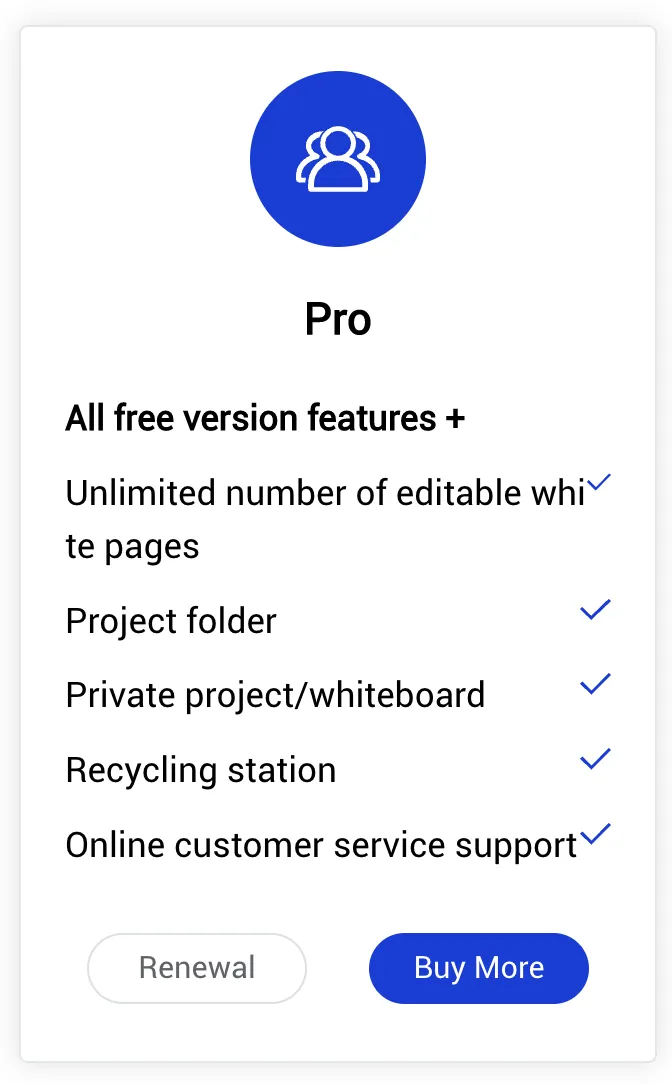
Improved team seat purchase and renewal functionalities
-
Optimized project team interface interaction
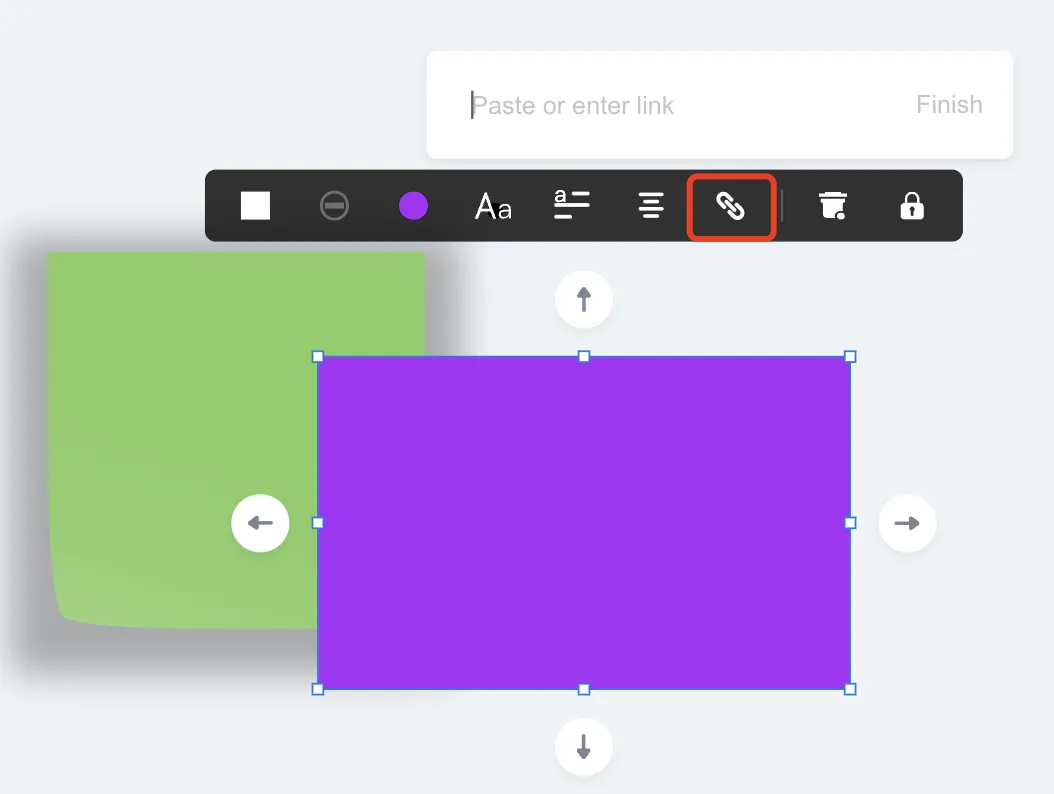
- Added hyperlink feature to image elements
Bugfix
- Fixed the issue of displaying incorrect team names in team invitations
NearHub Canvas (IWB & Pad & Mobile)
Features and Enhancement
-
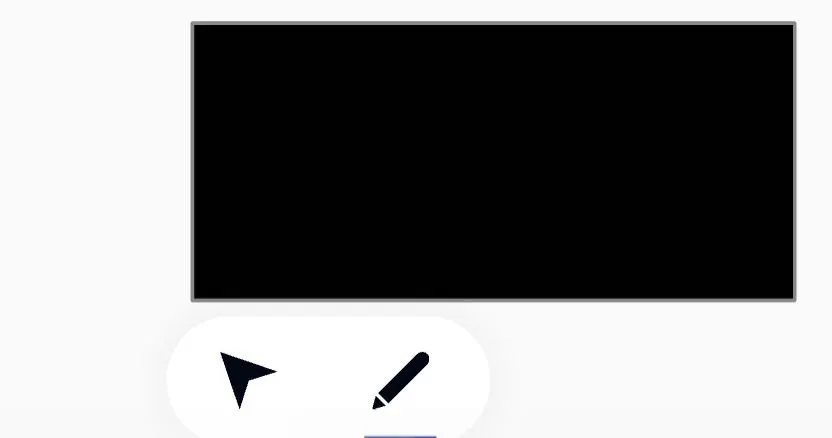
Added support for pen and pointer functionalities - Mobile App
-
Optimized statistics display on the whiteboard page list
-
Added hyperlink feature to shape elements
- Added limitation on the number of whiteboard creations in offline mode - IWB
Bugfix
-
Fixed the issue where switching to the pen while inputting text on the whiteboard would cause the input box to freeze
-
Fixed the issue of the second note being lost and subsequent pen rendering issues when multiple people simultaneously render graphics or notes
- Fixed the issue of the loading screen freezing when reopening the whiteboard after storing in the cloud in offline mode
-
Fixed the potential delay issue when reopening the whiteboard after storing in the cloud in offline mode
- Fixed the issue of data loss when storing in the cloud in offline mode
-
Fixed the incorrect display of collaborators in offline mode
- Fixed the issue where the mini-map area would show the eraser's location
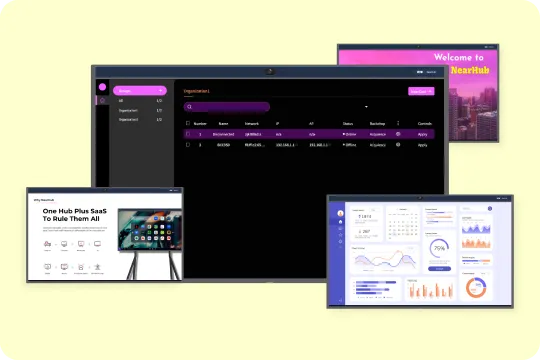
NearHub OS (IWB)
Features and Enhancement
-
Optimized page interaction when triggering the launcher
Bugfix
- Optimized page interaction when triggering the launcher
If you find any bugs or features that need optimization during your product experience, feel free to submit a ticket at any time. We also welcome everyone to join our NearHub Community for in-depth communication.

 sales@nearhub.us
