- View products

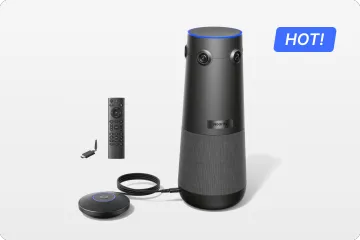
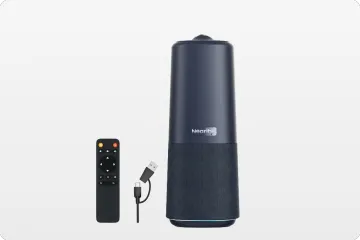
業務用 True 4K 360° ビデオ会議カメラ
Nearity 360 Alien

チームコラボレーション向け True 4K 120°広角会議カメラ
Nearity 120 Max

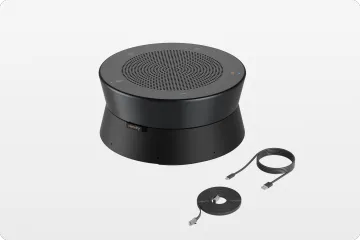
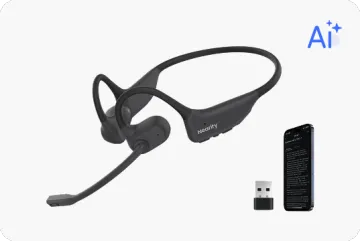
次世代オーディオ 革新的デイジーチェーン対応
Nearity A20S
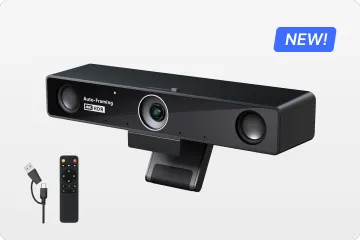
ハイブリッド会議向け 4K UHD 120° ウェブカメラ
Nearity V30S
プロ向けグループチャット対応 1080P 360°オールインワンカメラ
Nearity 360 Basic
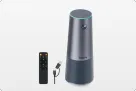
グループミーティング向け 2K 120°オールインワンカメラ
Nearity C45
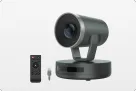
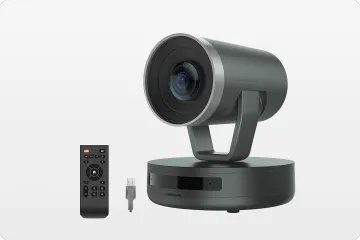
350° PTZカメラ 10倍ハイブリッドズーム
Nearity V410
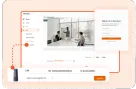
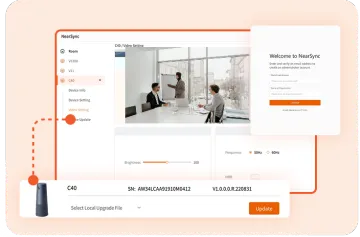
スマートな映像&音声補正
Nearsync

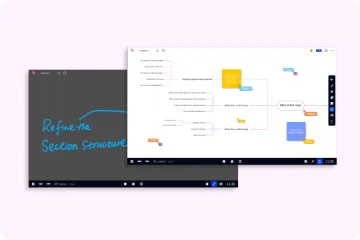
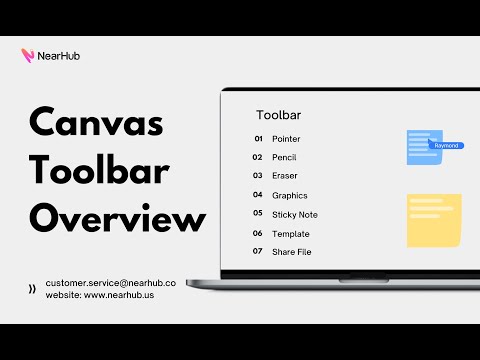
Are you interested in creating engaging and interactive presentations? If so, NearHub Canvas is an excellent platform to use. With its Canvas Toolbar feature, you can add drawings, shapes, and text to your presentations in a few easy steps.
In this blog post, we’ll go over how to use the Canvas Toolbar on NearHub Canvas (Web SaaS). Let’s get started!
Toolbar
-
Pointer
-
Pencil
-
Eraser
-
Graphics
-
Sticky Note
-
Template
-
Share File
If you meet any problems in the process or have any further questions, please submit a support ticket here. Our support team will respond as soon as possible.