
























































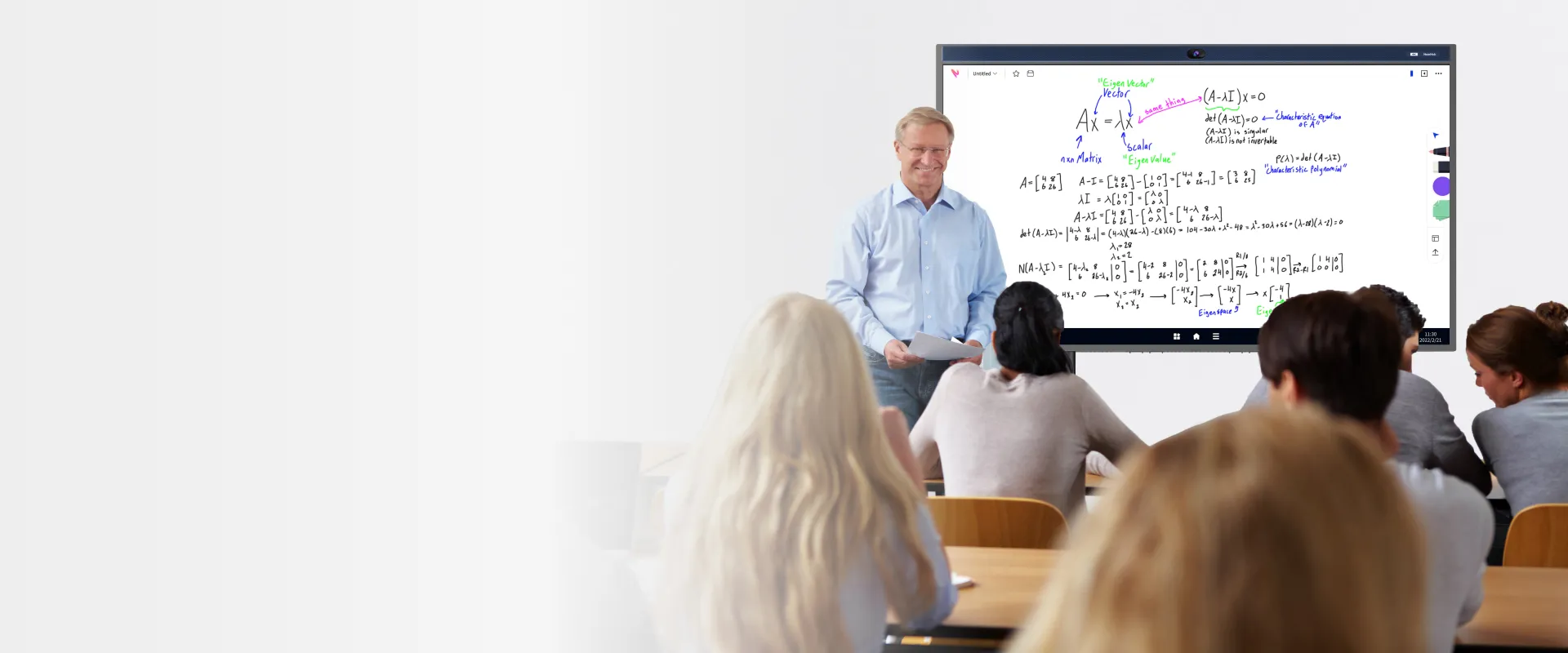
Redefine the way you prepare and present

Guided lesson prep
Import PDFs, documents, screenshots, and images into the whiteboard - and annotate as needed.
Streamline your classes with integrations to Google Classroom, Jamboard, Canvas, Blackboard, and more.




Present with ease
Cast anything to the big screen from any device–whether it’s Windows, iOS, Mac or Android OS.
Keep class interactive with HDMI and touchback support.
Teaching & learning, whether onsite or remote
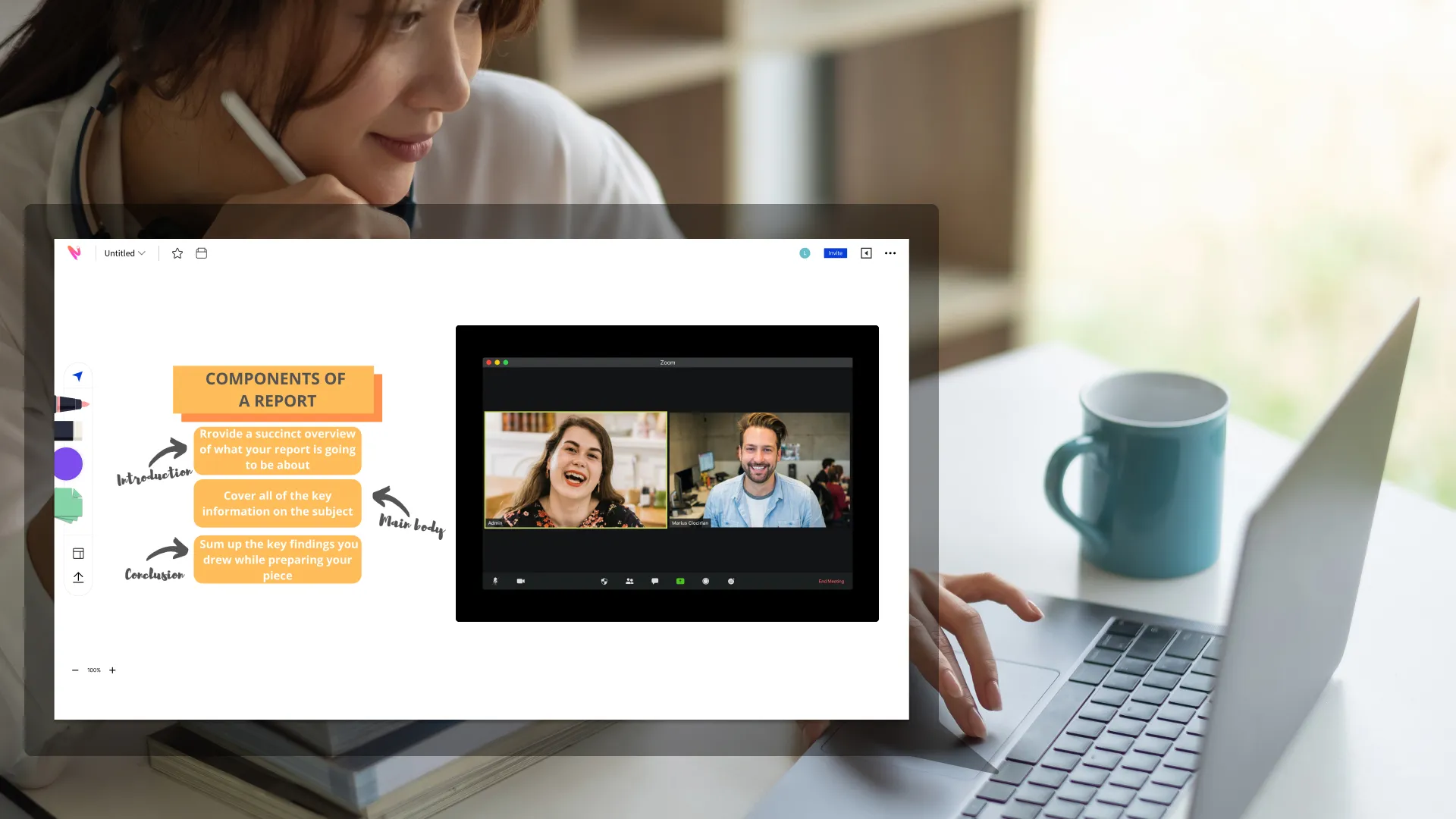
Students can participate from their laptop, tablet, or phone with NearHub Canvas to provide instant feedback or ask questions during class.
Empower learning with the flexibility and mobility of cloud-shared materials. Use your favorite video conferencing apps with real-time digital whiteboarding for next-level virtual classes.
Make classes more than a lecture

Make lessons more creative by drawing direct references from Chrome.
Import recent publications, annotate on helpful YouTube videos, watch inspiring documentaries — right on NearHub’s screen.

Get all you need in NearHub Academy
NearHub Demo Spot
Watch the 5 min demo to get to know NearHub in real.
loading...
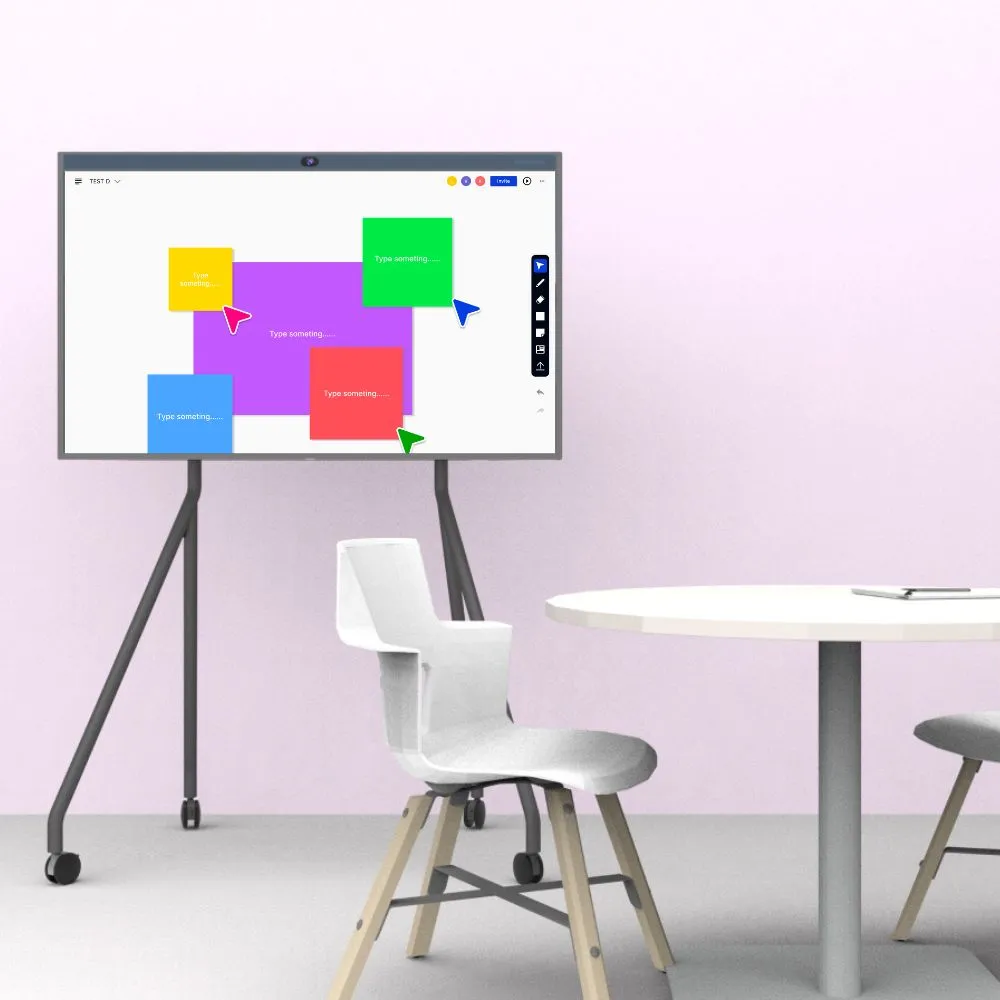
Experience NearHub for yourself
Get started for free- NearHub Board S55
- NearHub Board S65
- NearHub Board S75
- NearHub MagicPad S13
- NearHub Canvas
- アプリ統合
- NearHub Demo

Let’s get this demo started
Tell us a little about yourself so we can tailor your experience.
Closeloading...
- 製品
- NearHub Board S55
- NearHub Board S65
- NearHub Board S75
- NearHub MagicPad S13
- NearHub Canvas
- アプリ統合
- NearHub Demo
Let’s get this demo started
Tell us a little about yourself so we can tailor your experience.
Closeloading...
NearHub限定キャンペーン、最新機能や更新情報などをお届けします。
-->本サイトをご利用された場合、利用者がプライバシーポリシーに同意したものとみなします。
製品
リソース
ホワイトボード比較
会社
 sales@nearhub.us
