


































In today's hybrid work environment, a good meeting relies on one main thing: clear sound. While high-definition video is great, poor conference audio can quickly ruin a hybrid meeting.
When audio is muffled or echoes, remote participants lose focus, feel tired, and miss key details. For IT managers, office administrators, and business owners, fixing these audio issues is essential.
This guide explains why bad audio happens, how to fix it easily, and how to choose the right conference room audio system for your space.
Key Takeaways
- The Business Impact: Poor audio triggers meeting fatigue, damages professional credibility, and wastes valuable time troubleshooting connections during critical calls.
- Root Causes of Sound Degradation: Subpar audio is primarily caused by hostile room acoustics (glass/concrete reflections), ambient background noise (HVAC/typing), and poor microphone placement.
- Acoustic Optimization: Simple, cost-effective adjustments like adding area rugs, acoustic wall panels, and heavy drapes can drastically reduce echo and reverberation.
- Tailored Hardware Selection: AV design must scale with the room size—ranging from compact all-in-one video bars for huddle spaces to scalable, daisy-chained microphone arrays for large boardrooms.
- Next-Gen AI Solutions: Modern hardware like the Nearity A20S and Nearity 360 Alien leverage AI noise suppression, full-duplex communication, and beamforming speaker tracking to deliver seamless, natural communication.
Why Is Your Conference Audio Bad?
Before buying new gear, it helps to understand why your meetings sound bad. Most issues come from three common problems:
- Hard Surfaces (Echo and Reverb): Modern offices love glass walls, concrete floors, and hard ceilings. Unfortunately, sound bounces off these materials, creating an echo that makes voices sound muddy.
- Background Noise: Air conditioning, keyboard typing, paper rustling, and hallway chatter all compete with the speaker's voice. Basic microphones pick up all of this noise.
- Wrong Equipment or Placement: Using a laptop mic for a group meeting does not work. Placing a single speakerphone too far from participants means some people will sound incredibly loud, while others sound too quiet.
The Hidden Cost of Poor Conference Audio
Before diving into solutions, it is essential to understand the direct business impact of subpar audio quality.
When a remote participant asks, "Can you repeat that?" or struggles to hear a speaker at the far end of a table, collaboration stalls. Poor audio leads to:
- Meeting Fatigue: The human brain works harder to process distorted or faint speech, leading to faster cognitive exhaustion during long calls.
- Loss of Professional Credibility: During client pitches or high-stakes board meetings, choppy audio and persistent echo project an unprofessional image.
- Wasted Time: The first five to ten minutes of many corporate meetings are frequently wasted troubleshooting audio connections, adjusting microphone levels, or reconnecting dropped signals.
To build a seamless hybrid work environment, organizations must treat audio not as an afterthought, but as the foundation of their conference room audio visual solutions.
How to Improve Conference Audio: 3 Simple Steps
You do not need to spend a fortune to improve your meeting room's audio. A few simple adjustments can make a huge difference.
Step 1: Fix the Room
You can easily reduce echoes with soft materials:
- Put down a thick rug to stop floor reflections.
- Add upholstered chairs instead of hard plastic ones.
- Hang fabric acoustic panels or heavy curtains on the walls to absorb bouncing sound.
Step 2: Place Microphones Correctly
- Check the pickup range: Make sure everyone sits within the microphone's reach (usually 10 to 16 feet).
- Clear the path: Keep laptops and water bottles away from the line of sight between the speaker and the microphone.
- Speak naturally: Encourage team members to face the microphone when they speak.
Step 3: Upgrade to Smart Hardware
Older speakerphones struggle to filter out background noise. Upgrading to modern conference room audio visual solutions that feature automatic noise cancellation will immediately solve this problem.
Selecting the Right Conference Room Audio System by Space
A one-size-fits-all approach does not work for AV design. The audio requirements of a 4-person huddle room are vastly different from those of a 20-seat executive boardroom.
Huddle Rooms and Small Meeting Spaces (1 to 6 Participants)
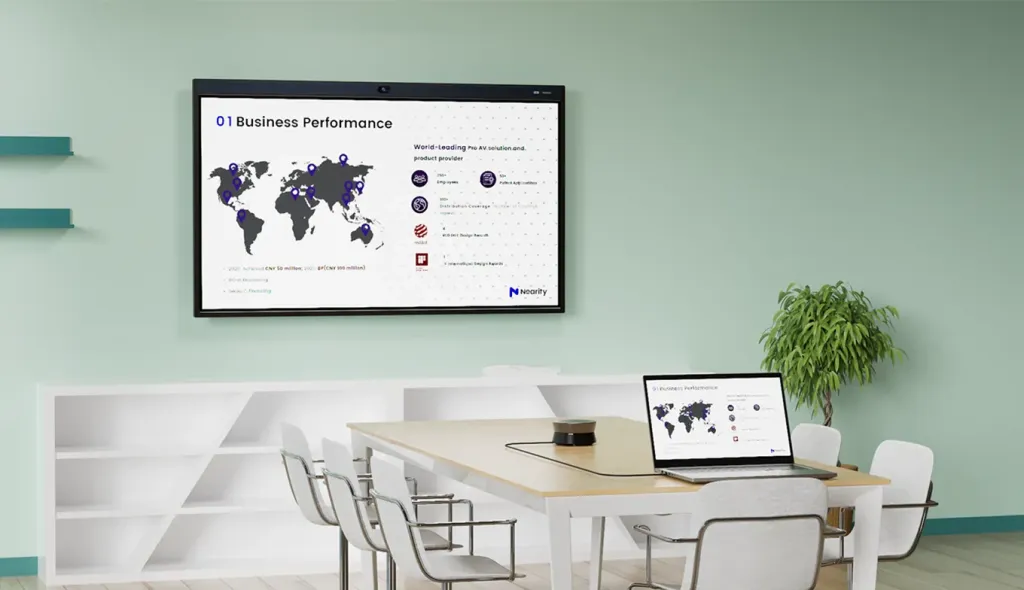
Small rooms require compact, highly efficient solutions that are easy to deploy. Since participants sit relatively close to the screen and the audio unit, look for all-in-one bars that combine high-definition video with intelligent microphone arrays.
Medium Conference Rooms (6 to 12 Participants)
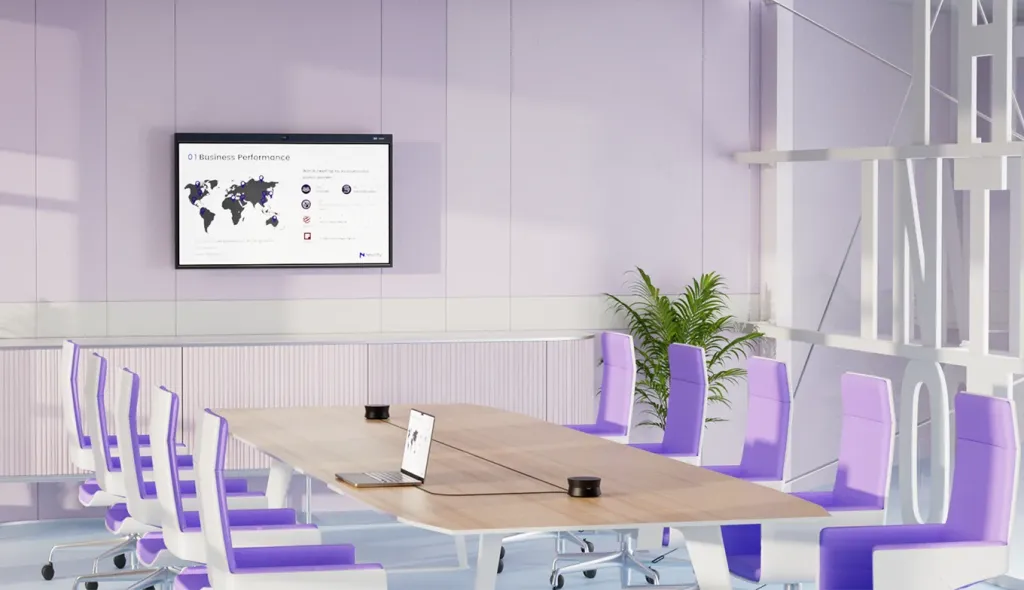
In medium rooms, the physical distance between the farthest speaker and the microphone increases. Here, you need robust echo cancellation, wider pickup ranges, and the option to daisy-chain multiple units together if the table is elongated.
Large Boardrooms and Training Rooms (12+ Participants)
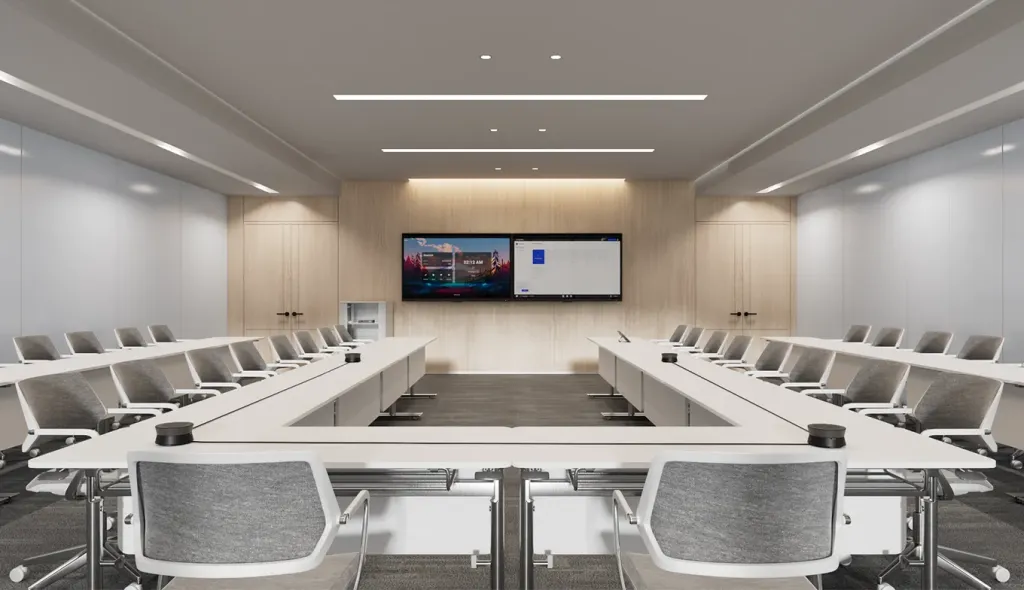
Large spaces require sophisticated, scalable setups. This often involves ceiling-mounted microphone arrays, multiple daisy-chained speakerphones, and advanced camera tracking to ensure that remote participants can always see and hear exactly who is talking.
Meet the Solutions: Nearity's Next-Generation Audio Visual Hardware
When evaluating modern conference room audio visual solutions, the hardware must be intuitive for employees, easy for IT departments to manage, and exceptionally capable of handling acoustic challenges. Nearity has emerged as an industry leader by engineering devices specifically designed to solve real-world hybrid meeting struggles.
Two standout products cater to different room scales and operational needs:
For Medium to Large Spaces: The Nearity A20S Conference Speakermic
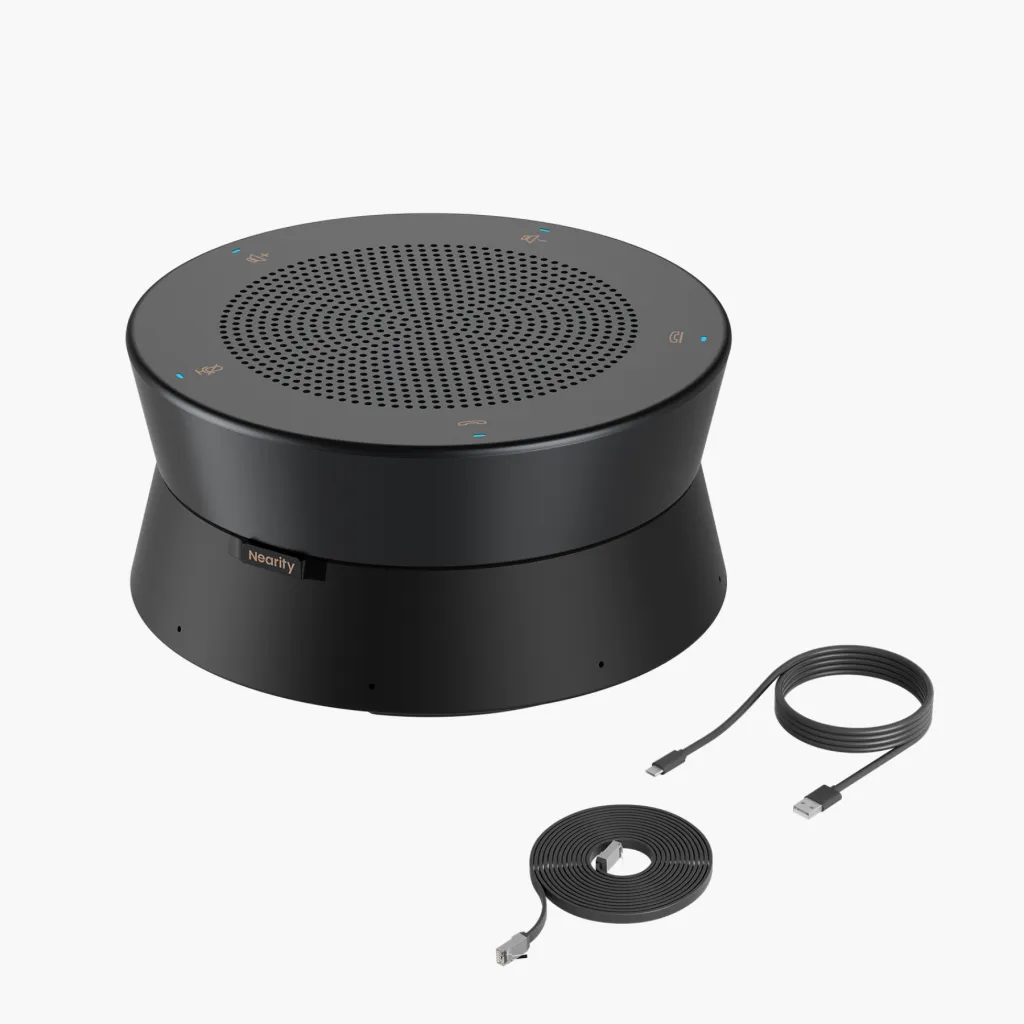
For organizations struggling with noisy office environments and large conference tables, the Nearity A20S Conference Speakerphone represents a massive leap forward in audio engineering.
Why the Nearity A20S Solves Your Audio Challenges:
- Intelligent Noise Suppression: The A20S utilizes advanced deep-learning AI algorithms to distinguish human speech from distracting background noises. It actively filters out air conditioning hums, keyboard clicks, paper shuffling, and outside traffic, leaving only clean, intelligible voices.
- Full-Duplex Communication: Standard speakerphones often cut off one side of the conversation when both parties speak simultaneously. The A20S features true full-duplex audio, allowing natural, bi-directional conversations without awkward clipping.
- Scalable Daisy-Chain Architecture: A single A20S easily covers a medium-sized room. For larger boardrooms, you can daisy-chain up to five A20S units using simple Ethernet cables. This ensures uniform audio pickup and distribution across the entire length of any table, eliminating dead zones entirely.
For Immersive All-in-One Collaboration: The Nearity 360 Alien

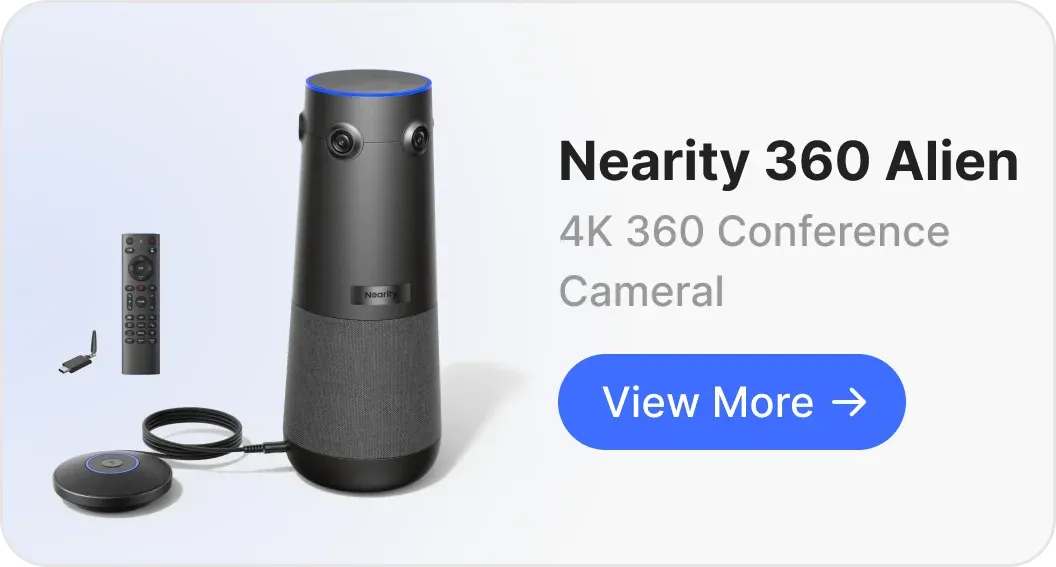
If your goal is to completely revolutionize how remote team members experience your meeting room, the Nearity 360 Alien offers an unmatched, immersive solution. This premium device combines ultra-high-definition 4K video tracking with a sophisticated, integrated audio array.
Why the Nearity 360 Alien is a Game-Changer:
- All-in-One AV Synergy: The 360 Alien streamlines your conference room audio visual solutions by integrating a True 4K camera with an enterprise-grade microphone and speaker system. This eliminates cable clutter and compatibility issues between separate audio and video devices.
- AI Speaker Tracking and Beamforming: The system features smart speaker-tracking technology. When someone in the room speaks, the high-definition camera automatically pans, tilts, and zooms to frame them, while the internal microphone array shifts its beamforming focus directly onto their voice.
- Consistent Auditory Presence: The 360 Alien ensures that whether a speaker is sitting directly next to the device or standing near a whiteboard at the back of the room, their voice is captured with equal clarity and volume, presenting a natural "in-room" feel for virtual attendees.
Best Practices for IT and Facility Managers
Implementing high-quality conference room hardware is only half the battle. To maximize your investment, keep these operational best practices in mind:
- Standardize Your Rooms: Try to use the same brand and family of hardware (like Nearity's ecosystem) across all your meeting rooms. This reduces the learning curve for employees and simplifies maintenance for your internal IT helpdesk.
- Perform Routine Firmware Updates: Manufacturers frequently release firmware updates that improve echo-cancellation algorithms, fine-tune microphone sensitivity, and patch security vulnerabilities. Schedule automated updates during off-hours.
- Conduct User Training: Create simple, laminated one-page guides for each room explaining how to connect laptops, select the correct input/output source on Zoom or Microsoft Teams, and adjust volume levels.
FAQs
1. How can I enhance the overall audio quality in my existing conference room?
Enhancing conference room audio quality is achieved by optimizing three areas: physical acoustics, software configuration, and hardware capabilities.
- Acoustics: Add sound-absorbing materials like carpets, curtains, and wall-mounted acoustic panels to prevent echo.
- Software: Make sure your video conferencing app (Zoom, Teams, etc.) is configured to use the correct external hardware rather than your laptop's built-in mic. Turn on "High-Fidelity Audio" or "Background Noise Suppression" in the app settings if background noise is an issue.
- Hardware: Upgrade to hardware equipped with AI-driven Digital Signal Processing (DSP) and active echo-cancellation, such as the Nearity A20S, which bypasses the natural acoustic limitations of physical rooms.
2. Are USB plug-and-play systems reliable for professional boardrooms?
Absolutely. Modern USB-based systems bypass the need for expensive, complex AV controllers and custom programming. High-end systems like the Nearity 360 Alien offer enterprise-grade, True 4K video and professional audio using a standard USB interface, combining executive-level performance with easy installation.
3. What is acoustic echo, and how do I prevent it during hybrid meetings?
Acoustic echo occurs when the sound from the room's speakers is picked up by the room's microphone and sent back to remote participants. To prevent this, invest in a conference room audio system that features built-in Acoustic Echo Cancellation (AEC). Premium hardware like Nearity's ecosystem uses advanced algorithms to isolate and cancel out speaker output before it enters the microphone feed.
Elevate Your Hybrid Collaboration Today
Clear communication is the lifeblood of efficient business operations. By taking the time to address room acoustics, establish proper room layouts, and invest in a state-of-the-art conference room audio system, you remove the invisible friction that holds hybrid teams back.
Devices like the Nearity A20S and the Nearity 360 Alien provide the precise technology needed to tackle complex acoustic environments. They ensure that every voice is heard, every detail is captured, and every hybrid meeting feels as natural as an in-person conversation.